
Turn recordings into transcripts and summaries in minutes
Upload audio or video for multilingual transcription, AI notes, and action items
Faced with a flood of daily podcast episodes and online courses, do you often run into these pain points: "It sounds great while listening, but I forget everything two days later," "I want to find a certain quote or data point but can't search like Ctrl+F in text," or "I recorded an hour-long interview, and just listening back and transcribing took half a day"?
Voice content is convenient, but "information retention" and "searchability" have always been major weaknesses. The good news is that with AI technology maturing in 2026, we no longer need to manually transcribe. This article will test two AI tools tailored for different scenarios: Google's NotebookLM and Tinrec, which focuses on mobile recording.
Quick Navigation Conclusion:
- If you need deep research and cross-referencing multiple documents and prefer working at a computer, Google's NotebookLM is a powerful research assistant.
- If you need on-the-go recording and instant transcription on your phone, and want AI to automatically generate action items, Tinrec is a better fit for mobile scenarios.
Next, we'll dive into feature differences, real-world use cases, and selection advice to help you find the best "second brain" tool for you.
Why You Need a "Speech-to-Text" Tool for Podcasts?
Before diving into the tools, let's clarify why just "listening" isn't enough. Converting podcasts or audio files to text mainly solves three core issues:
- Low information density: Speaking speed is typically 150–200 words per minute, while reading speed can reach 400–500 words per minute. Converting to text more than doubles skimming efficiency.
- Not searchable: Audio is linear and cannot be keyword-searched. Once transcribed, you can always find where a certain idea came from.
- Lack of actionability: It's easy to feel like "I got it" after listening, but without turning it into notes or a to-do list, knowledge rarely gets applied.
2026 Hot Tool Comparison: Google NotebookLM vs. Tinrec
Although both tools have "speech-to-text" and "AI summary" core capabilities, their design philosophy and suitable scenarios differ significantly. Here's a detailed spec comparison:
| Dimension | Google NotebookLM | Tinrec |
|---|---|---|
| Core Positioning | AI note-taking & research assistant | Multi-platform AI recording & mobile assistant |
| Input Methods | Upload files (PDF/MP3/Drive), paste text | Live recording, file upload, video link parsing |
| Real-time | Need file first, then upload and analyze | Real-time transcription while recording |
| AI Outputs | Summary, Deep Research report, Audio Overview (audio guide) | Transcript, meeting minutes, action items, AI chat |
| Language Support | Multi-language, mainly English/Chinese | Supports 10 languages including Chinese, Japanese, English, Korean, Cantonese, Taiwanese |
| Platform Support | Primarily web-based | iOS app, Android app, web version |
| Unique Features | Generate podcast-style audio guide, multi-source cross-analysis | Cross-platform sync, background recording, generate notes directly from links |
| Best For | Research papers, organizing existing databases, preparing presentations | On-site interviews, meeting notes, taking notes while commuting to podcasts |
NotebookLM: A Powerhouse for Academic Research and Database Organization
According to the latest feature updates, NotebookLM is hailed as the "ultimate AI note-taking tool." Its strongest aspect is the Deep Research feature, which cross-references multiple uploaded documents (e.g., PDFs, Google Docs, audio files) and generates a unified report. If you have a stack of downloaded podcast episodes or related papers, throw them in—it can even generate an audio overview of two AI hosts discussing the content.
Stop organizing recordings by hand
Upload audio or video and automatically get a transcript, summary, and action items
Tinrec: The Go-To for Real-Time Transcription and Mobile Note-Taking
Tinrec feels more like a "personal assistant." Its strengths lie in real-time and mobility. Whether you're attending a lecture, conducting an interview, or listening to a podcast on your commute, you can record with the mobile app and get live transcription. More importantly, Tinrec emphasizes moving "from recording to action"—it automatically organizes content into action items or conclusions, not just summaries.

Tinrec In-Depth Review: More Than Just Transcripts, It's an Action Guide
During testing, Tinrec showed several valuable features for content creators and learners:
1. Supports Multiple Input Sources (Including YouTube/TikTok Links)
For those who enjoy listening to podcasts on YouTube, Tinrec's "link parsing" feature is very handy. You don't need to download the video; just paste the link, and the AI automatically grabs the content and generates notes. This saves a lot of time converting files when organizing online learning resources (e.g., TikTok tutorials, Xiaohongshu videos).

2. AI Chat Query: Find Answers by Asking
Traditional recorders only let you replay. Tinrec allows you to "talk" to your recordings. For example, you can ask AI: "What suggestions did the speaker give about remote work in this episode?" AI uses semantic understanding to extract precise answers from an hour-long recording—more intuitive than keyword search.

3. Automatic Extraction of Action Items
This is Tinrec's biggest differentiator from typical transcription tools. After listening to a content-rich podcast or meeting, Tinrec automatically lists "what to do next." For example, if the audio mentions "I recommend everyone read 'Atomic Habits'," Tinrec's notes might automatically generate an action item: [Read] Atomic Habits.

Hands-On Tutorial: How to Turn Podcasts into Effective Notes?
Below, using Tinrec as an example, we show how to quickly turn a podcast episode into structured notes:
Step 1: Import Content
Open Tinrec (app or web version). You have three options:
- Live Recording: Just hit record (ideal for live lectures or interviews).
- Upload File: Import downloaded MP3/MP4 files.
- Paste Link: Select "Podcast/Online Video to Text" and paste a YouTube or podcast link.

Step 2: Wait for AI Analysis and Speaker Diarization
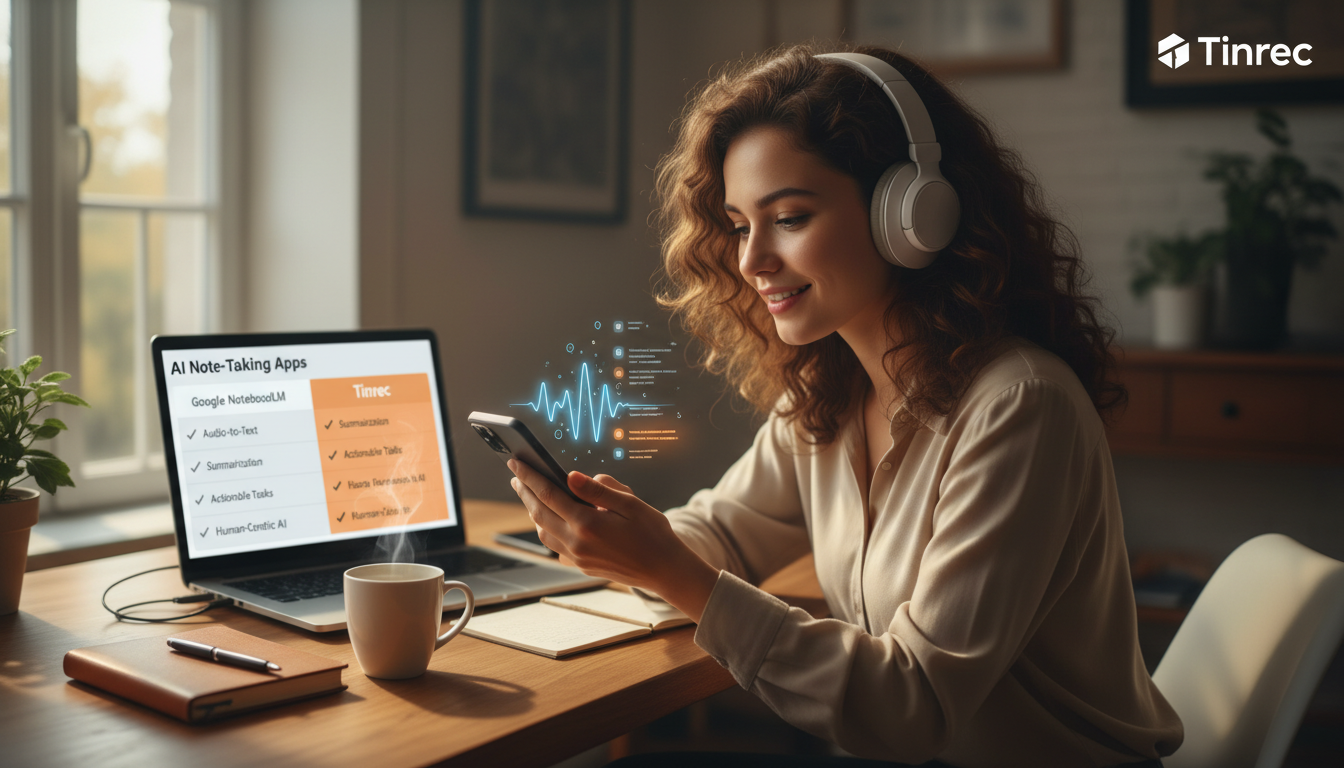
The system automatically performs speech-to-text. If the content has multiple speakers (e.g., interview-style podcasts), Tinrec uses voice recognition to distinguish speakers (Speaker A, Speaker B), making the transcript read more like a script than a wall of text.
Step 3: Use AI for Deep Summarization
Once transcription is complete, check the AI-generated "meeting minutes" or "key summary." At this point, you can use the AI Chat feature for follow-up questions, like: "Please summarize the three core points from this episode" or "What software names did the speaker mention?"
Step 4: Export and Organize
Finally, export the organized text as Word, PDF, or TXT, and save it to your Notion or note-taking app, completing the final step of knowledge management.

Frequently Asked Questions (FAQ)
Q1: Do these tools support iPhone recording? Tinrec offers iOS and Android apps for direct phone recording and file management, ideal for mobile scenarios. Google NotebookLM is primarily web-based; while it works in a mobile browser, the experience is not as smooth as a native app.
Q2: What if the podcast is in Taiwanese or Cantonese? Can AI understand it? Tinrec supports automatic recognition of 10 languages including Chinese, English, Japanese, Korean, German, Taiwanese, and Cantonese. For users in Taiwan, handling dialects or mixed Chinese-English content is relatively smooth.
Q3: How accurate is the transcription? In clear recording environments, both tools have high accuracy. However, in noisy environments, Tinrec's advantage is speaker diarization and the ability to manually edit transcripts later.
Q4: Are there free versions?
- NotebookLM: Currently offers a free version, but note the limit of 50 sources per notebook.
- Tinrec: Offers a free version (up to 100 minutes of recording per month). Paid Basic or Pro plans are available for more minutes.
Q5: Can I process YouTube videos? Both can. NotebookLM supports importing YouTube links for summaries; Tinrec also supports inputting URLs to quickly convert to text and generate summaries.
Q6: Are there privacy concerns with audio files? Google NotebookLM states that personal data will not be used to train models. Tinrec also follows standard privacy protocols and allows users to delete cloud data at any time, ensuring security for meetings and personal notes.
Turn every recording into actionable outcomes
Get 60 free transcription minutes when you sign in. No credit card required.
Related Reading
You might also like

2026 Comparison of 5 Google Meet Meeting Note Tools: Stable Choices in FortiGate Environments
Enterprise networks commonly use FortiGate firewalls, which can cause Google Meet to freeze, disconnect, or be blocked by SSL deep inspection. This article addresses practical pain points, compares 5 Google Meet meeting note tools, and provides considerations for FortiGate environments to help you balance connection stability and post-meeting organization efficiency.
How to Take Google Meet Meeting Notes in 2026: 5 Steps from Recording to AI Organization
Is Google Meet's built-in transcription enough? This article compares Google Meet and Tinrec across 5 dimensions—recording method, transcript, post-meeting organization, AI Q&A, and team data governance—and provides a 5-step workflow to help you decide whether to use built-in features or adopt a dedicated AI meeting notes tool.
3 Google Meet Note-Taking Methods Tested for 2026: Get Transcripts Without a Bot
Google Meet can send meeting invites from Gmail, but post-meeting transcripts, summaries, and action items often need manual work. This article uses Tinrec as an example to test a complete workflow for recording Google Meet without a bot, generating transcripts and notes, and bringing content into email or team spaces.
Google Meet vs Tinrec 2026: 5-Dimension Comparison — Which Saves More Time for English Meeting Notes and Post-Meeting Organization?
Compare Google Meet's built-in English captions, Gemini translation, and Tinrec's AI meeting transcription capabilities across 5 dimensions: transcription language, post-meeting output, bot-free recording, team collaboration, and pricing. Find the best solution for English meetings and Chinese teams.
2026 Comparison of 3 Meeting Notes Solutions: Google Meet Built-in Transcription vs. Tinrec Post-Meeting Organization
Google Meet's meeting notes features vary by Workspace edition. While built-in transcription is convenient, post-meeting summaries, action items, and team collaboration often still rely on manual work. This article starts from real-world pain points, compares Google Meet's built-in features with Tinrec, demonstrates how to use Tinrec to turn meeting recordings into searchable, queryable, and collaborative team data, and covers purchasing considerations and FAQs.
2026 Comparison of 5 Online Meeting Tools: Google Meet Download vs. Tinrec — Which Should You Choose?
2026 hands-on comparison of 5 online meeting tools, covering Google Meet download methods and Tinrec, comparing features, pricing, and use cases to help you find the best meeting notes solution.
3 Google Meet Presentation Methods Compared: Screen Share, Window, or Tab? (2026 Test)
Presenting on Google Meet isn't as simple as hitting Share Screen. Our tests reveal common pitfalls: full-screen sharing exposes private notifications, videos play without audio, and post-meeting notes are left to attendees. This article breaks down the real differences between three sharing methods (entire screen, single window, browser tab), the must-know requirements for co-presenting, and how Tinrec's bot-free recording turns your presentation into searchable, actionable meeting data.
3 Google Meet for Windows Options Tested: Which Is Best for Meeting Notes in 2026?
There are several ways to use Google Meet on Windows, but meeting notes are often overlooked. This article compares three options hands-on: Google Meet PWA, the GMeet desktop client, and the Tinrec meeting notes tool. It also shares how to turn Google Meet meetings into transcripts, summaries, and action items. Ideal for professionals and teams who need to meet on Windows and organize meeting content.
Best Google Meet for Mac Meeting Recorder? 2026 Tested 5, This One Excels at Chinese Transcription
Using Google Meet on a Mac for meetings, most people get the first step wrong. This article addresses common misconceptions, explains the correct approach to using Google Meet on Mac, and how to use Tinrec (Miao Ting Lu Yin) to record system audio without a bot, automatically generate transcripts, summaries, and action items. It also covers 5 key purchasing considerations and FAQs.