
Turn recordings into transcripts and summaries in minutes
Upload audio or video for multilingual transcription, AI notes, and action items
Spending 2 hours in a meeting and another 2 hours transcribing? Sound familiar?
I have about 15 meetings a week: team stand-ups, project reviews, one-on-ones, cross-department syncs. The worst part used to be the aftermath. Each meeting leaves a pile of decisions and action items to sort, so the real work only started after the meeting ended.

To make matters worse, my team has foreign colleagues, so meetings often mix Chinese and English, and sometimes Cantonese pops up. When my boss suddenly asks, 'What was that client’s request last time?' and I spend 3 minutes flipping through notes without finding it—that’s just awful.
I tried handwritten notes (too slow), I tried re-listening to recordings (too time-consuming), I tried asking my assistant to sort it out (they’re also busy). Then I realized that with the right recording transcription app, I could skip the most mechanical part and save time for what truly needs human judgment.
If you’re in a similar boat, this article is for you.
3 Key Points to Understand Before Choosing a Recording Transcription App
There are tons of recording transcription apps out there, with features ranging from free to premium. After testing them with my team, here are the three most important factors.
1. Accuracy: Don’t Just Look at the 98% Claim Many tools claim '98% accuracy,' but that’s measured in a quiet studio. In a real conference room with AC noise, keyboard clicks, and overlapping speech, accuracy drops significantly. We tested with real scenarios: 5-minute recordings of meetings mixing Chinese and English, plus background noise. Under these conditions, the differences between tools become clear.
2. AI Features: Transcription Is Just the First Step; Post-Processing Saves Time If an app only gives you a verbatim transcript, you still need to re-listen, extract key points, and write a summary. Good modern tools automatically generate summaries, action items, and even let you ask AI questions about the recording. That’s where the real time savings come from.
3. Cross-Platform Sync: Phone, Computer, and Web Should Sync You might record on your phone in a meeting room, then want to edit on your computer at your desk. If the app only supports one platform or doesn’t sync data, it’s a hassle. Seamless syncing directly affects whether you’ll stick with it.
Tinrec – Our Team’s Top Pick After Testing

Tinrec is an AI-powered recording assistant that supports transcription from multiple audio and video sources. It’s available on iOS, Android, and web, and offers stable recognition for 14 languages including Chinese, Cantonese, and English.
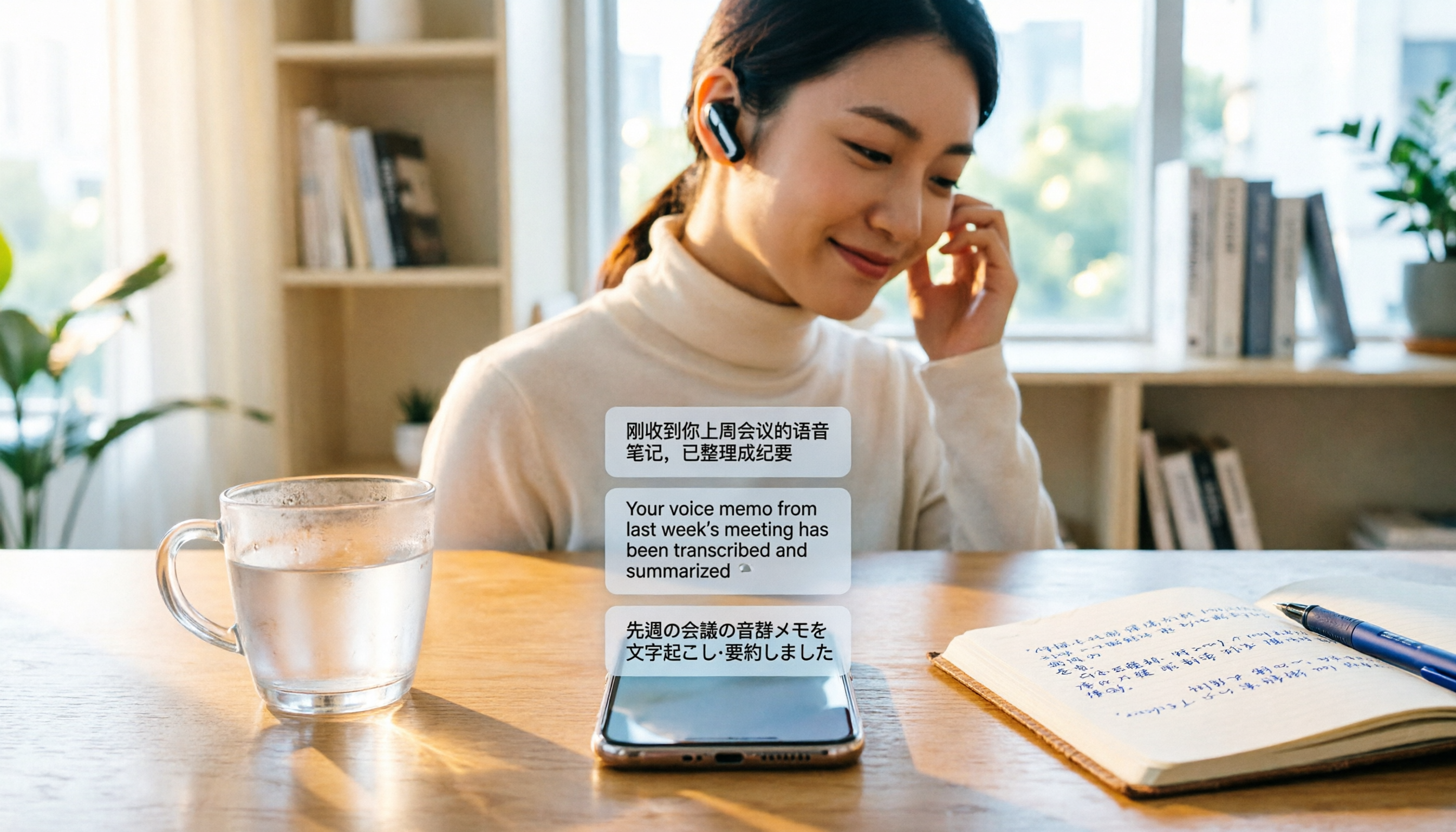
Live Transcription During Meetings, Summary Ready When It Ends During a recent online meeting with a client, I turned on Tinrec’s live recording. The transcript appeared in real time, and it even distinguished different speakers. When the meeting ended, the AI had already generated a summary and action items—who’s responsible for what, deadlines—all crystal clear. I took a screenshot and shared it with the group; within 5 minutes everyone knew the next steps.
Stop organizing recordings by hand
Upload audio or video and automatically get a transcript, summary, and action items
Beyond Transcription: Ask Questions About the Recording This is Tinrec’s biggest differentiator from typical transcription tools. You can open the AI chat and ask, 'Who mentioned the budget adjustment in the last meeting?' Instead of just keyword search results, it gives you a direct answer based on semantic understanding. Our team uses this to review past meetings, saving tons of time hunting through transcripts.
Handle Online Videos and Local Files Once, I needed to process an industry analysis video on YouTube. I just pasted the link into Tinrec, and within minutes I had a full transcript, summary, and chapter highlights. This is especially useful for managers who need to digest information quickly.
Pros
- Time savings: Recording → transcript → summary → action items, all in one flow. Saves an average of 30 minutes per meeting.
- Excellent for Chinese environments: Handles mixed Chinese-English and Cantonese meetings reliably. Ideal for multilingual workplaces.
- Seamless cross-platform sync: Record on iPhone in the meeting room, then continue editing and asking questions on the web version at your desk—data syncs perfectly.
Limitations The free tier offers basic monthly transcription credits; heavy users may need a paid plan. But if you have only 2-3 meetings per week, the free version is more than enough to experience core features.
Who It’s For If you need to quickly organize meeting notes, interviews, or study materials, and want to use AI to find key points after recording instead of staring at a cold transcript—Tinrec is currently the best choice.
Alternatives to Tinrec
Otter.ai: Best for English-Only Meetings Otter.ai’s free plan offers 300 transcription minutes per month, which is plenty for English meetings. It integrates with Zoom and Google Meet. However, its Chinese recognition is weak and it doesn’t support Cantonese. If your meetings are primarily in English, Otter is a more cost-effective choice; but for meetings with Chinese or if you need AI Q&A afterward, Tinrec is more comprehensive.
Notta: General-Purpose Transcription, But Fewer AI Features Notta’s free plan gives 120 minutes per month, supports multilingual transcription and translation, and has a clean interface. But it lacks AI chat queries like Tinrec—you can only manually search keywords after transcription. Also, Notta doesn’t support pasting video links for processing, which is less convenient for those who need to quickly digest online content.
Pitfalls to Avoid: 3 Common Mistakes When Choosing a Recording Transcription App
Mistake 1: Trusting Official Accuracy Claims Many tools claim '98% accuracy' on their websites, but those are lab results. In real settings with noise, accents, and overlapping speech, accuracy drops. Try the free version with your own recordings instead of relying on ads.
Mistake 2: Overlooking Cross-Platform Needs Recording on your phone today and editing on your computer tomorrow—if the app doesn’t sync across devices, it’s a pain. Before choosing, check that it has iOS, Android, and web versions with real-time data sync.
Mistake 3: Only Using the Transcript, Ignoring AI Post-Processing If you treat a recording transcription app as just a 'speech-to-text' tool, you’re only using a third of its potential. Features like Tinrec’s AI chat query, auto-summary, and action item extraction—these are the keys to upgrading from 'recording' to 'understanding.'
Summary: Which One Should You Choose?
If, like me, you have many bilingual meetings every week and need to quickly produce summaries and action items—Tinrec is the top choice. Its cross-platform sync, AI Q&A, and video processing features are hard to find together in other free plans.
- Need Chinese/English/Cantonese transcription + AI Q&A → Tinrec (best for multilingual and post-processing)
- Only record English meetings, zero budget → Otter.ai (largest free quota)
- Basic transcription, no need for AI features → Notta (simple interface, but fewer features)
Final tip: Download Tinrec’s free version first. The monthly credits are enough for a couple of meetings. Upgrade only if you find it useful—no need to pay upfront.
Turn every recording into actionable outcomes
Get 60 free transcription minutes when you sign in. No credit card required.
Related Reading
You might also like

How to Choose a Speech-to-Text Tool in 2026: A 5-Point Comparison of Free Tiers, Chinese Recognition, and Summarization
Choosing a speech-to-text tool isn't about which one is most accurate—it's about your usage volume, language needs, and post-processing workflow. This article compares five key aspects: free tier limits, Chinese and Taiwanese Hokkien recognition, timestamp proofreading, AI summarization, and import/export formats. With practical tips for meetings, classes, interviews, and content creation, it helps you make a confident choice between free and paid options.
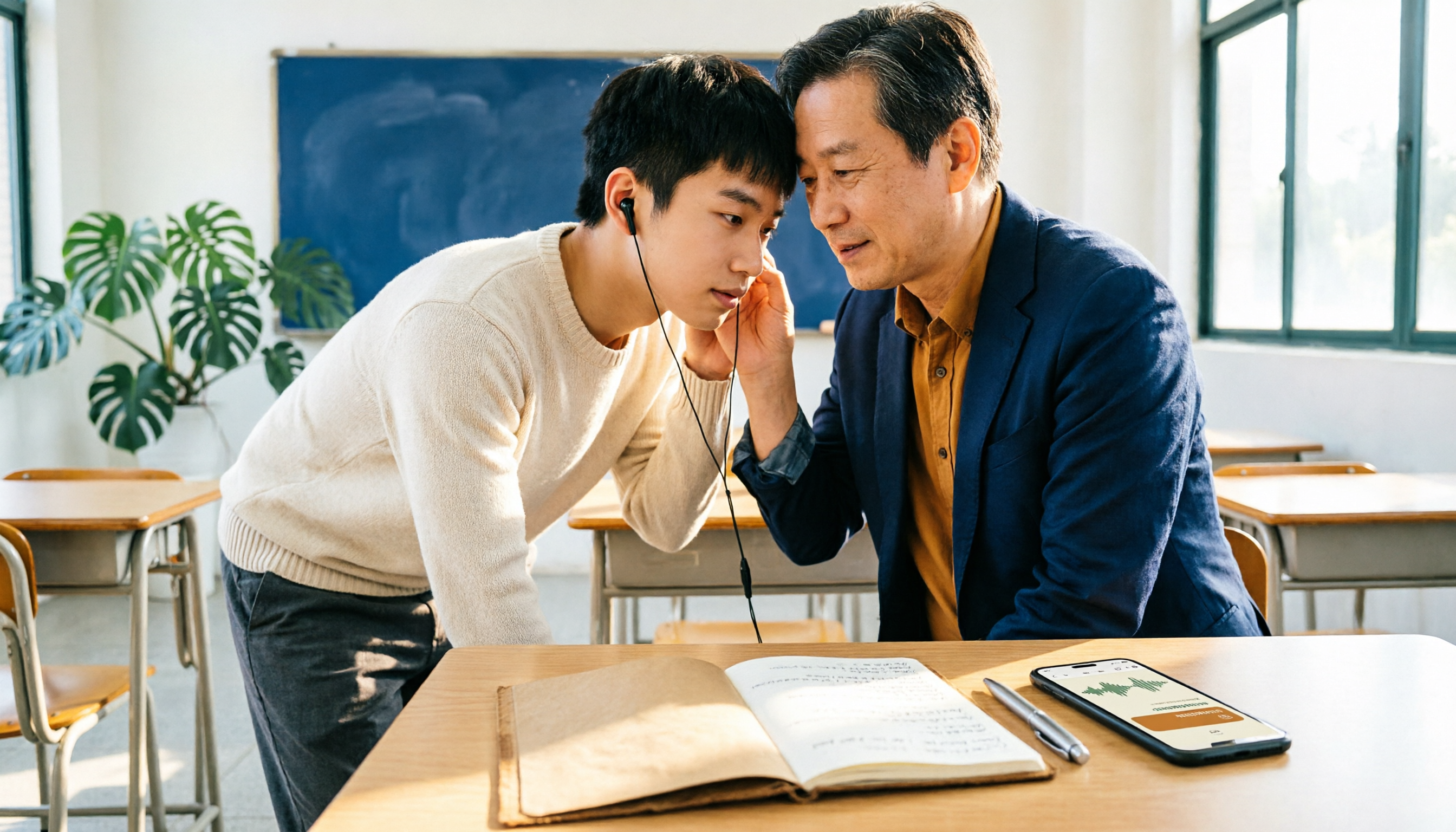
2026 AI Transcription Complete Guide: How to Choose Tools Trending on PTT and Organize Class Recordings
Starting from campus scenarios, this guide breaks down the four most common mistakes when using AI to organize transcripts, explains the core capabilities of transcription AI, the practical workflow, and key purchasing considerations. It also uses Tinrec as an example to demonstrate the complete process from recording to key notes.

5 AI Transcription Tools Tested for 2026: How to Choose the Free Options Trending on Dcard
A roundup of the most discussed AI transcription tools on Dcard, starting from the decision point of 'who will read this transcript?' It explains the use cases, free limitations, and practical tips for NotebookLM, Buzz, Google AI Studio, Groq Cloud, iPhone Shortcuts, and Yating Transcription, helping you choose the right method before you start.

5 AI Meeting Transcription Tools Compared for 2026: How to Choose Based on Free Tiers, Chinese Recognition, and Summarization Features
How to choose an AI meeting transcription tool? First clarify whether data can be uploaded to the cloud, and whether you need subtitle files or meeting minutes, then compare the transcription and summarization capabilities of 5 common tools. This article covers practical workflows, key purchasing criteria, and 4 common pitfalls to help you find a truly time-saving approach.

How to Transcribe Meeting Audio with NotebookLM (2026): Upload Recordings, Get Transcripts & Auto-Generate Action Items
Tired of replaying meeting recordings to type transcripts? This guide focuses on NotebookLM, showing how to upload meeting audio, locate the auto-generated transcript, and use prompts to output timestamps and action items. It also covers five alternative methods—Gemini, EchoScript, MacWhisper, and iPhone Voice Memos—with selection advice.

2026 AI Tools Comparison: How to Avoid Wasted Effort in Meeting Transcript Organization
The most time-consuming part of meeting transcript organization is never converting speech to text, but turning chaotic discussions into actionable records. This article breaks down three common misconceptions, compares the actual workflows and limitations of tools like NotebookLM, Gemini, ChatGPT, and CLOVA Note, and provides a step-by-step process and pitfall checklist you can directly apply.

2026 Comparison of 5 Speech-to-Transcript Tools: Free Quotas and Chinese Recognition—Which Is Enough?
Starting from the most common pitfalls when choosing a transcription tool, this article compares five speech-to-transcript tools—Yating Transcription, cSubtitle, Atter App, Easemate AI Meeting Recorder, and NotebookLM—on language support, free quotas, and import/export differences, helping you choose the right tool based on your recording scenario.

5 Best AI Meeting Transcription Tools in 2026: Free Tiers, Chinese Accuracy, and Summaries Compared
Tired of spending two hours after every meeting replaying recordings and typing transcripts? This guide walks through the actual workflows of five AI meeting transcription tools in 2026, comparing free tiers, Chinese and mixed Chinese-English recognition, speaker identification, and summary and action-item generation. It also includes a pitfalls guide and scenario-based recommendations to help you find the one that's good enough for free.
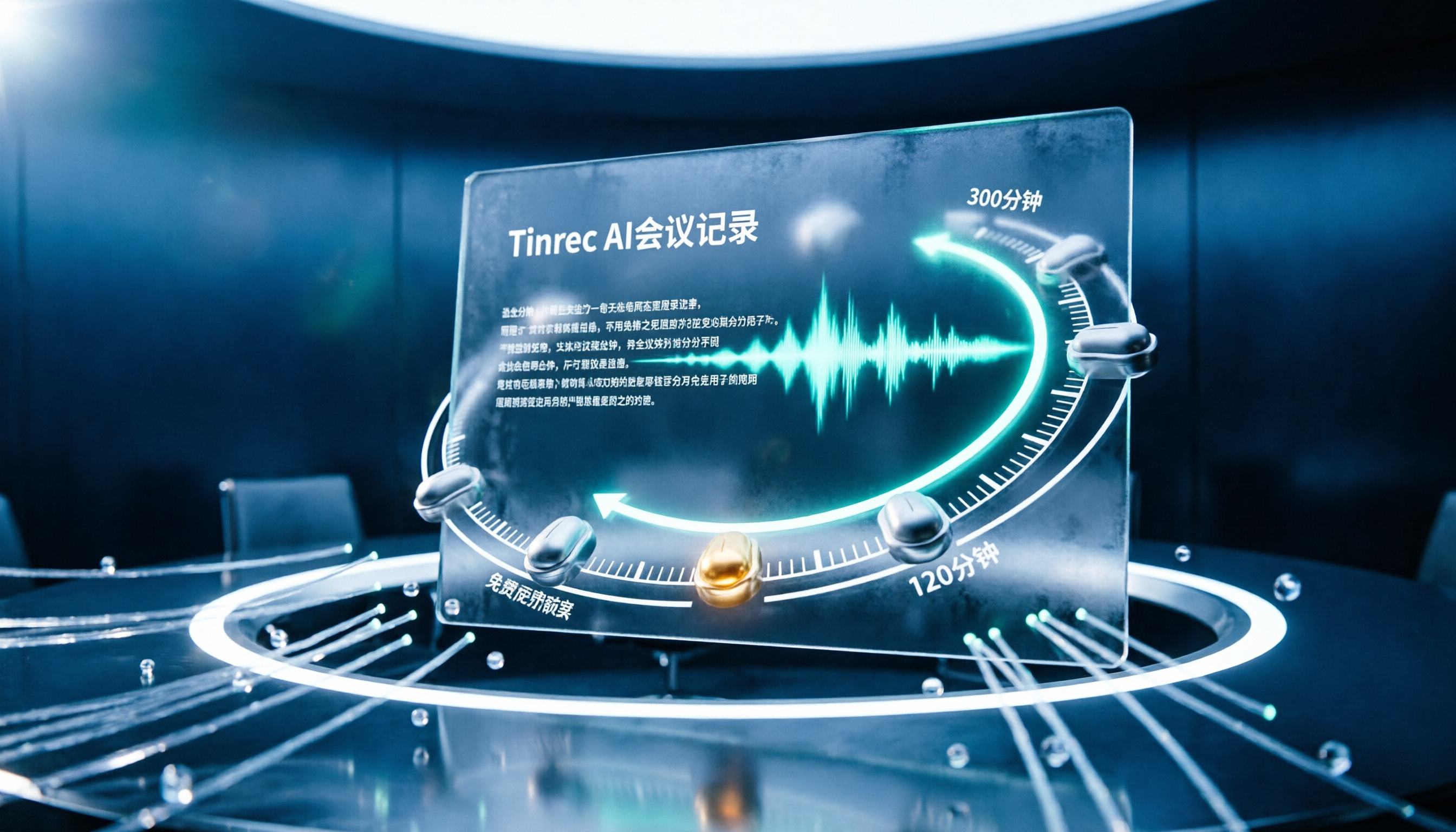
7 Free Meeting Transcription Software Compared: Which Free Tier Is Most Generous in 2026?
We reviewed the free plans of 7 meeting transcription tools, from 300 minutes and 120 minutes per month to completely free AI note-taking tools. We explain each plan's limits, restrictions, and ideal users to help you avoid mistaking a 'free trial' for a 'free plan'.