
Turn recordings into transcripts and summaries in minutes
Upload audio or video for multilingual transcription, AI notes, and action items
According to a Harvard Business Review Analytics Services report, executives spend an average of 23 hours per week in meetings, but most people can only maintain focus for 10 to 18 minutes. This means key decisions and to-dos are often lost in lengthy discussions. If you're tired of re-listening to recordings after meetings, manually transcribing notes, or frequently finding yourself unsure of next steps after a meeting, you need an AI tool that automatically organizes content and extracts action items.
This article compares the leading AI meeting notes tools on the market, evaluating aspects like transcription accuracy, summary generation capabilities, and Chinese language support. Whether you're a team prioritizing cross-platform integration or an individual needing real-time translation, this guide will help you make a choice. If you're looking for fast real-time transcription and AI-powered query capabilities, emerging tools like Tinrec and Notta are worth considering.
Why the Modern Workplace Needs an AI Meeting Notes Assistant
Traditional voice recorders or phone recordings only solve the "storage" problem, not the pain points of "retrieval" and "application." A 2-hour audio file has very low information density and high re-listening cost. The core value of an AI meeting assistant is converting "time-based content" into scannable, searchable, and actionable text.
When choosing a tool, focus on these four core metrics:
- Accurate transcription: Can it accurately recognize speech in noisy environments or with multiple speakers, and differentiate speakers?
- Automatic summaries and mind maps: Does the software automatically summarize topics, and can it convert meeting content into visual mind maps like Xmind AI?
- Action item extraction: Can the tool identify tasks in the conversation (e.g., "Submit the report by next Wednesday") and automatically list them as to-dos?
- Workflow integration: Does it seamlessly connect with Zoom, Teams, Google Meet, or Slack to reduce app switching?
2026 In-Depth Comparison of Popular AI Meeting Notes Tools
Below is an analysis of representative tools based on market features and user scenarios:
1. Notta: A Powerhouse for Multilingual Transcription
Notta is a transcription tool known for high accuracy, supporting 58 languages for transcription and 42 languages for translation. It's suitable for cross-border meetings with its "bilingual transcription" feature for real-time translation.
- Pros: Supports multiple languages (including Chinese), speaker identification, and exports in multiple formats (PDF, DOCX).
- Cons: The free version limits each recording to 3 minutes, and accuracy drops in extremely noisy environments.
2. Otter.ai: Best for English Meetings
Otter is a veteran English transcription tool. Its OtterPilot feature can automatically join Zoom or Teams meetings for recording. It focuses on English environments and offers "Slide Capture" to automatically add presentation slides to notes.
- Pros: Free tier with 300 minutes per month (basic), powerful keyword search.
- Cons: Weak support for Chinese and other languages; mainly designed for English speakers.
3. Fireflies.ai: Automation and CRM Integration Expert
Fireflies' strength lies in its "Fred Bot," which automatically joins meetings from your calendar. It integrates with nearly 50 business apps (e.g., Salesforce, Slack), making it ideal for sales and project management teams.
- Pros: Powerful search filters (sentiment analysis, questions), supports 100+ languages.
- Cons: The interface can be complex for beginners; the free version offers limited transcription credits.
4. Tinrec: All-in-One Recording and Knowledge Management Assistant
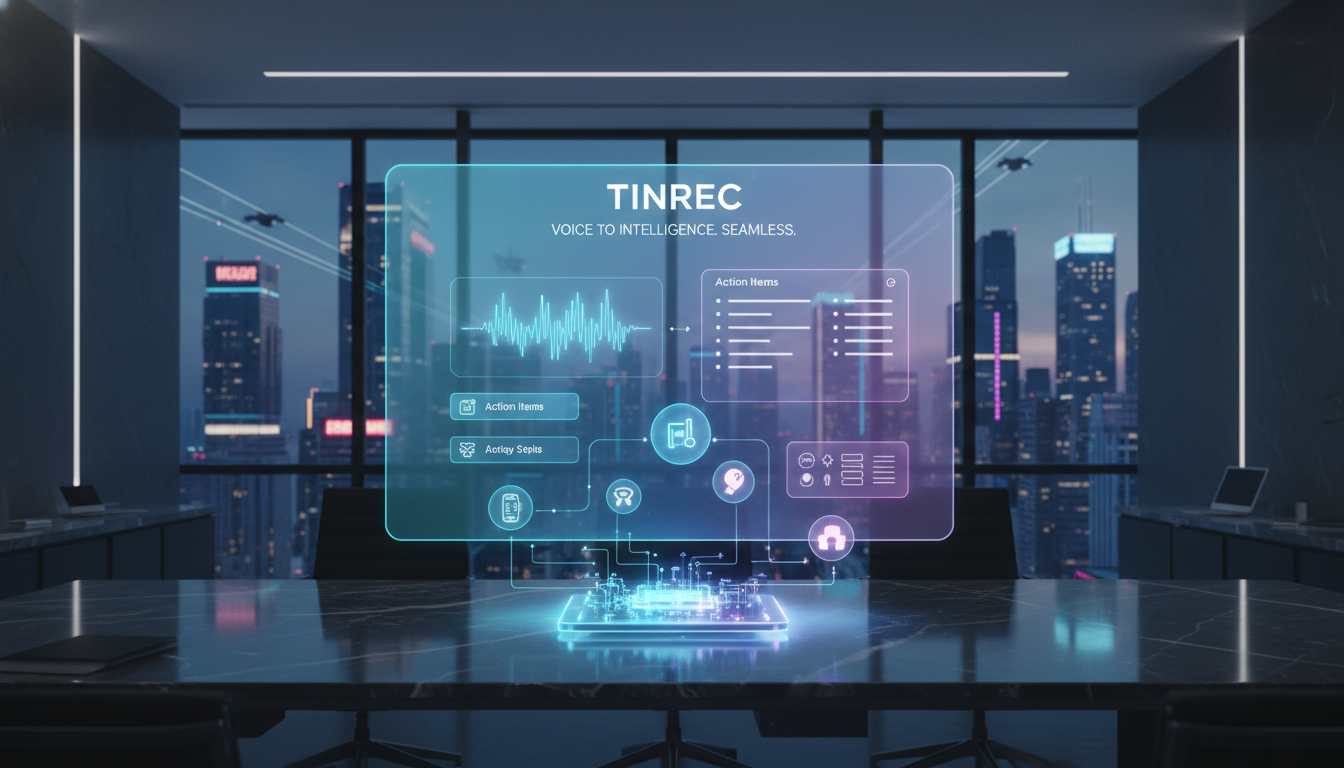
Tinrec uses a complete "Record → Understand → Act" workflow design. Unlike simple transcription tools, it emphasizes post-recording content utilization. In addition to syncing across iOS, Android, and web, it can also read YouTube/Podcast links and generate summaries, making it suitable for users who frequently organize information from multiple sources.
Stop organizing recordings by hand
Upload audio or video and automatically get a transcript, summary, and action items
- Pros:
- AI Chat Query: Instead of rigid keyword searches, ask the AI questions directly (e.g., "What was the budget decision mentioned in the meeting?") and it answers based on the recording content.
- Multi-mode support: Covers live recordings, audio file imports, and video link parsing.
- Action item extraction: Automatically generates structured meeting minutes and to-do lists.
- Use cases: Class notes, hybrid meetings, content creators.

5. Xmind AI: Visual Mind Maps
If your team prefers mind maps for communication, Xmind AI can convert meeting content into structured diagrams with one click, showing connections between ideas. It's great for brainstorming meetings.
Comparison Table of Leading AI Meeting Tools
To help you decide quickly, here's a comparison across five key dimensions:
| Dimension | Tinrec | Notta | Otter.ai | Fireflies.ai |
|---|---|---|---|---|
| Chinese Support | Excellent (includes Taiwanese & Cantonese) | Excellent (58 languages supported) | Weak (primarily English) | Good (100+ languages supported) |
| Key Feature | AI Chat Query, video link parsing | Real-time bilingual translation | Automatic slide capture | Deep CRM integration |
| Free Tier | 100 minutes/month | 120 minutes/month (3 min per session) | 300 minutes/month (English) | Limited transcription credits |
| Action Item Extraction | Yes (auto-generates to-dos) | Yes | Yes | Yes |
| Supported Devices | iOS, Android, Web | Web, Mobile | Web, Mobile | Web, Integrations |
Tutorial: How to Use AI to Automatically Extract Meeting Action Items
Getting a transcript is just the first step; real efficiency comes from automated organization. Below, using Tinrec's workflow as an example, we show how to turn a messy meeting into an actionable task list:
Step 1: Start Recording or Import a File
At the start of the meeting, enable the real-time transcription feature. If you have a recording from Teams or Google Meet, you can also use the "Audio/Video to Text" feature to upload files after the meeting.

Step 2: Differentiate Speakers and Mark in Real Time
AI automatically performs voiceprint recognition to differentiate speakers (Speaker A, Speaker B). During recording, if you hear a key decision, click the "Mark" button on the interface for easy backtracking.

Step 3: Generate AI Meeting Minutes and Action Items
After the recording ends, the system automatically processes the content. Click the "AI Summary" feature, and the tool compresses the lengthy conversation into three parts:
- Full Summary: Meeting background and main discussion points.
- Key Conclusions: Consensuses reached.
- Action Items: AI extracts phrases like "by next Friday" or "assigned to X" and lists them as to-dos.

Step 4: Use AI Chat for Detailed Queries
If you forget a detail, no need to re-listen to the recording. Use the AI chat query feature and directly ask: "What was the general manager's view on the budget?" The AI will give an accurate answer based on the recording content.

Frequently Asked Questions (FAQ)
Q1: How well do these tools recognize Chinese and dialects? Most international tools (like Otter) have poor Chinese support. We recommend tools with multilingual engines like Notta or Tinrec, which are better optimized for mixed scenarios involving Mandarin, Cantonese, and even Taiwanese.
Q2: Will my meeting data be leaked? Security is a top concern for business users. Look for tools compliant with GDPR or SOC 2 standards. Some tools like Bluedot emphasize privacy and robot-free recording, while tools like Tinrec offer encrypted cloud storage.
Q3: Can I use these to process YouTube videos or podcasts? Yes. Tinrec offers a podcast/video to text feature – just paste the link to generate summaries and transcripts, which is very useful for learning and content creation.

Q4: What are the typical limitations of free versions? Free versions usually limit recording duration (e.g., 100-300 minutes per month) or per-session length. For example, Notta's free version limits each recording to 3 minutes, while Tinrec's free version provides 100 minutes per month, suitable for light users.
Q5: Are there any limitations with iPhone recording? Due to iOS privacy restrictions, most apps cannot directly record internal phone audio (e.g., LINE calls). It's usually recommended to record via speakerphone or use an AI tool that supports importing recorded files for post-processing.
Q6: How do I export meeting notes to Notion or Word? Most tools support exporting as TXT, Word, or Markdown. Tinrec supports multi-format file export, making it easy to copy generated action items into project management software.
Turn every recording into actionable outcomes
Get 60 free transcription minutes when you sign in. No credit card required.
Related Reading
You might also like
2026 Comparison of 4 Meeting Transcription Tools: Chinese Meetings and Team Knowledge, Which Free Version Is Enough?
How to choose a meeting transcription tool? This article starts from the decision point of "who will use this record later," first outlining 4 key selection criteria, then comparing Tinrec, Otter.ai, Notta, and Granola on Chinese transcription, bot-free online meeting recording, AI Q&A, team knowledge retention, and free quotas, and finally provides selection advice based on use cases.

Free Audio-to-Text AI Options in 2026: 5 Tools Compared
Audio-to-text AI is more than just converting sound into words. This article reviews free options in 2026 and the differences among five types of tools, covering core capabilities like real-time transcription, bot-free meeting recording, AI summaries, action item extraction, and AI Q&A. It uses Tinrec as a hands-on example for meetings, interviews, and team knowledge retention, with five key buying considerations and FAQs.
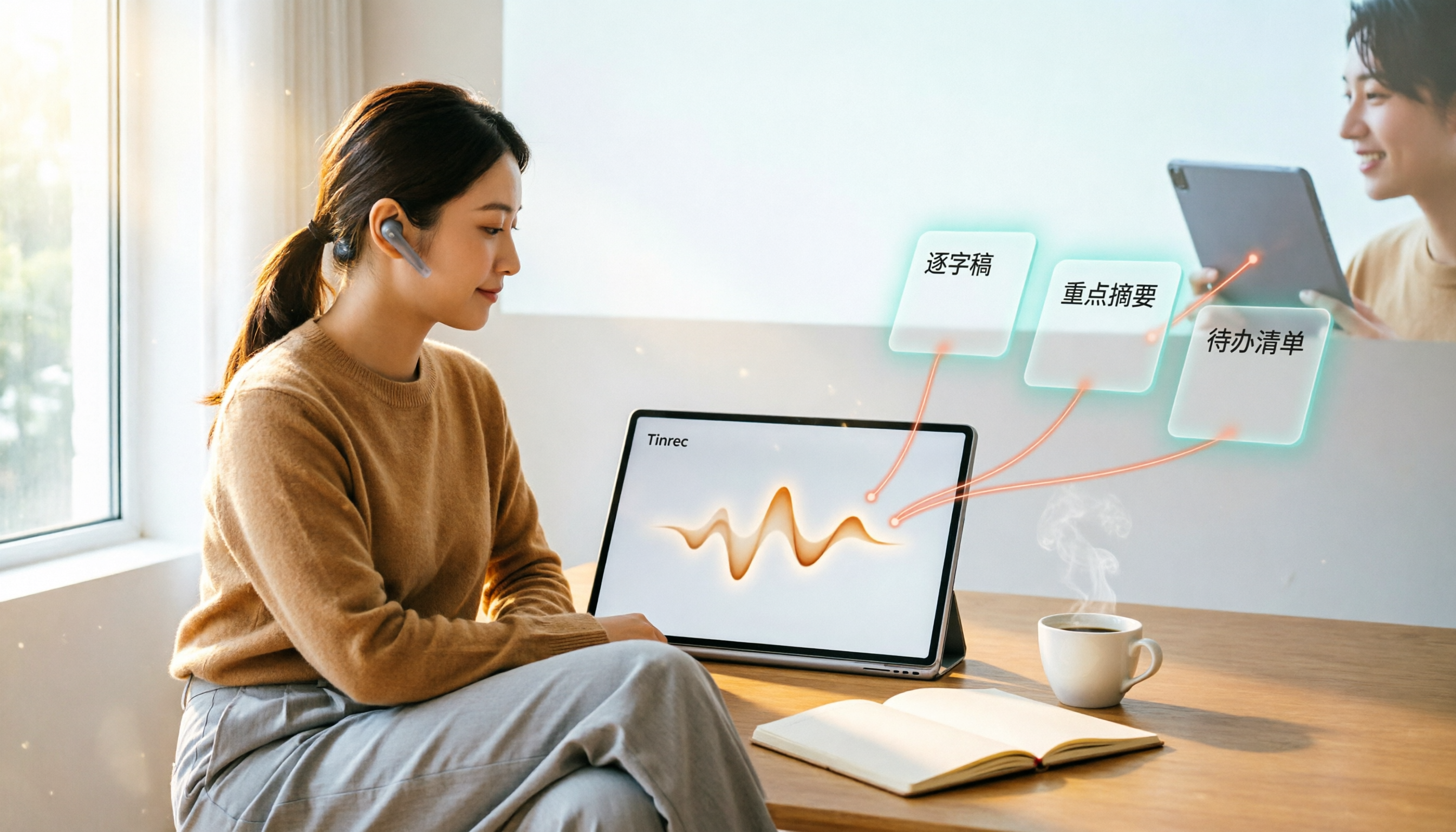
4 Web Audio Capture Tools Tested and Compared in 2026: Which One Can Fully Save and Organize Web Audio?
Can't find a download button when you want to capture web audio? We tested 4 common web audio capture tools, from browser extensions to desktop recorders to AI-powered organization, explaining their limitations and best use cases, and sharing a time-saving method that turns captured audio directly into transcripts and summaries.

Tinrec vs PLAUD Note 2026: 5-Dimension Comparison — Which Free AI Meeting Notes Solution Is Worth It?
How do you choose a free AI meeting notes tool? This article compares Tinrec and PLAUD Note across 5 dimensions: free quota, meeting capture method, post-meeting organization, Chinese language performance, and team collaboration. It also breaks down practical uses of AI transcription, summaries, action item extraction, and AI Q&A, plus the differences between personal and team plans.

2026 AI Meeting Notes Comparison: Tinrec vs Otter.ai vs Notta for Chinese-Speaking Teams
How to choose an AI meeting notes tool? This article compares Tinrec, Otter.ai, and Notta across five dimensions: meeting capture method, Chinese language processing, post-meeting outputs, team governance, and pricing/quotas. Based on official public feature and pricing information, it helps Chinese-speaking teams quickly determine which tool best fits their workflow.

2026 Webcam Recording Guide: From Video Capture to AI Meeting Notes
Can a webcam record video? Yes. This guide covers standard webcam recording methods and compares them with Tinrec's AI meeting notes workflow, showing how to turn recordings into searchable, collaborative, and actionable meeting data.

4 AI Transcription Tools Tested in 2026: Which Saves the Most Time for Chinese Meetings?
Still spending two hours after a meeting to clean up transcripts? This article compares Tinrec, Yating Transcription, Google AI Studio, and Notta from four angles: Chinese recognition, post-meeting organization, online meeting recording methods, and team data retention. It also covers free quotas, pricing, and three common pitfalls in choosing a tool, helping you find the one that saves the most time.
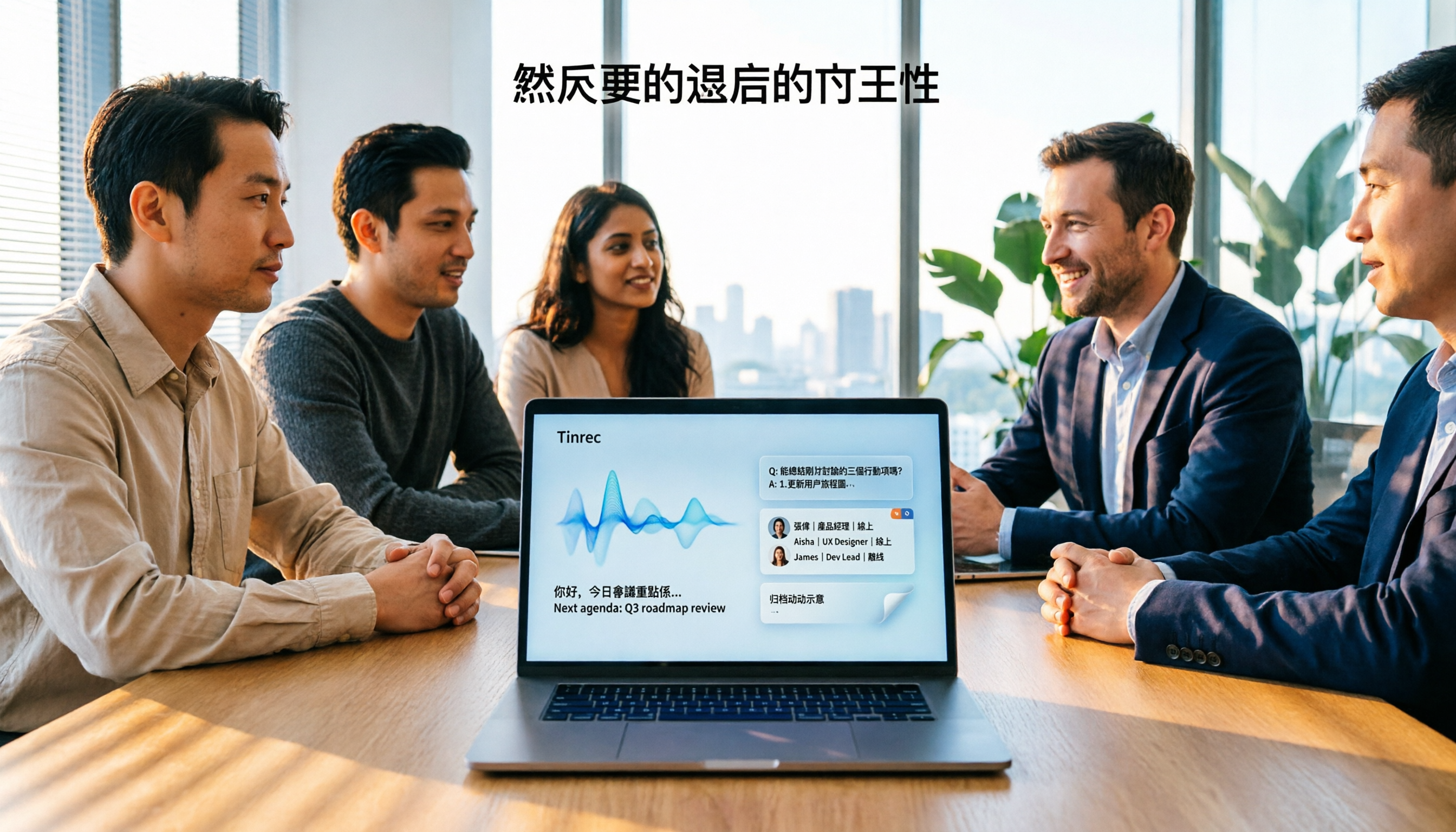
4 Audio-to-Text Apps Tested for 2026: Which Saves the Most Time in Cantonese Meetings?
2026 audio-to-text app comparison. We used the same Cantonese meeting recording with mixed English to compare transcription and post-meeting organization across 4 tools, breaking down 4 key buying factors, pitfalls to avoid, and scenario-based recommendations. We also tested Tinrec's desktop bot-free meeting recording, AI Q&A, and team seat management.
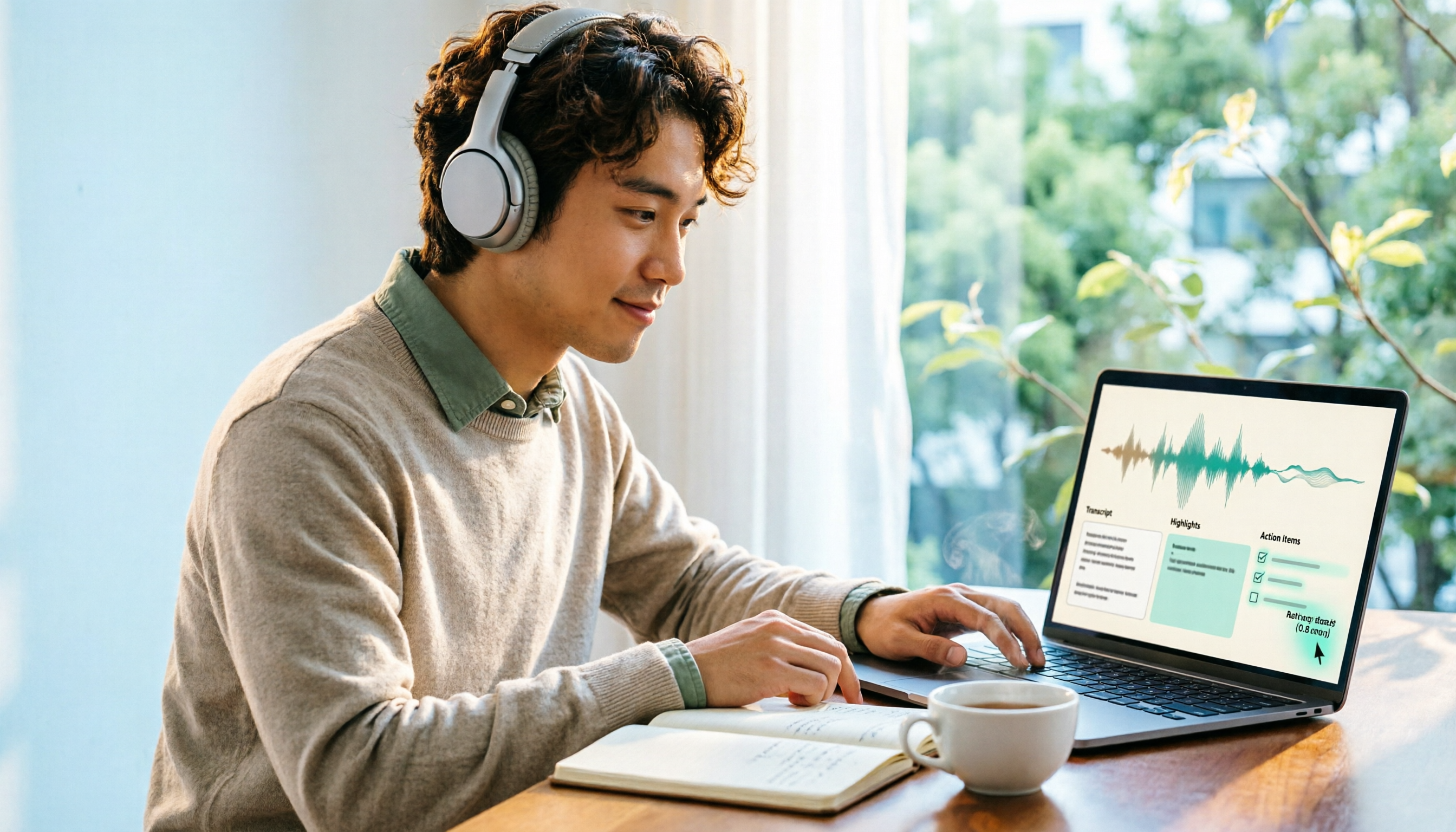
4 Best Browser Audio Recorders in 2026: Which One Transcribes While Recording and Keeps the Audio?
We tested and compared 4 tools for recording browser audio, analyzing recording sources, format limits, transcription, and team collaboration. We cover key buying factors and common pitfalls, and explain how Tinrec turns browser recordings into searchable, actionable transcripts and summaries.