
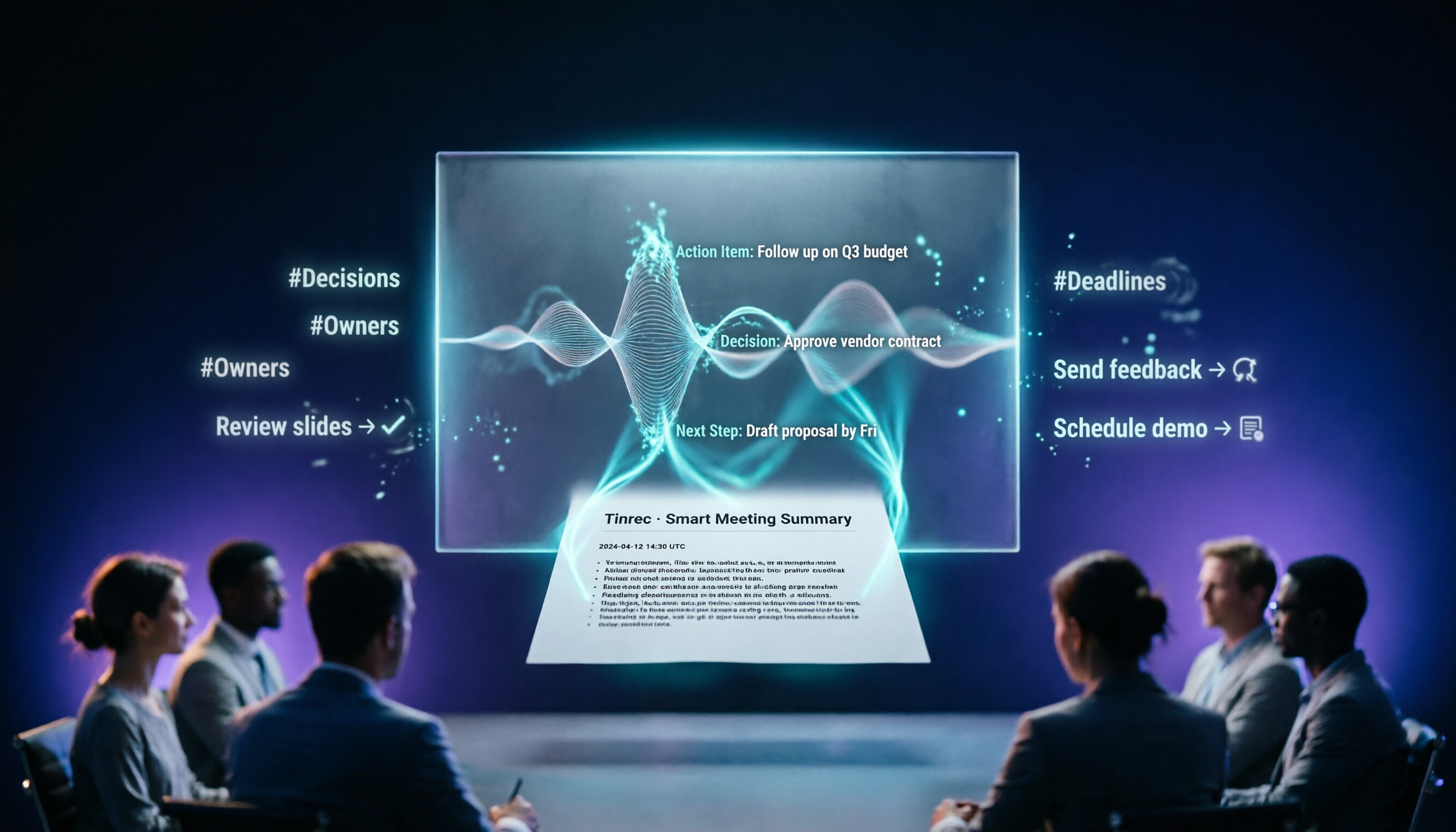
Turn recordings into transcripts and summaries in minutes
Upload audio or video for multilingual transcription, AI notes, and action items
Best Google Meet Recording to Text Tools? 2026 Test of 3 Options, Tinrec Most Comprehensive
Why Are People Looking for Google Meet Alternatives?

Google Meet is the go-to for many daily meetings, and its built-in transcription makes meeting notes easier. But in practice, many users find that relying solely on the platform's transcription often leads to a few issues: accuracy drops in noisy environments or when multiple languages are mixed, it can't handle external audio files, and the post-meeting text transcript can only be read but not easily turned into usable summaries or action items. If you want meeting notes that are more than just "a verbatim transcript" — a tool that truly helps your team save time on organization — then Tinrec is worth checking out.
Tinrec vs. Google Meet: What's the Core Difference?
When choosing a meeting notes tool, these four aspects directly impact the user experience. Let's see how Tinrec and Google Meet's built-in transcription differ.
Language Support and Chinese Context
For Chinese users, how well a transcription tool handles Chinese is critical. Google Meet's built-in transcription primarily supports English, and while it has recently added Chinese, accuracy still has room for improvement in scenarios common for Taiwanese users, like code-switching between Chinese and English or business jargon. Tinrec was designed from the ground up to cover Traditional Chinese and multi-language scenarios, with optimizations for meetings, lectures, interviews, etc. In practice, the completeness of Chinese summaries and key point extraction is more tailored to local needs.
Input Source Diversity
Google Meet's transcription only works within Meet itself; after the meeting ends, you need other tools for audio files or external videos. Tinrec supports live recording, importing audio/video files, pasting public video links from YouTube/Bilibili, and even recording computer system audio to capture online meeting content. For anyone who needs to organize meetings, lectures, interviews, or online materials all at once, one tool handles all audio/video data, eliminating the hassle of switching between different software.
Post-Transcription Organization
This is the biggest differentiator. Google Meet provides real-time captions and a post-meeting text record, but that's it. Tinrec doesn't just produce a transcript—it automatically generates AI summaries, breaks content into chapters, extracts action items, and even lets you query the content with AI chat, like asking "What was the conclusion of this meeting?" This turns raw recordings into reusable knowledge assets, making subsequent report and meeting note creation incredibly fast.
Cross-Platform and Data Accumulation
Google Meet is tied to the Google ecosystem; records follow your account, but it's hard to integrate recordings from other sources outside Meet. Tinrec offers iOS, Android, and web versions, with all transcriptions managed in one place. You can export to Notion, Google Docs, Dropbox, and other tools you commonly use. Over time, your meeting, lecture, and interview records form a searchable knowledge base, no longer scattered across different places.
Stop organizing recordings by hand
Upload audio or video and automatically get a transcript, summary, and action items
Tinrec Core Features at a Glance
Now that you understand the differences, let's see what Tinrec can actually do.
Live Recording to Text
Open Tinrec, tap record, and text appears almost in real time with very low latency. During a meeting or class, you can listen while verifying that key points are captured. The moment the meeting ends, the full transcript is ready for you.
AI Chat Query
This is the feature I use most. After recording a 1-hour meeting, simply type a question like "What were the client's opinions on the project timeline?" Tinrec extracts the relevant passages based on the transcript's semantics—no more manually flipping through 30 pages of text.
Web Video Link Parsing

Paste a public video URL from YouTube, Bilibili, or Xiaohongshu, and Tinrec will convert the content to text, generate a summary, and even create key notes. Creators and learners will love this feature.
Task and Action Item Extraction
Automatically identifies who should do what and by when from meeting discussions, producing a clear to-do list that can be shared directly with the team.
Multi-Format Export and Further Processing
Exported content can be saved as Word, PDF, TXT, or synced to Notion, Google Docs. Furthermore, you can use Tinrec's Agent feature to directly generate structured meeting minutes, reports, or tables, saving you subsequent paperwork.
Practical Use Cases
Students and Online Courses
Record online classes or lectures with Tinrec—you get a transcript for review, plus AI summaries to quickly recap the entire lesson. Before exams, import recordings from multiple classes and use the Q&A feature to find frequently tested concepts.
Remote Meetings and Project Management
No need for someone to manually take notes during weekly progress meetings—Tinrec automatically generates summaries and action items. Send them to relevant parties after the meeting to ensure every task is tracked.
Content Creators Organizing Materials
Interview recordings, podcasts, web videos—dump them all into Tinrec. It turns them into text, creates summaries, and even generates subtitle files or article outlines, making subsequent editing and writing much more efficient.
Personal Knowledge Management
Long-term accumulated voice memos, book club recordings, seminar audio—use Tinrec to manage them all. Through search and Q&A, quickly find the information you need. Your recordings are no longer just files taking up space.
Key Points to Consider When Choosing a Recording-to-Text Tool
- Transcription is just the starting point: A good tool shouldn't just give you a transcript—it should help you distill key points and extract actions. Tinrec's post-processing capabilities in this area stand out among similar products.
- Cross-platform and data export: Make sure the tool supports your commonly used devices and software. Tinrec offers iOS, Android, and Web, and can export to multiple external services, so your data isn't locked in.
- Chinese and mixed language recognition: If your meetings or classes often involve code-switching between Chinese and English, or specialized terms, choosing a tool with local optimization saves a lot of correction time. Tinrec's organization of Chinese content significantly outperforms general-purpose transcription engines.
- Is the free plan sufficient?: Tinrec's free version provides a basic monthly allowance—you can test it on a few meetings or courses to see actual results. If you have high volume, the cost of a weekly or monthly plan is far less than the time spent manually re-organizing.
- Can it handle external audio and video files?: Not every tool allows you to import local recordings or paste video links. Tinrec supports these sources, freeing you from being limited to a single meeting platform.
Conclusion: Is Tinrec Worth Trying?
If you find Google Meet's built-in transcription lacking, or if you need an integrated tool that can handle meetings, classes, interviews, and online videos all at once, Tinrec is one of the few options on the market that truly "organizes" audio/video data. It's more than just a transcriber—it's like a personal audio/video knowledge assistant. I recommend downloading Tinrec's free version and testing it with your own recordings or videos to see the difference between a "verbatim transcript" and "ready-to-use knowledge"—that's more convincing than any review.
Turn every recording into actionable outcomes
Get 60 free transcription minutes when you sign in. No credit card required.
Related Reading
You might also like

How to Use Online Speech-to-Text in 2026: 5 Steps from Recording to Transcript
How to choose and use online speech-to-text tools in 2026? Starting from real meeting pain points, this article covers 5 key selection criteria, Tinrec's 5-step workflow, brief reviews of 3 online transcription tools, and a guide to avoiding pitfalls—helping you go from recording to a searchable, collaborative transcript.

2026 Speech-to-Text Showdown: 3 Tools Tested for Chinese Accuracy and Post-Meeting Efficiency
How do you really measure speech-to-text accuracy? This article breaks down the WER (Word Error Rate) calculation logic and key factors affecting accuracy, then compares Tinrec and Notta across Chinese recognition, accent tolerance, technical terminology, post-meeting organization, and pricing/quotas. Otter.ai is included as a reference for Chinese scenarios, helping you decide which tool best fits your meeting and transcription needs.

Best Free iPhone Speech-to-Text Solutions in 2026: 5 Options Compared
Your iPhone's built-in Voice Memos already offers transcription, so why look elsewhere? Based on real student use cases, this guide covers five free ways to transcribe speech to text on iPhone in 2026—from the completely free built-in feature to Otter.ai, Notta, and TurboScribe with generous free tiers, plus Tinrec for automatic summaries, to-dos, and AI Q&A. We explain each option's free limits and the classroom or group discussion scenarios they suit best.
2026 Comparison of 6 Audio-to-Transcript Tools: Free Tiers and Chinese Recognition—Which Saves the Most Time?
A review of the free tiers, Chinese recognition, and post-meeting organization capabilities of 6 audio-to-transcript tools—Tinrec, cSubtitle, MyEdit, Canva, Google AI Studio, and ChatGPT Work—to help you choose the right solution for meetings, interviews, courses, and subtitles.

How to Transcribe Audio to Text on Android in 2026: A Complete 5-Step Guide
Transcribing audio files on Android often gets stuck on recording quality, Chinese recognition, and post-meeting organization. Using Tinrec as an example, this guide walks you through 5 steps—recording, importing, proofreading, AI summarization, and exporting—plus common FAQs, advanced tips, and alternatives.

4 Speech-to-Text Tools Tested: Which Saves the Most Time for Meeting Notes, Transcripts, and AI Q&A?
Many people compare speech-to-text tools by looking only at marketing numbers like '98% accuracy,' but overlook the real bottlenecks. This article starts with common pitfalls, explains how to judge whether a tool is worth using, then tests and compares Tinrec, Otter.ai, Notta, and Granola on meeting notes, transcripts, post-meeting organization, and team collaboration. It includes actual pricing and tips to avoid pitfalls, helping you choose the one that truly saves time.

2026 Comparison of 4 Speech-to-Text Tools: Which Turns Recordings into Actionable Meeting Data?
Starting from real pain points in interviews and meeting notes, this hands-on comparison tests Tinrec, Yating Transcription, Notta, and Otter.ai, covering selection criteria, common pitfalls, and scenario-based recommendations to help you find the tool that truly makes transcripts work-ready.
2026 Comparison of 4 Audio-to-Text Windows Tools: Is the Free Tier Enough?
When converting audio files to transcripts on Windows, most people choose the wrong approach from the start. This article uses real meeting recordings to test four tools—Tinrec, Notta, Otter.ai, and TurboScribe—comparing file support, post-meeting organization, online meeting audio capture, and free tier limits. It also outlines four common pitfalls to help you pick the one that fits your workflow.

How to Use Tinrec for Real-Time Speech-to-Text in 2026: Record Meetings Without Bots + Automatic Summaries and Action Items
How do you choose a real-time speech-to-text tool? First, determine your meeting format, whether you need a bot to join, and whether you want summaries and action items after the meeting. Using Tinrec as an example, this article covers real-time transcription, bot-free recording of online meetings, AI summaries, Q&A, translation, and team collaboration, along with buying considerations and FAQs.