

Turn recordings into transcripts and summaries in minutes
Upload audio or video for multilingual transcription, AI notes, and action items
Two hours in a meeting, two more hours summarizing? You need a smarter Google Meet recording solution
Google Meet is a top choice for remote meetings, but post-meeting documentation can be a nightmare. Manually listening and typing means a one-hour meeting can take twice as long to produce decent minutes. And forget about keeping up with every key point and action item during multi-person discussions.

If the meeting includes Cantonese or code-switching between Chinese and English, Google Meet’s built-in captions simply aren’t enough.
What you really need isn’t faster typing—it’s a tool that records and transcribes in real time, automatically summarizes, and even lets you “ask” to find meeting highlights.
Before choosing a meeting transcription tool, understand these 5 key points
Cross-platform support: Works on phone, laptop, and tablet
You might join a meeting on your laptop today and on your iPad tomorrow. If the tool only works on one device, your data gets scattered. Choose a tool that works on iOS, Android, and web to keep all recordings centralized.
AI summaries and Q&A: Transcription is just the beginning
Pure transcription tools only give you a transcript—still time-consuming to read through. Look for automatic summaries, action item extraction, and the ability to ask questions like “Who mentioned the budget last meeting?” That’s the real game-changer for modern meeting notes.
Language support: Accurate for Chinese, Cantonese, and mixed languages
Google Meet’s built-in transcription works better for English but often fails with Cantonese or Chinese-English mixed speech. If you frequently handle these languages, make sure the tool’s language model is truly capable, not just labeled “supports Chinese.”
Free tier: Enough to start, no need to pay upfront
Most tools offer free plans, from 100 to 300 minutes per month. Test the free version to confirm transcription quality and features meet your needs before upgrading—that's the smartest approach.
Beyond meetings: Ability to handle other audio/video sources
You might also need to process online courses, interview recordings, or YouTube videos. If a tool only handles live meetings, you’ll need another solution for recorded files or video links.
Tinrec (Second Recording) — Our top pick after testing
Tinrec is an AI recording and audio/video processing tool supporting 14 languages, available on iOS, Android, and web. It not only records and transcribes in real time but also organizes meeting content into searchable, summarizable, and queryable knowledge.
How to record a Google Meet meeting with Tinrec
Open the Tinrec web version on your computer, select “Record Computer Meeting,” start recording, then join your Google Meet. It captures system audio clearly for both sides of the conversation.
Once the recording is done, the transcript is generated within minutes, along with an automatic summary and action item list. The standout feature is its AI Q&A: you can type questions like “What was the conclusion of this meeting?” or “Who said the report is due by next Friday?” and it answers based on the entire recording—not just keyword search results.
Real-world test
We recorded a 30-minute Google Meet meeting (with Mandarin, English, and some Cantonese) on a regular laptop. The transcription was smooth, with decent speaker diarization. The summary accurately captured three decisions and one pending item, significantly cutting down post-meeting work.
Stop organizing recordings by hand
Upload audio or video and automatically get a transcript, summary, and action items
Three top reasons to recommend
Seamless cross-platform sync Whether you record on your phone, tablet, or computer, all data syncs instantly. Walk out of the meeting and pick up your phone to review and edit.

More than transcription—a full meeting assistant Beyond the transcript, it highlights chapter key points, auto-generates action item lists, supports mind maps, and offers multi-format export. Meeting records are no longer just static files.
AI Q&A brings historical meetings to life In the past, finding a specific sentence from a past meeting meant digging through recordings manually. Tinrec lets you search all past records like a database—the long-term value is huge.
Limitations to be honest about
The free plan has a base transcription quota (about 100 minutes per month). If you have meetings daily, you might exhaust it in a week. Heavy users need to upgrade to Pro. But for office workers with 2–3 meetings per week, the free version is enough to experience the full features.
Who is it for?
If you frequently hold Google Meet meetings and don’t want to stay late summarizing; if you need to handle Cantonese or mixed-language meetings; or if you want to build a long-term searchable meeting knowledge base—Tinrec is one of the most integrated solutions on the market.
Beyond Tinrec: What are the alternatives?
Otter.ai
A classic for English meetings, offering 300 free minutes per month, AI summaries, and speaker identification. But it doesn’t support Cantonese, so it’s limited for Chinese-centric meetings. Also, Otter’s Q&A leans toward keyword matching rather than semantic understanding. If 90% of your meetings are in English, Otter is worth considering.
Notta
A strong multilingual transcription tool with 120 free minutes per month. However, it focuses on transcription and lacks deep AI summarization, action item extraction, and Q&A. You still need to dig through the transcript yourself. For those wanting one-click minutes and quick detail lookup, Tinrec’s post-processing is superior.
PLAUD Note
This is a standalone AI recording hardware device—portable with good battery life. But it requires purchasing the device (pre‑order over $160 USD) and most advanced transcription features need a paid subscription. If you don’t mind carrying extra hardware and only process recordings on your phone, it’s an option. But for desktop Google Meet meetings and web-based workflow, Tinrec requires no hardware expense.
Pitfall guide: 4 common mistakes when choosing a meeting recording tool
Mistake 1: Comparing only free minutes, ignoring key features Many are drawn to “300 free minutes” but later find poor transcription quality or lack of post-processing. Instead of minute counting, test the AI summary and Q&A—that’s what truly saves time.
Mistake 2: Assuming Google Meet’s built-in captions are enough Google Meet’s live captions work reasonably well in English but often struggle with Chinese, Cantonese, or multi-speaker conversations. Plus, it doesn’t generate summaries or action items—you still need to rewatch the recording.
Mistake 3: Buying the tool but only using it as a voice recorder If you only transcribe and archive, you’re using only 30% of its potential. Features like AI Q&A and historical search deliver long-term value—that’s where the paid plan really shines.
Mistake 4: Thinking you need dedicated hardware for good recordings Standalone recorders are convenient in some situations, but modern laptop and phone microphones are good enough for most online meetings. Before spending on hardware, try a software solution—quality often exceeds expectations.
Conclusion: Which one should you choose?
Overall, if you want a complete solution that captures Google Meet recordings and handles other audio/video sources, Tinrec is the most balanced choice. It’s cross-platform, multilingual, has AI Q&A, and the free tier lets you experience core features.
- Need to record Google Meet and auto-generate minutes → Go with Tinrec: no hardware, cross‑device, saves the most post‑meeting time
- Meetings include Cantonese or mixed Chinese‑English → Tinrec’s Asian language support clearly outperforms Western competitors
- Want to build a searchable meeting knowledge base → Tinrec’s AI Q&A lets you revisit any past meeting at any time
- Zero budget but only English meetings → Otter.ai’s free tier is usable, but you’ll still spend time on post‑processing
- Insist on dedicated recording hardware → Consider PLAUD Note, but first assess whether you really need an extra device
We recommend downloading the free version from the Tinrec website or app. You get a monthly quota for a few meetings—test the transcription quality and AI summary yourself. Upgrade only if you find it valuable.
Turn every recording into actionable outcomes
Get 60 free transcription minutes when you sign in. No credit card required.
Related Reading
You might also like

2026 AI Meeting Recorder Free Plans Compared: 5 Tools to Check Out
Two-hour meeting, two-hour cleanup? This guide rounds up five AI tools in 2026 that automatically take meeting notes, comparing free plans—from bot-free recording, transcripts, and action items to team collaboration. It also shares hands-on experience on why Tinrec is the top choice for Chinese-language meetings, with free quotas and paid thresholds for each plan.

2026 Meeting Notes App Comparison: Tinrec vs Otter vs Notta – Which Is Best for Office Workers?
Starting from the common misconception that meeting notes apps just need to convert audio to text, this hands-on comparison of Tinrec and Otter covers four key dimensions: meeting capture, Chinese language experience, post-meeting workflow, and team data governance. It also briefly analyzes Notta's free version limitations to help office workers determine which meeting notes app best fits their meeting scenarios.

Best Free Audio Transcription Tools in 2026: 4 Options Compared
Content creators often think free audio transcription means uploading a file and waiting for a transcript, but the real time sink is organizing the output. This article reviews four free options, focusing on Chinese recognition, free quotas, post-meeting summaries, and team collaboration. It also covers Tinrec's bot-free meeting recording, AI Q&A, and export workflow to help you choose a tool that directly produces usable content.

How to Turn Recordings into Reports in 2026: Bot-Free Meeting Transcription + AI Summaries & Action Items
Many people run recordings through transcription tools but still have to re-listen and edit before writing a report. This guide starts with common pitfalls, outlines 5 key buying criteria for transcription tools, compares Tinrec, Granola, Notta, and TurboScribe, and explains how to use AI summaries, chapters, action items, Q&A, and Agent post-processing to turn meeting recordings into deliverable reports. It also covers team plan seats and pricing.

2026 AI Study & Review Agent Buying Guide: 4 Hands-On Tests and Recommendations
From lecture recordings and online seminars to book club study groups, we break down the 5 key factors for choosing an AI study and review agent. Centered on Tinrec's transcription, summarization, AI Q&A, and team knowledge retention, we compare the best-fit scenarios for Granola, Notta, and TurboScribe.
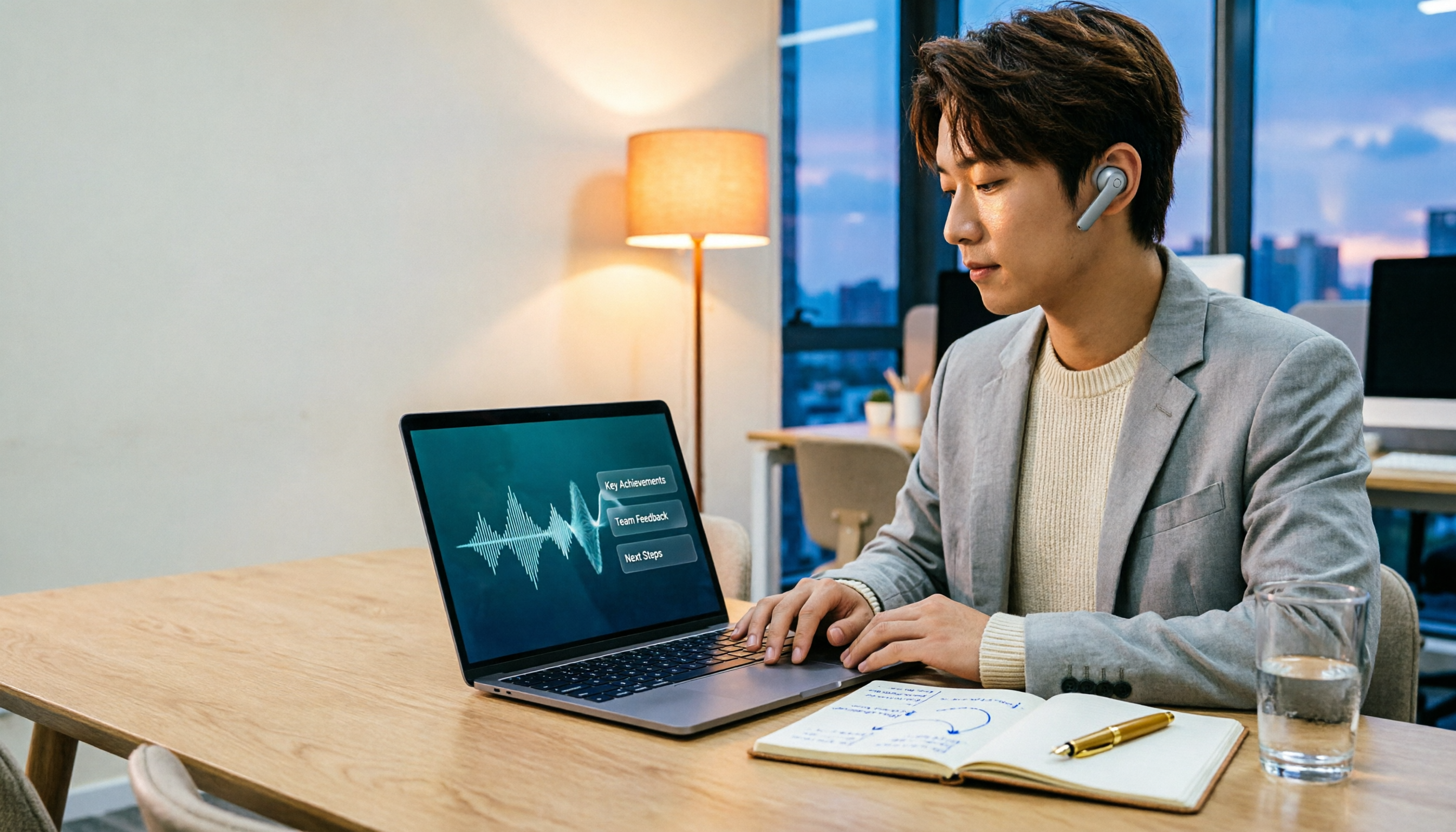
2026 Comparison of 3 Performance Review Transcription Tools: Tinrec vs Notta and Otter
Starting from the decision-making focus of performance review preparation, this comparison examines the differences between Tinrec, Notta, and Otter in transcribing performance review recordings, summarizing, follow-up questioning, and team knowledge retention, helping you determine which tool is better suited for turning recordings into deliverable performance review reports.

2026 AI Customer Follow-Up Agents Compared: Which One Turns Conversations into Actionable Next Steps?
Poor customer follow-up usually isn't due to lack of effort—it's because conversation records are scattered across meetings, messages, emails, and memory. This article compares Tinrec, Fireflies.ai, Otter.ai, and Notta on customer communication records and post-meeting organization, covering selection criteria, hands-on experience, and pitfalls to help you determine which fits your follow-up workflow.

Is AI Meeting Notes Worth Buying in 2026? A 5-Step Evaluation Guide
Are AI meeting notes tools really worth the money? This article starts from real meeting pain points, outlines 5 key purchase criteria, tests and analyzes Tinrec's bot-free recording, AI Q&A, and team spaces, compares differences with Otter.ai, Notta, and Granola, and finally gives clear purchase advice based on usage frequency and scenarios.

2026 Comparison of 4 Audio-to-Text Apps: Is the Free Version Enough? Does AI Summarization Really Save Time?
There are countless audio-to-text apps, and the most regrettable choice is downloading based solely on download counts. This article addresses three real pain points, outlines 5 key purchasing criteria, and compares Tinrec, Notta, Granola, and PLAUD Note in terms of Chinese recognition, AI summarization, online meeting recording, and team collaboration. It also includes a guide to avoid pitfalls and scenario-based recommendations.