
Turn recordings into transcripts and summaries in minutes
Upload audio or video for multilingual transcription, AI notes, and action items
Facing hours of meeting or interview recordings, the most frustrating part is often not the typing itself, but not knowing who said what. When multiple people talk simultaneously or over each other, traditional recorders or phone memos usually output a large chunk of text without paragraph breaks, forcing you to replay repeatedly—taking over 3x the recording time to organize.
This article breaks down the key criteria for choosing "transcription tools" in 2026, focusing especially on speaker diarization capabilities. We'll compare multiple dimensions and use Tinrec as an AI tool example to show how you can free yourself from tedious manual transcription.
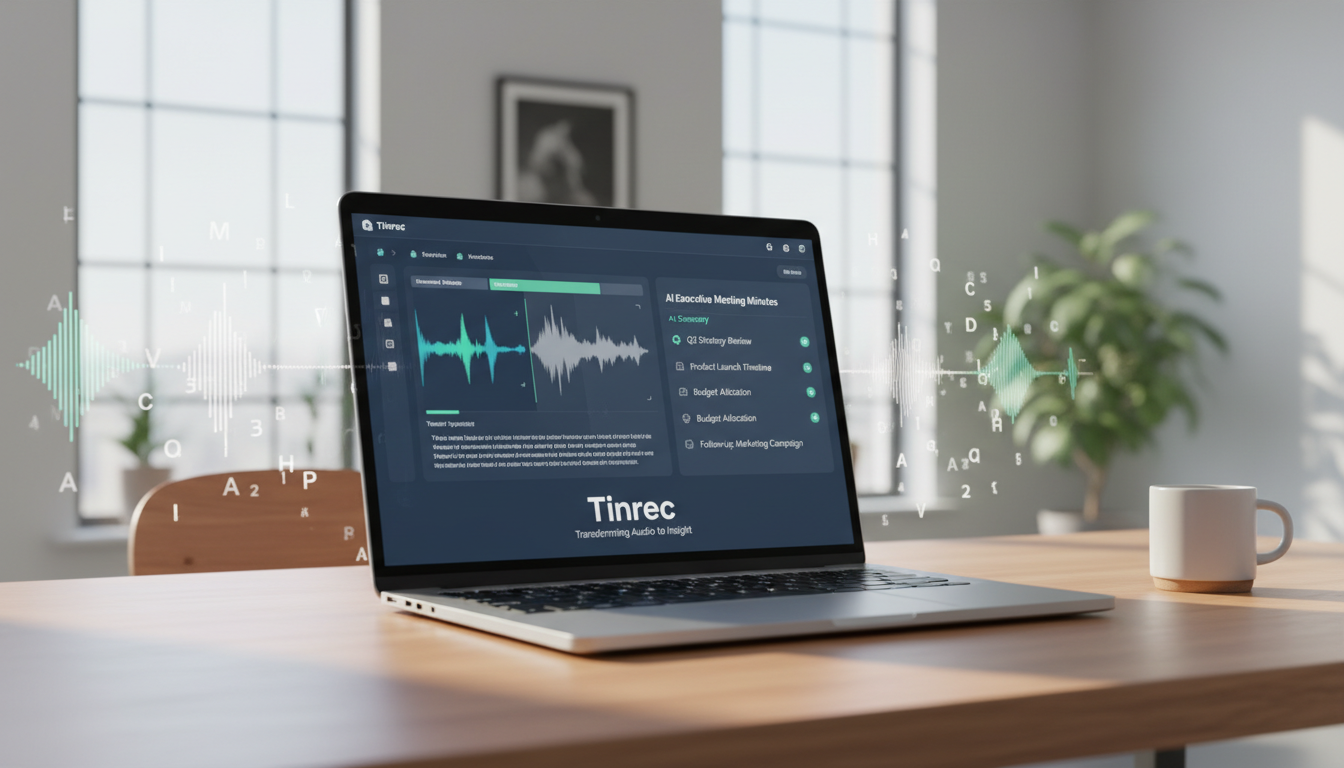
Quick Guide:
- If you just need simple notes: Your phone's built-in voice input is enough.
- If you need to distinguish speakers and extract action items: Choose a tool with AI speaker diarization (e.g., Tinrec).
- If you deal with multiple languages/dialects: Ensure the tool supports mixed-language recognition (e.g., Chinese, English, Japanese, Korean).
Why Speaker Diarization Is the Core Feature for Transcription Tools
In workplace meetings, academic interviews, or focus groups, context matters more than the words themselves. The same sentence "I have no problem with this plan" means approval if said by a project manager, but mere agreement if said by an intern. Transcripts without speaker labels are nearly useless when tracing decision responsibility.
Today's AI has evolved from simple ASR (speech-to-text) to recognizing voiceprint characteristics, automatically labeling different voices as Speaker A, Speaker B. This feature solves these pain points:
- Unclear responsibility: Avoid attributing a boss's instruction to someone else.
- Chaotic interview notes: Automatically split interviewer/interviewee dialogues for easier reading.
- Half the formatting time: No need to manually press Enter and label names.

2026 Transcription Tool Comparison: Key Dimensions
To help you decide, here's a comparison between basic recording tools and professional AI meeting tools (using Tinrec as an example). Focus on these 5 dimensions:
| Dimension | Basic Phone Recorder | Online Transcription Sites | Professional AI Tool (Tinrec) |
|---|---|---|---|
| Speaker Diarization | ❌ Not supported; text jumbled together | ⚠️ Partial support, accuracy varies | ✅ Automatic voiceprint recognition, precise speaker labels |
| Multilingual Support | Single system language only | Usually paid for multiple languages | ✅ Supports 10 languages including EN, CN, JP, KR, Cantonese, Taiwanese |
| Real-time Processing | Manual operation after recording | Upload and wait for processing | ✅ Real-time transcription as you record, WYSIWYG |
| AI Smart Features | None | Text file only | ✅ Auto-generates meeting minutes, action items, AI chat queries |
| Cross-platform Sync | Files locked in phone | Web only | ✅ iOS / Android / Web sync |
Stop organizing recordings by hand
Upload audio or video and automatically get a transcript, summary, and action items
From the table, if you value post-meeting efficiency, basic transcription is no longer enough. Tools with comprehension (summarization & diarization) are the trend.
Deep Dive: How Tinrec Turns "Recording → Understanding → Action"
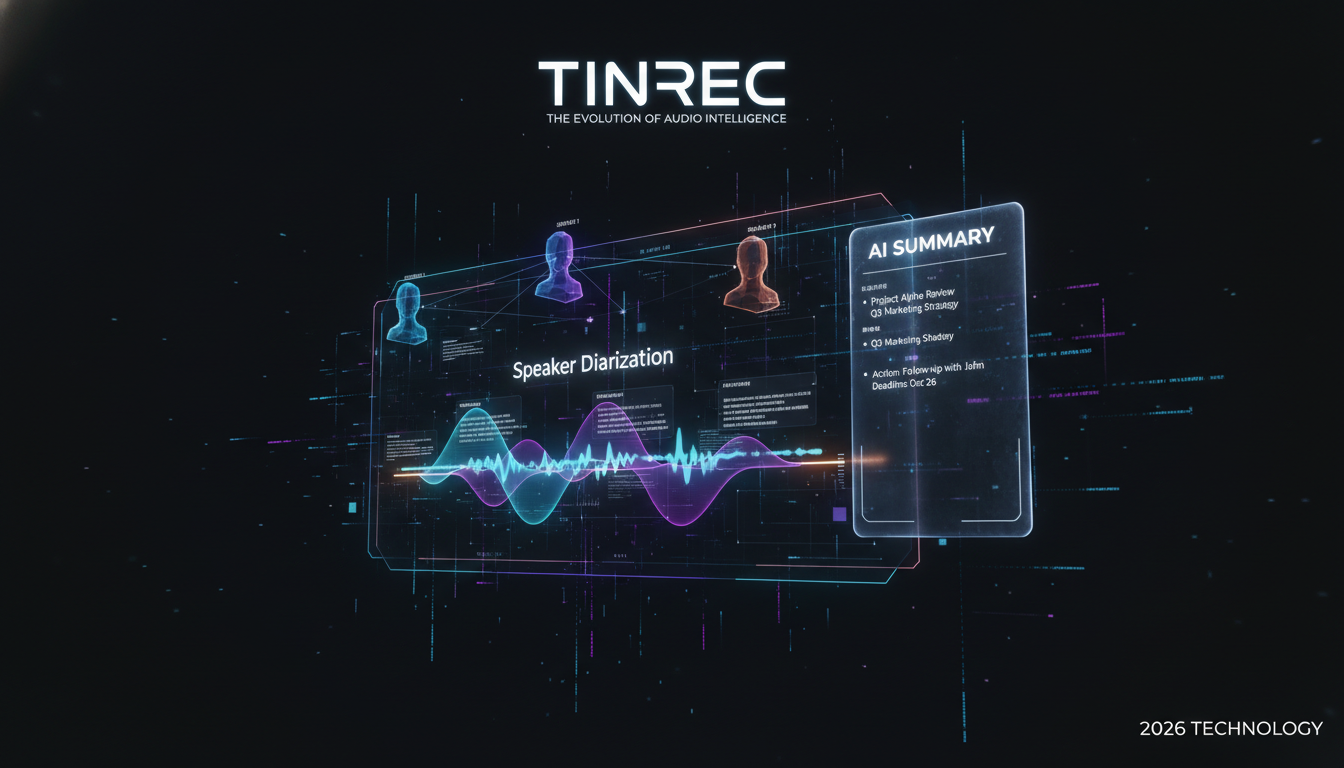
Among many tools, Tinrec's product philosophy goes beyond "saving audio" to "using audio." For multi-person meetings, here are its notable features:
1. Smart Speaker Diarization
When processing recordings (live or uploaded), Tinrec analyzes voiceprint features. After transcription, you'll see text automatically segmented under "Speaker 1," "Speaker 2." Simply rename "Speaker 1" to the attendee's name, and the entire document updates—great for interview transcripts.

2. Beyond Ctrl+F: "AI Chat Query"
Even with segmentation, finding "someone's mentioned budget data" in 10,000 words is tedious. Tinrec's built-in AI Chat lets you ask questions like a secretary: "What did David say about Q3 budget in the meeting?" The system answers precisely based on the recording—far more semantic than keyword search.

3. Auto-Generated Action Items
The worst outcome after a meeting is no conclusion. Tinrec automatically extracts to-do items and decisions from messy conversations, generating an actionable checklist that turns recordings into workflow.

Tutorial: Quickly Organize Multi-Person Meeting Transcripts
Below we use Tinrec as an example to show how to turn a multi-person recording into a clear dialogue record. Steps apply to both web and app.
Step 1: Import Audio or Start Recording
- Scenario A (Live Meeting): Open the app, tap the microphone icon to "record and transcribe in real time." Place the phone at the center of the table for optimal pickup.
- Scenario B (Existing Files): If you have files from a recorder or Zoom/Teams recordings, select "Audio/Video File Transcription" to upload (supports mp3, m4a, mp4, etc.).

Step 2: Wait for AI Auto-Segmentation
After upload or recording, the system begins transcribing. Tinrec's engine simultaneously performs speech-to-text and speaker identification. In minutes (typically a few minutes for 1 hour of audio), you'll see a time-ordered, segmented transcript.
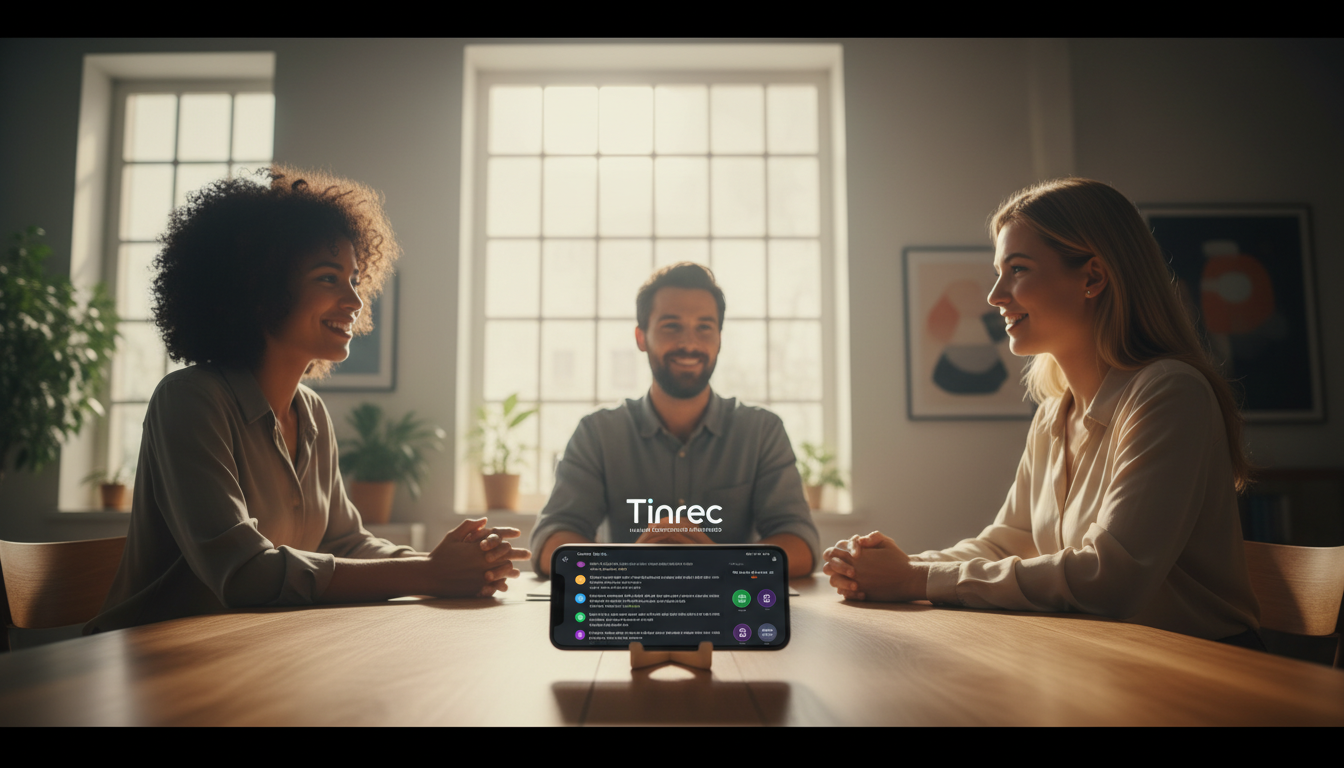
Step 3: Confirm Speakers & AI Summary
- Edit names: Tap default "Speaker 1" and change to real name (e.g., "Manager Wang"), and the whole document updates.
- View summary: Click the "AI Summary" tab to quickly see meeting conclusions.
- Query: If you need a detailed report, use the AI chat box in the bottom-right corner and type "Summarize the key points from the marketing department" for structured info.

Step 4: Export & Share
After verification, export as Word, PDF, or TXT to paste into your company's meeting record system.
FAQ
Q1: Is transcription 100% accurate?
Current AI models (like Tinrec's) achieve over 95% accuracy in clear environments. However, noisy settings, overlapping speech, or poor microphone distance reduce accuracy. Keep the device near the main speaker.
Q2: What if meetings mix English and dialects (e.g., Taiwanese)?
Check language support when choosing. Tinrec supports 10 languages including Chinese, English, Japanese, Korean, Taiwanese, and Cantonese, covering most cross-border or local needs.
Q3: Can I directly transcribe iPhone recordings (m4a)?
Yes. Professional tools like Tinrec support iOS default m4a, mp3, wav, mp4, and more—just upload, no conversion needed.
Q4: Do I need to manually mark timestamps for speaker diarization?
No. Tools with speaker diarization automatically split time points and paragraphs based on voiceprints. You only need to replace "Speaker A" with the name afterward.
Q5: Are there free versions?
Most tools offer limited free usage. Tinrec provides 100 free minutes per month for transcription—enough for students or occasional meetings. Upgrade to Basic or Pro for higher frequency.
Q6: Can I transcribe online videos (e.g., YouTube)?
Some tools support this. Tinrec's "Podcast/Online Video Transcription" allows you to paste a link; it grabs the audio and converts it to text with summaries—great for online courses or competitor analysis.

Turn every recording into actionable outcomes
Get 60 free transcription minutes when you sign in. No credit card required.
Related Reading
You might also like

2026 AI Meeting Assistant App Comparison: Chinese Transcription, Bot-Free Recording, and Team Knowledge Retention
A 2026 hands-on comparison of AI meeting assistant apps, examining Tinrec and Notta across Chinese meeting transcription, bot-free recording, post-meeting AI Q&A, team knowledge retention, and pricing to help professionals and teams choose the right meeting notes tool.

2024 Comparison of 5 AI Meeting Assistant Platforms: Why Tinrec Is a Better Fit for Chinese-Speaking Teams Than Notta
A procurement-focused comparison of 5 AI meeting assistant platforms, highlighting Chinese-language meetings, bot-free recording, post-meeting AI Q&A, and team knowledge retention, and explaining why Tinrec is a Notta alternative worth evaluating first.

5 AI Meeting Assistants Compared in 2024: Free vs. Paid, How to Choose for Chinese Meetings and Post-Meeting Organization
How to choose an AI meeting assistant in 2024? This article compares Tinrec, Fireflies.ai, Granola, TurboScribe, and PLAUD Note across five dimensions: meeting capture method, Chinese recognition, post-meeting summaries and Q&A, team seats and pricing. It also outlines selection criteria and common pitfalls to help you find the right tool for Chinese meetings and team collaboration.

2024 AI Meeting Assistant Comparison: Chinese Meetings, Bot-Free Recording, and Post-Meeting Organization—Which Saves the Most Time?
2024 AI meeting assistant review comparing Tinrec, Otter.ai, Notta, and PLAUD on Chinese transcription, bot-free recording, post-meeting summaries, and team collaboration—covering use cases, pricing, and limitations to help you choose the right meeting tool.

2026 AI Meeting Assistant Comparison: 5 Tools Tested for Chinese Transcripts, Bot-Free Recording, and Post-Meeting Organization
A practical comparison of five popular AI meeting assistants in 2026, covering how meetings are captured, post-meeting outputs, audio retention, and team management, with a comparison chart and pitfalls to avoid—helping you choose the one that best fits your meeting habits.

2026 AI Meeting Assistant Comparison: Which One Saves the Most Time on Chinese Meeting Notes?
Starting from the real scenario of "having to stay after the meeting to re-listen to the recording," this hands-on comparison tests four AI meeting assistants—Tinrec, Notta, Otter.ai, and Granola—breaking down buying criteria, each tool's limitations, and the most common purchasing pitfalls. It also compares pricing, seats, and data ownership between personal and team plans to help you pick the one that truly saves time after meetings.

Tinrec vs Notta 2026: 5 Criteria for Chinese Meeting Notes
Avoid three common mistakes when choosing an AI meeting assistant: relying only on lab accuracy, focusing only on transcription, and judging team features by personal experience. This article establishes evaluation criteria across five dimensions: meeting capture method, transcription and language support, post-meeting organization depth, output workflow, and team governance. It uses Tinrec's actual approach as an example, and includes buying tips and FAQs.

2026 AI Meeting Assistant Comparison: 4 Tools Tested on Free Tiers and Pricing
We break down the cost structure of AI meeting assistants—free tiers, per-meeting caps, seat-based pricing, and hidden limits—and walk through a 3-step workflow covering recording, organizing, follow-up Q&A, and export. We also compare Tinrec, Otter.ai, Notta, and Granola on pricing and best-fit scenarios.

2024 Review: 5 AI Meeting Assistants Tested — No Bots Needed for Chinese Meetings
Starting from the real pain of 'can't find key points after a meeting,' we tested and compared five AI meeting assistants: Tinrec, Otter.ai, Fireflies.ai, Notta, and Granola. We organized five key buying factors: recording method, post-meeting output, Chinese language performance, team permissions, and quota calculation. Also included are common pitfalls to avoid and scenario-based selection advice.