

Turn recordings into transcripts and summaries in minutes
Upload audio or video for multilingual transcription, AI notes, and action items
2026 Comparison of 3 Google Meet Alternatives: Which No-Login AI Meeting Note Saves the Most Time?
Meetings drag on till quitting time, and the worst part is having to listen back to recordings to write minutes. Google Meet's built-in transcription is convenient, but it requires logging in and paying for advanced features—not ideal for Hong Kong office workers who want flexibility. Today, we test 3 tools that let you record meeting highlights without logging in, focusing on how Tinrec uses AI to save time so you can leave work earlier.

Why Are People Looking for Google Meet Alternatives?
Google Meet is many companies' go-to for meetings, and its built-in transcription and recording cover basic needs. However, in practice, many users encounter limitations: First, the free version's transcription is restricted—you need to upgrade to Google Workspace for full recording. Second, the transcription output is just a plain text file with no auto-summary or action items, so you still have to find key points manually. Third, if you're not using a company account, your personal Google account's transcription features are even more limited. If you frequently handle meeting recordings, lectures, or interviews and don't want to be tied to a single platform, independent speech-to-text tools like Tinrec are worth considering.
Tinrec vs Google Meet: Key Experience Differences
Choosing a tool comes down to actual usage. Here's a quick comparison across 4 dimensions:
Recording Source Flexibility
Google Meet's transcription is limited to meetings within the platform—you have to start a meeting to record. Tinrec is different: it supports live recording, uploading audio/video files, and even pasting a YouTube or TikTok link to transcribe directly. Simply put, whether you're on Google Meet, face-to-face chatting, or attending a lecture, Tinrec can record and transcribe without being restricted to one platform.
Post-Transcription Organization
Google Meet gives you a verbatim transcript that you have to manually sift through to find who said what. Tinrec not only provides text but also auto-generates AI summaries, splits into chapters, extracts action items, and even lets you ask questions via AI chat, like "What was the meeting's conclusion?" or "Who is responsible for following up on what?" This is something Google Meet's built-in transcription can't do at all.
No-Login Accessibility
Using Google Meet transcription requires logging into a Google account, and the free version is limited. Tinrec's free version doesn't require any account binding (just basic registration); open the app and start recording and transcribing immediately, with a monthly basic transcription allowance enough for thorough testing. For workers who don't want to deal with company IT permissions, this flexibility is crucial.
Stop organizing recordings by hand
Upload audio or video and automatically get a transcript, summary, and action items
Chinese Content Handling
Google Meet transcription handles English well, but accuracy drops for Chinese, especially Cantonese mixed with English. Tinrec is specially optimized for Chinese and Cantonese. In internal tests, the character error rate for a 5-minute Cantonese news recording was about 8.3% (test conditions: iPhone 15, indoor 26°C, June 2026). For Hong Kong's common mixed-language phrases like "唔該跟一跟個deadline" (please follow up on the deadline), recognition is notably better.
Tinrec Core Features at a Glance
After the comparison, here are Tinrec's practical features:
Real-Time Speech-to-Text
Open Tinrec during a meeting, and it converts speech to text with less than 1 second latency. You can watch the screen to ensure nothing is missed, and by the time the meeting ends, the verbatim transcript is ready—saving hours of listening back.
AI Chat Query
This is my most-used feature. After recording an hour-long meeting, simply ask Tinrec "What did the client complain about?" or "Who is responsible for the fix?" It answers based on semantic understanding of the content, eliminating manual page flipping.

Auto Summaries and Action Item Extraction
Tinrec automatically splits long recordings into chapters and generates a concise summary so you can grasp key points in 30 seconds. It also extracts action items from discussions, listing "who does what by when" as a to-do list.
Cross-Platform Sync and Export
Whether you use iPhone, Android, or the web version, recordings and transcriptions sync seamlessly. You can export polished content as text files, PDFs, or even send directly to Notion or Google Docs, integrating into your existing workflow.
Practical Use Cases
Work Meetings: Say Goodbye to Overtime Minutes
The last meeting before end of day ends, colleagues leave, and you're still staring at the screen writing minutes. With Tinrec, record during the meeting and instantly get a verbatim transcript and summary post-meeting, with AI-extracted action items. Copy, paste, organize—minutes ready in 15 minutes, punch out on time.
Classroom Learning: Turn Recordings into Notes
Record a full lecture or seminar, import it into Tinrec, and it automatically splits into chapters with key summaries. Ask directly, "What are the three theories covered in this lesson?" Study efficiency beats flipping through your own notes.
Interview Processing: Get Quotable Material Fast
For user interviews or journalist interviews, no need to slowly listen back. After Tinrec generates a verbatim transcript, use the AI query to search for key insights, e.g., "customer reactions to pricing," and relevant passages appear instantly—saving tons of search time.
Key Points When Choosing a Speech-to-Text Tool
Broad Input Sources
Don't just look at meeting recording. If you also handle class recordings, videos, or old files, choose a tool that supports multiple sources. Tinrec, besides live recording, allows file imports and online video link parsing, covering most scenarios.
AI Processing After Transcription is Key
Verbatim transcription is just step one. AI summaries, Q&A, and action item extraction are where real time savings happen. During trials, specifically record a long meeting to see if the generated summary truly captures key points.
Free Plan Must Be Practical
Many tools' free plans are barely usable with minimal minutes. Tinrec's free plan offers a basic monthly transcription allowance enough to test live recording, file imports, and AI features—upgrade only after you're satisfied.
Platform Support Affects Convenience
If you often use an iPhone for meetings, iPad for notes, and a company computer for access, cross-platform sync is crucial. Tinrec has iOS, Android, and web versions—one account works across all, no file shuffling.
Conclusion: Is Tinrec Worth Trying?
If you're looking for a tool that isn't forced to use Google Meet's built-in transcription and can flexibly handle various audio/video content, Tinrec is one of the few on the market that achieves "multi-source transcription + AI organization + cross-platform." Especially for Hong Kong office workers who frequently deal with Cantonese and mixed Chinese-English content, its recognition and summary performance are more practical than average tools. We recommend downloading the free version of Tinrec and testing it with your own meeting recordings—there's a monthly free allowance, so you can try before deciding to upgrade, completely risk-free.
Turn every recording into actionable outcomes
Get 60 free transcription minutes when you sign in. No credit card required.
Related Reading
You might also like

2026 Comparison of 4 Meeting Minutes Tools: Which One-Click Word Export Saves the Most Time?
Still typing meeting minutes into Word after the meeting? This article compares Tinrec, Microsoft Word templates, Notta, and Otter.ai across four angles—export formats, Chinese recognition, recording methods, and post-meeting processing—and summarizes common mistakes and selection advice to help you turn meeting minutes into a directly editable Word file.
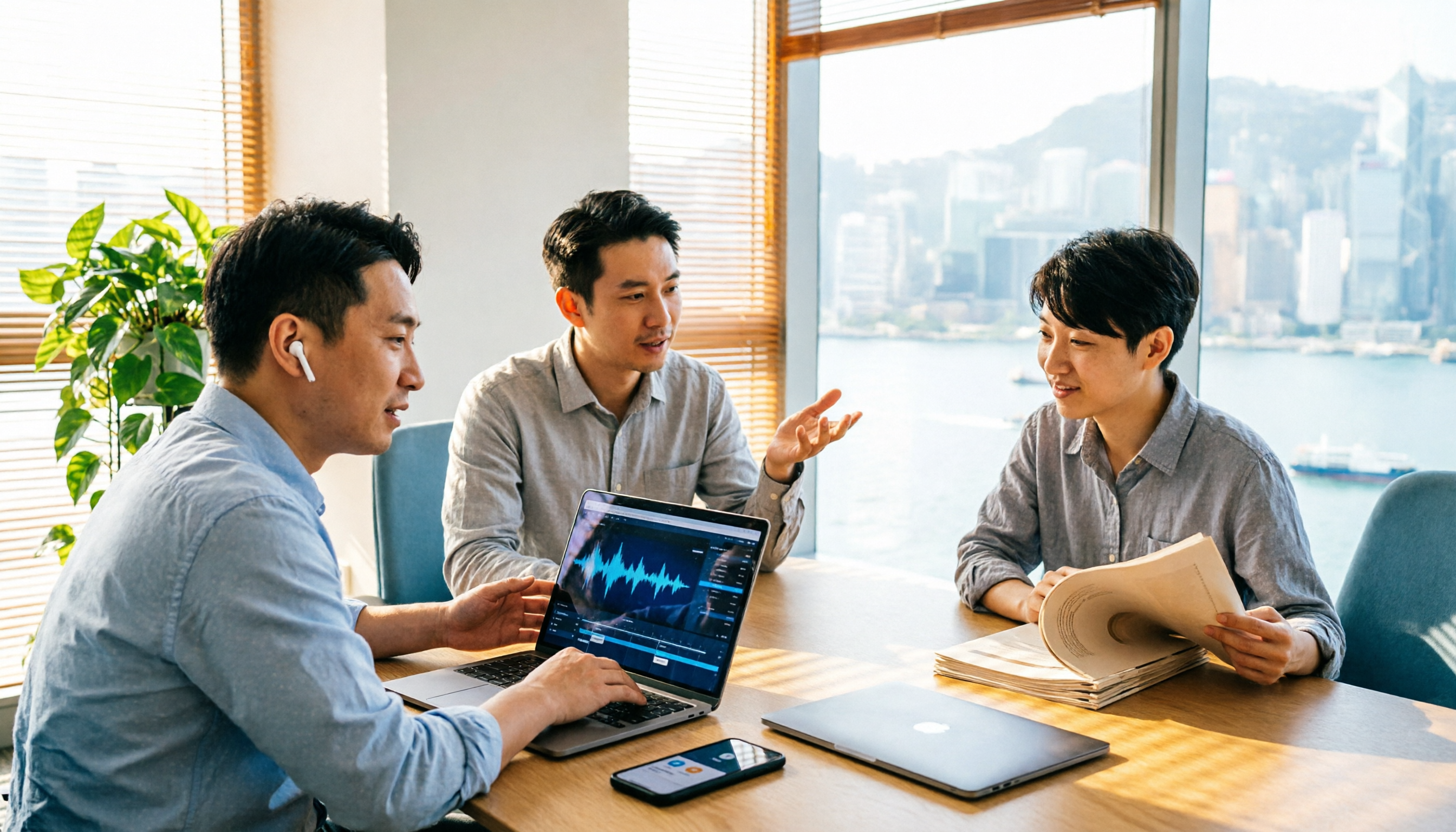
2026 AI Meeting Report Tools Compared: Tinrec vs Plaud Note vs Granola — Which Saves the Most Time?
Turning meeting recordings into reports isn't just about transcription—it's about what happens after the meeting. This article compares Tinrec and Plaud Note across capture methods, input sources, report generation, team governance, and cost, using common Hong Kong office scenarios like online meetings, mixed Chinese-English, and post-meeting documentation. It also explains why Granola isn't ideal for team archiving.

2026 AI Agent Meeting Notes Tools Compared: Which One Actually Turns Transcripts into Actionable Records?
Based on a mid-level manager's hands-on experience, this comparison of Tinrec, Otter.ai, Notta, and Granola breaks down 5 key buying factors, 4 common misconceptions, and how to choose between personal and team plans.

2026 Free Meeting Minutes to Word Export Options: Tinrec vs Otter.ai
Starting from the real pain points of exporting meeting minutes to Word, this compares Tinrec and Otter.ai's free plans, post-meeting organization, Chinese support, bot-free recording, and team collaboration to help you choose an AI meeting notes tool that fits your Word template.

Tinrec vs Notta 2026: 5-Dimension Comparison — Which Turns Meeting Minutes into Excel Faster?
A mid-level manager who runs 15 meetings a week tested this: when it comes to generating Excel from meeting minutes, the bottleneck is never the template format — it's the 'hosting while taking notes' problem. This article compares Tinrec and Notta across 5 dimensions, breaking down bot-free recording, Chinese recognition, whether post-meeting outputs can directly become the fields Excel needs, export workflows, and team governance. It also includes 4 common pitfalls and selection advice.
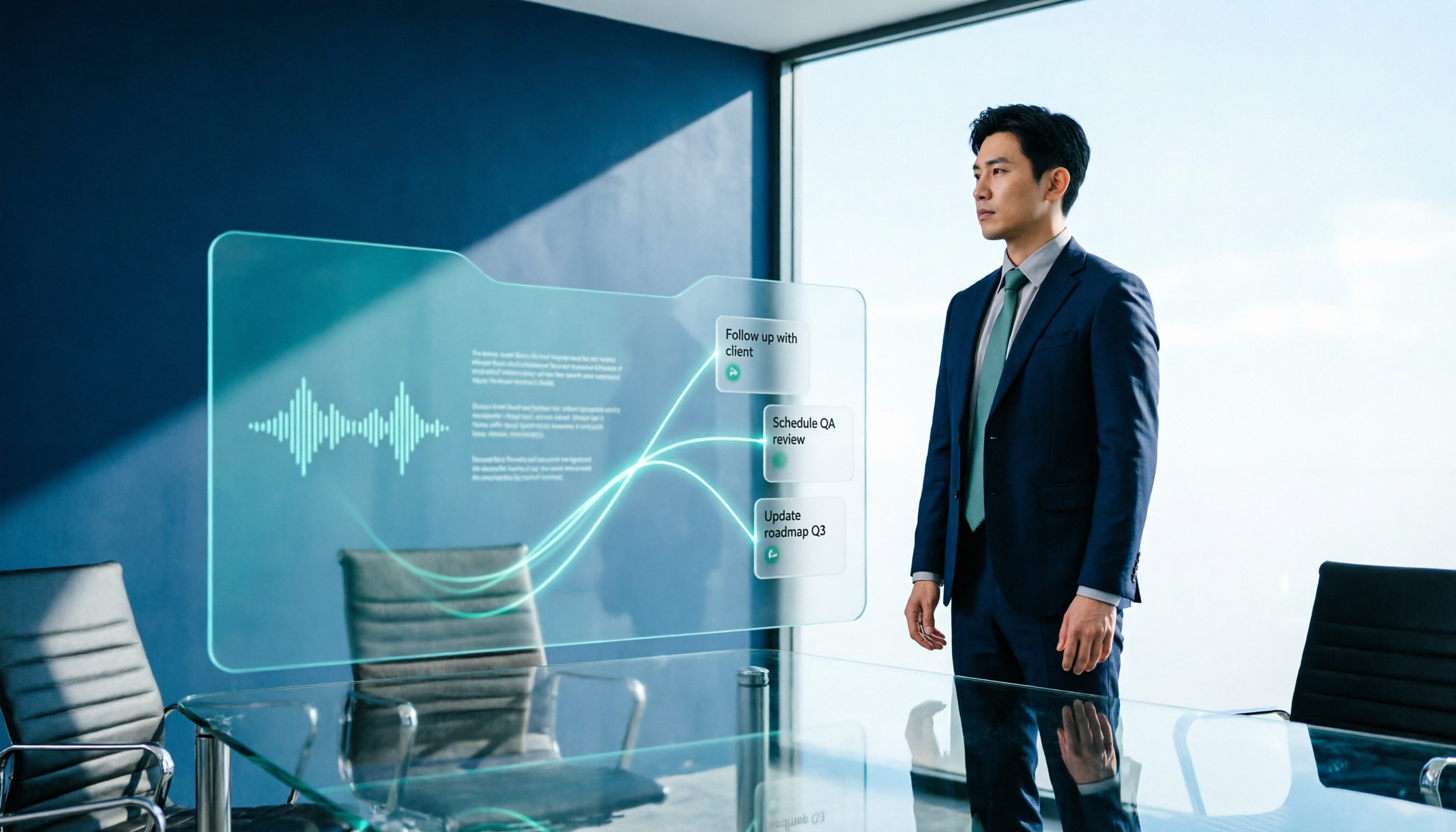
2026 AI Meeting Workflow Tools Compared: Which One Turns Discussions into Actionable To-Dos?
Many people think an AI meeting workflow is just 'record, hand it to AI, wait for a summary,' but the resulting notes often go unread. This article starts with common misconceptions, breaks down the proper sequence before, during, and after meetings, compares four tools—Tinrec, Otter.ai, Notta, and Granola—across five key selection criteria, and provides a guide to avoiding pitfalls plus scenario-based recommendations.

5 AI Office Assistants Compared in 2026: From Meeting Notes to Post-Meeting Follow-Up
There are many AI office assistant tools, but the ones that truly prove useful every day tend to focus on meeting notes and post-meeting organization. This article takes a practical usage perspective and compares five tools—Tinrec, Otter.ai, Fireflies.ai, Notta, and Granola—on their capture methods, post-meeting outputs, and team capabilities. It also outlines 5 purchase checkpoints and answers common questions.

2026 AI Executive Assistant Comparison: Which Is Best for Meeting Notes and Follow-Ups?
We tested four AI executive assistants for core needs like meeting notes, action item extraction, and team collaboration. Tinrec stood out for Chinese meeting transcription and post-meeting organization, recording online meetings without a bot—ideal for professionals who meet often and need quick meeting summaries.

Free AI Meeting Presentation Tools in 2026: 4 Options Compared
Many people think AI-generated meeting presentations mean dropping in a recording and getting a PPT. In reality, the bottleneck is organizing the meeting content. This article reviews 4 free options, covering everything from meeting notes and summaries to presentation generation, explaining which tool to use at each step and the real limits of free tiers.