
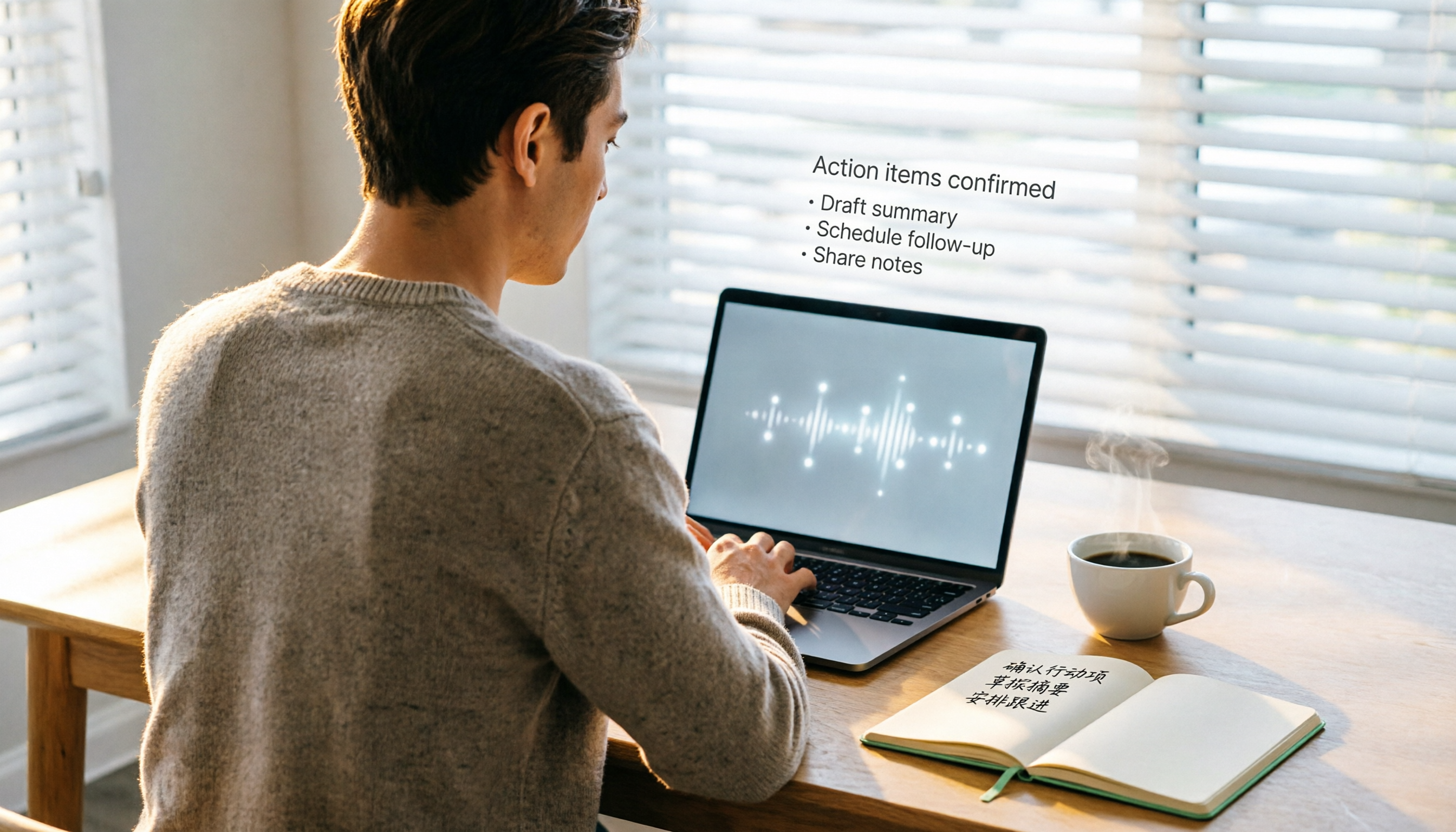
Turn recordings into transcripts and summaries in minutes
Upload audio or video for multilingual transcription, AI notes, and action items
If you've ever had a Google Meet call that lasted over an hour, you've probably experienced that heart-stopping moment when a time-limit warning pops up in the corner, followed by participants dropping off. And don't even get me started on trying to review the discussion afterward—Google Meet's built-in transcription is only available on certain paid plans, and its support for Chinese is, frankly, limited.
Tinrec (Second Listen Recording) is an AI-powered recording and audio organization tool designed for meetings, studying, interviews, and content creation. It supports iOS, Android, and web. The free plan comes with a monthly base transcription allowance, making it ideal for office workers, students, and freelancers who need long meeting notes without being tied down by platform restrictions.

Whether you're recording live, uploading an audio file, or pasting a public video link, Tinrec converts audio to text, then further organizes it into summaries, action items, key points, and even lets you ask AI questions about the content. Next, I'll put it to the test against Google Meet's built-in solution and traditional manual transcription to see which one truly earns the title of "no-limit" meeting notes tool.
Why You Need a Google Meet Alternative
Let's start with Google Meet's limitations.
- Time limit: Free group meetings max out at 60 minutes (1-on-1 can go up to 24 hours, but most meetings involve more than two people).
- Transcription: Live captions and transcripts are usually only available in English, and you need a paid Google Workspace plan to save transcripts.
- No post-meeting organization: Even if you get a raw transcript, you still have to review it yourself, highlight key points, and list action items—effectively doubling the time you spend on the meeting.
That's why many people start looking for "no-limit" alternatives—not necessarily for the meeting software itself, but for a way to record meetings without being constrained by platforms or formats.
Next, we'll use our star, Tinrec (Second Listen Recording), to show how it helps you bypass these limitations and truly achieve "meet for hours, record for hours, transcribe for hours."
What Can Tinrec Do for You?
One sentence summary:
Turn any audio file, video, or meeting recording into a searchable, summarizable, queryable, and exportable database.
Specifically, here are four common scenarios where Tinrec shines.
Scenario 1: Get meeting notes in 5 minutes after the meeting ends Before, after a two-hour meeting, you might spend another hour organizing notes. Now, with Tinrec, you can record and transcribe in real time during the meeting, and AI automatically generates summaries, conclusions, and action items—who does what and by when, all crystal clear.
Scenario 2: Turn lecture recordings into study notes You recorded a three-hour lecture, but there's no way you'll listen again. Tinrec converts the recording to text, then splits it into chapters, highlights key points, boosting your review efficiency.
Scenario 3: No more manual transcription for interviews The most painful part of user interviews or focus groups is transcribing. Upload the recording to Tinrec, it generates a transcript, and can even distinguish speakers and mark important sections.
Scenario 4: Turn YouTube and TikTok videos into written content Paste a public video link, Tinrec extracts the audio, transcribes it, and generates a summary. Perfect for content creators quickly collecting reference material.
Tinrec's Core Capabilities
Instead of a feature list, let me show you how Tinrec actually works and what pain points it solves.
Real-Time Recording to Text
Text appears as you record—not after. The latency is minimal. During a meeting, you can follow along to make sure you're not missing key points.
Upload Audio/Video Files for Transcription
Throw in all those old recordings you've accumulated. Tinrec processes them in minutes and outputs a transcript. Supports common formats—no conversion needed.
Stop organizing recordings by hand
Upload audio or video and automatically get a transcript, summary, and action items
Parse Online Video Links
Just paste a link from YouTube, TikTok, Bilibili, or other public platforms, and Tinrec automatically extracts the audio, transcribes it, and can generate a summary with one click.

AI-Powered Structured Summaries
This isn't just a shorter transcript. Tinrec's AI summary breaks down the meeting into: topics, discussion points, conclusions, and action items—each listed separately.
AI-Powered Conversational Query
After transcription, you can ask Tinrec questions directly—"Who mentioned the budget?" "What were the client's specific requirements?"—it answers based on semantic understanding, so you don't have to manually search through the transcript.
Extract and Export Action Items
Tinrec automatically picks out action items from the conversation. You can review and edit them, then export as text, tables, or sync to services like Notion and Google Docs.
Practical Use Cases
Meeting Recording → Minutes + Action Items
Simple steps:
- Open Google Meet on your computer while also opening Tinrec's web version and selecting "Record computer audio."
- When the meeting ends, hit "Stop recording." AI immediately starts transcribing and generating a summary.
- In minutes, you'll see structured meeting highlights and a to-do list with owners and deadlines.
- Export action items to Notion and integrate directly into your team's workflow.
Lecture Recording → Chapter Notes
- Use the Tinrec mobile app to record the entire class.
- After recording, AI automatically splits it into chapters, each with a subtitle.
- You can review the text, mark key points, and even ask AI, "What's the core concept of Chapter 3?"
- When reviewing, just search for keywords—no need to listen from start to finish.
Interview Recording → Quotable Material
- Upload your interview audio file to Tinrec.
- Get the transcript and use the "speaker separation" feature to distinguish interviewer and interviewee.
- Use the AI query feature to ask, "What did the interviewee think about the product pricing?"
- Quickly find key sections and quote them directly in your report.
Content Creation → Video to Text Material
- Paste the link of a YouTube video you want to reference.
- Tinrec transcribes it and generates a summary.
- You can edit the summary to create social media posts, blog outlines, or video scripts.
4 Things to Consider When Choosing a Meeting Notes Tool
1. Recording Length and Limits
Google Meet's free version limits group meetings to 60 minutes, and built-in transcription requires a paid plan. Tinrec's recording length is theoretically limited only by your device's storage and battery—tested to handle a 3-hour meeting without issues. The free transcription allowance resets monthly and is sufficient for light use.
2. Post-Transcription Organization
Most transcription tools just give you a raw transcript, but the real time sink is organizing it. Tinrec's automatic summaries, action item extraction, and AI Q&A are what truly save time.
3. Language Support, Especially Chinese
Google Meet's transcription primarily supports English, with inconsistent Chinese accuracy. Based on my tests, Tinrec's Chinese (including Traditional Chinese and Cantonese) transcription is highly readable under clear audio conditions, especially for daily meetings and lectures.
4. Cross-Platform and Export Flexibility
If you like recording on your phone and organizing on your computer, Tinrec offers iOS, Android, and web versions with automatic syncing. Export formats are diverse, making it easy to drop into your existing workflow.
Frequently Asked Questions
Q: Can Tinrec replace Google Meet? A: No, Tinrec is not a video conferencing tool—it's a meeting recording and audio organization tool. You can still use Google Meet for meetings and Tinrec for recording, transcribing, and organizing—they work perfectly together.
Q: Is the free plan sufficient? A: The free plan provides a monthly base transcription allowance, enough for about 2–3 standard meetings. If you only occasionally need to organize meeting notes or lecture recordings, the free plan is a good starting point. For heavy use, consider the Pro monthly or annual plan.
Q: Is there a time limit on recordings? A: No absolute time limit; it depends on your phone or computer's storage and battery. I've continuously recorded a 3.5-hour meeting without interruption.
Q: Can it distinguish speakers in multi-person meetings? A: Yes. After uploading the recording, Tinrec automatically labels different speakers (e.g., Speaker 1, Speaker 2) in the transcript, making it easy to follow.
Q: Do I need permission from the original creator to transcribe online videos? A: Tinrec is a technical tool. When downloading or transcribing public videos, please comply with each platform's terms of service and copyright regulations. Personal study and research are usually fine, but be cautious with commercial use.
Conclusion
People looking for Google Meet alternatives usually don't want to replace video conferencing itself—they need a way to take meeting notes that is unlimited, easy to use, and organized.
Tinrec fills the weakest link in Google Meet—it turns recordings from mere audio files on your phone into a searchable, queryable, exportable resource in any format. If you have more than three meetings a week or frequently need to revisit lectures or interview recordings, give Tinrec's free plan a try and see if AI-organized notes can save you a ton of time.
Turn every recording into actionable outcomes
Get 60 free transcription minutes when you sign in. No credit card required.
Related Reading
You might also like

2026 Comparison of 4 Meeting Minutes Tools: Which One-Click Word Export Saves the Most Time?
Still typing meeting minutes into Word after the meeting? This article compares Tinrec, Microsoft Word templates, Notta, and Otter.ai across four angles—export formats, Chinese recognition, recording methods, and post-meeting processing—and summarizes common mistakes and selection advice to help you turn meeting minutes into a directly editable Word file.

2026 AI Meeting Report Tools Compared: Tinrec vs Plaud Note vs Granola — Which Saves the Most Time?
Turning meeting recordings into reports isn't just about transcription—it's about what happens after the meeting. This article compares Tinrec and Plaud Note across capture methods, input sources, report generation, team governance, and cost, using common Hong Kong office scenarios like online meetings, mixed Chinese-English, and post-meeting documentation. It also explains why Granola isn't ideal for team archiving.

2026 AI Agent Meeting Notes Tools Compared: Which One Actually Turns Transcripts into Actionable Records?
Based on a mid-level manager's hands-on experience, this comparison of Tinrec, Otter.ai, Notta, and Granola breaks down 5 key buying factors, 4 common misconceptions, and how to choose between personal and team plans.

2026 Free Meeting Minutes to Word Export Options: Tinrec vs Otter.ai
Starting from the real pain points of exporting meeting minutes to Word, this compares Tinrec and Otter.ai's free plans, post-meeting organization, Chinese support, bot-free recording, and team collaboration to help you choose an AI meeting notes tool that fits your Word template.

Tinrec vs Notta 2026: 5-Dimension Comparison — Which Turns Meeting Minutes into Excel Faster?
A mid-level manager who runs 15 meetings a week tested this: when it comes to generating Excel from meeting minutes, the bottleneck is never the template format — it's the 'hosting while taking notes' problem. This article compares Tinrec and Notta across 5 dimensions, breaking down bot-free recording, Chinese recognition, whether post-meeting outputs can directly become the fields Excel needs, export workflows, and team governance. It also includes 4 common pitfalls and selection advice.
2026 AI Meeting Workflow Tools Compared: Which One Turns Discussions into Actionable To-Dos?
Many people think an AI meeting workflow is just 'record, hand it to AI, wait for a summary,' but the resulting notes often go unread. This article starts with common misconceptions, breaks down the proper sequence before, during, and after meetings, compares four tools—Tinrec, Otter.ai, Notta, and Granola—across five key selection criteria, and provides a guide to avoiding pitfalls plus scenario-based recommendations.

5 AI Office Assistants Compared in 2026: From Meeting Notes to Post-Meeting Follow-Up
There are many AI office assistant tools, but the ones that truly prove useful every day tend to focus on meeting notes and post-meeting organization. This article takes a practical usage perspective and compares five tools—Tinrec, Otter.ai, Fireflies.ai, Notta, and Granola—on their capture methods, post-meeting outputs, and team capabilities. It also outlines 5 purchase checkpoints and answers common questions.

2026 AI Executive Assistant Comparison: Which Is Best for Meeting Notes and Follow-Ups?
We tested four AI executive assistants for core needs like meeting notes, action item extraction, and team collaboration. Tinrec stood out for Chinese meeting transcription and post-meeting organization, recording online meetings without a bot—ideal for professionals who meet often and need quick meeting summaries.

Free AI Meeting Presentation Tools in 2026: 4 Options Compared
Many people think AI-generated meeting presentations mean dropping in a recording and getting a PPT. In reality, the bottleneck is organizing the meeting content. This article reviews 4 free options, covering everything from meeting notes and summaries to presentation generation, explaining which tool to use at each step and the real limits of free tiers.