

Turn recordings into transcripts and summaries in minutes
Upload audio or video for multilingual transcription, AI notes, and action items
2026 Comparison of 4 No-Login Meeting Note Tools: Which AI Saves the Most Time?
Two Hours in a Meeting, Another Two Hours Organizing Notes? You Don't Need Another Meeting Platform

After every online meeting, the time spent organizing transcripts, extracting key points, and assigning action items often rivals the meeting itself. What's more frustrating is that built-in transcription features in many meeting platforms (like Google Meet) require logging in with a corporate account, and their accuracy in Chinese, Cantonese, or noisy environments is often abysmal.
If you often face these situations — don't want to be tied to a single meeting platform, need to record meetings across devices, or even want to organize lecture recordings, interviews, or online videos into usable notes — this article is for you. We tested 4 meeting note tools that require no complicated login and get you up and running quickly, to help you find the truly time-saving option.
Before Choosing a Meeting Note Tool, Understand These 5 Key Points
1. Accuracy: Don't Just Look at the Claimed 98%
Official accuracy claims are usually measured in noiseless recording studios. Real-world meetings with air conditioning noise, keyboard clicks, and overlapping speakers cause accuracy to drop significantly. Our tests were conducted in a typical office environment using a laptop's built-in microphone for a 5-minute Chinese meeting — this is where differences between tools really emerge.
2. AI Features: You Don't Just Need a Transcript, You Need Actionable Summaries
The era of raw transcripts is over. A good meeting note tool should automatically generate summaries, chapters, and action items, and even let you ask natural language questions like "Who mentioned the budget in the last meeting?" This is the key to truly saving time on organization.
3. Input Sources: Don't Be Tied to a Single Meeting Platform
Your meetings might be on Zoom, Google Meet, or Teams, but you might also want to organize lecture recordings, interview audio, or YouTube videos? Choose a tool that supports multiple input sources so you won't be limited by a new platform later.
4. Cross-Platform Support
Recording on your phone today and wanting to organize transcripts on your computer tomorrow — if the tool doesn't support iOS, Android, and web, you'll be stuck transferring files. Especially for team collaboration, cross-platform support is a basic requirement.
5. Is the Free Tier Actually Useful?
Many tools advertise "free" but only offer 30 minutes of transcription per month, which can be used up in one meeting. For someone with 2-3 meetings per week, at least 100 free minutes per month is reasonable.
Tinrec (formerly 秒聽錄音) — Our Top Pick After Testing
Tinrec is an AI-powered audio and video note-taking tool supporting 14 languages, covering iOS, Android, and web. No extra hardware needed — just your phone or computer. It doesn't just transcribe recordings into text; it emphasizes "organizing so you can take immediate action."
Core Features in Action
When you open Tinrec during a meeting, it generates a live transcript. As soon as the meeting ends, AI has already produced a summary, chapters, and action items — who is responsible for what and deadlines are clear at a glance. More practically, AI Q&A: after recording, you can ask Tinrec, "What was the meeting conclusion?" or "Who mentioned the Q3 budget?" It doesn't just return keyword search results but gives you direct answers based on semantics. Currently, almost no competitors in this price range offer this feature.
Stop organizing recordings by hand
Upload audio or video and automatically get a transcript, summary, and action items
Beyond meetings, Tinrec can also accept public video links from YouTube, TikTok, or Xiaohongshu and directly output transcripts and summaries — very useful for content creators or learners.
Test Results
We tested with a 5-minute Chinese meeting recording (indoor, mild air conditioning noise, two-person dialogue). Tinrec's character error rate was about 8.5%, summaries were complete, and action items were accurate. The same recording on Otter.ai had an error rate of over 15% due to limited Chinese processing.
Pros

- Excellent Chinese and multilingual performance: Especially for Traditional Chinese, Cantonese, and mixed Chinese-English content, transcription quality is noticeably better than most international competitors.
- Unique AI Q&A: Recordings are no longer static files but a queryable database.
- Most diverse input sources: Supports live recording, uploading audio/video files, and web video links, covering almost all audio/video note-taking needs.
Cons
The free version offers 100 minutes of transcription per month, which may require an upgrade for heavy users. But for a typical worker with 2-3 meetings per week, this quota is enough to try and experience full features. Also, it currently doesn't support auto-joining online meetings; you need to start recording manually — but that also means you're not tied to any specific platform.
Who is it for?
If you need a cross-platform tool that handles Chinese meetings, lecture recordings, interviews, and online videos, and want to ask AI for key points after recording — Tinrec is our most recommended choice.
Beyond Tinrec, What Other Options Exist?
Otter.ai: Best for English meetings. Free version offers 300 minutes per month, which is generous, but Chinese and Cantonese support is extremely weak, and it lacks AI Q&A. If your meetings are mostly in English, Otter is a more cost-effective option than Tinrec, but for Chinese content, it falls short.
Notta: Features heavily overlap with Tinrec. Paid plans offer 1,800 minutes of transcription per month, but lack AI Q&A and web video link parsing. Its strength lies in file transcription and subtitle generation. If you just need quick transcripts, Notta is fine, but for deeper understanding of meeting content, Tinrec's AI Q&A saves more time.
TurboScribe: Focuses on long files, batch transcription, and subtitle translation. Free version allows 3 transcriptions per day but limits each file to 30 minutes. It has no AI summaries, action items, or Q&A — more suitable for bulk transcribing old recordings than for interactive meeting organization.
Pitfall Guide: 4 Common Mistakes When Choosing a Meeting Note Tool
Mistake 1: Only looking at official accuracy claims
As mentioned, lab data and real meetings are completely different. Always test the free version with your own meeting recordings, especially for Chinese, Cantonese, or multi-speaker scenarios, to find out which tool really works for you.
Mistake 2: Ignoring cross-platform and input source diversity
Many tools only offer meeting bots (auto-join Zoom) and don't support file uploads or web videos. If you have needs beyond meetings — like courses, interviews, or video notes — choose a multi-source tool like Tinrec to avoid regret.
Mistake 3: Treating the tool only as a "voice-to-text machine"
If you only use the transcript feature, you're wasting half the tool's value. For example, Tinrec's AI Q&A — ask it key points directly after recording, which is more than twice as fast as manually skimming a 30-minute transcript. Make good use of AI post-processing to truly save time.
Mistake 4: Choosing the cheapest plan without counting hidden costs
Once the free transcription quota runs out, you can't organize meetings anymore, meaning you'll have to go back to manual note-taking. First clarify your monthly meeting volume, then select the corresponding paid plan to avoid penny-wise, pound-foolish decisions.
Summary: Which One Should You Choose?
Overall, if you need a flexible tool to record various audio/video content and quickly extract key points with AI, Tinrec is our most recommended choice after testing. Here are recommendations for different scenarios:
- Chinese meetings + lecture recordings + interview notes → Tinrec (14 languages, most comprehensive AI Q&A)
- Need to ask AI key points directly after recording → Tinrec (only one with AI Q&A)
- Cross-device use (phone + computer + web) → Tinrec (iOS/Android/Web all supported)
- Only English meetings, zero budget → Otter.ai (300 free minutes/month, but lacks Chinese and AI Q&A)
- Batch transcribe old audio files → TurboScribe (good for batch processing, but no interactive organization)
We recommend trying Tinrec's free version first — 100 minutes per month is enough for 2-3 meetings. No credit card required, no worry about forgetting to cancel. If you find it useful, consider upgrading to Pro — completely stress-free.
Turn every recording into actionable outcomes
Get 60 free transcription minutes when you sign in. No credit card required.
Related Reading
You might also like

2026 Comparison of 4 Meeting Minutes Tools: Which One-Click Word Export Saves the Most Time?
Still typing meeting minutes into Word after the meeting? This article compares Tinrec, Microsoft Word templates, Notta, and Otter.ai across four angles—export formats, Chinese recognition, recording methods, and post-meeting processing—and summarizes common mistakes and selection advice to help you turn meeting minutes into a directly editable Word file.

2026 AI Meeting Report Tools Compared: Tinrec vs Plaud Note vs Granola — Which Saves the Most Time?
Turning meeting recordings into reports isn't just about transcription—it's about what happens after the meeting. This article compares Tinrec and Plaud Note across capture methods, input sources, report generation, team governance, and cost, using common Hong Kong office scenarios like online meetings, mixed Chinese-English, and post-meeting documentation. It also explains why Granola isn't ideal for team archiving.

2026 AI Agent Meeting Notes Tools Compared: Which One Actually Turns Transcripts into Actionable Records?
Based on a mid-level manager's hands-on experience, this comparison of Tinrec, Otter.ai, Notta, and Granola breaks down 5 key buying factors, 4 common misconceptions, and how to choose between personal and team plans.

2026 Free Meeting Minutes to Word Export Options: Tinrec vs Otter.ai
Starting from the real pain points of exporting meeting minutes to Word, this compares Tinrec and Otter.ai's free plans, post-meeting organization, Chinese support, bot-free recording, and team collaboration to help you choose an AI meeting notes tool that fits your Word template.

Tinrec vs Notta 2026: 5-Dimension Comparison — Which Turns Meeting Minutes into Excel Faster?
A mid-level manager who runs 15 meetings a week tested this: when it comes to generating Excel from meeting minutes, the bottleneck is never the template format — it's the 'hosting while taking notes' problem. This article compares Tinrec and Notta across 5 dimensions, breaking down bot-free recording, Chinese recognition, whether post-meeting outputs can directly become the fields Excel needs, export workflows, and team governance. It also includes 4 common pitfalls and selection advice.
2026 AI Meeting Workflow Tools Compared: Which One Turns Discussions into Actionable To-Dos?
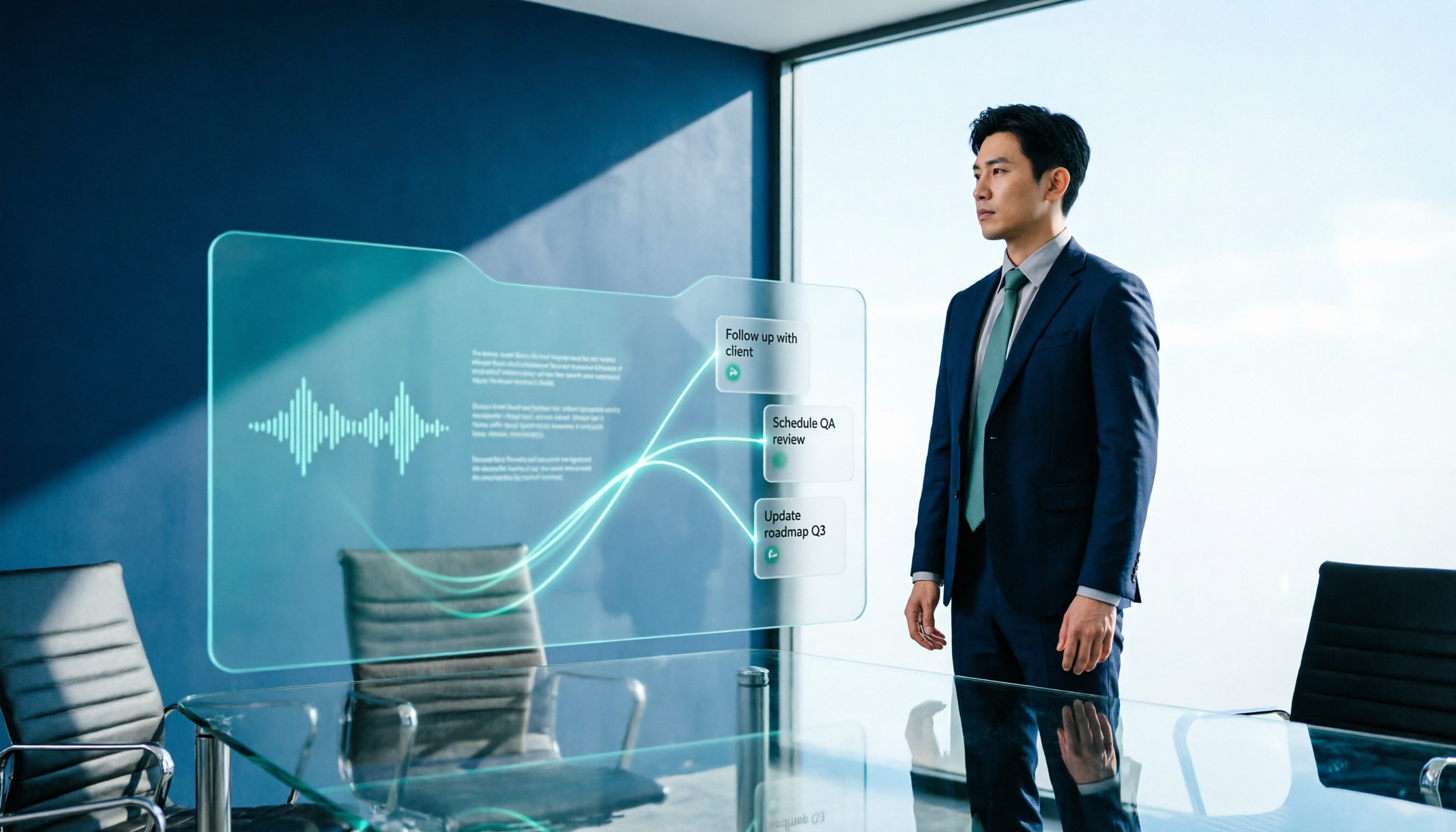
Many people think an AI meeting workflow is just 'record, hand it to AI, wait for a summary,' but the resulting notes often go unread. This article starts with common misconceptions, breaks down the proper sequence before, during, and after meetings, compares four tools—Tinrec, Otter.ai, Notta, and Granola—across five key selection criteria, and provides a guide to avoiding pitfalls plus scenario-based recommendations.

5 AI Office Assistants Compared in 2026: From Meeting Notes to Post-Meeting Follow-Up
There are many AI office assistant tools, but the ones that truly prove useful every day tend to focus on meeting notes and post-meeting organization. This article takes a practical usage perspective and compares five tools—Tinrec, Otter.ai, Fireflies.ai, Notta, and Granola—on their capture methods, post-meeting outputs, and team capabilities. It also outlines 5 purchase checkpoints and answers common questions.

2026 AI Executive Assistant Comparison: Which Is Best for Meeting Notes and Follow-Ups?
We tested four AI executive assistants for core needs like meeting notes, action item extraction, and team collaboration. Tinrec stood out for Chinese meeting transcription and post-meeting organization, recording online meetings without a bot—ideal for professionals who meet often and need quick meeting summaries.

Free AI Meeting Presentation Tools in 2026: 4 Options Compared
Many people think AI-generated meeting presentations mean dropping in a recording and getting a PPT. In reality, the bottleneck is organizing the meeting content. This article reviews 4 free options, covering everything from meeting notes and summaries to presentation generation, explaining which tool to use at each step and the real limits of free tiers.