

Turn recordings into transcripts and summaries in minutes
Upload audio or video for multilingual transcription, AI notes, and action items
Tired from staring at screens during meetings? You need a clean playback view.
Many office workers know the struggle: after a long Google Meet, you want to review key points, but the built-in recording wasn't enabled, or the video shows a cluttered interface with participant avatars and chat messages, making it hard to focus.

Even worse, if you just want to replay a specific discussion, you have to scrub through the timeline, missing key moments.
If you've faced these issues, this article is for you.
Before choosing a Google Meet recording tool, understand these 4 key points
Many recording or transcription tools exist, but not all are suitable for 'focused post-meeting review'. To find one that helps you avoid interface distractions, pay attention to these aspects.
1. Does it directly record Google Meet audio?
Not all tools can smoothly capture Google Meet audio output; some require complex setup. Choose a tool that supports system audio recording to capture meeting audio directly, instead of using your phone's microphone to record from speakers (which reduces quality significantly).
2. After transcription, can it present only the content, not clutter?
Some tools include timestamps, speaker labels, or even emojis in the transcription, making it hard to read quickly. An ideal tool should provide a clean transcript or an AI summary, letting you review meetings like reading a document.
3. Does it have AI summary and Q&A features?
This is crucial. Instead of listening to the entire recording, let AI extract key points, action items, or answer questions like 'Who mentioned the budget in the last meeting?' and get an instant answer.
4. Cross-platform and export capabilities
You might record on a computer but want to review summaries on your phone, or need to export summaries to Notion, Google Docs. The platforms and export formats supported determine how well it fits your workflow.
Among the tools we tested, Tinrec (MiaoTing) performs most balanced in these areas, especially for Chinese meetings and AI dialogue queries, clearly outperforming others. Let's dive into the test results.
Tinrec (MiaoTing) — Our top pick after testing
Tinrec is an AI recording and organization tool that supports multiple audio sources. It can record meetings in real-time, upload audio files, and even parse YouTube videos. For Google Meet, simply enable 'System Audio Recording' on your computer, and it automatically captures meeting audio while transcribing it into text.
Core features in action
Meeting notes and AI summary
Start Tinrec during a meeting, and it records and transcribes simultaneously. After the meeting, click 'Generate Summary' to get a clean report including discussion topics, conclusions, and action items. No need to re-listen to the recording; the summary covers 90% of the content.
AI dialogue query — best in its price range
This amazed us most. After recording, you can ask it like a chat: 'What was the decision on the project timeline?' Tinrec understands semantics and returns the answer with timestamps. Currently, similar features in competitors require higher-tier plans, while Tinrec offers them in the free version.
Stop organizing recordings by hand
Upload audio or video and automatically get a transcript, summary, and action items
Clean full-screen playback
Tinrec's output is text plus audio waveform, with no extra UI elements. You can open the transcript in full-screen, listen to audio while reading text, completely free from participant avatars or chat messages. This fulfills the 'no participants full-screen' need.
Pros at a glance
- Optimized for Chinese: Accuracy for mixed Chinese-English meetings is significantly higher than overseas tools; catches everyday phrases and terminology.
- Unified management across sources: Supports not just Google Meet, but also Zoom, Teams, or even in-person meeting recordings, all in one database for management and querying.
- Free tier includes AI Q&A: Monthly basic quota lets you try before deciding to upgrade, no pressure.
Small limitation

The free plan has limited monthly transcription minutes; heavy meeting users may need to upgrade to Pro. However, for office workers with 2-3 meetings per week, the free quota is sufficient.
Who is it for?
If you frequently review Chinese meetings, want instant summaries and action items after recording, and don't want to be distracted by cluttered meeting screens—Tinrec is the most suitable choice today.
Besides Tinrec, what other options exist?
Otter.ai: Great for English meetings, but weak in Chinese
Otter.ai is a well-known AI meeting note tool. The free version offers 300 minutes per month, which works well for pure English meetings. However, in our Chinese Google Meet tests, Otter's recognition accuracy dropped significantly, and the interface still resembles meeting notes, not a clean full-screen text view. If you only have English meetings, Otter is a good backup; but for Chinese or mixed languages, Tinrec performs much better.
Notta: Fast transcription, but AI Q&A requires payment
Notta is another multilingual transcription tool, supporting real-time recording and file transcription with good speed. However, AI summaries and Q&A are not available in the free version; you need to subscribe. In other words, asking 'What was the meeting conclusion?' like you can in Tinrec requires a Notta Pro upgrade. Also, Notta has fewer export formats, limiting later organization.
Fireflies.ai: Strong team collaboration, but high entry barrier for individuals
Fireflies.ai focuses on team meeting automation, automatically joining calendar meetings, with powerful features. But its interface is team-oriented, feeling bloated for individual use, and doesn't support 'distraction-free full-screen playback'. The free plan lacks Chinese transcription (requires add-on), making it unfriendly for Chinese users. If you want your whole team to use it together, Fireflies is an option; but for personal meeting organization, Tinrec is simpler and more direct.
Pitfall guide: 3 common mistakes when choosing a meeting recording tool
Pitfall 1: Only looking at transcription minutes, ignoring organization features
Many tools advertise '300 free minutes per month', but output raw transcripts that you have to read through. The real value lies in summaries, Q&A, and action item extraction. Always check the tool's AI organization capabilities, otherwise you're just turning a '2-hour meeting' into '2 hours of reading material'.
Pitfall 2: Assuming all tools offer clean playback
Some tools tie transcription results to the recording interface, still showing participant screens or meeting thumbnails. If you want a document-like reading experience, choose a tool like Tinrec that outputs text-first.
Pitfall 3: Ignoring cross-platform and export needs
Today you record on a laptop, tomorrow you may want to view summaries on your phone. If the tool doesn't support cloud sync or only exports PDF, it will disrupt your workflow. Tinrec supports web and app, and exports to Notion and Google Docs—very practical.
Conclusion: Which one should you choose?
Based on our tests, if you want to create a 'focused, distraction-free' record of your Google Meet meetings, Tinrec is our top recommendation. Its AI summary and dialogue query let you quickly extract key points from meeting chaos.
Here's a quick decision guide by scenario:
- Need Chinese transcription + AI Q&A → Tinrec (the only one offering both in the free version)
- Only English meetings → Otter.ai (generous free quota)
- Need team collaboration and automation → Fireflies.ai (good for teams)
- Pursue transcription speed with many languages → Notta (but pay for AI)
We recommend starting with Tinrec's free version—the monthly quota is enough for a few meeting sessions without requiring a credit card. Upgrade if you find it useful; no need to spend upfront.
That's our hands-on review. Hope it helps you escape distracting meeting screens!
Turn every recording into actionable outcomes
Get 60 free transcription minutes when you sign in. No credit card required.
Related Reading
You might also like

5 AI Meeting Note Tools Tested in 2026: Which One Really Boosts Meeting Efficiency?
Tired of time-consuming and incomplete meeting notes? This article starts from real pain points to show how AI meeting note tools can improve efficiency. Using Tinrec as the main test subject, it analyzes core capabilities such as real-time transcription, AI summaries, action item extraction, AI Q&A, and team collaboration. It also includes buying tips and FAQs to help you find the right meeting efficiency solution.

2026 Meeting Efficiency Agent Guide: Automatic Transcripts + Action Item Extraction Made Easy
A meeting efficiency agent is more than just audio-to-text. This guide tackles common misconceptions and reviews 6 practical solutions for 2026, comparing bot-free recording, AI Q&A, action item extraction, and team seat management. It also honestly lists the free and paid limitations of each option to help you find the one that truly saves you post-meeting cleanup time.

3 AI Meeting Recorder Tools Tested for 2026: From Transcripts to Action Items—Which One Really Saves Post-Meeting Time?
AI meeting recording isn't just about pressing record. This article tackles three common misconceptions, explaining why having a transcript doesn't equal having meeting minutes. Using Tinrec as an example, it breaks down the complete workflow—from bot-free recording, real-time transcription, AI summaries, and action item extraction to team knowledge retention—plus buying checkpoints and FAQs.

iPhone Voice Memos Renaming Guide 2026: 3 Methods and 4 Organization Tools Tested
Renaming a recording takes ten seconds, but you still can't find it afterward—the problem usually isn't the name, but the naming convention and follow-up organization. This guide starts with 3 ways to rename in iPhone Voice Memos, shows you how to turn off location-based naming and create a consistent naming format, then compares 4 recording organization tools, including how Tinrec's AI summaries and Q&A let you find recordings without relying on filenames.

2026 Comparison of 4 iPhone Recording File Processing Tools: Which Saves More Time, m4a to Transcript or Summary?
iPhone recordings default to .m4a, not MP3. This article first clarifies the format and common misconceptions, then tests and compares four processing methods: Tinrec, Notta, TurboScribe, and PLAUD, helping you decide whether to convert files or directly transcribe, and summarizes key purchasing points such as free quotas, single-session limits, and team collaboration.

5 Ways to Upload iPhone Voice Memos in 2026: What to Do When Large Files Won't Send
Can't find your iPhone recordings or send large files? This hands-on comparison tests five upload methods (Email, AirDrop, iCloud, wired transfer, messaging apps) and their limits. It also shows how to turn recordings into transcripts, summaries, and action items with Tinrec after uploading, including free and team plan details plus six FAQs.
2026 Line-in Voice Recorder Buying Guide: 4 Solutions Tested and Recommended
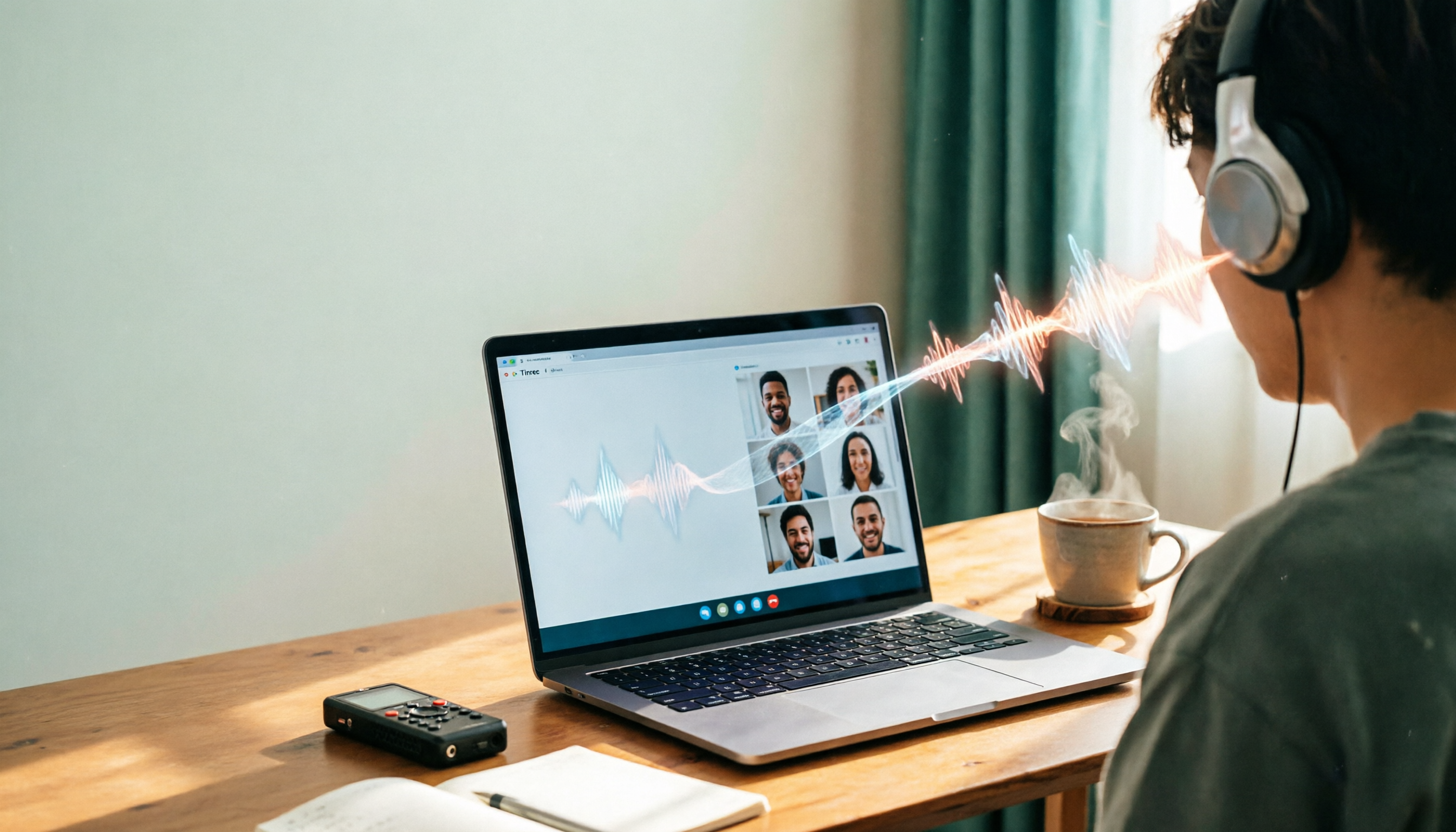
Looking for a Line-in voice recorder? Most people actually want to cleanly record online meetings, courses, or music played from a computer. This guide starts by helping you decide whether you need to record ambient sound or device output, then compares two approaches: Line-in hardware vs. software system audio capture. It tests models like Sony ICD-PX470, ICD-UX570F, INJA, and Tinrec, summarizes 4 key buying factors and 4 common pitfalls, and gives clear recommendations based on use cases.

5 iPhone Recording to MP3 Tools Tested in 2026: Is the Free Version Enough?
iPhone Voice Memos saves recordings as m4a by default, but there are 5 ways to convert to MP3. This hands-on test covers online converters, VLC, Audacity, built-in Mac tools, and Tinrec, comparing free limits, privacy risks, and follow-up organization costs—and tells you when you don't need to convert at all.

4 Ways to Transfer iPhone Recordings in 2026: LINE, Computer, and Transcripts Compared
How do you share an iPhone recording after you finish? This guide starts with the key question—who you're sending it to and what they need—and compares four methods: manual Voice Memos sharing, cloud files, transcription services, and Tinrec. It covers four key decision points: format compatibility, file size, transcript needs, and team retention, plus common pitfalls and scenario-based recommendations.