

Turn recordings into transcripts and summaries in minutes
Upload audio or video for multilingual transcription, AI notes, and action items
If you work in an office, you're probably in meetings all day long—Google Meet, Zoom, Teams, you name it. The worst part isn't the meeting itself; it's having to listen to the recording and type up minutes afterward. After working overtime until 8 PM, staring at the screen typing a verbatim transcript is maddening.
You might have considered using Google Meet's built-in transcription feature, but it either costs extra or only supports English—useless for meetings in Cantonese or mixed languages. Instead of paying more each month, try Tinrec—an AI recording and transcription tool designed for busy professionals. Whether you're on Google Meet, in a local meeting, or recording a lecture, it saves you time and money, so you can stop working overtime.

What Can Meeting Transcription Do for You?
You might ask, "What's the big deal about transcription?" Here are a few everyday scenarios where it helps:
Scenario 1: Get Meeting Minutes from Google Meet in 5 Minutes
In the past, after a two-hour meeting, you'd have to listen to the recording and jot down key points. Now, just record your Google Meet with Tinrec, and it transcribes in real time. As soon as the meeting ends, the AI automatically generates a summary, conclusions, and action items—who's responsible for what and deadlines at a glance.
Scenario 2: Lectures Become Study Notes
Students using Google Meet for class can record the entire session. Tinrec not only transcribes the audio but also automatically splits it into chapters and highlights key points. When studying, just search for keywords instead of listening from start to finish.
Scenario 3: Interviews into Drafts Instantly
Journalists and researchers spend hours transcribing interviews. Tinrec supports Cantonese, Mandarin, and mixed Chinese-English transcription, even recognizing colloquial phrases. Afterward, use the AI Q&A feature to ask questions like "What did the interviewee say about the budget?" and get answers immediately.
How Powerful Are Tinrec's Core Features?
Regular recording apps just record; Tinrec transforms recordings into usable data. These core features will be your daily lifesaver:
Real-Time Verbatim: See Text as You Speak
Tinrec's real-time transcription delay is under one second. During a Google Meet, you can watch the text appear on screen, ensuring you never miss a point. Unlike some tools that transcribe only after recording, wasting time.
AI Semantic Summary: Not Just Random Truncation
Many tools' summaries just chop off parts of the transcript. Tinrec's AI summary organizes it structurally: meeting topic, discussion conclusions, action items, assigned persons—all clearly separated. One glance tells you everything.
AI Conversation Query: Just Ask
After transcription, you can type questions directly in Tinrec, like "Who mentioned the marketing budget during the meeting?" or "What feedback did the client give?" It understands semantics and provides answers directly—no need to manually scroll through the recording.
Stop organizing recordings by hand
Upload audio or video and automatically get a transcript, summary, and action items
Cross-Platform Support: Works on Mobile, Desktop, and Web
Tinrec has iOS, Android apps, and a web version. Whether you use a Mac, PC, iPhone, or Android, you can record and organize seamlessly. Record Google Meet meetings on your computer and use the app on the go—everything syncs automatically.
Practical Use Cases: Beyond Meetings
Tinrec handles all kinds of audio/video content. Here are scenarios you'll encounter often:
Work: Google Meet / Zoom / Teams Meetings
Open Tinrec on your computer, select "System Audio" to record online meetings perfectly without extra hardware. After recording, you get the text, summary, and action items instantly—export to Notion or Google Docs for the whole team.

Learning: Online Classes, Lectures, Language Learning
Record online classes or lectures with Tinrec. It automatically splits them into chapters and highlights key points. Want to learn English? It handles mixed Chinese-English content and transcribes English text so you can look up words.
Content Creation: YouTube, Podcasts as Raw Material
Short on time to watch videos for content ideas? Tinrec can paste a YouTube, Bilibili, or Xiaohongshu link and turn the video into text and a summary, helping you quickly find inspiration or references. Many meeting tools don't offer this feature.
Personal Knowledge Management: Search Historical Recordings
All recordings and transcripts are stored in Tinrec. You can search for a keyword mentioned in a meeting six months ago and ask follow-up questions, turning recordings into your personal knowledge base.
4 Key Points to Consider When Choosing a Transcription Tool
Many AI recording tools are on the market, but not all suit your needs. Check these points:
- Cantonese Accuracy: Don't trust official numbers alone. Some tools optimize only for English and fail badly on Cantonese. In typical meeting environments, Tinrec's Cantonese word error rate is about 8.3%, making it a reliable choice among similar products.
- AI Organization Skills: Transcription alone is useless; what matters is how it organizes the output. Tinrec's AI summaries, action item extraction, and conversation queries save you tons of time.
- Wide Input Sources: Will you use it only for meetings? If you also handle lecture recordings, interview files, or YouTube videos, choose a tool like Tinrec that supports multiple sources. Some apps only accept real-time recordings, not old files or videos.
- Cross-Platform Sync: Ensure it works on your commonly used devices. Tinrec has iOS, Android, and web versions, syncing all data whether you're on a company computer or your phone on the go.
FAQ
Q: Is Tinrec's free version sufficient?
A: Yes. The free plan offers a basic transcription quota (about 100 minutes per month), enough to record two or three meetings or a few classes—perfect for trying out the features. If you have more than three meetings per week, consider upgrading to Pro.
Q: Do I need to install a plugin to record Google Meet with Tinrec?
A: No. The desktop version can record system audio, directly capturing Google Meet sound without any plugins or bots joining the meeting, ensuring privacy.
Q: How accurate is transcription for meetings mixing Cantonese and English?
A: Tinrec supports mixed Chinese-English speech. It handles everyday meetings with code-switching well. However, background noise or overlapping speakers may affect accuracy—using headphones is recommended.
Q: How can I export the transcribed content?
A: You can export as text files, PDFs, or sync directly to Notion, Google Docs, OneNote, and other common tools for team sharing and archiving.
Summary: Rather Than Upgrading Google Meet, Boost Efficiency with Tinrec
Time is money. If you attend several Google Meet meetings each week, instead of paying a monthly subscription for built-in transcription (which may not support Cantonese anyway), try Tinrec. It not only transcribes but also organizes, extracts key points, generates action items, and turns all recordings into a searchable knowledge base.
Tinrec offers a free trial with 100 minutes per month—enough to try it on a couple of meetings and experience the joy of AI-assisted meeting minutes. Say goodbye to overtime spent on manual transcription and leave work on time.
Turn every recording into actionable outcomes
Get 60 free transcription minutes when you sign in. No credit card required.
Related Reading
You might also like
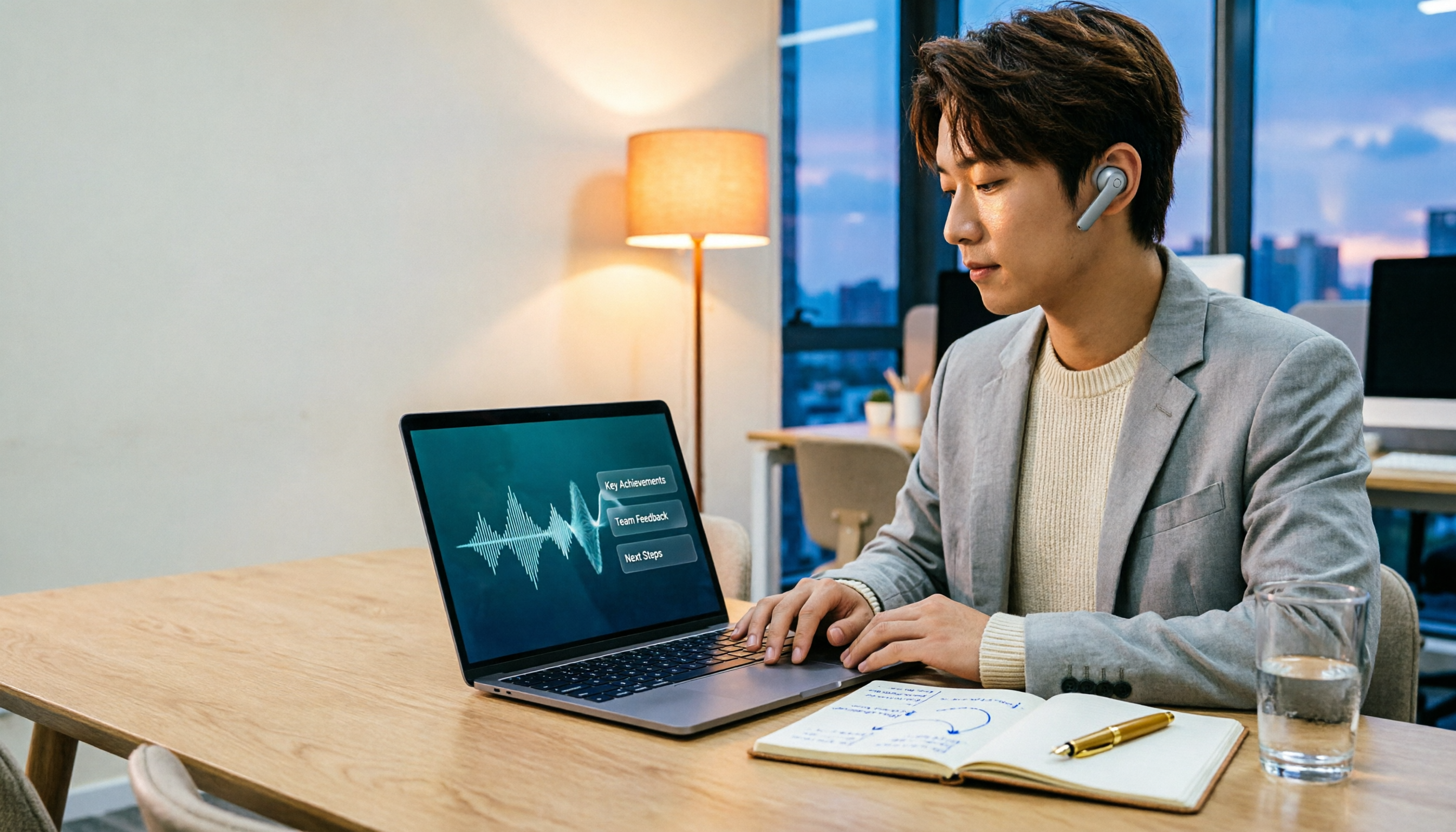
2026 Comparison of 3 Performance Review Transcription Tools: Tinrec vs Notta and Otter
Starting from the decision-making focus of performance review preparation, this comparison examines the differences between Tinrec, Notta, and Otter in transcribing performance review recordings, summarizing, follow-up questioning, and team knowledge retention, helping you determine which tool is better suited for turning recordings into deliverable performance review reports.
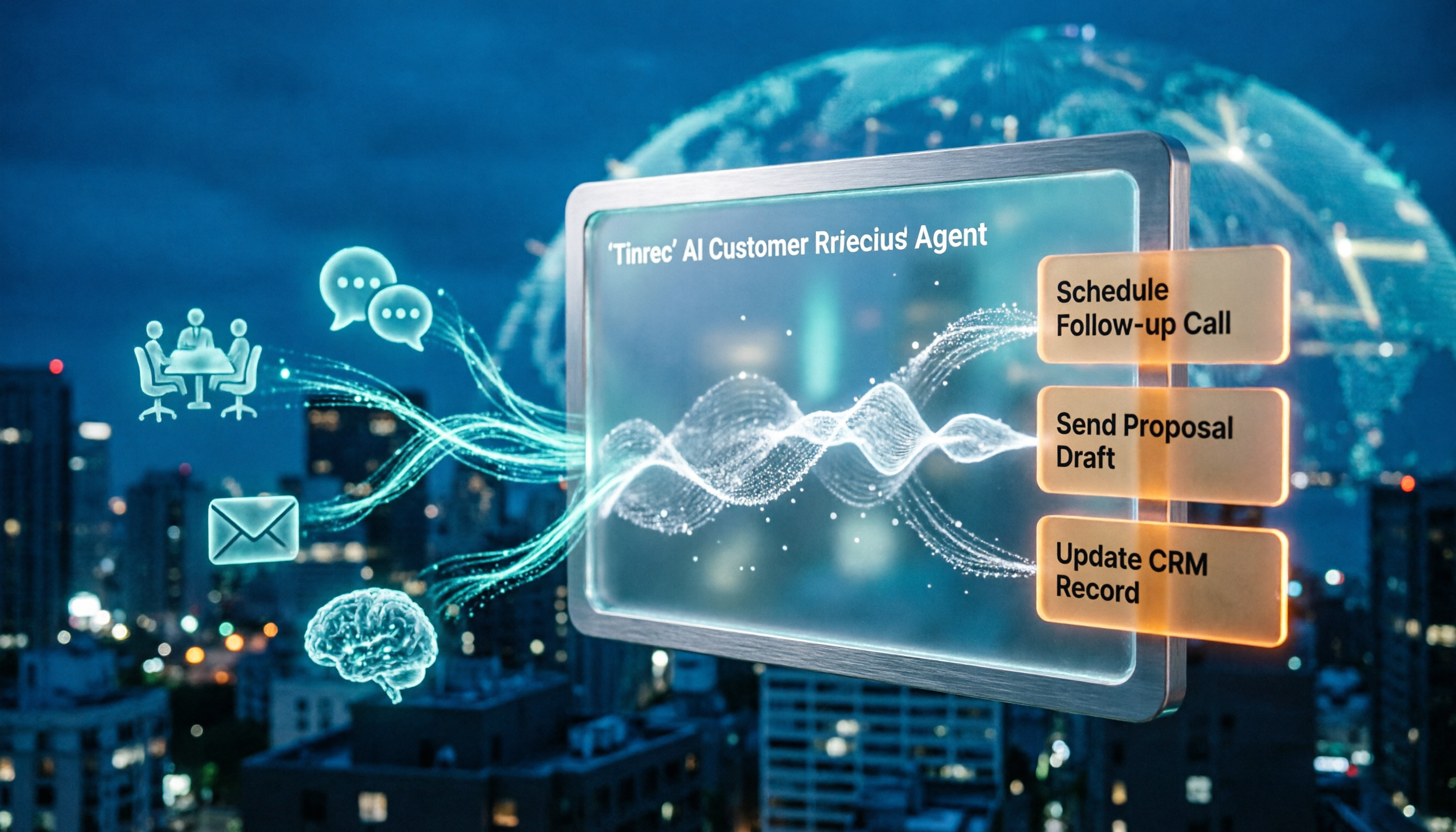
2026 AI Customer Follow-Up Agents Compared: Which One Turns Conversations into Actionable Next Steps?
Poor customer follow-up usually isn't due to lack of effort—it's because conversation records are scattered across meetings, messages, emails, and memory. This article compares Tinrec, Fireflies.ai, Otter.ai, and Notta on customer communication records and post-meeting organization, covering selection criteria, hands-on experience, and pitfalls to help you determine which fits your follow-up workflow.

Is AI Meeting Notes Worth Buying in 2026? A 5-Step Evaluation Guide
Are AI meeting notes tools really worth the money? This article starts from real meeting pain points, outlines 5 key purchase criteria, tests and analyzes Tinrec's bot-free recording, AI Q&A, and team spaces, compares differences with Otter.ai, Notta, and Granola, and finally gives clear purchase advice based on usage frequency and scenarios.

2026 Comparison of 4 Audio-to-Text Apps: Is the Free Version Enough? Does AI Summarization Really Save Time?
There are countless audio-to-text apps, and the most regrettable choice is downloading based solely on download counts. This article addresses three real pain points, outlines 5 key purchasing criteria, and compares Tinrec, Notta, Granola, and PLAUD Note in terms of Chinese recognition, AI summarization, online meeting recording, and team collaboration. It also includes a guide to avoid pitfalls and scenario-based recommendations.

2026 Speech-to-Text Paid Version Buying Guide: 5 Criteria and Practical Tips
Do you have to pay once the free tier runs out? This guide tackles common misconceptions, helps you calculate usage frequency, file length, and post-meeting needs, and uses Tinrec as an example to explain who the free, weekly, Pro, and team plans suit. Includes 5 buying criteria and FAQs.

2026 Comparison of 4 Speech-to-Text Tools: Which Saves the Most Time on Chinese Meeting Follow-Ups?
How to choose speech-to-text software in 2026? This article breaks the decision into 4 key criteria, then compares Tinrec, Notta, Otter.ai, and TurboScribe under the same test conditions on Chinese recognition, free quotas, and post-meeting organization capabilities. It also includes a pitfalls guide and scenario-based recommendations.
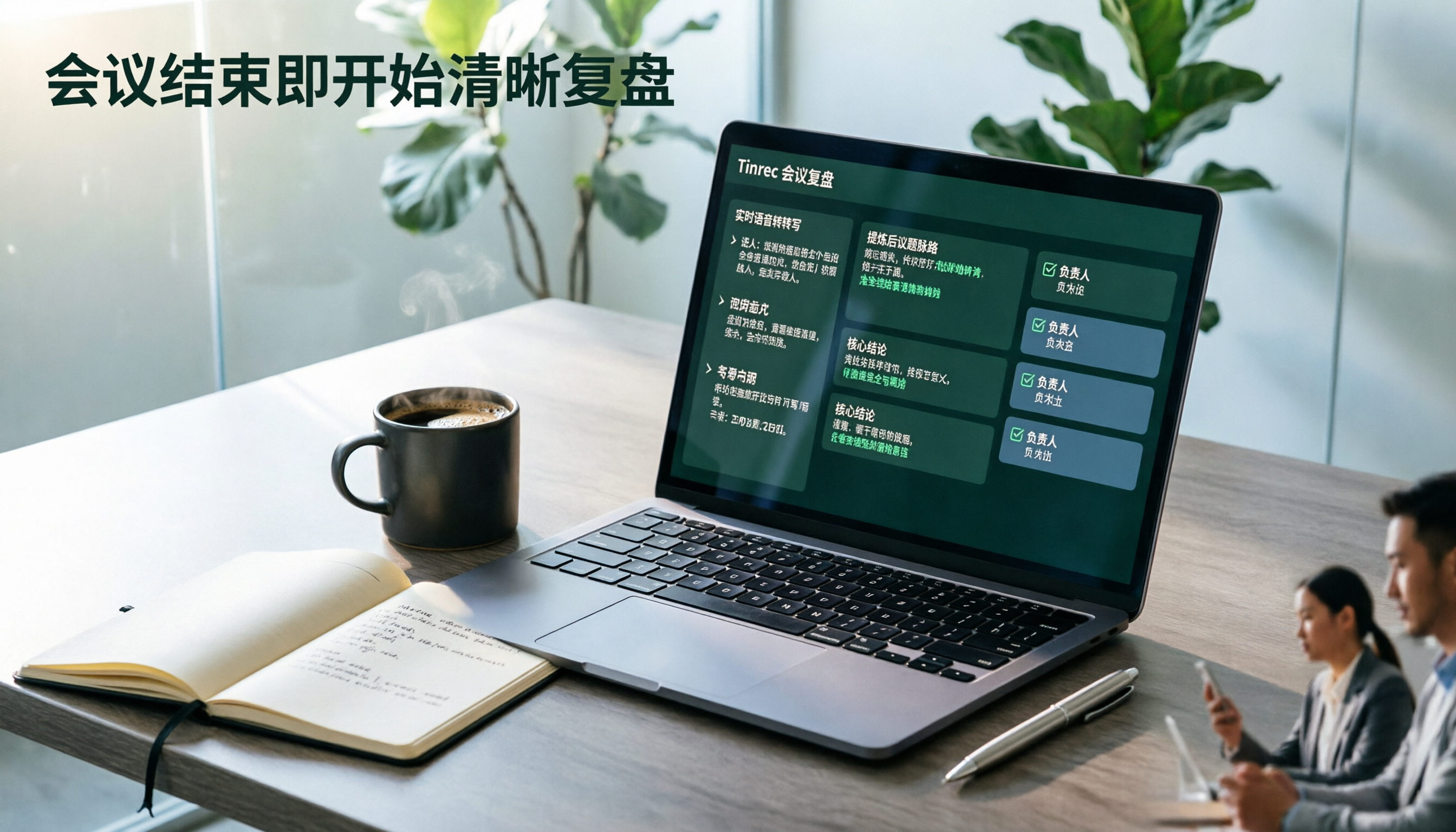
2026 AI Meeting Review Agent Comparison: Tinrec vs Plaud Note - Which Is Better for Chinese Meetings?
The meeting ends, but the overtime begins. This article compares the software-based Tinrec and the hardware-based PLAUD Note across five dimensions: online meeting capture, Chinese post-meeting readability, review depth, historical recording processing, and team governance and cost structure. It directly tells you which AI meeting review agent better fits your work style.

5 Best Speech-to-Text Software in 2026: Chinese Meetings & AI Q&A Compared
Most people choose speech-to-text software based on free minutes, but overlook that post-transcription organization, follow-up questions, and team collaboration are where the real time is spent. This article starts with common misconceptions, breaks down 5 tools using 4 key selection criteria, and compares Chinese meeting transcription, AI Q&A, audio retention, and team knowledge accumulation, with a guide to avoid pitfalls and scenario-based recommendations.

6 Interview Recording Tools Tested and Compared for 2026: Which One Turns Transcripts into Evaluation Reports?
Re-listening to an hour of interview recording just to find that 30-second key answer is the most time-consuming part. This article reviews 6 interview recording organization tools, from live transcription with AI follow-up questions to pure file transcription, explaining who each is suitable for based on actual recruitment workflows, and includes practical reminders on legal aspects and data management in Taiwan, China.