

Turn recordings into transcripts and summaries in minutes
Upload audio or video for multilingual transcription, AI notes, and action items
You might search for "google meet latest version number," thinking you need to update to the latest version to use Google Meet's built-in recording feature. But even if you find the version number, that feature doesn't help much—it only records the meeting, and then you have to listen back and manually type out the key points.
If your goal is to have a well-organized meeting record immediately after the meeting, you should try Tinrec. It's an AI-powered audio and video recording tool that automatically transcribes your Google Meet recordings and generates summaries, action items, and complete meeting minutes, so you never have to work overtime compiling them again.

What Can Tinrec Do for You?
Scenario 1: Meeting Minutes Ready in 5 Minutes
In the past, after a two-hour Google Meet, you might spend another hour listening to the recording and typing a transcript. With Tinrec, it's different—just import your meeting recording into Tinrec (or use its computer meeting recording feature), and the AI will generate summaries, conclusions, and action items within minutes. Who is responsible for what and the deadline are all clearly laid out.
Scenario 2: Batch Process an Entire Week's Meeting Recordings
If you have five or six Google Meet meetings a week, each requiring a record, Tinrec can handle them all at once. It supports batch import of audio files—you can dump all your week's recordings in, and it will automatically transcribe, categorize, and even let you search by meeting content. Finding that "budget" mention from last week takes just seconds.
Scenario 3: Never Miss a Key Point from Your Boss Again
During meetings, you often listen so intently that you forget a key detail? Tinrec's AI conversation query lets you directly ask the recording: "What feedback did the client give on the project?" or "Who mentioned changing the deadline?" It answers based on the recording content, so you don't have to listen all over again.
Tinrec's Core Capabilities
Real-Time Transcription & Post-Meeting Import
Tinrec supports real-time transcription. If you use its desktop client, you can directly record Google Meet system audio and get text while the meeting is ongoing. Even if you already recorded with Google Meet's built-in feature, you can import that file later, and Tinrec will still transcribe and organize it.
AI Summarization & Action Item Extraction
It's not just condensing the transcript. Tinrec's AI structures the content: meeting topic, discussion conclusions, action items, and responsible persons, all listed separately. You can also generate a to-do list with one click and export it for team follow-up.
AI Conversation Query
After transcription, you can "chat" with Tinrec. Ask it questions, and it will answer based on semantic understanding of the recording. For example, "Who in the meeting mentioned changing the design?" or "What were the client's requirements on delivery?" It gives you answers instantly.
Multi-Format Export & Further Processing
Organized content can be exported as Word, PDF, TXT, or synced directly to Notion, Google Docs, OneNote, etc. Tinrec's Agent feature can also generate formal meeting reports, Excel spreadsheets, etc., turning them into deliverable documents.
Stop organizing recordings by hand
Upload audio or video and automatically get a transcript, summary, and action items
Cross-Platform Support
Tinrec has iOS and Android apps plus a web version. Whether you're on a computer for Google Meet or listening on your phone, you can sync recordings and organization anytime. No extra hardware needed—just install and use.
Practical Use Cases

Weekly Team Meeting Records
Import Google Meet weekly meeting recordings into Tinrec, auto-generate last week's progress review, this week's key points, and action items. Then export to team Slack or Notion—saving you half an hour each week.
Client Meeting Follow-Ups
After a Google Meet with a client, use Tinrec to quickly organize meeting highlights, client requirements, and next steps. No more relying on memory to write follow-up emails—share with colleagues to sync information.
Cross-Department Project Meetings
Multi-person meetings can get chaotic. Tinrec can automatically identify different speakers (depending on audio quality) and organize tasks and deadlines for each department, preventing blame games later.
Interview or Training Records
HR uses Google Meet for interviews or training—after recording, use Tinrec to transcribe and quickly organize candidate key answers or training content summaries, making future searches and comparisons easy.
Things to Consider When Choosing Similar Tools
- Does It Truly Organize, or Just Transcribe? Some tools only give you a transcript that you need to read through. Tinrec directly outputs summaries, action items, and minutes—ready to use.
- Comprehensive Language Support? If you need to handle Cantonese meetings, not every tool supports it. Tinrec supports multiple languages, including Cantonese and mixed Chinese-English meetings.
- Cross-Platform & Import Sources? Some tools are just a mobile app, but you might need to handle computer-based Google Meet recordings. Tinrec has a desktop client that can record system audio directly, and also supports importing audio files and web video links—much more flexible.
- Post-Processing Capabilities? After transcription, can you continue to ask questions, generate reports, or export in different formats? Tinrec's AI Q&A and Agent features let you turn recordings into formal documents, not stop at text.
- Pricing & Usage: Don't just look at monthly minutes—consider your actual needs. If you only have 2-3 meetings a week, Tinrec's free or weekly plan might suffice. For heavy users, the Pro annual plan offers lower monthly costs.
FAQ
Q: What's the difference between Tinrec and Google Meet's built-in recording?
A: Google Meet's built-in recording only captures audio and video—you have to listen back and take notes manually. Tinrec transcribes the recording and automatically organizes it into summaries and action items, saving you much more time.
Q: I already recorded with Google Meet. Can I use Tinrec to organize it?
A: Yes. Just import the recording file (mp3, m4a, wav, etc.) into Tinrec, and it will automatically transcribe and organize it—no need to re-record.
Q: Does Tinrec support Cantonese?
A: Yes. Tinrec can handle Cantonese meeting recordings, even mixed Chinese-English conversations. Accuracy depends on audio quality. Clear recordings are recommended for best results.
Q: Is it complicated to record Google Meet with Tinrec?
A: No. Just install the Tinrec desktop client, select "System Audio Recording" mode, and it will automatically capture system sound (including Google Meet audio). You can also choose to record your voice via a microphone.
Q: What are the limitations of the free version?
A: The free plan includes a base monthly transcription quota, letting you try real-time recording, file import, and web video parsing—enough for a few meetings. For higher usage, consider the weekly or Pro plan.
Summary
Searching for "google meet latest version number"—what you really want is a way to save time and avoid overtime typing meeting notes. Instead of researching version numbers, just use Tinrec to turn your Google Meet recordings into truly useful data.
Tinrec doesn't just transcribe—it generates summaries, action items, and minutes, and even lets you ask questions and generate reports. Want to try it? Download the free version for a basic monthly quota—enough for a few meetings. Experience the satisfaction of having AI handle your meeting notes.
Turn every recording into actionable outcomes
Get 60 free transcription minutes when you sign in. No credit card required.
Related Reading
You might also like
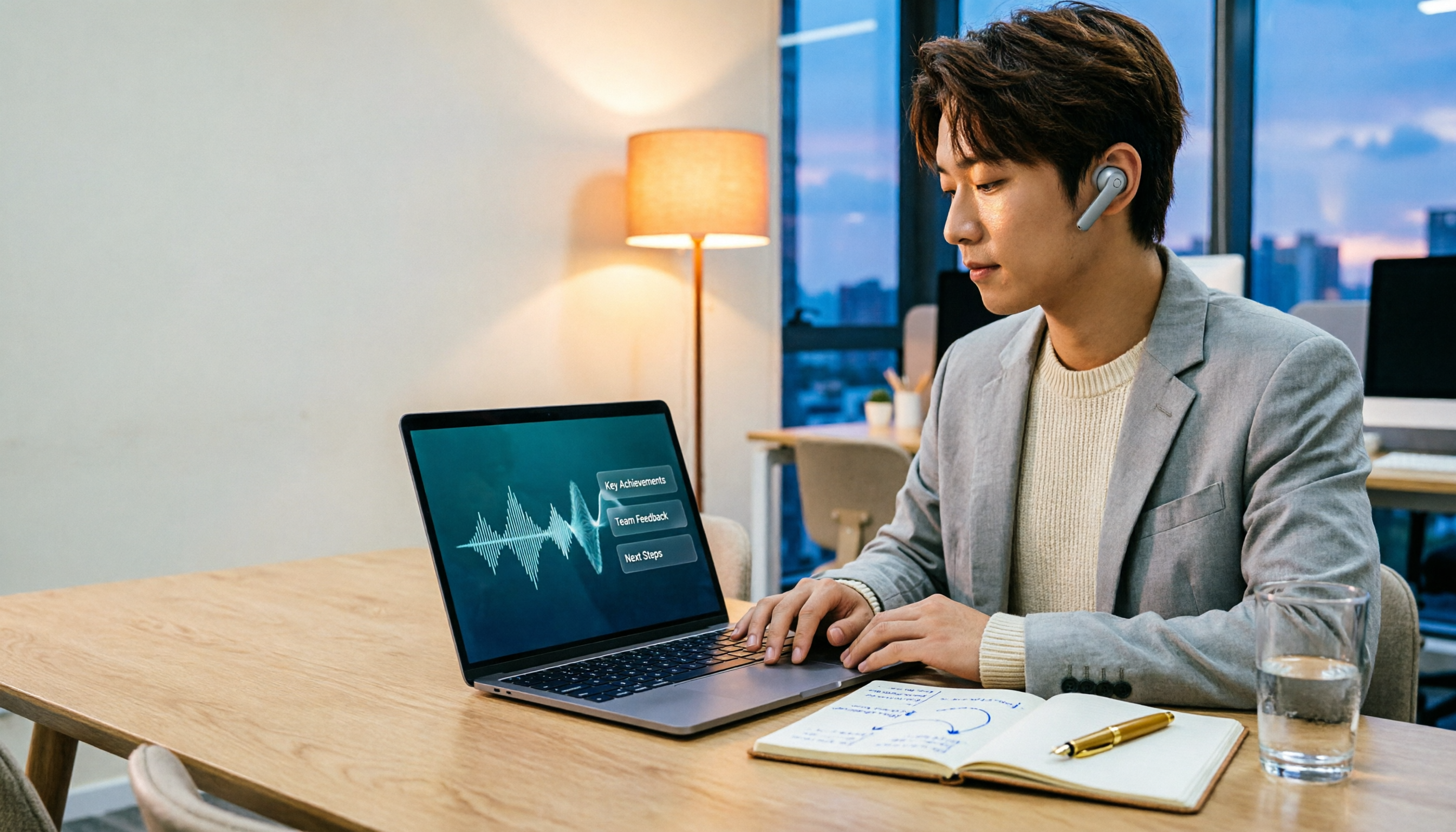
2026 Comparison of 3 Performance Review Transcription Tools: Tinrec vs Notta and Otter
Starting from the decision-making focus of performance review preparation, this comparison examines the differences between Tinrec, Notta, and Otter in transcribing performance review recordings, summarizing, follow-up questioning, and team knowledge retention, helping you determine which tool is better suited for turning recordings into deliverable performance review reports.

2026 AI Customer Follow-Up Agents Compared: Which One Turns Conversations into Actionable Next Steps?
Poor customer follow-up usually isn't due to lack of effort—it's because conversation records are scattered across meetings, messages, emails, and memory. This article compares Tinrec, Fireflies.ai, Otter.ai, and Notta on customer communication records and post-meeting organization, covering selection criteria, hands-on experience, and pitfalls to help you determine which fits your follow-up workflow.

Is AI Meeting Notes Worth Buying in 2026? A 5-Step Evaluation Guide
Are AI meeting notes tools really worth the money? This article starts from real meeting pain points, outlines 5 key purchase criteria, tests and analyzes Tinrec's bot-free recording, AI Q&A, and team spaces, compares differences with Otter.ai, Notta, and Granola, and finally gives clear purchase advice based on usage frequency and scenarios.

2026 Comparison of 4 Audio-to-Text Apps: Is the Free Version Enough? Does AI Summarization Really Save Time?
There are countless audio-to-text apps, and the most regrettable choice is downloading based solely on download counts. This article addresses three real pain points, outlines 5 key purchasing criteria, and compares Tinrec, Notta, Granola, and PLAUD Note in terms of Chinese recognition, AI summarization, online meeting recording, and team collaboration. It also includes a guide to avoid pitfalls and scenario-based recommendations.

2026 Speech-to-Text Paid Version Buying Guide: 5 Criteria and Practical Tips
Do you have to pay once the free tier runs out? This guide tackles common misconceptions, helps you calculate usage frequency, file length, and post-meeting needs, and uses Tinrec as an example to explain who the free, weekly, Pro, and team plans suit. Includes 5 buying criteria and FAQs.

2026 Comparison of 4 Speech-to-Text Tools: Which Saves the Most Time on Chinese Meeting Follow-Ups?
How to choose speech-to-text software in 2026? This article breaks the decision into 4 key criteria, then compares Tinrec, Notta, Otter.ai, and TurboScribe under the same test conditions on Chinese recognition, free quotas, and post-meeting organization capabilities. It also includes a pitfalls guide and scenario-based recommendations.
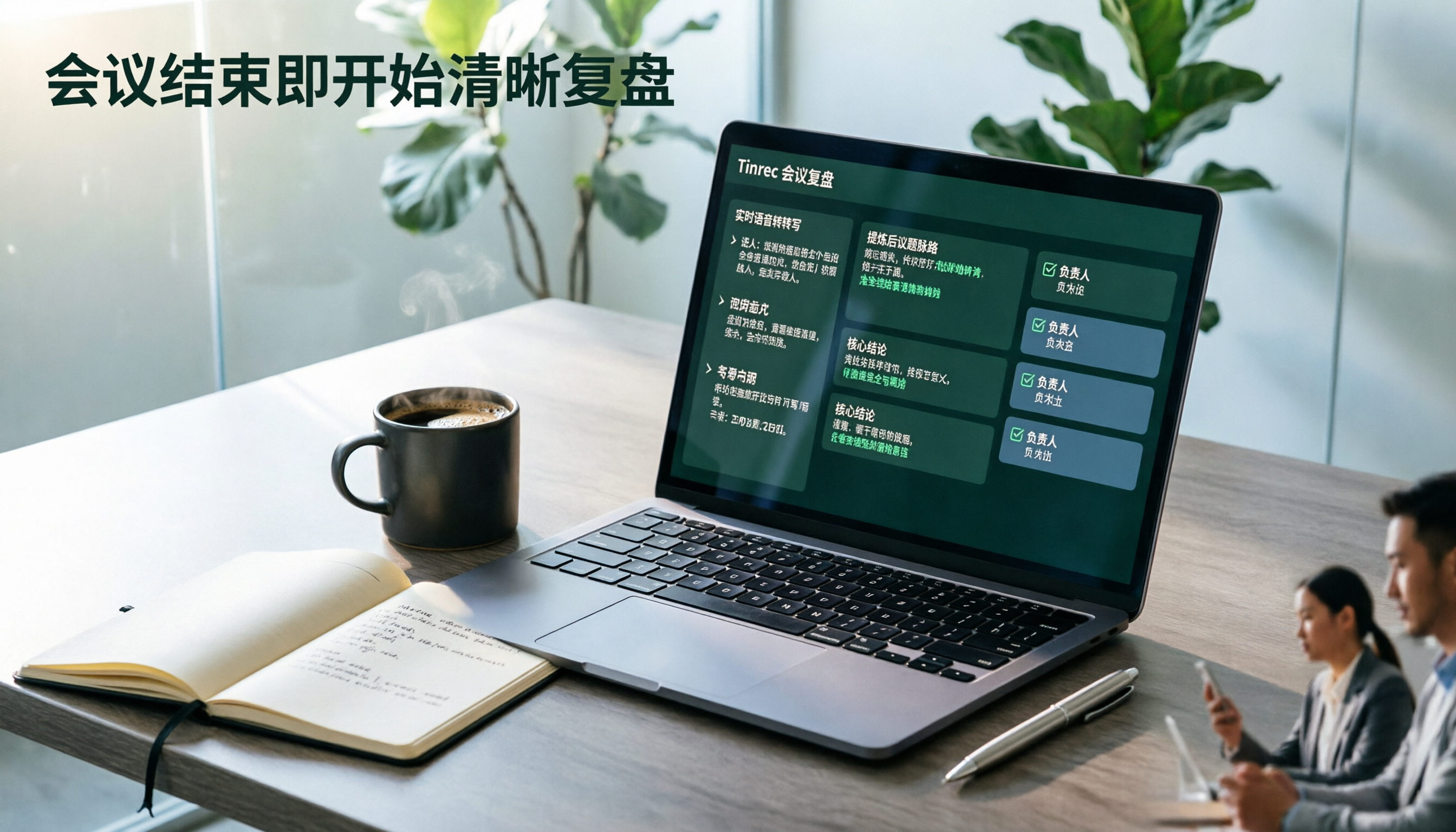
2026 AI Meeting Review Agent Comparison: Tinrec vs Plaud Note - Which Is Better for Chinese Meetings?
The meeting ends, but the overtime begins. This article compares the software-based Tinrec and the hardware-based PLAUD Note across five dimensions: online meeting capture, Chinese post-meeting readability, review depth, historical recording processing, and team governance and cost structure. It directly tells you which AI meeting review agent better fits your work style.

5 Best Speech-to-Text Software in 2026: Chinese Meetings & AI Q&A Compared
Most people choose speech-to-text software based on free minutes, but overlook that post-transcription organization, follow-up questions, and team collaboration are where the real time is spent. This article starts with common misconceptions, breaks down 5 tools using 4 key selection criteria, and compares Chinese meeting transcription, AI Q&A, audio retention, and team knowledge accumulation, with a guide to avoid pitfalls and scenario-based recommendations.

6 Interview Recording Tools Tested and Compared for 2026: Which One Turns Transcripts into Evaluation Reports?
Re-listening to an hour of interview recording just to find that 30-second key answer is the most time-consuming part. This article reviews 6 interview recording organization tools, from live transcription with AI follow-up questions to pure file transcription, explaining who each is suitable for based on actual recruitment workflows, and includes practical reminders on legal aspects and data management in Taiwan, China.