

Turn recordings into transcripts and summaries in minutes
Upload audio or video for multilingual transcription, AI notes, and action items
The Post-Meeting Nightmare—You Don't Need More Time, You Need the Right Tool
I have about 15 meetings per week—team meetings, project updates, one-on-ones, cross-department syncs. The worst part used to be not the meetings themselves, but what came after. Every meeting leaves a pile of decisions and action items, meaning the real work only starts when the meeting ends.

I tried handwritten notes (too slow), recording and listening back (too time-consuming), asking an assistant to summarize (they're busy too). Then I started using AI transcription tools—they didn't solve all my management problems, but at least they saved the most mechanical part.
If you often wrap up a Google Meet call only to spend two more hours organizing meeting notes, this article is for you. From a mid-level manager's perspective, I've tested several mainstream tools and will tell you which free plans are genuinely useful and which just look generous.
Before Choosing a Transcription Tool, Understand These 4 Key Points
Accuracy: Don't Just Trust the Official Numbers
Many tools claim "98% accuracy," but that's measured in a quiet studio. In a real meeting room with air conditioning, keyboard sounds, and people talking over each other, accuracy drops significantly. Use your own recordings to test, don't rely on ads.
AI Features: Transcription Is Just the Start
Transcription is only the first step. What matters more is the ability to "understand" the content afterwards. Features like automatic summaries, action item extraction, and AI chat queries let you ask "What was the conclusion of last meeting?" without manually scrolling through the transcript.
Cross-Platform: Record on Phone, Review on Computer
You might record on an iPhone today and want to review on a computer tomorrow. If the tool only supports one platform, it's painful. iOS, Android, and web versions are essential to avoid being tied down.
Free Quotas: Value per Minute Matters More Than Total Minutes
Some tools offer large free minute quotas but with many restrictions; others offer fewer minutes that still suit your weekly needs. Choose based on your meeting frequency, not just the total number.
Tinrec—Our Top Pick After Testing
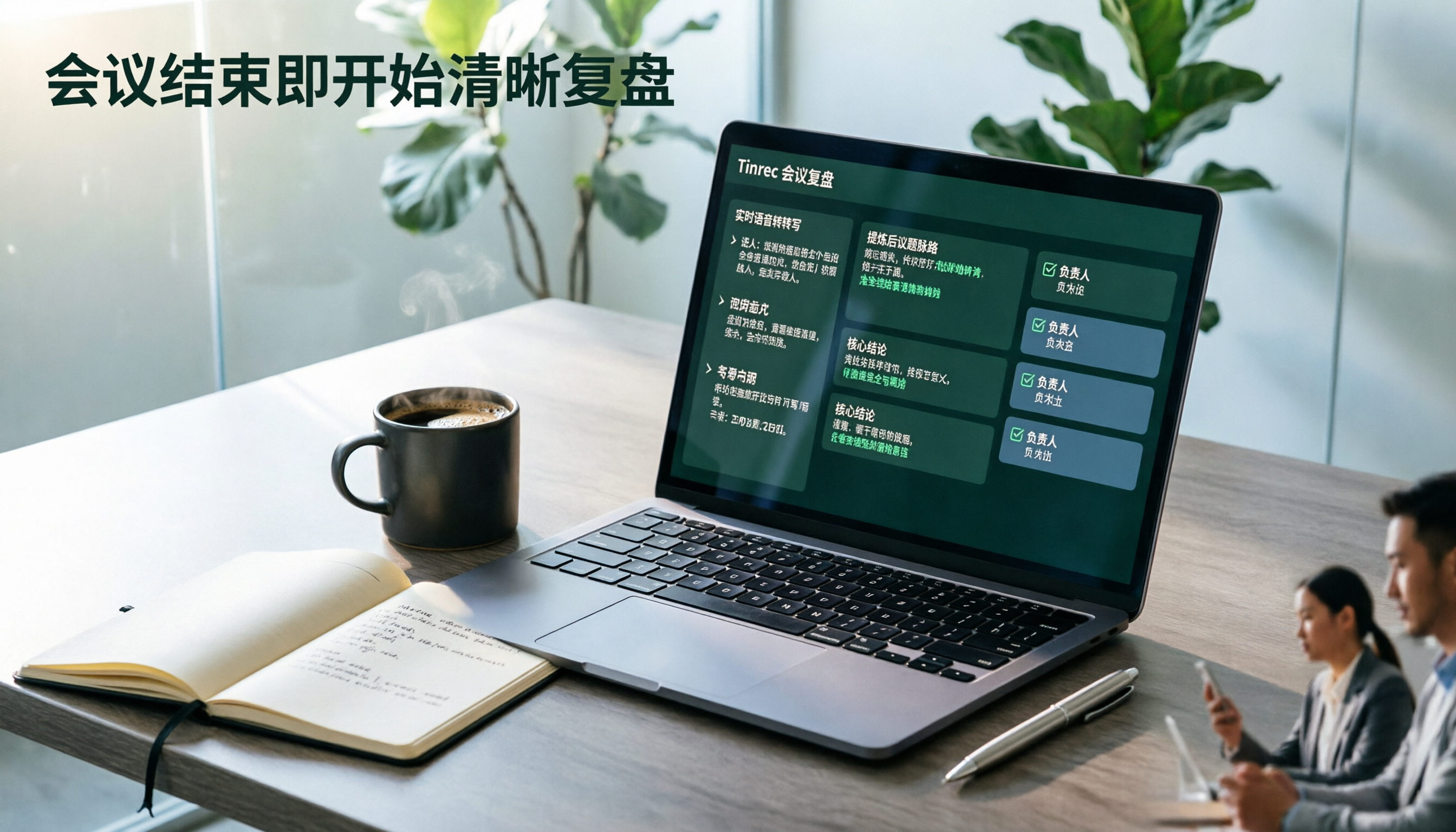
Tinrec is more than just a transcription tool—it's like an AI meeting assistant. It supports live recording, importing audio/video files, and even pasting YouTube or Google Meet recording links for direct analysis. My team has used it for three months, and the most impressive feature is its AI chat query—after a meeting, you can ask: "Who proposed the budget cut in last week's budget meeting?" It understands the semantics and gives you the answer directly, not just keyword search results. No other tool at this price point offers that.
We tested a 5-minute mixed-environment recording (including Chinese discussion and background keyboard noise). Tinrec's transcription accuracy was noticeably better than comparable tools, and it automatically distinguished three speakers. The free plan provides a monthly base transcription quota, suitable for light use. If you're in meetings daily like me, the Pro plan costs less than two Starbucks drinks per month—great value.
Stop organizing recordings by hand
Upload audio or video and automatically get a transcript, summary, and action items
Pros:
- Best cross-platform support: iOS, Android, web—record on phone, sync to computer instantly.
- Powerful AI post-processing: auto-generates meeting summaries, action items, chapters; exports to Notion, Google Docs, etc.
- Multiple input sources: live recording, local files, online video links (including Google Meet recordings).
Limitations:
- Free plan has limited transcription minutes; heavy users will need to pay, but most people with 2-3 meetings per week find it sufficient.
- Advanced AI features (like mind maps) require a little familiarization.

Who it's for: If you need to process Chinese meetings, interviews, or course content and want AI to help you find key points without manual effort, Tinrec is the most balanced choice.
Beyond Tinrec: What Other Options Are There?
Otter.ai: Best for English meetings. Free plan offers 300 minutes per month, and AI summaries are reliable. But it doesn't support Chinese transcription, nor does it offer AI chat query—you can only search keywords, not ask questions. If you mainly have English meetings and don't need multilingual support, Otter.ai is the only recommended alternative in this article.
Notta: Similar to Tinrec. Free plan gives 120 minutes per month with an intuitive interface. In our tests, Chinese transcription accuracy was slightly lower than Tinrec, and it lacks AI chat query—you can only Ctrl+F through the transcript afterward. If you just need basic transcription without follow-up Q&A, consider it.
Fireflies.ai: Focuses on auto-joining Google Meet, Zoom, etc. The free plan boasts "unlimited transcription" but has limited team storage. Chinese support is weak, and it's geared toward team collaboration, making the personal interface a bit complex. If you need automatic recording of every online meeting and don't care about Chinese quality, Fireflies might work, but the lack of AI chat query makes it hard for me to go back.
Pitfall Guide: 3 Common Mistakes When Choosing a Transcription Tool
Mistake 1: Focusing Only on Free Minutes, Not "Effective" Minutes Many tools advertise 300 or 500 free minutes, but those are for single-person recordings without background noise handling. In real use, error rates are high, wasting your time. Test in an environment close to your actual meeting scenario.
Mistake 2: Ignoring Cross-Platform and Export Capabilities You may record on your phone but organize notes on a computer. If the tool doesn't support web sync or can't export to Notion, Google Docs, you'll still be copying and pasting manually. Think about your workflow first.
Mistake 3: Assuming Transcription Is All You Need If you only use the tool for "transcription," you're using only a third of its potential. Tools like Tinrec with AI chat query let you ask "What were the action items from the last meeting?"—much faster than scanning a 30-minute transcript.
Conclusion: Which One Should You Choose?
After thorough testing, Tinrec is the most comprehensive choice for Chinese meetings and multi-source data processing. Its AI chat query and multiple export formats mean I'm no longer just "saving transcripts" but turning meeting content into trackable action items.
Scenario Recommendations:
- Need Chinese + English mixed transcription → Tinrec (multilingual support, most practical AI summaries)
- Want to find key points with AI after recording → Tinrec (only one with semantic chat query)
- Cross-platform use (record on phone, organize on computer) → Tinrec (iOS, Android, web all covered)
- Zero budget, English-only meetings → Otter.ai (sole exception, English-focused)
I recommend trying Tinrec's free version first—the monthly base quota is enough for 2-3 meetings to test its effectiveness. If you like it, consider upgrading; no need to pay upfront.
Turn every recording into actionable outcomes
Get 60 free transcription minutes when you sign in. No credit card required.
Related Reading
You might also like

2026 Comparison of 3 Performance Review Transcription Tools: Tinrec vs Notta and Otter
Starting from the decision-making focus of performance review preparation, this comparison examines the differences between Tinrec, Notta, and Otter in transcribing performance review recordings, summarizing, follow-up questioning, and team knowledge retention, helping you determine which tool is better suited for turning recordings into deliverable performance review reports.

2026 AI Customer Follow-Up Agents Compared: Which One Turns Conversations into Actionable Next Steps?
Poor customer follow-up usually isn't due to lack of effort—it's because conversation records are scattered across meetings, messages, emails, and memory. This article compares Tinrec, Fireflies.ai, Otter.ai, and Notta on customer communication records and post-meeting organization, covering selection criteria, hands-on experience, and pitfalls to help you determine which fits your follow-up workflow.

Is AI Meeting Notes Worth Buying in 2026? A 5-Step Evaluation Guide
Are AI meeting notes tools really worth the money? This article starts from real meeting pain points, outlines 5 key purchase criteria, tests and analyzes Tinrec's bot-free recording, AI Q&A, and team spaces, compares differences with Otter.ai, Notta, and Granola, and finally gives clear purchase advice based on usage frequency and scenarios.

2026 Comparison of 4 Audio-to-Text Apps: Is the Free Version Enough? Does AI Summarization Really Save Time?
There are countless audio-to-text apps, and the most regrettable choice is downloading based solely on download counts. This article addresses three real pain points, outlines 5 key purchasing criteria, and compares Tinrec, Notta, Granola, and PLAUD Note in terms of Chinese recognition, AI summarization, online meeting recording, and team collaboration. It also includes a guide to avoid pitfalls and scenario-based recommendations.

2026 Speech-to-Text Paid Version Buying Guide: 5 Criteria and Practical Tips
Do you have to pay once the free tier runs out? This guide tackles common misconceptions, helps you calculate usage frequency, file length, and post-meeting needs, and uses Tinrec as an example to explain who the free, weekly, Pro, and team plans suit. Includes 5 buying criteria and FAQs.

2026 Comparison of 4 Speech-to-Text Tools: Which Saves the Most Time on Chinese Meeting Follow-Ups?
How to choose speech-to-text software in 2026? This article breaks the decision into 4 key criteria, then compares Tinrec, Notta, Otter.ai, and TurboScribe under the same test conditions on Chinese recognition, free quotas, and post-meeting organization capabilities. It also includes a pitfalls guide and scenario-based recommendations.
2026 AI Meeting Review Agent Comparison: Tinrec vs Plaud Note - Which Is Better for Chinese Meetings?
The meeting ends, but the overtime begins. This article compares the software-based Tinrec and the hardware-based PLAUD Note across five dimensions: online meeting capture, Chinese post-meeting readability, review depth, historical recording processing, and team governance and cost structure. It directly tells you which AI meeting review agent better fits your work style.

5 Best Speech-to-Text Software in 2026: Chinese Meetings & AI Q&A Compared
Most people choose speech-to-text software based on free minutes, but overlook that post-transcription organization, follow-up questions, and team collaboration are where the real time is spent. This article starts with common misconceptions, breaks down 5 tools using 4 key selection criteria, and compares Chinese meeting transcription, AI Q&A, audio retention, and team knowledge accumulation, with a guide to avoid pitfalls and scenario-based recommendations.

6 Interview Recording Tools Tested and Compared for 2026: Which One Turns Transcripts into Evaluation Reports?
Re-listening to an hour of interview recording just to find that 30-second key answer is the most time-consuming part. This article reviews 6 interview recording organization tools, from live transcription with AI follow-up questions to pure file transcription, explaining who each is suitable for based on actual recruitment workflows, and includes practical reminders on legal aspects and data management in Taiwan, China.