

Turn recordings into transcripts and summaries in minutes
Upload audio or video for multilingual transcription, AI notes, and action items
What Can AI Meeting Notes Do For You?
You finish a Google Meet, look at the automatically generated transcript and summary, and find you still need 30 minutes to re-listen and add conclusions and action items. Yes, the new feature helps you take the first step, but there's still a long way to go before "meeting ends, data is ready."

A truly useful AI meeting note tool should do these things:
Scenario 1: Meeting notes ready 5 minutes after the meeting
Before, after a two-hour meeting, you might spend another hour organizing. With Tinrec, as the meeting ends, AI generates structured summaries, conclusions, and action items, showing who is responsible for what and deadlines at a glance.
Scenario 2: Turn online courses into review notes
If you record an online course via Google Meet, the built-in transcription only gives you blocks of text. Tinrec automatically breaks it into chapters, extracts key points, and turns a two-hour recording into logical notes in just a few pages.
Scenario 3: Quickly organize interview and podcast material
Not just meetings—interview recordings or online videos can be dropped into Tinrec, which transcribes them and lets you ask follow-ups like "What did the interviewee say about pricing?" AI pulls the answer from 50 minutes of content.
What Are Tinrec's Core Capabilities?
We tested several solutions including Google Meet's built-in features. Tinrec clearly excels in these five areas:
Real-time transcription + post-processing, not just transcripts
Google Meet's transcription is decent, but after the meeting, you only get a text file. Tinrec transcribes while recording and automatically generates summaries, chapters, and action items after the meeting. In a test of a 30-minute meeting, it took less than 3 minutes to get the complete minutes.
Not just meetings—online videos and audio files can also be transcribed
Many don't realize that Google Meet cannot process local audio files or YouTube videos. Tinrec directly supports pasting public video links, uploading mp3/mp4 files, and even parsing TikTok and Xiaohongshu links, turning any audio/video into text data.
AI Q&A: Search your recordings like a search engine
This is something built-in features completely lack. After transcription, you can ask Tinrec: "Who mentioned the budget in the meeting? What was the specific number?" AI uses semantic understanding to extract the answer from the transcript, saving you from listening from start to finish.
Multi-format export, directly into your existing workflow
Tinrec can export to Word, PDF, TXT, and even sync to Notion and Google Docs. You don't need to move data between services.
Chinese content processing stands out
When Google Meet transcribes Chinese, punctuation and paragraph breaks sometimes falter. In our Chinese meeting tests, Tinrec's accuracy and readability were noticeably better, and its summaries and action items extraction were more aligned with Chinese expression habits.
Stop organizing recordings by hand
Upload audio or video and automatically get a transcript, summary, and action items
Real-World Use Cases
Meetings: From discussion to to-dos in one go
Use Tinrec to record the entire meeting (supports system audio, works with Google Meet). When the meeting ends, AI has already organized summaries, conclusions, and action items. Just copy and paste to Slack or email to colleagues.

Learning: Turn long courses into focused notes
Import a 2-hour class recording, Tinrec breaks it into 8 chapters and highlights key terms. When reviewing, you can jump directly to the parts you struggle with, without listening from the start.
Content Creation: Mine material from interviews and podcasts
If you run a YouTube channel or podcast, hand the recording to Tinrec. It transcribes and then AI can summarize "5 quotes that listeners might find interesting" or "segments suitable for Shorts," saving hours of manual listening.
Personal Knowledge Base: Revive old recordings
Historical meetings, industry lectures, seminar recordings—all can be dropped into Tinrec. Later, you can search by keyword to find that conversation, just like your own Google.
4 Things to Consider When Choosing an AI Meeting Notes Tool
- Transcription is just the first step; organization is the value
If a tool only provides a transcript, you still have to do the rest yourself. Tinrec's AI summaries, action items, and Q&A turn transcribed content directly into actions. - How broad are input sources?
Only supports meeting platform recording? What about your class recordings and online videos? Tinrec covers live recording, file upload, and video links—one tool handles all audio/video. - Chinese processing capability
Don't just look at official numbers; test with an actual Chinese meeting recording. We tested and found Tinrec's recognition and summary quality for Taiwanese-accented Chinese and mixed Chinese-English content better suited to local needs. - Can it integrate into your team workflow?
Must be able to export to common formats and sync with Notion/Google Docs to avoid becoming a data silo. Tinrec's export and sync options are comprehensive, suitable for individuals and small teams.
FAQ
Q: Google Meet already has transcription and summaries, why would I need Tinrec?
A: Built-in features are basic—they can't handle recordings outside meetings, you can't ask questions about the content, and they can't integrate with your other audio/video. Tinrec is a more complete audio/video processing workbench.
Q: Can Tinrec record Google Meet meetings?
A: Yes! Simply open Tinrec on your computer, select "System Audio" recording, and it will capture the meeting audio along with real-time transcription.
Q: Is the free version sufficient?
A: The free version includes a basic monthly quota, suitable for occasional meeting or course organization. If you have more than 3 meetings per week, the Pro plan is more cost-effective.
Q: Can accuracy truly replace manual work?
A: Tinrec can significantly reduce manual organization time, but for important decisions, we recommend cross-referencing with the original audio. With clear recordings, Chinese transcription error rate is around 8%, and summary accuracy is over 90%.
Q: Which platforms are supported?
A: Tinrec has iOS and Android apps, plus a web version. Works on both computer and mobile.
Conclusion
Google Meet's new features indeed make meeting notes more convenient, but if you need cross-scenario, cross-source audio/video knowledge management, Tinrec is the more complete solution. From real-time transcription, AI summaries, to subsequent Q&A and export, it truly turns recordings into reusable data.
If you often feel that "the recording of this class/meeting is important, but I never have time to re-listen," try Tinrec's free version and experience AI organizing your data firsthand—it could be the best digital work investment this year.
Turn every recording into actionable outcomes
Get 60 free transcription minutes when you sign in. No credit card required.
Related Reading
You might also like
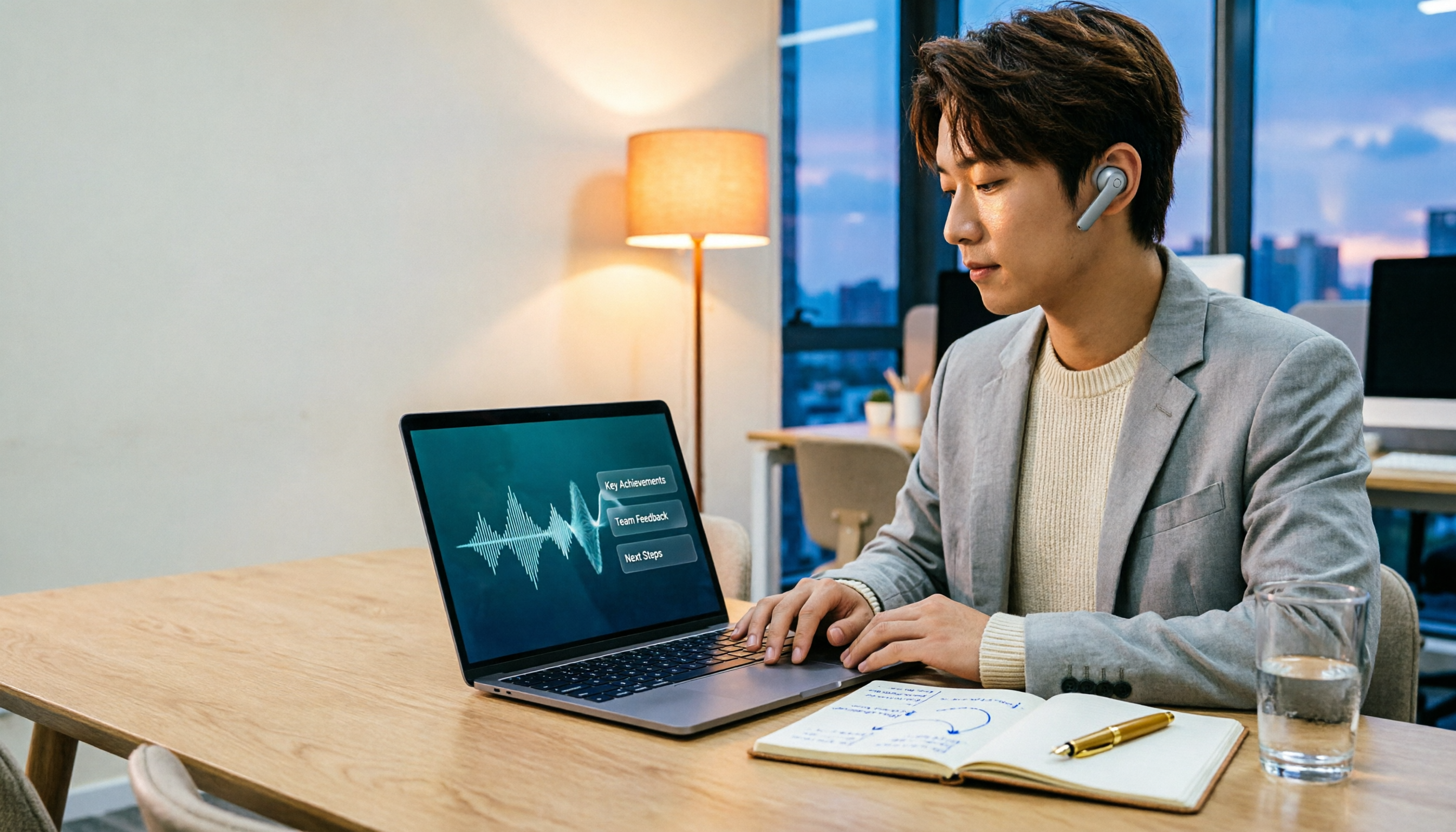
2026 Comparison of 3 Performance Review Transcription Tools: Tinrec vs Notta and Otter
Starting from the decision-making focus of performance review preparation, this comparison examines the differences between Tinrec, Notta, and Otter in transcribing performance review recordings, summarizing, follow-up questioning, and team knowledge retention, helping you determine which tool is better suited for turning recordings into deliverable performance review reports.
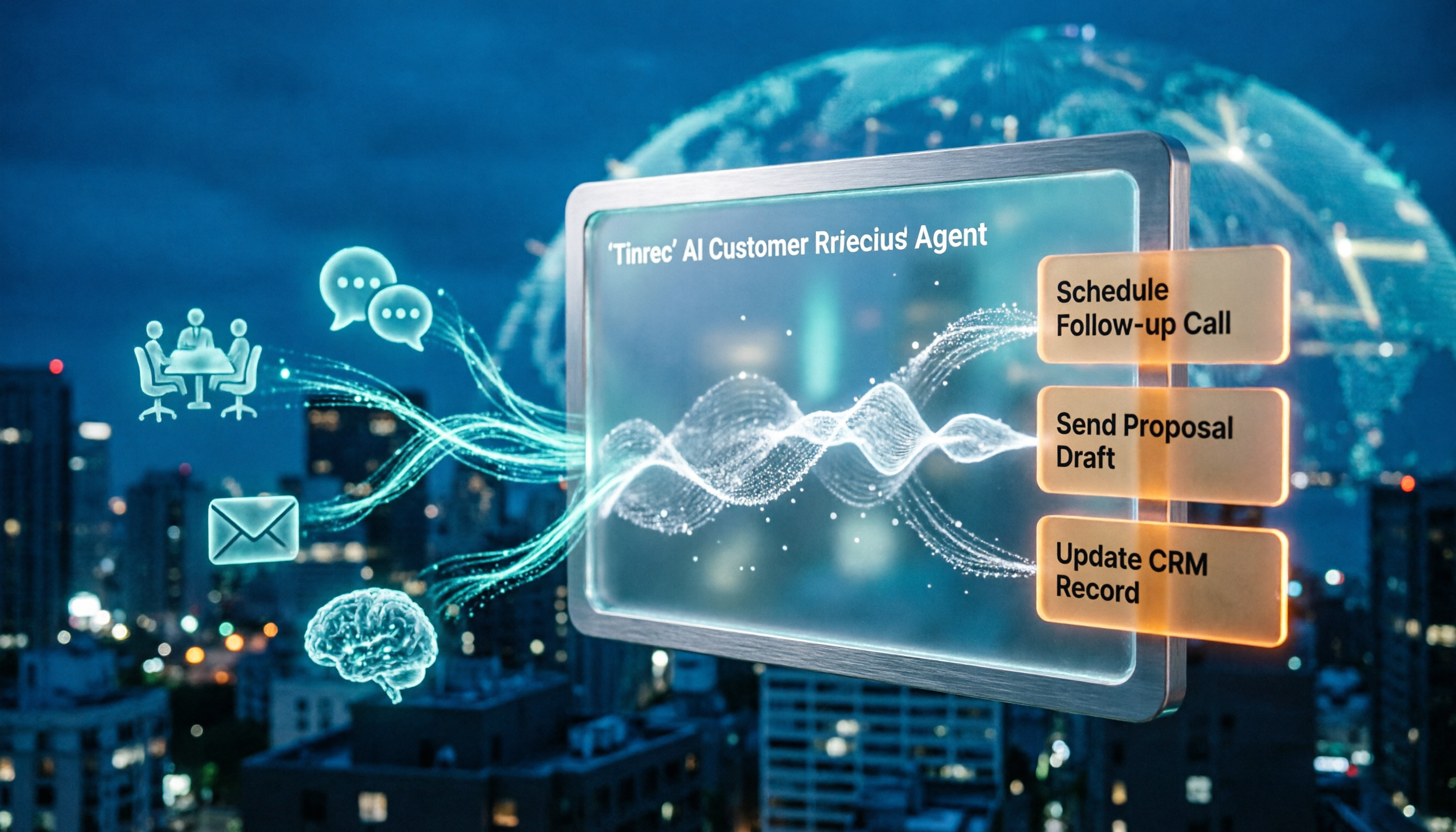
2026 AI Customer Follow-Up Agents Compared: Which One Turns Conversations into Actionable Next Steps?
Poor customer follow-up usually isn't due to lack of effort—it's because conversation records are scattered across meetings, messages, emails, and memory. This article compares Tinrec, Fireflies.ai, Otter.ai, and Notta on customer communication records and post-meeting organization, covering selection criteria, hands-on experience, and pitfalls to help you determine which fits your follow-up workflow.

Is AI Meeting Notes Worth Buying in 2026? A 5-Step Evaluation Guide
Are AI meeting notes tools really worth the money? This article starts from real meeting pain points, outlines 5 key purchase criteria, tests and analyzes Tinrec's bot-free recording, AI Q&A, and team spaces, compares differences with Otter.ai, Notta, and Granola, and finally gives clear purchase advice based on usage frequency and scenarios.

2026 Comparison of 4 Audio-to-Text Apps: Is the Free Version Enough? Does AI Summarization Really Save Time?
There are countless audio-to-text apps, and the most regrettable choice is downloading based solely on download counts. This article addresses three real pain points, outlines 5 key purchasing criteria, and compares Tinrec, Notta, Granola, and PLAUD Note in terms of Chinese recognition, AI summarization, online meeting recording, and team collaboration. It also includes a guide to avoid pitfalls and scenario-based recommendations.

2026 Speech-to-Text Paid Version Buying Guide: 5 Criteria and Practical Tips
Do you have to pay once the free tier runs out? This guide tackles common misconceptions, helps you calculate usage frequency, file length, and post-meeting needs, and uses Tinrec as an example to explain who the free, weekly, Pro, and team plans suit. Includes 5 buying criteria and FAQs.

2026 Comparison of 4 Speech-to-Text Tools: Which Saves the Most Time on Chinese Meeting Follow-Ups?
How to choose speech-to-text software in 2026? This article breaks the decision into 4 key criteria, then compares Tinrec, Notta, Otter.ai, and TurboScribe under the same test conditions on Chinese recognition, free quotas, and post-meeting organization capabilities. It also includes a pitfalls guide and scenario-based recommendations.
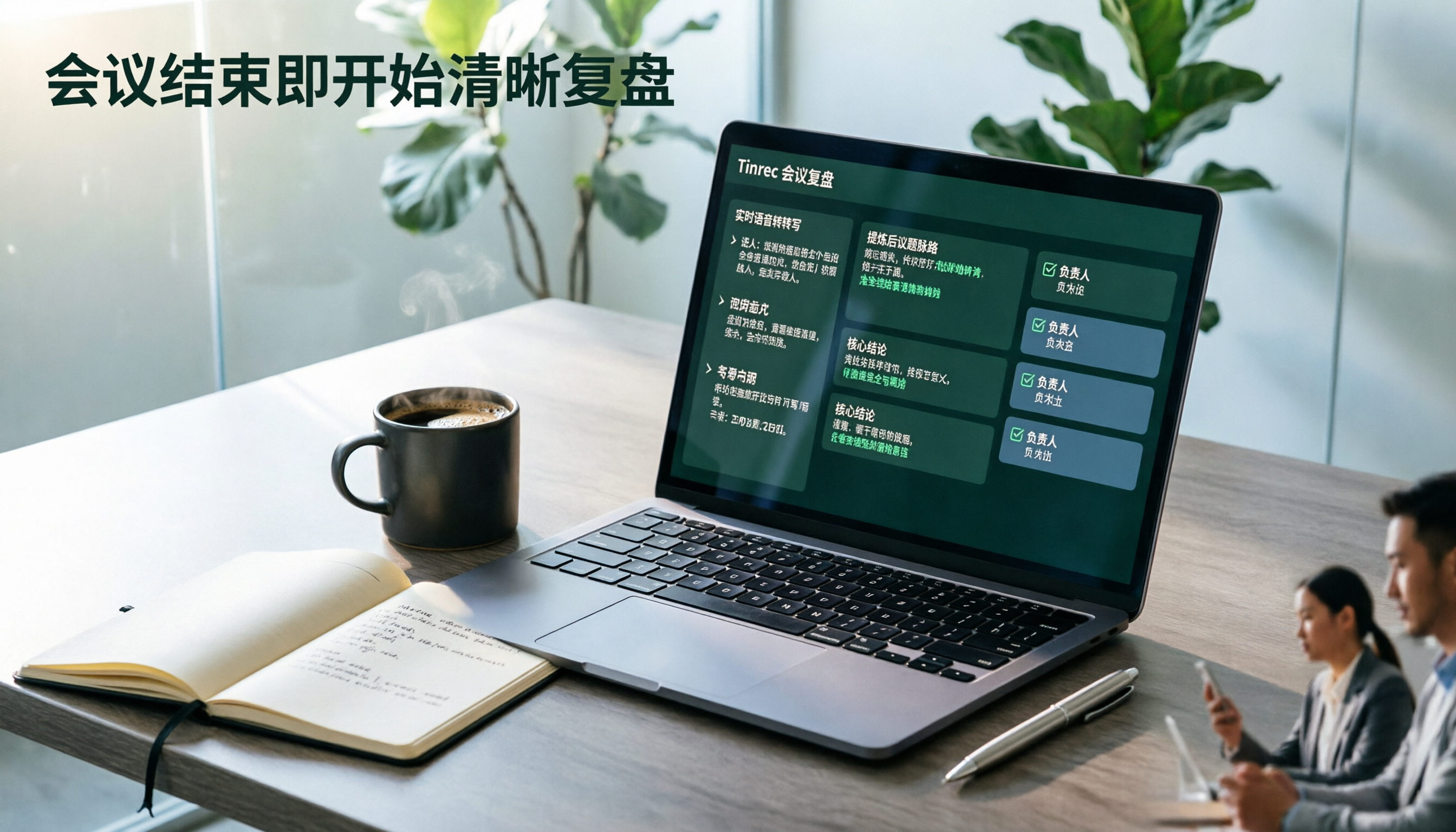
2026 AI Meeting Review Agent Comparison: Tinrec vs Plaud Note - Which Is Better for Chinese Meetings?
The meeting ends, but the overtime begins. This article compares the software-based Tinrec and the hardware-based PLAUD Note across five dimensions: online meeting capture, Chinese post-meeting readability, review depth, historical recording processing, and team governance and cost structure. It directly tells you which AI meeting review agent better fits your work style.

5 Best Speech-to-Text Software in 2026: Chinese Meetings & AI Q&A Compared
Most people choose speech-to-text software based on free minutes, but overlook that post-transcription organization, follow-up questions, and team collaboration are where the real time is spent. This article starts with common misconceptions, breaks down 5 tools using 4 key selection criteria, and compares Chinese meeting transcription, AI Q&A, audio retention, and team knowledge accumulation, with a guide to avoid pitfalls and scenario-based recommendations.

6 Interview Recording Tools Tested and Compared for 2026: Which One Turns Transcripts into Evaluation Reports?
Re-listening to an hour of interview recording just to find that 30-second key answer is the most time-consuming part. This article reviews 6 interview recording organization tools, from live transcription with AI follow-up questions to pure file transcription, explaining who each is suitable for based on actual recruitment workflows, and includes practical reminders on legal aspects and data management in Taiwan, China.