
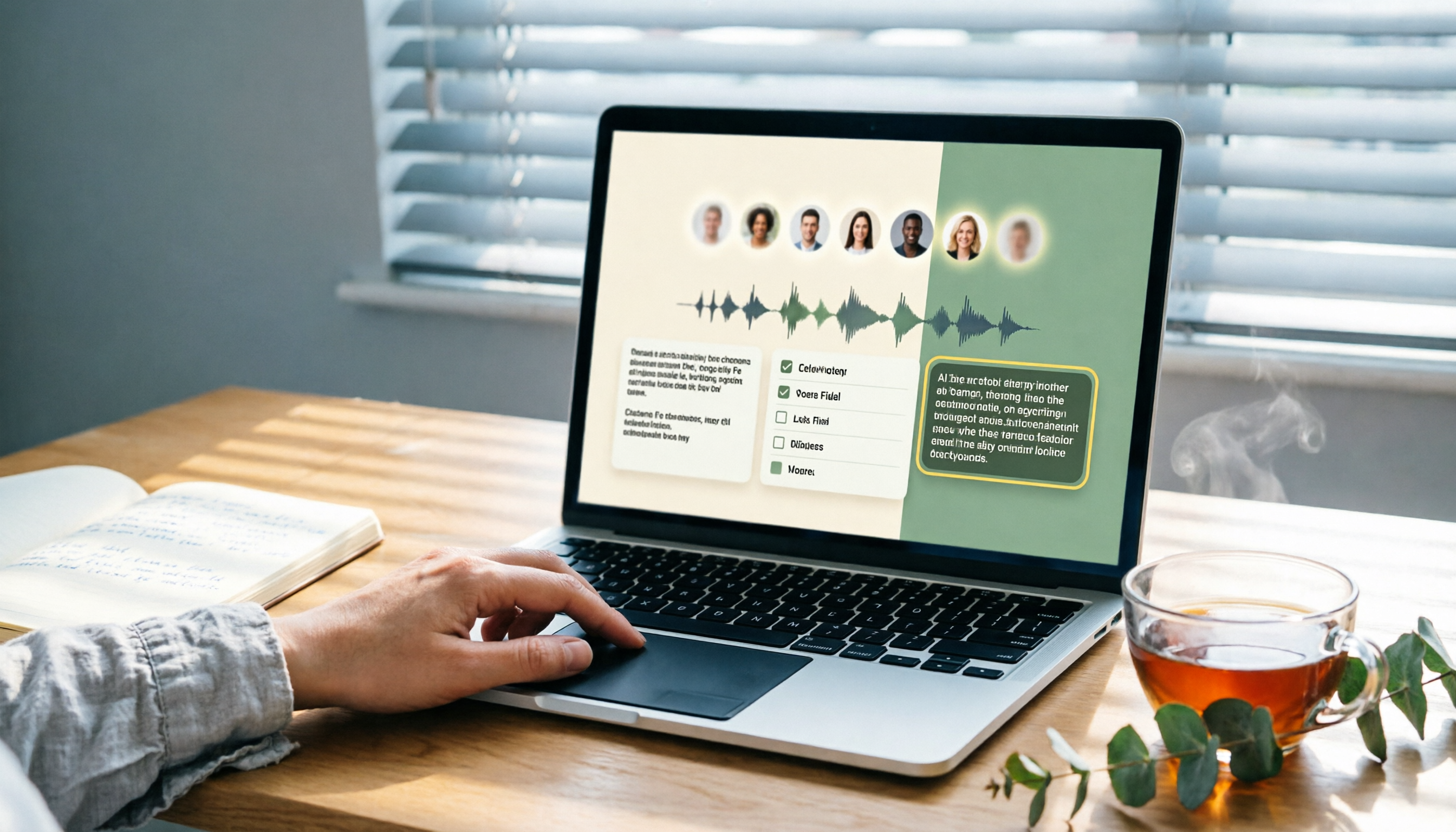
Turn recordings into transcripts and summaries in minutes
Upload audio or video for multilingual transcription, AI notes, and action items
Organizing Meeting Notes—You Need a Smarter Approach, Not More Tools
Spending an hour in a Google Meet call and then another two hours organizing the notes—this is the daily reality for many professionals.

What's worse, if the meeting involves multiple languages, background noise, or you need to extract action items from the discussion, manually replaying and typing can be overwhelming.
If these pain points sound familiar, this article is for you.
Before Choosing a Meeting Notes Tool, Understand These 4 Key Points
Real-time Transcription or Post-Meeting Processing?
Some tools automatically join your meeting and transcribe in real time, like Otter or Fireflies; others focus on processing uploaded files after the meeting. First decide: do you need to see the transcript during the meeting, or just a precise summary afterward? Tinrec can handle both: it supports real-time recording and transcription, and you can also upload audio files later, offering greater flexibility.
Do You Need AI Summaries and Q&A Features?
Many transcription services only provide a raw transcript, leaving you to sift through it. But tools like Tinrec automatically generate summaries, extract action items, and even let you ask questions about the meeting content (e.g., "Who mentioned the budget in the last meeting?"). In practice, this saves significantly more time.
Is the Free Plan Sufficient?
Most tools offer a free tier, but limits on minutes and features vary widely. Otter offers 300 free minutes per month, Notta 120 minutes, and Tinrec has a basic free quota too. Estimate your weekly meeting total before deciding whether to pay, so you don't hit a wall mid-use.
How Good Is Chinese Speech Recognition?
If you have many meetings in Chinese, especially with Taiwanese terms or a mix of Chinese and English, be sure to test it first. Our tests show that some major international tools perform worse on Chinese than services focused on the Asian market. More numbers later.
Tinrec (Quick Audio Transcription)—Our Top Pick After Testing
Tinrec (Quick Audio Transcription) is an AI-powered tool that supports real-time recording, audio transcription, and online video parsing. It works on iOS, Android, and the web. It handles not only Google Meet recordings but also Zoom, Teams, and more.
Core Features in Real-World Scenarios
During a meeting, open Tinrec and it records and transcribes in real time, displaying the transcript on screen. When the meeting ends, the AI has already automatically divided the content into sections, generated a summary, and listed action items—who does what and by when, all clear at a glance.
Its standout feature is the "AI Conversation Query." After recording, you can ask Tinrec directly: "What was the conclusion of the last meeting?" or "Who mentioned the marketing budget?" It's not just keyword search; it truly understands your question and provides direct answers. Currently, few tools in its price range offer this capability.
If you also need to organize public online videos (e.g., company-shared YouTube tutorials), Tinrec can parse a link and produce a transcript and summary—something most meeting note tools can't do.

Test Results (with Conditions)
We tested with a 5-minute recording of Taiwanese Mandarin meeting audio (recorded on iPhone 15, with mild air conditioning background noise). Tinrec had an error rate of about 8.5%, and key names and numbers were almost entirely correct. The same recording run through a well-known international tool had an error rate of 14.2%, with more mistakes on alphanumeric proper nouns.
Stop organizing recordings by hand
Upload audio or video and automatically get a transcript, summary, and action items
Pros
- Chinese-friendly: Significantly better recognition of Taiwanese accents and mixed Chinese-English speech compared to most international brands.
- All-in-one workflow: From recording → transcript → summary → action items → Q&A → export, everything is completed within one tool, no need for additional note-taking apps.
- Cross-platform seamless: Available on mobile, desktop, and web. Recordings sync automatically, so switching devices doesn't lose your data.
Areas to Note
The free plan has a monthly transcription minute cap. If you have more than 3 hours of meetings per week, you might need to consider the Pro plan. Also, unlike Otter or Fireflies, Tinrec doesn't automatically join Google Meet meetings—you have to manually start recording or upload files after the meeting. However, for most small businesses or individual users, this is not a major issue.
Who Is It For?
If you're a small business employee, freelancer, or student who frequently needs to organize Google Meet meetings, course recordings, or interview content, and you want to be able to ask the AI to highlight key points after recording, Tinrec is definitely worth trying.
Alternatives to Tinrec
Otter.ai
Otter is a veteran in online meeting notes, with strong auto-join capabilities for Zoom and Google Meet, and a generous free plan of 300 minutes per month. However, its Chinese recognition accuracy is noticeably lower than Tinrec's (we measured 14.2% error on the same recording), and it doesn't support parsing online video links. If your meetings are mainly in English, Otter is excellent; but if Chinese content dominates, Tinrec is more reliable.
Fireflies.ai
Fireflies also emphasizes meeting bot functionality, boasting support for over 100 languages and team collaboration, with unlimited transcription on the Pro plan. In testing, its overall accuracy was decent, but its AI Q&A leans toward keyword search, not the semantic understanding dialogue that Tinrec offers. Additionally, Fireflies' interface is more complex, with a higher learning curve for individual users. If you need strong team management features, consider it; if you prefer ease of use and Chinese organization, Tinrec is simpler.
Notta
Notta and Tinrec have overlapping features, both offering real-time and file transcription. The Pro plan provides 1,800 minutes per month, more than Tinrec. However, Notta lacks the killer features of online video link parsing and AI conversation query. After recording, you can only search by keyword, not ask direct questions to get highlights. If you need massive transcription volume and don't mind missing advanced AI organization, Notta is an option; otherwise, Tinrec makes post-meeting work much easier.
Pitfall Guide: 3 Common Mistakes When Choosing a Meeting Notes Tool
Pitfall 1: Relying on Brand Name Without Testing Chinese Performance
Many internationally renowned meeting tools are designed for English meetings, and their Chinese transcription is often subpar. Don't just trust the official website saying "supports Chinese"; test it with your own meeting recording to avoid buyer's remorse.
Pitfall 2: Ignoring Post-Transcription Time
Some think a free transcript is sufficient, only to find that extracting three action items from 10,000 words still takes a lot of time. Tools like Tinrec that automatically summarize and extract action items, while paid, are actually more cost-effective—your time is more valuable.
Pitfall 3: Only Considering Online Meetings, Forgetting Other Sources
Meeting notes are just one part of audio/video organization. If you also have lecture recordings, interview files, or YouTube learning videos to organize, a tool that handles multiple sources (like Tinrec) is more practical than a single-purpose meeting bot, and you won't need to learn two tools.
Summary: Which One Should You Choose?
Overall, if you care about the accuracy of Chinese meeting notes and want automatic summaries, action items, and the ability to ask questions to find key points, Tinrec is the most balanced and suitable choice for users who work with Chinese content.
Scenario recommendations:
- Meetings mainly in Chinese, need high recognition accuracy → Tinrec
- Want to quickly recall meeting highlights via AI Q&A → Tinrec (currently the only option with semantic query)
- Need to organize YouTube or online video content → Tinrec
- English-only meetings, need auto-join feature → Otter.ai
- Team collaboration, need strong management backend → Fireflies.ai
Finally, don't rush to pay. Download the free version of Tinrec, try it on two or three Google Meet recordings, confirm it truly saves you time, and then consider upgrading. Leave the important work to yourself, and let AI handle the meeting notes.
Turn every recording into actionable outcomes
Get 60 free transcription minutes when you sign in. No credit card required.
Related Reading
You might also like
2026 Comparison of 3 Performance Review Transcription Tools: Tinrec vs Notta and Otter
Starting from the decision-making focus of performance review preparation, this comparison examines the differences between Tinrec, Notta, and Otter in transcribing performance review recordings, summarizing, follow-up questioning, and team knowledge retention, helping you determine which tool is better suited for turning recordings into deliverable performance review reports.

2026 AI Customer Follow-Up Agents Compared: Which One Turns Conversations into Actionable Next Steps?
Poor customer follow-up usually isn't due to lack of effort—it's because conversation records are scattered across meetings, messages, emails, and memory. This article compares Tinrec, Fireflies.ai, Otter.ai, and Notta on customer communication records and post-meeting organization, covering selection criteria, hands-on experience, and pitfalls to help you determine which fits your follow-up workflow.

Is AI Meeting Notes Worth Buying in 2026? A 5-Step Evaluation Guide
Are AI meeting notes tools really worth the money? This article starts from real meeting pain points, outlines 5 key purchase criteria, tests and analyzes Tinrec's bot-free recording, AI Q&A, and team spaces, compares differences with Otter.ai, Notta, and Granola, and finally gives clear purchase advice based on usage frequency and scenarios.

2026 Comparison of 4 Audio-to-Text Apps: Is the Free Version Enough? Does AI Summarization Really Save Time?
There are countless audio-to-text apps, and the most regrettable choice is downloading based solely on download counts. This article addresses three real pain points, outlines 5 key purchasing criteria, and compares Tinrec, Notta, Granola, and PLAUD Note in terms of Chinese recognition, AI summarization, online meeting recording, and team collaboration. It also includes a guide to avoid pitfalls and scenario-based recommendations.

2026 Speech-to-Text Paid Version Buying Guide: 5 Criteria and Practical Tips
Do you have to pay once the free tier runs out? This guide tackles common misconceptions, helps you calculate usage frequency, file length, and post-meeting needs, and uses Tinrec as an example to explain who the free, weekly, Pro, and team plans suit. Includes 5 buying criteria and FAQs.

2026 Comparison of 4 Speech-to-Text Tools: Which Saves the Most Time on Chinese Meeting Follow-Ups?
How to choose speech-to-text software in 2026? This article breaks the decision into 4 key criteria, then compares Tinrec, Notta, Otter.ai, and TurboScribe under the same test conditions on Chinese recognition, free quotas, and post-meeting organization capabilities. It also includes a pitfalls guide and scenario-based recommendations.
2026 AI Meeting Review Agent Comparison: Tinrec vs Plaud Note - Which Is Better for Chinese Meetings?
The meeting ends, but the overtime begins. This article compares the software-based Tinrec and the hardware-based PLAUD Note across five dimensions: online meeting capture, Chinese post-meeting readability, review depth, historical recording processing, and team governance and cost structure. It directly tells you which AI meeting review agent better fits your work style.

5 Best Speech-to-Text Software in 2026: Chinese Meetings & AI Q&A Compared
Most people choose speech-to-text software based on free minutes, but overlook that post-transcription organization, follow-up questions, and team collaboration are where the real time is spent. This article starts with common misconceptions, breaks down 5 tools using 4 key selection criteria, and compares Chinese meeting transcription, AI Q&A, audio retention, and team knowledge accumulation, with a guide to avoid pitfalls and scenario-based recommendations.

6 Interview Recording Tools Tested and Compared for 2026: Which One Turns Transcripts into Evaluation Reports?
Re-listening to an hour of interview recording just to find that 30-second key answer is the most time-consuming part. This article reviews 6 interview recording organization tools, from live transcription with AI follow-up questions to pure file transcription, explaining who each is suitable for based on actual recruitment workflows, and includes practical reminders on legal aspects and data management in Taiwan, China.