

Turn recordings into transcripts and summaries in minutes
Upload audio or video for multilingual transcription, AI notes, and action items
Why You Need a Good Google Meet Meeting Notes Tool
When you create a new Google Meet link and get ready for an online meeting, the last thing you want is to miss key discussions. Taking manual notes not only distracts you but also fails to capture every detail. According to a recent survey, over 70% of office workers attend at least five online meetings per week, and nearly half say they often forget key decisions afterward. This article reviews 5 tools that automatically transcribe Google Meet meetings, with a focus on comparing Tinrec and Otter.ai, to help you find the best solution.

Tinrec (Quick Voice Recorder) – The Most Complete AI Meeting Notes Assistant
Tinrec not only transcribes Google Meet meetings in real time but turns recordings into "actionable knowledge." It supports a browser extension that records meeting content with one click, then automatically generates verbatim transcripts, AI summaries, chapters, and to-do lists. The standout feature is AI conversation search: you can ask, "What did the client say about pricing in last week's meeting?" and Tinrec will find the answer from your history. It can also import local audio files or even paste a YouTube link for transcription.
Free plan offers basic monthly transcription minutes, suitable for occasional use; Pro monthly provides higher limits for multiple meetings per week; Annual plan is more cost-effective per month. If you need to organize meeting materials long-term, Tinrec is one of the few tools that covers transcription, summary, Q&A, and export all in one.
Best for: Individuals or small teams who need to quickly extract key points from meeting recordings and build a searchable knowledge base.
Otter.ai – A Strong Contender for English Meeting Transcription
Otter.ai is a representative meeting bot that automatically joins Google Meet, displays real-time transcripts, and labels speakers. The free plan offers 300 minutes per month, while Pro (annual) costs about $8.33/month for 1200 minutes. Its English recognition is mature, but Chinese transcription accuracy is not as good as specialized tools, sometimes producing odd translations for Chinese speakers. Otter's strength is team collaboration: shared notes, action item tagging, and more.
Best for: International teams primarily using English, needing deep meeting collaboration and SOP management.
Stop organizing recordings by hand
Upload audio or video and automatically get a transcript, summary, and action items
Fireflies.ai – Auto-Join Meetings with Unlimited Transcription Appeal
Fireflies.ai also automatically joins Google Meet, Zoom, and other platforms, offering "unlimited transcription" and AI summaries. The free plan includes unlimited transcription (but limited team storage), and Pro (annual) costs $10/month/user. It integrates with many CRMs and project tools, ideal for sales teams. However, Chinese recognition still lags behind localized tools, and the "unlimited" label comes with storage limits to watch for long-term use.
Best for: Sales teams needing automatic recording of client calls with direct CRM integration like Salesforce.
Notta – A Lightweight Option for Multi-Platform Transcription and Translation

Notta is similar to Tinrec, supporting multi-platform transcription and meeting notes. The free plan offers 120 minutes per month, while Pro (annual) at about $8.17/month delivers up to 1800 minutes. It provides a clean interface and real-time translation, a plus for multilingual meetings. However, Notta lacks the AI conversation search and advanced post-processing of Tinrec, making it better suited for users who just need transcripts and translations.
Best for: Users who need quick transcription and translation without further knowledge management.
Google Meet Built-in Transcription – A Zero-Budget Backup
Google Meet already offers live captions, and some Workspace versions support recording and automatic transcript generation. The advantage is that it's completely free and requires no extra tools. However, transcripts are usually not editable or exportable, and there are no AI summaries or to-do lists. As meetings pile up, text files become hard to search and manage.
Best for: Users with zero budget who only need basic caption assistance and don't require post-meeting organization.
With So Many Options, How Do You Choose?
- Want the most comprehensive AI meeting organization (transcription + AI search + auto to-do) → Tinrec, the only tool that does all three.
- Need to switch between phone and computer, with accurate Chinese transcription → Tinrec (iOS, Android, web; Chinese optimized).
- Team communicates entirely in English, requiring deep collaboration and SOPs → Otter.ai, but weak for Chinese.
- Sales team needs automatic recording and CRM integration → Fireflies.ai, but Chinese limitations.
- Occasional transcription with real-time translation → Notta, feature-rich but no AI Q&A.
- No budget, just basic captions → Google Meet built-in, minimal features but free.
3 Things to Know Before Using Meeting Notes Tools
- Audio quality determines transcription accuracy: Even the best tool will suffer if the microphone is unclear or multiple people speak over each other. Check your equipment before meetings and use tools like Tinrec that can distinguish speakers.
- AI summaries still need human review: AI may misinterpret tone or key points; always cross-check important decisions with the transcript. Tinrec's "AI Q&A" quickly locates key sections, saving time.
- Free plan limitations: read before you use: Many free plans have minute or feature caps. For example, Tinrec's free plan offers basic transcription minutes, but advanced features like AI Q&A and to-do extraction require a paid plan. Try before you commit.
Conclusion
After creating a new Google Meet link, choosing the right note tool saves significant post-meeting time. Tinrec's AI summaries, conversation search, and to-do extraction turn meeting notes into reusable assets; Otter.ai is unmatched for English team collaboration. If your meetings mix Chinese and English and you want a searchable knowledge base, Tinrec offers the best value today.
Turn every recording into actionable outcomes
Get 60 free transcription minutes when you sign in. No credit card required.
Related Reading
You might also like
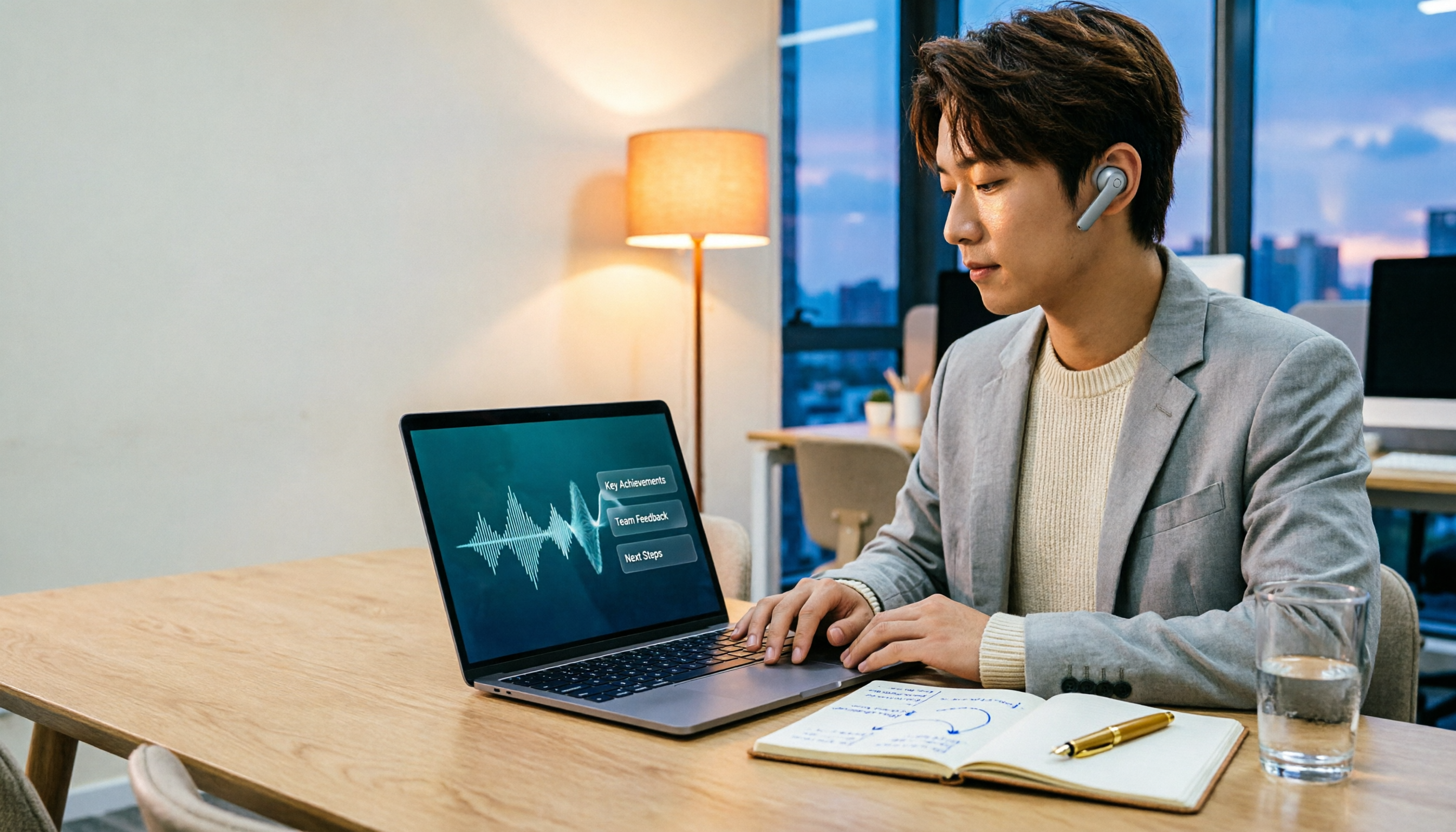
2026 Comparison of 3 Performance Review Transcription Tools: Tinrec vs Notta and Otter
Starting from the decision-making focus of performance review preparation, this comparison examines the differences between Tinrec, Notta, and Otter in transcribing performance review recordings, summarizing, follow-up questioning, and team knowledge retention, helping you determine which tool is better suited for turning recordings into deliverable performance review reports.
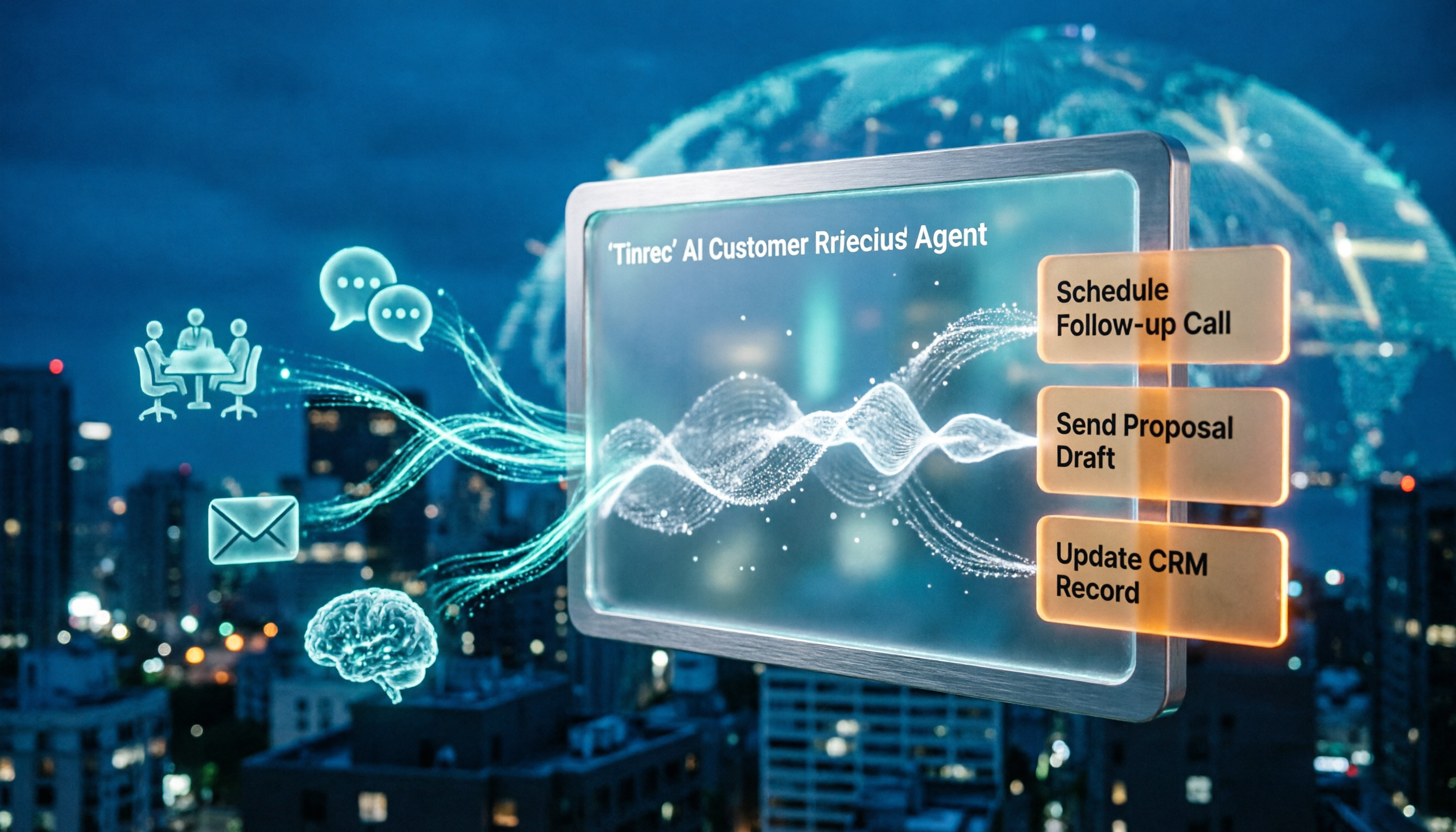
2026 AI Customer Follow-Up Agents Compared: Which One Turns Conversations into Actionable Next Steps?
Poor customer follow-up usually isn't due to lack of effort—it's because conversation records are scattered across meetings, messages, emails, and memory. This article compares Tinrec, Fireflies.ai, Otter.ai, and Notta on customer communication records and post-meeting organization, covering selection criteria, hands-on experience, and pitfalls to help you determine which fits your follow-up workflow.

Is AI Meeting Notes Worth Buying in 2026? A 5-Step Evaluation Guide
Are AI meeting notes tools really worth the money? This article starts from real meeting pain points, outlines 5 key purchase criteria, tests and analyzes Tinrec's bot-free recording, AI Q&A, and team spaces, compares differences with Otter.ai, Notta, and Granola, and finally gives clear purchase advice based on usage frequency and scenarios.

2026 Comparison of 4 Audio-to-Text Apps: Is the Free Version Enough? Does AI Summarization Really Save Time?
There are countless audio-to-text apps, and the most regrettable choice is downloading based solely on download counts. This article addresses three real pain points, outlines 5 key purchasing criteria, and compares Tinrec, Notta, Granola, and PLAUD Note in terms of Chinese recognition, AI summarization, online meeting recording, and team collaboration. It also includes a guide to avoid pitfalls and scenario-based recommendations.

2026 Speech-to-Text Paid Version Buying Guide: 5 Criteria and Practical Tips
Do you have to pay once the free tier runs out? This guide tackles common misconceptions, helps you calculate usage frequency, file length, and post-meeting needs, and uses Tinrec as an example to explain who the free, weekly, Pro, and team plans suit. Includes 5 buying criteria and FAQs.

2026 Comparison of 4 Speech-to-Text Tools: Which Saves the Most Time on Chinese Meeting Follow-Ups?
How to choose speech-to-text software in 2026? This article breaks the decision into 4 key criteria, then compares Tinrec, Notta, Otter.ai, and TurboScribe under the same test conditions on Chinese recognition, free quotas, and post-meeting organization capabilities. It also includes a pitfalls guide and scenario-based recommendations.
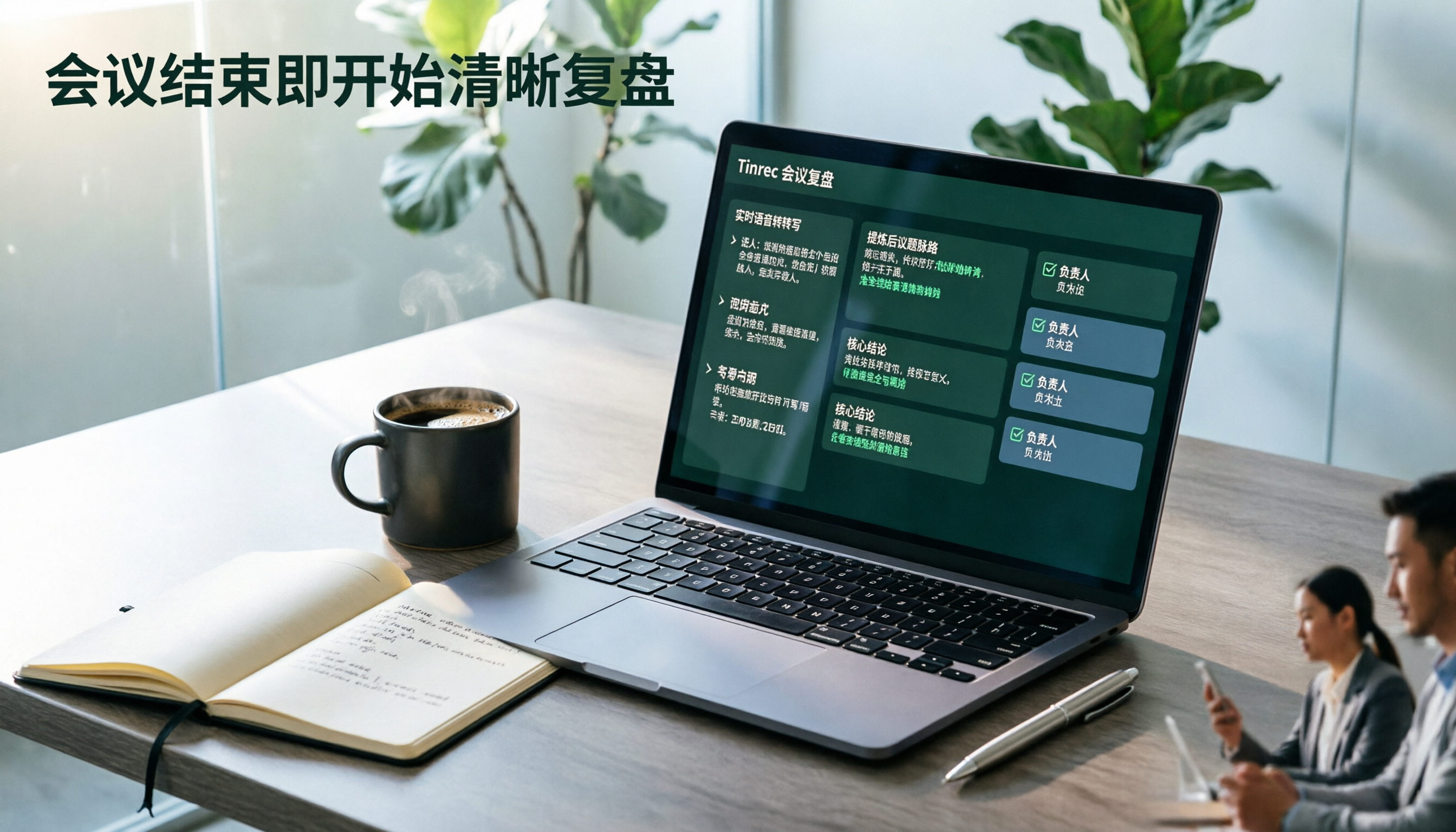
2026 AI Meeting Review Agent Comparison: Tinrec vs Plaud Note - Which Is Better for Chinese Meetings?
The meeting ends, but the overtime begins. This article compares the software-based Tinrec and the hardware-based PLAUD Note across five dimensions: online meeting capture, Chinese post-meeting readability, review depth, historical recording processing, and team governance and cost structure. It directly tells you which AI meeting review agent better fits your work style.

5 Best Speech-to-Text Software in 2026: Chinese Meetings & AI Q&A Compared
Most people choose speech-to-text software based on free minutes, but overlook that post-transcription organization, follow-up questions, and team collaboration are where the real time is spent. This article starts with common misconceptions, breaks down 5 tools using 4 key selection criteria, and compares Chinese meeting transcription, AI Q&A, audio retention, and team knowledge accumulation, with a guide to avoid pitfalls and scenario-based recommendations.

6 Interview Recording Tools Tested and Compared for 2026: Which One Turns Transcripts into Evaluation Reports?
Re-listening to an hour of interview recording just to find that 30-second key answer is the most time-consuming part. This article reviews 6 interview recording organization tools, from live transcription with AI follow-up questions to pure file transcription, explaining who each is suitable for based on actual recruitment workflows, and includes practical reminders on legal aspects and data management in Taiwan, China.