
Turn recordings into transcripts and summaries in minutes
Upload audio or video for multilingual transcription, AI notes, and action items
You work in Central, and your daily schedule is morning meeting, lunch meeting, afternoon meeting, and a recap before leaving work. The worst part isn't the meetings themselves—it's writing the meeting minutes afterward. Google Meet has built-in transcription, but with Cantonese mixed with English, the output is riddled with errors, and in the end, you still have to listen to the recording and type up the transcript yourself, often working overtime until 8 PM.
If you share this frustration, Tinrec might be the answer you've been looking for. It doesn't just transcribe recordings—it automatically generates summaries, highlights, and action items, so you have a clean record right after the meeting without needing to manually clean it up.

Why Are People Looking for Google Meet Alternatives?
Google Meet is a mainstream meeting tool for many companies in Hong Kong, and its built-in live captions and transcription are convenient, but after using it for a while, you'll notice several limitations. First, its language support is mainly English and Mandarin, with very limited Cantonese recognition—it often mishears "開會" (meeting) as something else, missing key points entirely. Second, the transcription content can't be automatically organized into summaries or action items; you still have to go through the entire transcript yourself. Finally, if you want to save recordings, search across platforms, or integrate other audio files, Google Meet basically can't do it.
That's why more and more employees are looking for alternative tools that offer more comprehensive organization features, especially support for Cantonese and cross-device usage. If you have similar needs, Tinrec is worth checking out.
Tinrec vs Google Meet: Key Differences in Core Experience
This isn't to say Google Meet is bad, but for the task of "recording transcription," the two tools have very different focuses. Below is a comparison from several key dimensions to help you see which tool suits you better.
Language Support
Google Meet's transcription mainly handles English and Mandarin, with weak Cantonese support. Tinrec has been specifically optimized for Cantonese's nine tones, achieving significantly higher accuracy in typical meeting environments, and also supports 14 languages—perfect for Hong Kong's multilingual work scenarios.
Cross-Platform Coverage
Google Meet is a web tool; although usable on mobile, its transcription is mostly tied to the meeting itself. Tinrec has iOS, Android, and web versions, allowing you to record and transcribe in real-time on your phone, or upload audio files, without being limited to a single platform.
AI Smart Features
Google Meet transcription outputs plain text. Tinrec goes further with AI to generate summaries, split into chapters, extract action items, and even offers a "Conversation Query" feature—you can ask it directly, "What was the conclusion of this meeting?" or "Who is responsible for following up on what?" It answers based on semantics, saving you from reading through a 30-page transcript.
Free Plan Quota
Google Meet's transcription generally requires a Google Workspace subscription for full functionality; the free version is limited. Tinrec's free plan provides a basic monthly transcription quota (based on the product's current offering), so even light users can try the core features for free.
Stop organizing recordings by hand
Upload audio or video and automatically get a transcript, summary, and action items
Use Case Coverage
Google Meet focuses on online meetings. Tinrec goes beyond meetings—it can also handle classroom recordings, interviews, YouTube videos, local audio files, and even transcribe by pasting a web video link. Simply put, all your audio and video materials can be organized with Tinrec.
Tinrec Core Features at a Glance
Now that you understand the differences, let's look at Tinrec's practical features and how they can help you.
Real-Time Recording to Text
With Tinrec running, text appears as you speak with less than 1 second delay. During the meeting, you can follow along to ensure nothing is missed, and the moment the meeting ends, the transcript is ready—no waiting.
AI Summaries and Chapter Organization
After recording a one-hour meeting, Tinrec automatically generates a summary and breaks the long content into structured chapters, so you can grasp key points in minutes. For those who frequently listen to long courses or recordings, this feature saves a lot of time.
Action Item Extraction
During meetings, people often say things like "John, you follow up with the client" or "Submit the proposal by next week." Tinrec automatically extracts these action items from the dialogue and organizes them into a list, so you don't have to rely on memory or scribble notes.

AI Conversation Query
This is the feature I use the most. After recording, you can ask Tinrec questions in Cantonese, such as "When is the follow-up meeting?" or "Who is responsible for contacting the supplier?" It answers based on the recording content and even marks timestamps for easy cross-referencing.
Multi-Format Export
Organized content can be exported as TXT, PDF, Word, SRT subtitles, and more, and can be synced to Notion, Google Docs, OneNote, directly integrating into your workflow.
Real-World Use Cases
Busy Professionals with Back-to-Back Meetings
9 AM project meeting, 11 AM client call, 3 PM internal review. Use Tinrec to record and transcribe everything, get automatic summaries and action items after the meeting, send to the team in 5 minutes, and leave work at 6 PM sharp.
Students Taking Classes
Online courses or lectures that last hours can be a headache to review. Tinrec splits long recordings into chapters, and you can ask the AI, "What theories were covered in this class?"—boosting study efficiency several times over.
Journalists Conducting Interviews
Interview recordings used to take all day to transcribe. Now with Tinrec, you get real-time transcription, and the AI can highlight key sentences, so you start writing from the text material as soon as you're back at the office.
Content Creators
Want to turn YouTube videos or podcast episodes into text, summaries, or topic ideas? Paste the link into Tinrec, and within minutes you have text and highlights, plus you can export subtitles.
What to Look for When Choosing a Voice-to-Text Tool
Cantonese Recognition Accuracy
Hongkongers often mix Cantonese and English. When choosing a tool, test its accuracy for Cantonese and mixed languages. Tinrec has been optimized for this and performs impressively in typical meeting environments.
Post-Transcription Organization Features
Transcripts are just the first step. More important is whether the tool can automatically generate summaries, action items, and chapters, making the content immediately usable. Tinrec excels in this area.
Cross-Platform Support
You might record meetings on your phone, upload old files on your computer, or organize data on the web. Tinrec covers iOS, Android, and web, with easy data syncing.
Privacy and Data Security
Meeting recordings may contain sensitive information. Tinrec has a complete data protection mechanism—recordings and transcripts are encrypted, so you can use it with peace of mind.
Free Trial Barrier
No need to pay upfront. Tinrec's free plan offers a basic monthly quota, so you can test the transcription quality on your own recordings and upgrade only if it suits you, without wasting money.
Conclusion: Is Tinrec Worth a Try?
If you're fed up with Google Meet's limited transcription features and want a tool that supports Cantonese, can organize audio and video across platforms, and lets you find key points with AI after recording, Tinrec is a great choice. Its AI summaries, chapter splitting, and conversation query features are far more practical than pure meeting transcription, especially for Hong Kong workers.
I recommend downloading the free version of Tinrec first and testing it with your own recordings—the monthly 100-minute quota is enough to try it in meetings, classes, or interviews. If it helps, then consider upgrading. That's the most straightforward approach.
Turn every recording into actionable outcomes
Get 60 free transcription minutes when you sign in. No credit card required.
Related Reading
You might also like
2026 Comparison of 3 Performance Review Transcription Tools: Tinrec vs Notta and Otter
Starting from the decision-making focus of performance review preparation, this comparison examines the differences between Tinrec, Notta, and Otter in transcribing performance review recordings, summarizing, follow-up questioning, and team knowledge retention, helping you determine which tool is better suited for turning recordings into deliverable performance review reports.

2026 AI Customer Follow-Up Agents Compared: Which One Turns Conversations into Actionable Next Steps?
Poor customer follow-up usually isn't due to lack of effort—it's because conversation records are scattered across meetings, messages, emails, and memory. This article compares Tinrec, Fireflies.ai, Otter.ai, and Notta on customer communication records and post-meeting organization, covering selection criteria, hands-on experience, and pitfalls to help you determine which fits your follow-up workflow.

Is AI Meeting Notes Worth Buying in 2026? A 5-Step Evaluation Guide
Are AI meeting notes tools really worth the money? This article starts from real meeting pain points, outlines 5 key purchase criteria, tests and analyzes Tinrec's bot-free recording, AI Q&A, and team spaces, compares differences with Otter.ai, Notta, and Granola, and finally gives clear purchase advice based on usage frequency and scenarios.

2026 Comparison of 4 Audio-to-Text Apps: Is the Free Version Enough? Does AI Summarization Really Save Time?
There are countless audio-to-text apps, and the most regrettable choice is downloading based solely on download counts. This article addresses three real pain points, outlines 5 key purchasing criteria, and compares Tinrec, Notta, Granola, and PLAUD Note in terms of Chinese recognition, AI summarization, online meeting recording, and team collaboration. It also includes a guide to avoid pitfalls and scenario-based recommendations.

2026 Speech-to-Text Paid Version Buying Guide: 5 Criteria and Practical Tips
Do you have to pay once the free tier runs out? This guide tackles common misconceptions, helps you calculate usage frequency, file length, and post-meeting needs, and uses Tinrec as an example to explain who the free, weekly, Pro, and team plans suit. Includes 5 buying criteria and FAQs.

2026 Comparison of 4 Speech-to-Text Tools: Which Saves the Most Time on Chinese Meeting Follow-Ups?
How to choose speech-to-text software in 2026? This article breaks the decision into 4 key criteria, then compares Tinrec, Notta, Otter.ai, and TurboScribe under the same test conditions on Chinese recognition, free quotas, and post-meeting organization capabilities. It also includes a pitfalls guide and scenario-based recommendations.
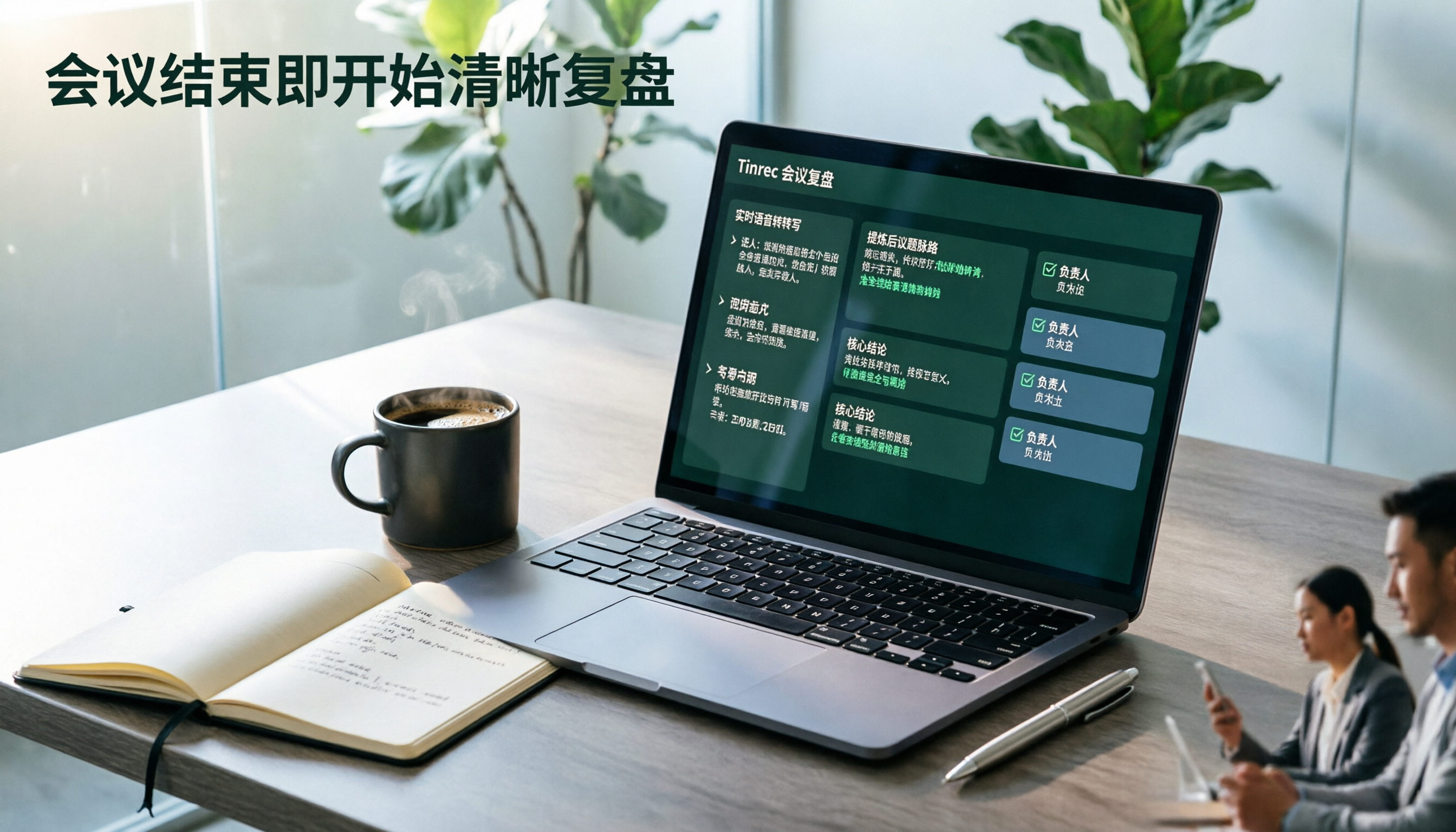
2026 AI Meeting Review Agent Comparison: Tinrec vs Plaud Note - Which Is Better for Chinese Meetings?
The meeting ends, but the overtime begins. This article compares the software-based Tinrec and the hardware-based PLAUD Note across five dimensions: online meeting capture, Chinese post-meeting readability, review depth, historical recording processing, and team governance and cost structure. It directly tells you which AI meeting review agent better fits your work style.

5 Best Speech-to-Text Software in 2026: Chinese Meetings & AI Q&A Compared
Most people choose speech-to-text software based on free minutes, but overlook that post-transcription organization, follow-up questions, and team collaboration are where the real time is spent. This article starts with common misconceptions, breaks down 5 tools using 4 key selection criteria, and compares Chinese meeting transcription, AI Q&A, audio retention, and team knowledge accumulation, with a guide to avoid pitfalls and scenario-based recommendations.

6 Interview Recording Tools Tested and Compared for 2026: Which One Turns Transcripts into Evaluation Reports?
Re-listening to an hour of interview recording just to find that 30-second key answer is the most time-consuming part. This article reviews 6 interview recording organization tools, from live transcription with AI follow-up questions to pure file transcription, explaining who each is suitable for based on actual recruitment workflows, and includes practical reminders on legal aspects and data management in Taiwan, China.