

Turn recordings into transcripts and summaries in minutes
Upload audio or video for multilingual transcription, AI notes, and action items
2026 Real-World Test: 4 Best Free Apps for Recording & Transcribing Online Meetings
One Online Class Note Disaster – You Don't Need a Tool, You Need a Solution

Last semester I took a course called "Information Management Seminar." The professor spoke fast and flipped slides even faster. Because of the pandemic, half the classes were on Google Meet. The lectures were dense, plus we had frequent group discussions and midterm presentations. After every meeting, all I could remember was that I forgot to open a notepad.
When I looked at my handwritten notes before midterms, I couldn't decipher them: fragmented paragraphs, misspelled technical terms, and completely missing discussion conclusions. My roommate shared his recording file, but it was a two-hour .m4a file. I listened from start to finish and gave up before even getting through one third.
If you've ever experienced "recording everything but still begging classmates for notes at finals," this article is for you. I spent the entire semester testing every popular transcription app suitable for students, helping you avoid the pitfalls and telling you which free version is sufficient and which requires an upgrade.
4 Key Points to Understand Before Choosing a Transcription App
1. Accuracy: It's Not Just About the Number
Every app claims 98% accuracy, but that's measured in a soundproof studio. In reality, you'll be recording in noisy places like coffee shops, libraries, or dorm lounges—background noise, keyboard clatter, people talking over each other will slash accuracy by 30%. Choose a tool that performs well in real-world scenarios, especially with Chinese speech recognition. As students, we often record professors mixing Chinese and English, which really tests the algorithm.
2. AI Features: Transcription Is Just the Beginning, Organization Is Key
If an app only turns audio into a word-for-word transcript, you'll probably still ignore it. What really helps is automatic summarization, chapter extraction, and action items—plus the ability to ask questions like ChatGPT, such as "What did the professor say about the midterm scope?" The time saved is a hundred times more valuable than manually sifting through 30 minutes of transcript.
3. Cross-Platform: Record on iPhone Today, Edit on Laptop Tomorrow
The typical student workflow: record a Google Meet lecture on the phone while attending, then organize notes on a laptop later. If an app only works on one platform or syncs poorly across devices, you'll give up fast. iOS + Android + web version are essential so you can access your history anywhere.
4. Free Tier: A Student's Lifeline – Every Penny Counts
Not every classmate wants to spend money on tools, so how long the free version lasts is crucial. Some apps only offer 30 minutes per month, which is gone after one online class. Others offer 300 minutes, lasting weeks. Besides total minutes, check if key features are locked in the free version (like AI summaries). If so, even unlimited minutes are pointless.
Tinrec – The Unsung Hero That Saved My Finals
I first saw Tinrec recommended on Dcard, mentioning it supports multiple languages and has AI chat. I downloaded it to try, and ended up using it for the entire semester.
Tinrec is an AI recording and audio/video organization tool designed for meetings, learning, interviews, and content creation. It supports iOS, Android, and web. It can transcribe in real time, upload audio files, paste YouTube or Google Meet links for parsing, and ultimately generate summaries, chapters, to-dos, and even allow you to ask questions about the recording like asking a study buddy.
My Daily Use
Every Wednesday's project meeting, I opened Tinrec's "Live Recording" and it transcribed the Google Meet audio in the background. When the professor asked "Who's responsible for the literature review?" I didn't worry about missing it, because as soon as the meeting ended, Tinrec automatically created an AI summary with action items: who, what, deadline. I just copied and pasted into Notion—team progress was never a black hole again.
Stop organizing recordings by hand
Upload audio or video and automatically get a transcript, summary, and action items
Final exam cramming, I dropped a course video link from the professor into Tinrec. It split the two-hour video into chapters, labeling "Chapter 3: System Analysis Key Points" and "Chapter 5: UML Diagrams." I could skip directly to chapters and even ask the AI: "How did the professor explain cardinality in ERDs?" Tinrec doesn't just keyword search—it understands semantics and answers, which is super useful for my information management classes.
Test Data
I recorded a 10-minute Google Meet meeting on an iPhone 15 in a classroom (about 26°C, with projector fan noise). Speakers included a professor (standard Mandarin) and two classmates (Taiwan-accented Chinese). Tinrec's character error rate was about 9.2%, and key paragraphs were almost entirely correct. The same file on Otter.ai had a ~16% error rate, especially with Taiwan-specific terms and technical vocabulary (like "導入正規化"). Tinrec's performance is top-tier among similar apps.
Pros

- AI query is amazing: Instead of listening to the whole recording, just ask "Who said to change the proposal outline in last Tuesday's meeting?" It responds instantly. Currently, no competing product at the same price point offers this feature.
- Multi-source integration: Not only real-time recording, but also upload old audio files, paste online video links—I even use it to extract key points from YouTube tutorials.
- Student-friendly cross-platform: Smooth sync between my Android phone, iPad, and laptop web version. During group discussions, I project the app on my laptop screen, and classmates ask "What app is that?"
Limitations
The free version has a basic transcription quota (not unlimited). If you record every two-hour lecture, it may run out after a couple of online classes. But based on my experience, if you only record key classes per week, the free version can last until midterms. For heavy use, students can consider the Pro monthly plan—it's less than a Starbucks coffee, but the time saved is like earning an extra credit.
Who It's For
If you're like me: need to record Google Meet classes, want immediate summaries and action items, or don't want to be tied to a single device, Tinrec is your best choice. Its Chinese support is rare among apps I'd actually pay for.
Alternatives to Tinrec
Otter.ai
A veteran tool primarily for English meeting notes. The free tier offers 300 minutes per month, which is generous. But its strength is English; if you often record Chinese courses or discussions with Taiwan accents, accuracy drops significantly, and it doesn't support Cantonese or traditional Chinese documents. Tinrec outperforms Otter in both Chinese recognition and AI query—Otter's AI Chat is only available on paid plans, while Tinrec's free version includes it.
Notta
Functionally similar to Tinrec. Free tier offers 120 minutes per month, and paid plans give more minutes. However, it lacks Tinrec's "AI query" feature—you can only manually scroll through transcripts or use keyword search. If you only need plain transcription, Notta is an option; but if you want quick insights after transcription, Tinrec is significantly better.
PLAUD NOTE
An independent AI recording hardware device, suitable for one-tap recording anytime. But for students, spending over a hundred bucks on extra hardware isn't necessary. Moreover, PLAUD focuses on hardware recording; to transcribe online meetings or web videos, you still need to manually upload. Tinrec requires no hardware—phone, computer, web all work directly, offering more flexibility for students.
Avoidance Guide: 3 Common Mistakes When Choosing a Transcription App
- Only looking at official accuracy rates: Many tools claim 98%, but that's in a quiet studio with standard pronunciation. What matters is real-world performance—like Google Meet with AC noise, multiple speakers, and Taiwan accents. Test with the free version on a sample recording rather than trusting the official numbers.
- Ignoring cross-platform needs: You buy a pretty iPhone-only app, but your laptop is Windows, and during group meetings you can't access anything. Don't impulse-download based on screenshots; confirm it works on all your devices and syncs data.
- Paying for features you never use: If you only use the transcription as a "audio-to-text converter," you're using only one-third of its potential. Features like Tinrec's AI chat let you ask "What's on the midterm?" instead of scanning 30 minutes of text. Since you're paying, make full use of it.
Summary: Which One Should You Choose?
After a full semester of real-world testing, I have to say Tinrec is the best transcription tool for students right now. It's not just accurate transcription—it turns lengthy audio into reviewable, searchable, and report-ready material.
Scenario-based recommendations:
- Need to record Chinese online classes or Google Meet, and want AI to answer key points → Tinrec (strong Chinese recognition, cross-platform, AI query available in free version)
- Only record all-English courses and don't care about AI chat → Otter.ai (free 300 minutes is ample)
- Only need plain transcripts without summaries → Notta (generous minutes)
- If you already have recording hardware and just want to transcribe old files → try Tinrec's free version first, then consider specialized converters if unsatisfied
Finally, download Tinrec's free version to try it out. Its basic quota is enough for a couple of online classes, and AI summaries, chapters, and chat are fully available in the free version. Only upgrade if you find it genuinely useful—students don't need to pull out a credit card right away.
Turn every recording into actionable outcomes
Get 60 free transcription minutes when you sign in. No credit card required.
Related Reading
You might also like

2026 AI Meeting Recorder Free Plans Compared: 5 Tools to Check Out
Two-hour meeting, two-hour cleanup? This guide rounds up five AI tools in 2026 that automatically take meeting notes, comparing free plans—from bot-free recording, transcripts, and action items to team collaboration. It also shares hands-on experience on why Tinrec is the top choice for Chinese-language meetings, with free quotas and paid thresholds for each plan.

2026 Meeting Notes App Comparison: Tinrec vs Otter vs Notta – Which Is Best for Office Workers?
Starting from the common misconception that meeting notes apps just need to convert audio to text, this hands-on comparison of Tinrec and Otter covers four key dimensions: meeting capture, Chinese language experience, post-meeting workflow, and team data governance. It also briefly analyzes Notta's free version limitations to help office workers determine which meeting notes app best fits their meeting scenarios.

Best Free Audio Transcription Tools in 2026: 4 Options Compared
Content creators often think free audio transcription means uploading a file and waiting for a transcript, but the real time sink is organizing the output. This article reviews four free options, focusing on Chinese recognition, free quotas, post-meeting summaries, and team collaboration. It also covers Tinrec's bot-free meeting recording, AI Q&A, and export workflow to help you choose a tool that directly produces usable content.

How to Turn Recordings into Reports in 2026: Bot-Free Meeting Transcription + AI Summaries & Action Items
Many people run recordings through transcription tools but still have to re-listen and edit before writing a report. This guide starts with common pitfalls, outlines 5 key buying criteria for transcription tools, compares Tinrec, Granola, Notta, and TurboScribe, and explains how to use AI summaries, chapters, action items, Q&A, and Agent post-processing to turn meeting recordings into deliverable reports. It also covers team plan seats and pricing.

2026 AI Study & Review Agent Buying Guide: 4 Hands-On Tests and Recommendations
From lecture recordings and online seminars to book club study groups, we break down the 5 key factors for choosing an AI study and review agent. Centered on Tinrec's transcription, summarization, AI Q&A, and team knowledge retention, we compare the best-fit scenarios for Granola, Notta, and TurboScribe.
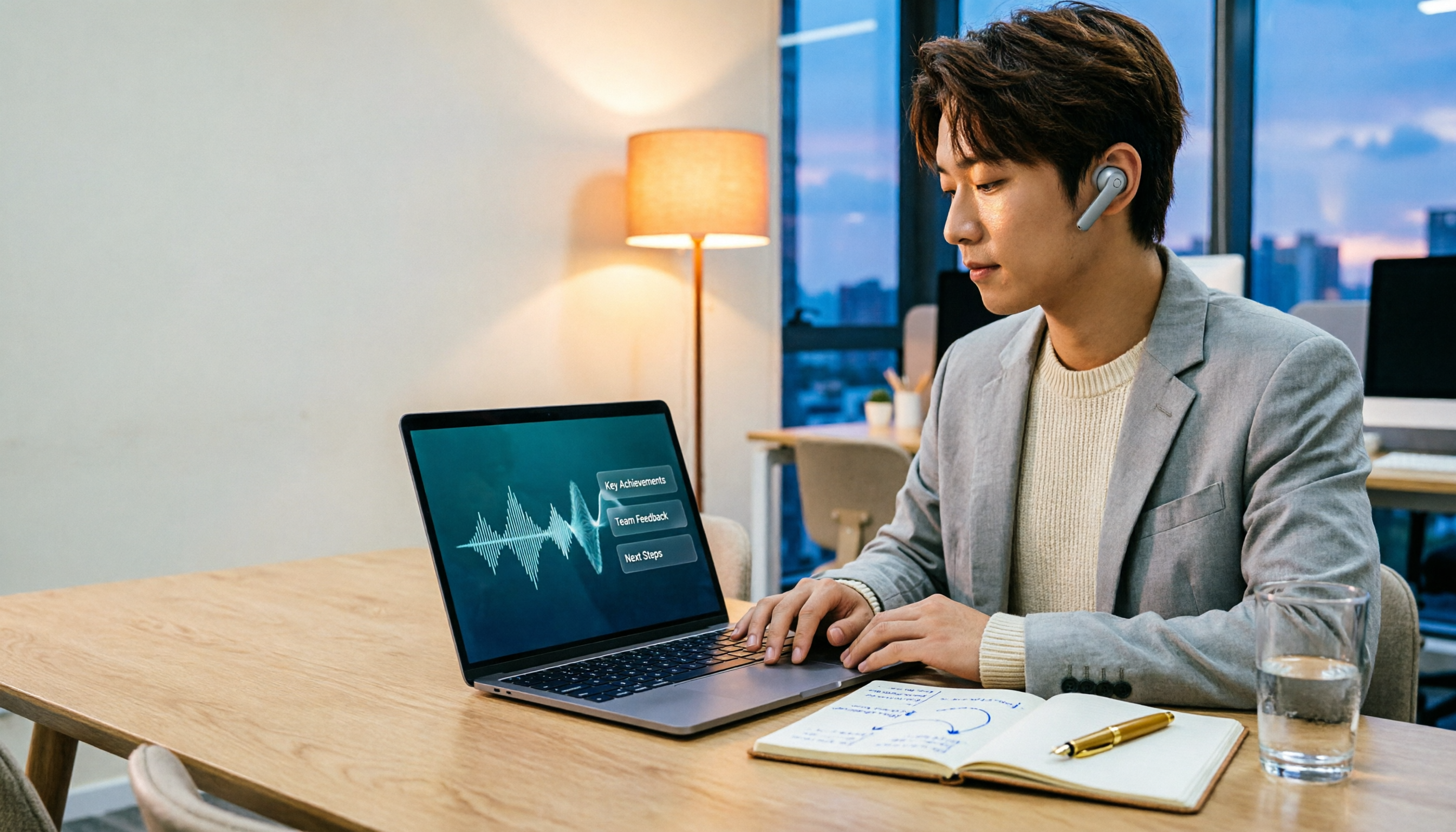
2026 Comparison of 3 Performance Review Transcription Tools: Tinrec vs Notta and Otter
Starting from the decision-making focus of performance review preparation, this comparison examines the differences between Tinrec, Notta, and Otter in transcribing performance review recordings, summarizing, follow-up questioning, and team knowledge retention, helping you determine which tool is better suited for turning recordings into deliverable performance review reports.

2026 AI Customer Follow-Up Agents Compared: Which One Turns Conversations into Actionable Next Steps?
Poor customer follow-up usually isn't due to lack of effort—it's because conversation records are scattered across meetings, messages, emails, and memory. This article compares Tinrec, Fireflies.ai, Otter.ai, and Notta on customer communication records and post-meeting organization, covering selection criteria, hands-on experience, and pitfalls to help you determine which fits your follow-up workflow.

Is AI Meeting Notes Worth Buying in 2026? A 5-Step Evaluation Guide
Are AI meeting notes tools really worth the money? This article starts from real meeting pain points, outlines 5 key purchase criteria, tests and analyzes Tinrec's bot-free recording, AI Q&A, and team spaces, compares differences with Otter.ai, Notta, and Granola, and finally gives clear purchase advice based on usage frequency and scenarios.

2026 Comparison of 4 Audio-to-Text Apps: Is the Free Version Enough? Does AI Summarization Really Save Time?
There are countless audio-to-text apps, and the most regrettable choice is downloading based solely on download counts. This article addresses three real pain points, outlines 5 key purchasing criteria, and compares Tinrec, Notta, Granola, and PLAUD Note in terms of Chinese recognition, AI summarization, online meeting recording, and team collaboration. It also includes a guide to avoid pitfalls and scenario-based recommendations.