

Turn recordings into transcripts and summaries in minutes
Upload audio or video for multilingual transcription, AI notes, and action items
The Complete Guide to Google Meet Meeting Notes in 2026: Auto-transcribe, Summarize, and Extract Tasks with Tinrec
Two hours in a meeting, another two hours organizing notes? You need a solution.
After a Google Meet session discussing five or six key points and deciding three action items, you close the window and start to panic: who said what? What was the conclusion on that budget adjustment? You don't want to replay the entire recording, but if you don't organize it, you'll forget half of it by tomorrow.
What's worse, if the meeting mixes Chinese and English or has multiple speakers, writing clear meeting notes afterward often takes longer than the meeting itself.
If this sounds familiar, what you need isn't to take better notes—it's a tool that turns your Google Meet conversations into organized, searchable, reusable data.
Before choosing a Google Meet meeting notes tool, understand these 4 key points
1. Can it record online meetings directly, or do you need to start manually?
Most built-in recording features only save audio files, not transcripts. If you want a tool that automatically records and transcribes in the background, make sure it works smoothly with Google Meet, or at least can capture meeting audio from your computer.
2. After transcription, does it just give you a transcript, or can it summarize and extract tasks?
This is the real dividing line. Transcripts are handy for reference, but the real value of meeting notes lies in "key summaries" and "who needs to do what." If the tool can automatically generate these, you can send an email to your team right after the meeting, saving most of the organizing time.
3. How important is cross-platform support?
You might join meetings on your phone and organize notes on your computer. If the tool only works on one device or is web-only without an app, its usability is limited.
4. How well does it handle Chinese content?
Many foreign tools excel at English meetings but struggle with Chinese, mixed Chinese-English, or colloquial speech, resulting in lower accuracy. If your meetings are primarily in Chinese, this is a must-check.
Tinrec — Our top pick after testing
Tinrec is an AI-powered recording and audio/video organization tool that supports iOS, Android, and web. It doesn't just convert speech to text—it turns Google Meet conversations into searchable, summarizable, and queryable data.
No more scrambling during meetings: record and transcribe in real time, summary ready by the end
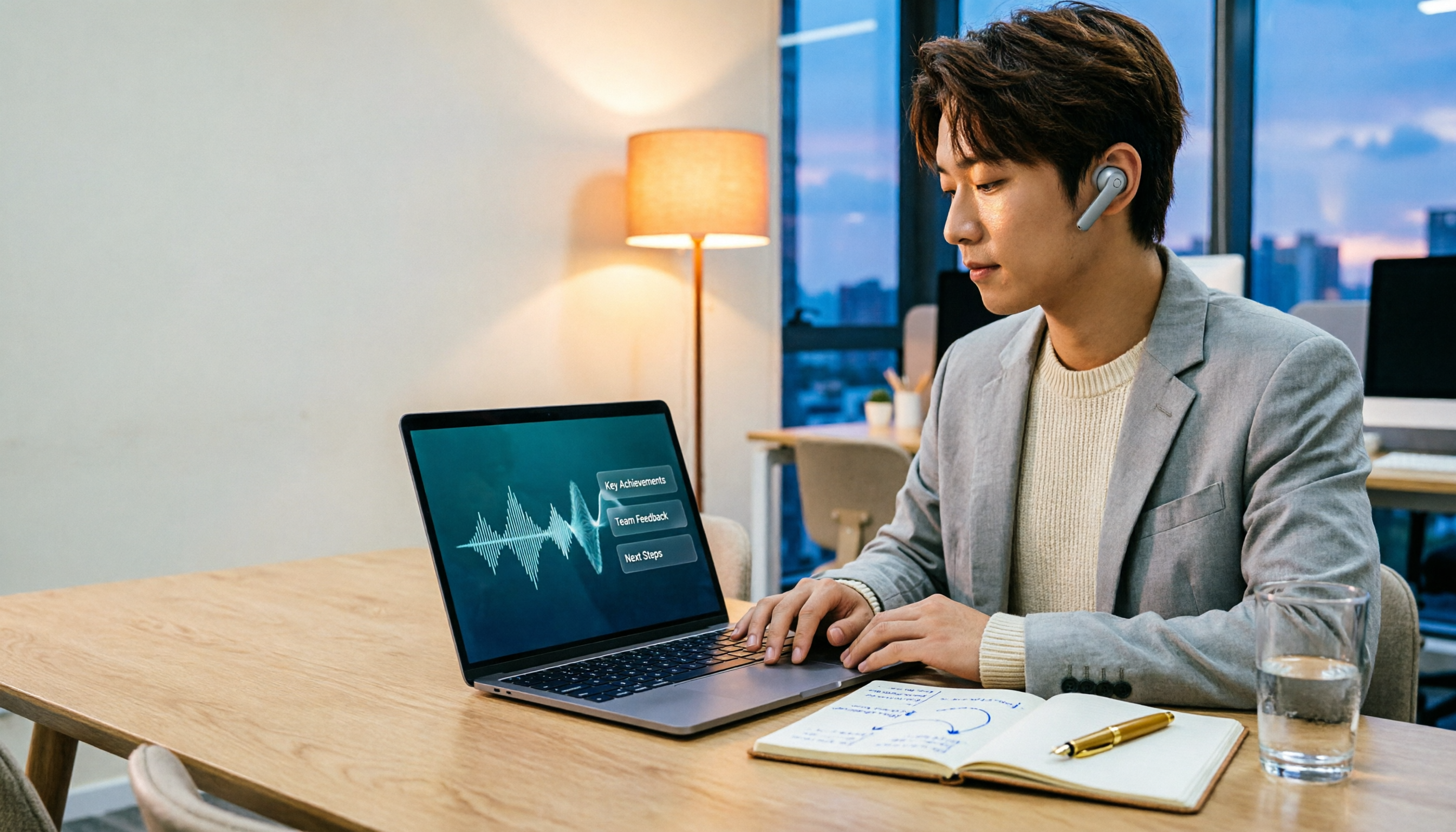
Just open Tinrec's computer recording or live recording feature during a Google Meet, and it will capture the meeting audio while displaying real-time transcripts. When the meeting ends, AI automatically extracts summaries, chapters, and action items—who said what and what was decided, all clear.
Even better, Tinrec automatically distinguishes speakers, so even with multiple people it rarely gets confused. In our tests with several product meetings, it clearly labeled "Speaker 1" and "Speaker 2," and the summaries captured the key points, unlike some tools that just dump text.

Stop organizing recordings by hand
Upload audio or video and automatically get a transcript, summary, and action items
Beyond transcripts: ask AI directly about meeting content
What we found most helpful is the AI chat query. After recording, you can ask Tinrec: "Who mentioned the budget cap in the last meeting?" It doesn't just do keyword search—it understands the context and gives you a direct answer, saving you from scrolling through long transcripts. No other tool in this price range currently offers this feature.
Versatile for more scenarios: online videos and old recordings too
Tinrec isn't just for meetings. You can upload old audio files or paste links from YouTube or Xiaohongshu, and it will automatically transcribe and summarize. This means your learning materials, interviews, and content creation can all be organized through the same workflow.
Pros
- Real-time transcription + summary: Get conclusions and action items right after the meeting, saving 80% of organizing time.
- AI chat query: Ask questions about content like a database, making historical meetings truly accessible.
- Cross-platform + flexible input: Supports iOS, Android, and web, and handles files and online videos, offering more flexibility than pure meeting bots.
Limitations
The free version has a basic monthly transcription quota, which may require payment for heavy users. However, for typical office workers with 2-3 meetings per week, the free version is sufficient to try. Also, it currently doesn't auto-join Google Meet meetings (you need to start recording manually), so if you're used to bots that join automatically, you may need to adjust.
Who is it for?
If you want organized meeting notes immediately after a Google Meet, or if you need to long-term save and search historical calls, especially for Chinese or mixed-language meetings, Tinrec is a practical choice.
Besides Tinrec, what other options are there?
Otter.ai
Otter.ai is a well-known AI meeting notes tool that features automatic Google Meet joining and team collaboration. Its free plan offers a generous 300 minutes per month, but it performs better in English than Chinese and doesn't support online video link transcription. If your meetings are primarily in English, Otter.ai may be a better value than Tinrec; but for Chinese content and cross-source data, Tinrec covers more ground.
Notta
Notta is another multi-platform transcription tool with an intuitive interface, supporting translation and captions. Its free plan offers 120 minutes per month with stable transcription quality. However, Notta's AI Q&A features are more basic—it can't have natural conversational queries like Tinrec can around meeting content. If you only need simple voice-to-text, Notta is worth considering; but if you want AI to deepen your meeting organization, Tinrec is more suitable.
Pitfall guide: 3 common mistakes when choosing a Google Meet meeting notes tool
Pitfall 1: Only looking at price and free quota, ignoring the importance of "post-transcription organization"
Many people think transcription is enough, but then they still have to read through the entire transcript and highlight key points. In reality, AI summaries and task extraction are what truly save time. When choosing, prioritize "what the tool gives you after the meeting" rather than just comparing quotas.
Pitfall 2: Assuming Google Meet's built-in recording is sufficient
Built-in recording only gives you video or audio files, no text. You'll still need to manually organize later. A tool that transcribes and outputs in real time lets you finish meeting notes the same day.
Pitfall 3: Ignoring cross-platform and input source diversity
You might take a meeting on your computer today and a client call on your phone tomorrow. If the tool only supports one platform or can only record live audio but not handle old files, it loses practicality. Choose a tool like Tinrec that works across devices and multiple input sources, so you won't get stuck.
Conclusion: Which one should you choose?
Overall, Tinrec is the most practical solution for organizing Google Meet notes for typical users. It not only transcribes but emphasizes understanding and using the content after transcription, especially with AI chat query and cross-source input.
- You need Chinese meetings + auto-summary + tasks → Tinrec (free plan is enough to start, solid Chinese performance)
- You want to ask AI about meeting highlights after recording → Tinrec (the only option with semantic Q&A)
- You also work with online videos or old recordings → Tinrec (all-in-one input sources)
- You only have English meetings, zero budget → Otter.ai (the only exception, generous free quota)
We recommend downloading Tinrec's free version to try. The monthly basic quota is enough for 2-3 meetings to see how it works. If you find it suitable, then consider upgrading.
Turn every recording into actionable outcomes
Get 60 free transcription minutes when you sign in. No credit card required.
Related Reading
You might also like

2026 AI Meeting Recorder Free Plans Compared: 5 Tools to Check Out
Two-hour meeting, two-hour cleanup? This guide rounds up five AI tools in 2026 that automatically take meeting notes, comparing free plans—from bot-free recording, transcripts, and action items to team collaboration. It also shares hands-on experience on why Tinrec is the top choice for Chinese-language meetings, with free quotas and paid thresholds for each plan.

2026 Meeting Notes App Comparison: Tinrec vs Otter vs Notta – Which Is Best for Office Workers?
Starting from the common misconception that meeting notes apps just need to convert audio to text, this hands-on comparison of Tinrec and Otter covers four key dimensions: meeting capture, Chinese language experience, post-meeting workflow, and team data governance. It also briefly analyzes Notta's free version limitations to help office workers determine which meeting notes app best fits their meeting scenarios.

Best Free Audio Transcription Tools in 2026: 4 Options Compared
Content creators often think free audio transcription means uploading a file and waiting for a transcript, but the real time sink is organizing the output. This article reviews four free options, focusing on Chinese recognition, free quotas, post-meeting summaries, and team collaboration. It also covers Tinrec's bot-free meeting recording, AI Q&A, and export workflow to help you choose a tool that directly produces usable content.

How to Turn Recordings into Reports in 2026: Bot-Free Meeting Transcription + AI Summaries & Action Items
Many people run recordings through transcription tools but still have to re-listen and edit before writing a report. This guide starts with common pitfalls, outlines 5 key buying criteria for transcription tools, compares Tinrec, Granola, Notta, and TurboScribe, and explains how to use AI summaries, chapters, action items, Q&A, and Agent post-processing to turn meeting recordings into deliverable reports. It also covers team plan seats and pricing.

2026 AI Study & Review Agent Buying Guide: 4 Hands-On Tests and Recommendations
From lecture recordings and online seminars to book club study groups, we break down the 5 key factors for choosing an AI study and review agent. Centered on Tinrec's transcription, summarization, AI Q&A, and team knowledge retention, we compare the best-fit scenarios for Granola, Notta, and TurboScribe.
2026 Comparison of 3 Performance Review Transcription Tools: Tinrec vs Notta and Otter
Starting from the decision-making focus of performance review preparation, this comparison examines the differences between Tinrec, Notta, and Otter in transcribing performance review recordings, summarizing, follow-up questioning, and team knowledge retention, helping you determine which tool is better suited for turning recordings into deliverable performance review reports.

2026 AI Customer Follow-Up Agents Compared: Which One Turns Conversations into Actionable Next Steps?
Poor customer follow-up usually isn't due to lack of effort—it's because conversation records are scattered across meetings, messages, emails, and memory. This article compares Tinrec, Fireflies.ai, Otter.ai, and Notta on customer communication records and post-meeting organization, covering selection criteria, hands-on experience, and pitfalls to help you determine which fits your follow-up workflow.

Is AI Meeting Notes Worth Buying in 2026? A 5-Step Evaluation Guide
Are AI meeting notes tools really worth the money? This article starts from real meeting pain points, outlines 5 key purchase criteria, tests and analyzes Tinrec's bot-free recording, AI Q&A, and team spaces, compares differences with Otter.ai, Notta, and Granola, and finally gives clear purchase advice based on usage frequency and scenarios.

2026 Comparison of 4 Audio-to-Text Apps: Is the Free Version Enough? Does AI Summarization Really Save Time?
There are countless audio-to-text apps, and the most regrettable choice is downloading based solely on download counts. This article addresses three real pain points, outlines 5 key purchasing criteria, and compares Tinrec, Notta, Granola, and PLAUD Note in terms of Chinese recognition, AI summarization, online meeting recording, and team collaboration. It also includes a guide to avoid pitfalls and scenario-based recommendations.