

Turn recordings into transcripts and summaries in minutes
Upload audio or video for multilingual transcription, AI notes, and action items
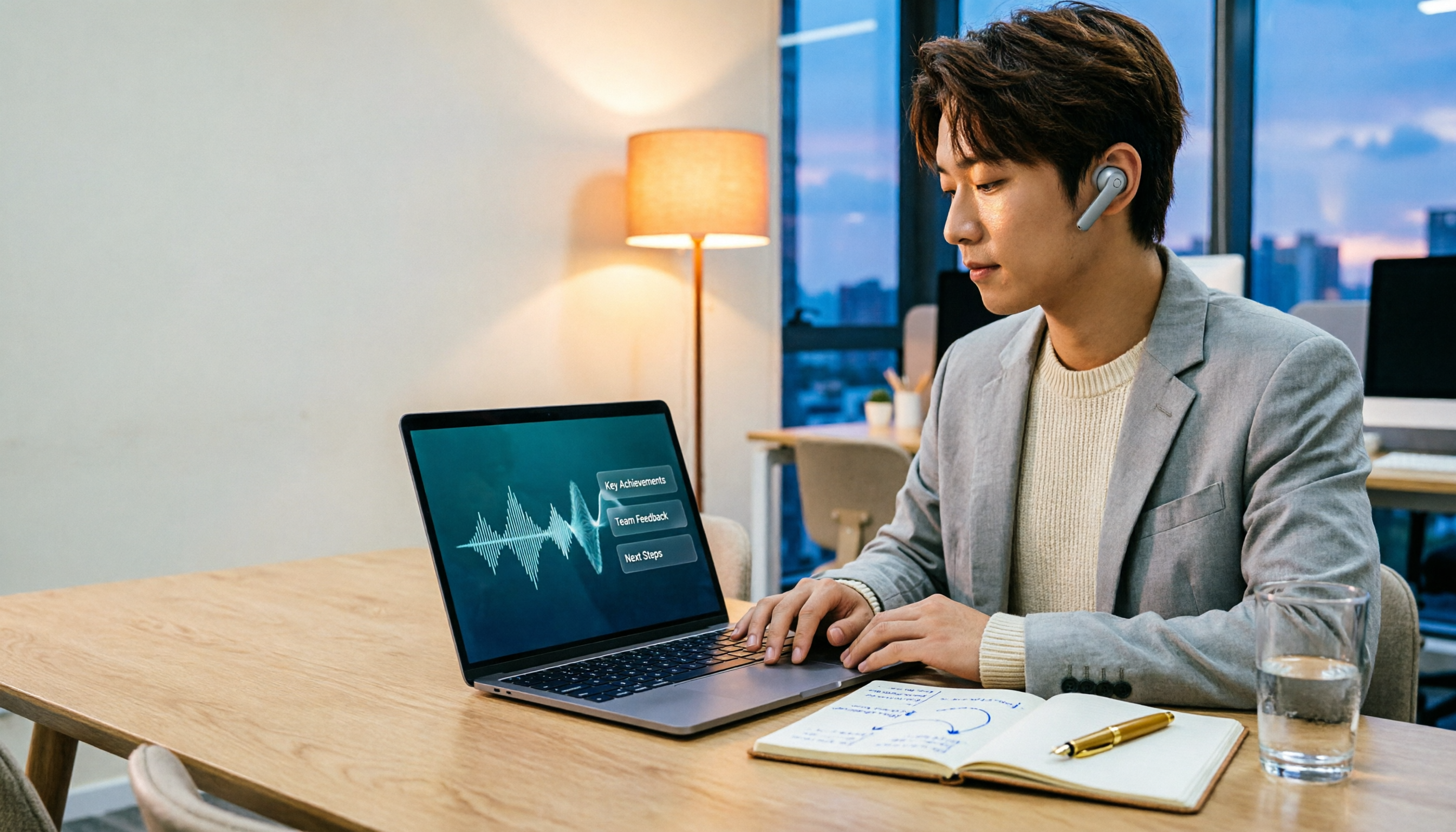
You work in the office, having Google Meet calls all day long. After work, you still need to listen to recordings and type up meeting notes? Just thinking about it gives you a headache. But did you know there's a tool that can automatically generate transcripts and summaries while you meet, producing meeting notes in just 5 minutes? I'm talking about Tinrec, an AI recording organizer designed for busy professionals. Here are 3 steps to automate your Google Meet meeting notes with Tinrec and save your overtime hours.
Step 1: Record Your Google Meet Meeting with Tinrec

Tinrec supports computer system audio recording. Just open the Tinrec web or app before your Google Meet, select "Record" mode, and it will capture all sounds from your computer, including everyone's speech in the meeting. The best part is its real-time transcription—it outputs text as it records, with less than a second delay, so you can glance at the screen during the meeting to confirm you haven't missed key points.
No extra hardware needed, and no need to install plugins for Google Meet. Simply use Tinrec to record the entire meeting. If you already have audio files, you can directly import formats like mp3, wav, and even online video links from YouTube, Bilibili, etc., for transcription.
Step 2: AI Auto-Generates Transcript, Summary, and Tasks
After recording, Tinrec's AI automatically organizes everything. It doesn't just produce a full transcript; it also generates structured outputs:
- AI Summary: One or two paragraphs covering what was discussed and the conclusions.
- Chapter Breakdown: Splits long meetings into sections by topic, each with a title for easy browsing.
- Action Items: Automatically extracts "who needs to do what by when," creating a to-do list.
Take a 1-hour Google Meet project meeting as an example. Previously, it might take half an hour to organize notes. Now with Tinrec, just click a button after the meeting, and within 5 minutes you have a complete meeting record, including tasks ready to send to colleagues.
Stop organizing recordings by hand
Upload audio or video and automatically get a transcript, summary, and action items
Step 3: AI Conversation for Key Points – Just Ask
After transcription, here comes the coolest feature: you can directly chat with Tinrec and ask any question about the meeting. For example:
- "In last week's meeting, who mentioned changing the budget?"
- "What feedback did the client give on the new design?"
- "What action items were decided in the meeting?"
Tinrec uses semantic understanding to give you direct answers, so you don't have to search through the transcript. For people who frequently need to look up past meeting records, this feature is a game-changer.
Choosing a Google Meet Transcription Tool: 4 Key Considerations

There are many tools claiming to help with meeting notes, but when choosing one, keep these points in mind:
- Supports computer system audio recording: Some tools only record microphone input, missing the audio from Google Meet. Tinrec captures system audio completely, ensuring no speech is missed.
- AI organization after transcription: A raw transcript isn't enough; check if it automatically generates summaries and tasks. Tinrec's AI organization saves you a lot of time.
- Language support: If you need Cantonese transcription, note that not all tools support it. Tinrec covers multiple languages, with excellent recognition for Chinese and Cantonese in clear audio (low error rate).
- Cross-platform use: Ideally, it works on mobile, desktop, and web. Tinrec offers iOS, Android apps, and a web version, so you can use it anytime, anywhere.
Frequently Asked Questions
Q: Does Tinrec consume a lot of system resources? A: No, Tinrec is lightweight and runs in the background without affecting Google Meet performance.
Q: Is the free version sufficient? A: The free version provides a monthly basic transcription quota. If you have 3-4 meetings per week, each lasting an hour, the free version might cover a few meetings. For regular use, consider the Pro monthly or yearly plan, which costs very little per minute.
Q: Is my data secure? A: Tinrec uses encrypted transmission and storage. Your recordings and text are only accessible by you and are not shared with third parties.
Q: Can I export meeting notes? A: Yes, you can export to TXT, Word, PDF, etc., and it can sync to tools like Notion and Google Docs for team collaboration.
Summary
If Google Meet meeting notes are causing you to work overtime every day, Tinrec is definitely worth a try. It's not just a transcription tool; it's an AI meeting organizer that handles recording, transcription, organization, and querying in one go. Download the free version now and experience the thrill of having meeting notes automatically generated—finish everything before leaving work, no more staying in the office listening to recordings.
Turn every recording into actionable outcomes
Get 60 free transcription minutes when you sign in. No credit card required.
Related Reading
You might also like

2026 AI Meeting Recorder Free Plans Compared: 5 Tools to Check Out
Two-hour meeting, two-hour cleanup? This guide rounds up five AI tools in 2026 that automatically take meeting notes, comparing free plans—from bot-free recording, transcripts, and action items to team collaboration. It also shares hands-on experience on why Tinrec is the top choice for Chinese-language meetings, with free quotas and paid thresholds for each plan.

2026 Meeting Notes App Comparison: Tinrec vs Otter vs Notta – Which Is Best for Office Workers?
Starting from the common misconception that meeting notes apps just need to convert audio to text, this hands-on comparison of Tinrec and Otter covers four key dimensions: meeting capture, Chinese language experience, post-meeting workflow, and team data governance. It also briefly analyzes Notta's free version limitations to help office workers determine which meeting notes app best fits their meeting scenarios.

Best Free Audio Transcription Tools in 2026: 4 Options Compared
Content creators often think free audio transcription means uploading a file and waiting for a transcript, but the real time sink is organizing the output. This article reviews four free options, focusing on Chinese recognition, free quotas, post-meeting summaries, and team collaboration. It also covers Tinrec's bot-free meeting recording, AI Q&A, and export workflow to help you choose a tool that directly produces usable content.

How to Turn Recordings into Reports in 2026: Bot-Free Meeting Transcription + AI Summaries & Action Items
Many people run recordings through transcription tools but still have to re-listen and edit before writing a report. This guide starts with common pitfalls, outlines 5 key buying criteria for transcription tools, compares Tinrec, Granola, Notta, and TurboScribe, and explains how to use AI summaries, chapters, action items, Q&A, and Agent post-processing to turn meeting recordings into deliverable reports. It also covers team plan seats and pricing.

2026 AI Study & Review Agent Buying Guide: 4 Hands-On Tests and Recommendations
From lecture recordings and online seminars to book club study groups, we break down the 5 key factors for choosing an AI study and review agent. Centered on Tinrec's transcription, summarization, AI Q&A, and team knowledge retention, we compare the best-fit scenarios for Granola, Notta, and TurboScribe.
2026 Comparison of 3 Performance Review Transcription Tools: Tinrec vs Notta and Otter
Starting from the decision-making focus of performance review preparation, this comparison examines the differences between Tinrec, Notta, and Otter in transcribing performance review recordings, summarizing, follow-up questioning, and team knowledge retention, helping you determine which tool is better suited for turning recordings into deliverable performance review reports.

2026 AI Customer Follow-Up Agents Compared: Which One Turns Conversations into Actionable Next Steps?
Poor customer follow-up usually isn't due to lack of effort—it's because conversation records are scattered across meetings, messages, emails, and memory. This article compares Tinrec, Fireflies.ai, Otter.ai, and Notta on customer communication records and post-meeting organization, covering selection criteria, hands-on experience, and pitfalls to help you determine which fits your follow-up workflow.

Is AI Meeting Notes Worth Buying in 2026? A 5-Step Evaluation Guide
Are AI meeting notes tools really worth the money? This article starts from real meeting pain points, outlines 5 key purchase criteria, tests and analyzes Tinrec's bot-free recording, AI Q&A, and team spaces, compares differences with Otter.ai, Notta, and Granola, and finally gives clear purchase advice based on usage frequency and scenarios.

2026 Comparison of 4 Audio-to-Text Apps: Is the Free Version Enough? Does AI Summarization Really Save Time?
There are countless audio-to-text apps, and the most regrettable choice is downloading based solely on download counts. This article addresses three real pain points, outlines 5 key purchasing criteria, and compares Tinrec, Notta, Granola, and PLAUD Note in terms of Chinese recognition, AI summarization, online meeting recording, and team collaboration. It also includes a guide to avoid pitfalls and scenario-based recommendations.