

Turn recordings into transcripts and summaries in minutes
Upload audio or video for multilingual transcription, AI notes, and action items
Why You Need to Make Google Meet Record and Summarize Like Zoom
If you often use Google Meet for meetings, you may have noticed that while its built-in recording feature is convenient, you only get a video file afterward, requiring manual effort to organize. In contrast, Zoom's cloud recording automatically transcribes text and highlights key points. For professionals who need meeting minutes and action item tracking, this makes a huge difference in efficiency.

According to surveys, over 70% of office workers attend at least three online meetings per week, and more than half need post-meeting notes. This article introduces five solutions, from Google Meet's completely free built-in feature to full-featured AI tools, to help you turn meeting content into truly usable material.
Option 1: Tinrec – The Most Complete AI Meeting Recording & Organization Tool
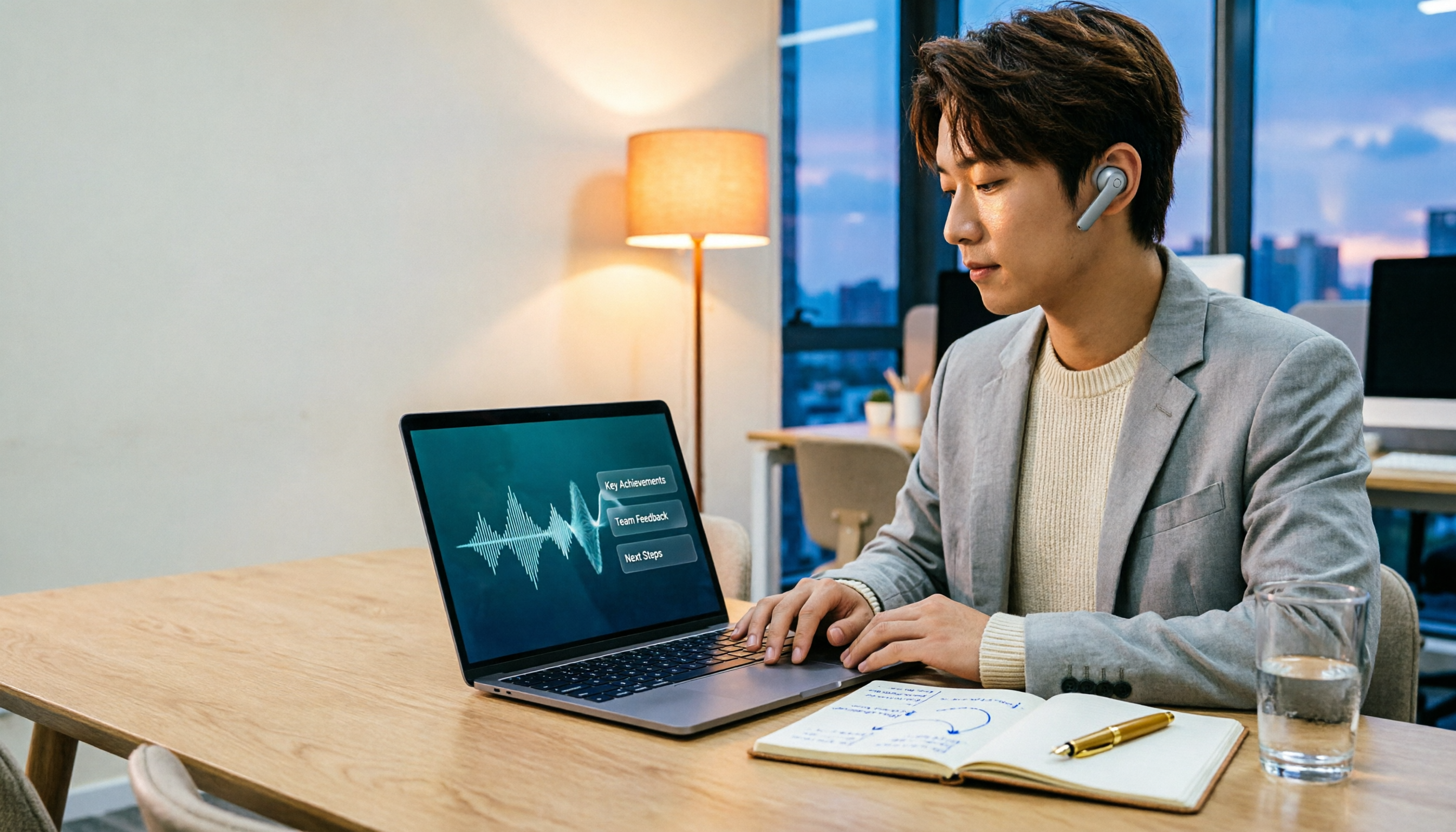
If Zoom is the benchmark for video conferencing, Tinrec is the perfect companion to bring Google Meet organization up to par. Tinrec is not a meeting bot; it's an "AI workstation that turns audio and video into actionable knowledge."
Key Highlights
- Not just recording, but understanding content: You can upload Google Meet recordings (whether computer-recorded or built-in video audio tracks) to Tinrec, which automatically generates transcripts, summaries, chapters, and even extracts action items from conversations. This is more structured than Zoom's simple transcription.
- AI Q&A makes historical meetings searchable: Impressively, Tinrec supports AI-powered querying. You can ask, "What was the budget cap we discussed last time?" and the system will find the answer from meeting records, saving hours of replaying audio files.
- Cross-platform, no extra hardware needed: Tinrec has iOS, Android, and web versions. You can record a meeting on your phone and upload it, or use Tinrec to record while in a Google Meet on your computer, then organize immediately. No need to buy a separate recorder like PLAUD.
- Supports multiple input sources, not just meetings: In addition to meeting recordings, you can paste links from YouTube, Xiaohongshu, or other video platforms and let Tinrec summarize them. This is especially useful for those who frequently need to organize online lectures or interview videos.
Pricing Tinrec offers a free plan with a monthly basic transcription quota, enough for general trial. For higher processing volume or full features (such as AI Q&A and long file export), you can choose the Pro monthly or annual plan. Pricing is transparent with no hidden fees.
Who It's For
- Professionals with regular Google Meet meetings who need meeting minutes and action items
- Project managers who frequently need to review historical meeting content
- Multi-purpose users who also handle courses, interviews, and video organization
Option 2: Otter.ai – Professional AI Meeting Note Bot
Otter.ai is one of the most well-known AI meeting note tools, featuring automatic Google Meet joining, real-time transcription, and speaker identification. Its free plan offers 300 minutes of transcription per month, and the Pro plan (annual billing at ~$8.33/month) provides 1,200 minutes and file import.
Compared to Tinrec, Otter focuses more on online meeting scenarios, making it ideal for teams that need real-time transcripts during meetings. However, if you also need to organize lecture recordings, online videos, or historical files, Otter's scope is more limited.
Stop organizing recordings by hand
Upload audio or video and automatically get a transcript, summary, and action items
Who It's For
- Business teams or cross-border teams with heavy meeting loads that require automatic recording (strong English recognition)
Option 3: Fireflies.ai – Unlimited Transcription Meeting Assistant
Fireflies.ai also specializes in meeting notes, with a standout free plan offering "unlimited transcription" and AI summaries, which sounds attractive. The Pro plan (annual billing at $10/month) adds more storage and meeting intelligence analysis.
Note that unlimited transcription is still bound by team storage limits, so heavy usage may fill up quickly. Also, Fireflies leans toward sales and customer meeting scenarios with strong CRM integration, which may be overkill for general small-to-medium business meeting organization.
Who It's For
- Sales teams that need to track customer conversations and integrate with CRM
Option 4: Notta – Multilingual General Transcription Tool

Notta overlaps considerably with Tinrec, supporting multi-platform transcription and meeting notes. The free plan offers 120 minutes per month, while Pro (annual at $8.17/month) provides 1,800 minutes. Notta's strength is real-time translation and bilingual transcription, making it a good choice if you often attend multilingual meetings.
However, Notta's post-processing capabilities are more basic—mainly transcription with simple summaries—lacking Tinrec's AI Q&A, action item extraction, and agent post-production features. For those looking to "turn meeting content into documents," Tinrec's output is more diverse.
Who It's For
- Participants in cross-border meetings who need real-time translation
Option 5: Google Meet Built-in Recording – Completely Free Basic Option
If you only need the most basic functionality, Google Meet itself can record meetings completely for free (must use desktop version and be started by the meeting host). The recorded video is saved to Google Drive, but it does not automatically transcribe or allow content searching.
The advantage is zero cost and no additional software installation, suitable for occasional review of meeting segments. However, if you need meeting minutes, action items, or post-meeting organization, you'll want to pair it with other tools.
Who It's For
- Light users with zero budget who don't need text after meetings
How to Choose Among So Many Options
- Want the most complete AI meeting organization (transcription + summary + action items + AI Q&A) → Tinrec (the only option with all these features)
- Need Chinese meeting content organization and want to query like a database later → Tinrec (Chinese-friendly, practical AI Q&A)
- Meetings are your whole job, need automatic Google Meet joining and real-time transcription → Otter.ai or Fireflies.ai (but they focus more on English environments)
- Frequently use multiple languages and need real-time translation → Notta (stronger bilingual transcription)
- Don't want to spend any money, meeting notes are optional → Google Meet built-in recording (basic but no text output)
For most US users, Tinrec is the best balanced choice. It doesn't completely replace meeting bots, but adds web video, file organization, and AI post-processing, essentially handling multiple audio/video data types in one tool, offering great value.
3 Things to Know Before Using Meeting Recording & Organization Tools
- Recording quality is everything: No matter which tool you use, clear audio directly affects transcription accuracy. Use a headset microphone during meetings to avoid echoes or background noise. Tinrec's AI performs well with clear audio, but simultaneous speakers may still cause errors—double-check important items against the original.
- Free plans usually have limitations: For example, Otter's free version only offers 300 minutes; Fireflies' free version says "unlimited" but storage and features are reduced. If you have more than 3 hours of meetings per week, a paid plan is more hassle-free. Tinrec's free quota is good for trial, and you can upgrade based on usage.
- Privacy & Permissions: Before uploading meeting recordings to third-party tools, make sure to check your company policy and inform participants. Tinrec provides secure cloud processing, but manage your account permissions to avoid unintended sharing.
Summary
Making Google Meet meeting notes more than just video files is easier than you think. From free built-in recording to professional AI organization tools, you can choose based on your meeting frequency and organization needs.
If you want an all-in-one solution covering transcription, summary, action items, Q&A, and also handling courses and web videos, try Tinrec. It not only saves you significant post-meeting organization time but also turns all your audio and video content into a searchable, reusable knowledge database.
Turn every recording into actionable outcomes
Get 60 free transcription minutes when you sign in. No credit card required.
Related Reading
You might also like

2026 AI Meeting Recorder Free Plans Compared: 5 Tools to Check Out
Two-hour meeting, two-hour cleanup? This guide rounds up five AI tools in 2026 that automatically take meeting notes, comparing free plans—from bot-free recording, transcripts, and action items to team collaboration. It also shares hands-on experience on why Tinrec is the top choice for Chinese-language meetings, with free quotas and paid thresholds for each plan.

2026 Meeting Notes App Comparison: Tinrec vs Otter vs Notta – Which Is Best for Office Workers?
Starting from the common misconception that meeting notes apps just need to convert audio to text, this hands-on comparison of Tinrec and Otter covers four key dimensions: meeting capture, Chinese language experience, post-meeting workflow, and team data governance. It also briefly analyzes Notta's free version limitations to help office workers determine which meeting notes app best fits their meeting scenarios.

Best Free Audio Transcription Tools in 2026: 4 Options Compared
Content creators often think free audio transcription means uploading a file and waiting for a transcript, but the real time sink is organizing the output. This article reviews four free options, focusing on Chinese recognition, free quotas, post-meeting summaries, and team collaboration. It also covers Tinrec's bot-free meeting recording, AI Q&A, and export workflow to help you choose a tool that directly produces usable content.

How to Turn Recordings into Reports in 2026: Bot-Free Meeting Transcription + AI Summaries & Action Items
Many people run recordings through transcription tools but still have to re-listen and edit before writing a report. This guide starts with common pitfalls, outlines 5 key buying criteria for transcription tools, compares Tinrec, Granola, Notta, and TurboScribe, and explains how to use AI summaries, chapters, action items, Q&A, and Agent post-processing to turn meeting recordings into deliverable reports. It also covers team plan seats and pricing.

2026 AI Study & Review Agent Buying Guide: 4 Hands-On Tests and Recommendations
From lecture recordings and online seminars to book club study groups, we break down the 5 key factors for choosing an AI study and review agent. Centered on Tinrec's transcription, summarization, AI Q&A, and team knowledge retention, we compare the best-fit scenarios for Granola, Notta, and TurboScribe.
2026 Comparison of 3 Performance Review Transcription Tools: Tinrec vs Notta and Otter
Starting from the decision-making focus of performance review preparation, this comparison examines the differences between Tinrec, Notta, and Otter in transcribing performance review recordings, summarizing, follow-up questioning, and team knowledge retention, helping you determine which tool is better suited for turning recordings into deliverable performance review reports.

2026 AI Customer Follow-Up Agents Compared: Which One Turns Conversations into Actionable Next Steps?
Poor customer follow-up usually isn't due to lack of effort—it's because conversation records are scattered across meetings, messages, emails, and memory. This article compares Tinrec, Fireflies.ai, Otter.ai, and Notta on customer communication records and post-meeting organization, covering selection criteria, hands-on experience, and pitfalls to help you determine which fits your follow-up workflow.

Is AI Meeting Notes Worth Buying in 2026? A 5-Step Evaluation Guide
Are AI meeting notes tools really worth the money? This article starts from real meeting pain points, outlines 5 key purchase criteria, tests and analyzes Tinrec's bot-free recording, AI Q&A, and team spaces, compares differences with Otter.ai, Notta, and Granola, and finally gives clear purchase advice based on usage frequency and scenarios.

2026 Comparison of 4 Audio-to-Text Apps: Is the Free Version Enough? Does AI Summarization Really Save Time?
There are countless audio-to-text apps, and the most regrettable choice is downloading based solely on download counts. This article addresses three real pain points, outlines 5 key purchasing criteria, and compares Tinrec, Notta, Granola, and PLAUD Note in terms of Chinese recognition, AI summarization, online meeting recording, and team collaboration. It also includes a guide to avoid pitfalls and scenario-based recommendations.