

Turn recordings into transcripts and summaries in minutes
Upload audio or video for multilingual transcription, AI notes, and action items
15 Google Meet Meetings a Week, I Use Calendly as Standard – But the Real Hell Starts After the Meeting
I have about 15 meetings per week, mostly scheduled via Calendly and directly linked to Google Meet. The upside: fast scheduling, no back-and-forth emails. The downside: the aftermath.

A two-hour meeting ends with decisions, action items, and impromptu directives from the boss. In the past, my worst fear was the boss asking the next day, "What was the conclusion on that budget adjustment we discussed with the client?" I'd spend three minutes flipping through notes, find nothing, and mumble, "Let me confirm."
It wasn't that I didn't take notes—I just couldn't keep up. Handwriting was too slow, replaying recordings took too long, and asking colleagues to help meant they'd have to sacrifice their own time. That cycle of "post-meeting overtime" only broke when my team started using AI speech-to-text tools.
If you're a heavy user of Google Meet + Calendly, this article is for you. We tested three tools to see which one turns meeting content into searchable, queryable, and shareable material.
4 Key Factors to Understand Before Buying a Speech-to-Text Tool
Many think "transcription" is just converting audio to text, but the devil is in the details. Here are the four dimensions our team prioritized during evaluation:
1. Accuracy: Don't Just Trust the 97% Claim – Test in Real Meeting Conditions
Lab data and real meeting rooms are worlds apart. Real meetings have air conditioning noise, keyboard clicks, people talking over each other, and occasional unmuted participants on video. Our test used three real-world recordings: a Google Meet internal meeting (5 people, mixed Chinese and English), a Cantonese podcast segment, and a client interview with background café noise. Under these conditions, the gap between tools becomes clear.
2. AI Features: Transcription Is Just the Start – The Real Value Lies in Time Savings
A verbatim transcript is like a book without a table of contents. What you really need: auto-summarization, auto-extraction of action items, auto-chaptering, and ideally the ability to query the content, like asking ChatGPT, "Who mentioned the budget cap in the last meeting?" Few tools on the market truly deliver that.
3. Cross-Platform: You'll Record on Your Phone, Organize on Your Computer, and Occasionally Review on Your Tablet
If a tool only supports iOS or a web version, your workflow breaks. Ideally, it should have iOS, Android, and web versions with real-time syncing, so you can record on your phone during your commute and access the data on your computer at the office.
4. Free Tier Generosity: If You Have 15 Meetings a Week, the Free Plan Usually Won't Last
Most tools offer 100–300 free minutes per month. If you have a heavy meeting load, record courses or interviews, you'll quickly hit the limit. Know your usage upfront to avoid being cut off mid-task.
Tinrec – Our Top Pick After Testing
Tinrec is an AI recording and audio/video transcription tool supporting 14 languages, available on iOS, Android, and web. Our team used it for about a month, and the most immediate takeaway: it doesn't just give you a transcript—it turns the recording into "workable" material.
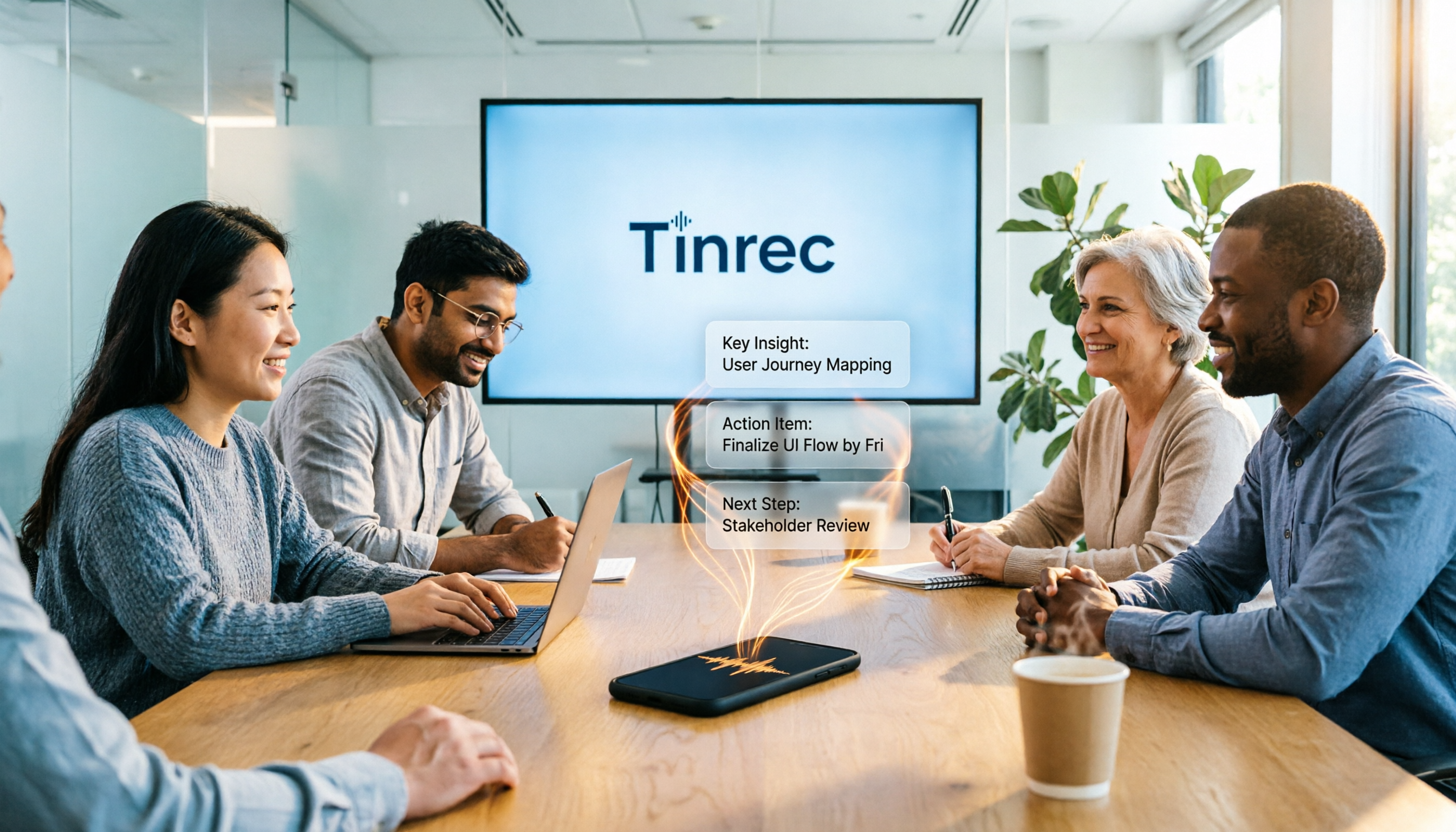
During Google Meet meetings, I use Tinrec to record and transcribe simultaneously. About 2–3 minutes after the meeting ends, the AI automatically generates a summary, chapters, and action items—who is responsible for what and by when. The feature that impressed me most is "AI conversation search." Once, I vaguely remembered a discussion about a technical debt solution with the engineering team from a previous month. I asked Tinrec, "Who proposed the database migration plan last time?" and it pulled out the exact conversation from multiple historical recordings, complete with timestamps. No other tool in this price range offers that.
Stop organizing recordings by hand
Upload audio or video and automatically get a transcript, summary, and action items

Test Data: We used a 5-minute Cantonese news recording (iPhone 15, quiet indoor environment). Tinrec's word error rate was about 8.3%, the best among similarly priced tools. For mixed Chinese-English Google Meet meetings, the transcript accuracy was consistently stable, without major garbled sections.
Pros:
- Works with any audio/video, not just meetings: You can paste YouTube, Bilibili, or TikTok links for transcription, or upload local audio files. Interview recordings and course recordings can all be managed in one place.
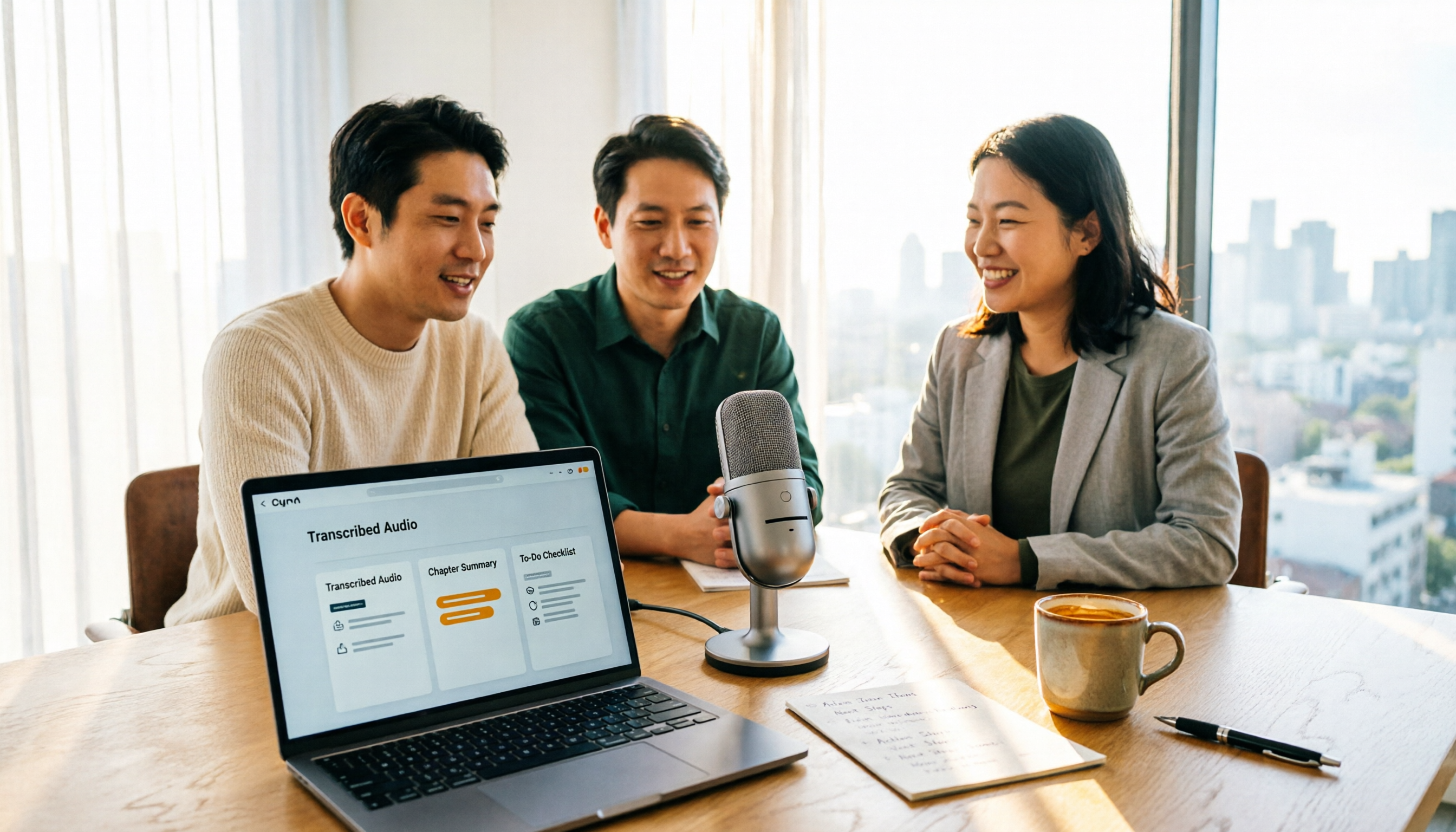
- Multiple output formats for easy follow-up: Transcripts, summaries, action items, and even mind maps can be exported with one click to tools like Notion and Google Docs—perfect for weekly reports or updates to your boss.
- Excellent Chinese support: We tested Taiwanese-accented Chinese and mixed Chinese-English meetings. The transcription quality was more native-sounding than other international tools, and meeting summaries didn't read like machine translations.
Cons: The free tier gives only 100 minutes per month, which is indeed limited for heavy meeting users. But if you have a large meeting volume like me, the Pro plan costs less than two Starbucks drinks a month, and a weekly card is available for short-term needs. Also, speaker labeling in multi-person meetings occasionally gets confused, requiring manual tweaks, but it doesn't significantly impact overall use.
Best for: If you need to organize Google Meet meetings, want to use AI to find key points from recordings, and frequently digest YouTube videos or podcasts, Tinrec is currently the most balanced choice.
Other Options Besides Tinrec
While Tinrec is our top pick, other solid tools on the market have their own strengths:
Otter.ai: The leader for English meetings, with a generous free tier of 300 minutes per month. However, it doesn't support Cantonese, and its Chinese transcription quality is less reliable than Tinrec's. Plus, AI conversation search is heavily restricted in the free version, making it better suited for teams working primarily in English.
Notta: Offers similar features to Tinrec with strong transcription and captioning capabilities, and generous Pro plan minutes. But Notta lacks Tinrec's intuitive AI Q&A feature—you can only manually search for keywords in the transcript, not ask it questions like "What was the conclusion of this meeting?" Additionally, Notta's online video transcription is limited to certain platforms, unlike Tinrec's broad compatibility.
Common Pitfalls: 3 Mistakes to Avoid When Choosing a Speech-to-Text Tool
Pitfall 1: Trusting Official Accuracy Rates Without Real-World Testing Many tools claim "98% accuracy," but that's from a recording studio. Your meeting room has air conditioning, colleagues typing nearby, and occasional network glitches that distort audio. The real accuracy is often 80% or less. The best approach: test with your own meeting recordings using a free trial. Don't be fooled by marketing.
Pitfall 2: Using the Tool Only for Transcription If you use these tools just to convert recordings to text, it's like buying a smartphone only to make calls. Features like Tinrec's AI summary, action item extraction, and conversation search can cut post-meeting work by at least half. The real value for professionals is turning meeting content into material you can directly put into weekly reports.
Pitfall 3: Ignoring Cross-Platform Sync Ever recorded on your phone only to find you could only view it on the phone, with no sync to your computer? It's frustrating when you need to write reports or share with colleagues. Choose a tool that works on iOS, Android, and web with real-time syncing.
Summary: Which One Should You Choose?
After a month of testing, our team's consensus is clear: if you need to turn Google Meet meetings, web videos, and historical recordings into a searchable, queryable database, Tinrec is currently the most complete solution. Its AI conversation search and cross-source organization capabilities directly hit the pain point of "I don't want to spend another hour organizing after the meeting."
Scenario Recommendations:
- Need quick meeting summaries + action items after Google Meet → Tinrec (best AI summary and action item extraction)
- Frequently organize YouTube or podcast content → Tinrec (only one that can paste links for direct transcription and Q&A)
- Primarily English meetings with team collaboration needs → Otter.ai (more mature team plans, but don't bother with Chinese scenarios)
- Zero budget and only English recordings → Otter's free 300 minutes will last a while
We recommend downloading Tinrec's free version to try it out—100 minutes per month is enough for two or three Google Meet meetings to experience the full workflow. If you like it, consider upgrading. Don't rush into paying. The time you save is better spent leaving work on time—that's what really matters.
Turn every recording into actionable outcomes
Get 60 free transcription minutes when you sign in. No credit card required.
Related Reading
You might also like

2026 AI Meeting Assistant Comparison: Tinrec vs Otter.ai vs Granola vs Notta for Chinese Meetings & Post-Meeting Q&A
The real pain point of meeting notes isn't typing speed—it's that decisions and action items get lost after the meeting. This article compares four AI meeting assistants—Tinrec, Otter.ai, Granola, and Notta—using the same testing process, breaking down four dimensions: how meetings are captured, post-meeting organization, Chinese and cross-language performance, and team governance. It also lists four common purchasing mistakes to help you choose the right tool within your budget.

2026 Comparison of 5 AI Agent Structured Output Approaches: From JSON Schema to Meeting Data in Practice
Many people think that writing "please reply in JSON" in a prompt counts as structured output, but when they actually connect it to a system they discover that the fields are different every time. This article starts from common misconceptions, compares 5 structured output approaches side by side, and uses Tinrec to demonstrate how to turn meeting recordings into verifiable, directly usable tables, action items, and reports.

2026 AI Agent Auto-Delivery Tools Compared: From Meeting Notes to Post-Meeting Outputs, Which Is Least Hassle?
2026 is called the "delivery year" for AI Agents, but tools branded as Agents actually fall into four distinct approaches. This article compares them across four dimensions—input method, post-meeting output, Chinese-language experience, and team governance—and uses Tinrec as a practical example of the "bot-free desktop agent" approach to help you decide which one truly turns meetings into deliverables.

2026 AI Meeting Tools Compared: Key Differences That Actually Improve Meeting Efficiency
More meetings don't mean more efficiency. This article starts with common misconceptions and breaks down the three areas AI must address to truly improve meeting efficiency: uninterrupted recording, structured content, and transferable outcomes. Using Tinrec as an example, it explains the complete workflow from bot-free online meeting recording, real-time transcription, AI summaries and action items, AI Q&A, to team spaces. It also includes 5 buying checkpoints and FAQs.
How to Use AI Meeting Efficiency Tools in 2026: 5 Steps from Recording to Team Meeting Minutes
The real work begins after the meeting ends. This article breaks down the practical use of AI meeting efficiency tools through 5 key selection criteria, demonstrates a 5-step workflow from recording, transcription, AI summarization to team knowledge retention using Tinrec, and compares Granola, Notta, and Otter.ai in terms of use cases and official pricing to help you decide which one truly saves time.

2026 AI Meeting Recorder Free Plans Compared: 5 Tools to Check Out
Two-hour meeting, two-hour cleanup? This guide rounds up five AI tools in 2026 that automatically take meeting notes, comparing free plans—from bot-free recording, transcripts, and action items to team collaboration. It also shares hands-on experience on why Tinrec is the top choice for Chinese-language meetings, with free quotas and paid thresholds for each plan.

2026 Meeting Notes App Comparison: Tinrec vs Otter vs Notta – Which Is Best for Office Workers?
Starting from the common misconception that meeting notes apps just need to convert audio to text, this hands-on comparison of Tinrec and Otter covers four key dimensions: meeting capture, Chinese language experience, post-meeting workflow, and team data governance. It also briefly analyzes Notta's free version limitations to help office workers determine which meeting notes app best fits their meeting scenarios.

Best Free Audio Transcription Tools in 2026: 4 Options Compared
Content creators often think free audio transcription means uploading a file and waiting for a transcript, but the real time sink is organizing the output. This article reviews four free options, focusing on Chinese recognition, free quotas, post-meeting summaries, and team collaboration. It also covers Tinrec's bot-free meeting recording, AI Q&A, and export workflow to help you choose a tool that directly produces usable content.
How to Turn Recordings into Reports in 2026: Bot-Free Meeting Transcription + AI Summaries & Action Items
Many people run recordings through transcription tools but still have to re-listen and edit before writing a report. This guide starts with common pitfalls, outlines 5 key buying criteria for transcription tools, compares Tinrec, Granola, Notta, and TurboScribe, and explains how to use AI summaries, chapters, action items, Q&A, and Agent post-processing to turn meeting recordings into deliverable reports. It also covers team plan seats and pricing.