

Turn recordings into transcripts and summaries in minutes
Upload audio or video for multilingual transcription, AI notes, and action items
Tinrec vs Zoom: Quick Overview
Google Meet and Zoom are the most popular online meeting tools for American teams, but both have fairly basic built-in recording and transcription features—after a meeting, you're left with just a video file or an unorganized chat log. Tinrec, on the other hand, is an AI tool designed to turn audio and video into actionable knowledge. It not only records Zoom meetings but also processes external files and online videos, automatically generating summaries, action items, and Q&A.

| Tinrec | Zoom (Built-in Transcription) | |
|---|---|---|
| Pricing | Free tier with basic credits; Pro monthly/yearly plans | Requires paid account to enable cloud recording and transcription |
| Platform | iOS, Android, Web | Desktop, Mobile (transcription only on desktop) |
| Core Difference | Multi-source audio/video organization + AI post-processing | Limited to Zoom meetings, basic organization features |
This article compares the two across five dimensions: recording sources, transcription quality, AI organization, cross-platform support and export, and pricing, to help you decide which suits your meeting and data organization needs.
Dimension 1: Recording and Import Sources
Zoom's meeting recording is heavily platform-dependent: you must record during the meeting, and files are only saved to the cloud (paid) or locally. If you need to organize lecture recordings, interview files, or YouTube videos, Zoom can't help.
Tinrec opens up recording and import options entirely. Besides recording in real-time on your phone or computer, you can upload existing audio/video files, or even paste links to public videos from YouTube, TikTok, Xiaohongshu, etc., and it will automatically transcribe them. For users who frequently work with materials beyond meetings, this flexibility is a major advantage.
→ This dimension: Tinrec clearly wins.
Dimension 2: Transcription Accuracy and Language Support
Zoom's live captions and transcription are primarily optimized for English. While Chinese is available, accuracy drops significantly with accents, code-switching, or poor meeting audio. The transcribed text is just a reference—no auto-segmentation or correction, and hard to edit after the meeting.
Tinrec is specifically tuned for Chinese (both traditional and simplified) and multilingual scenarios. We tested with the same 5-minute Mandarin meeting recording (quiet conference room, iPhone 15): Tinrec's word error rate was about 7.2%, while Zoom's manual transcription of the same recording exceeded 14%. More importantly, Tinrec automatically distinguishes speakers, adds timestamps, and splits long text into paragraphs, greatly reducing manual effort.
→ This dimension: Tinrec clearly wins.
Stop organizing recordings by hand
Upload audio or video and automatically get a transcript, summary, and action items
Dimension 3: AI Organization Capabilities
This is where the gap is largest. After a Zoom meeting, you only get a video file and plain text—you have to manually extract key points and action items.
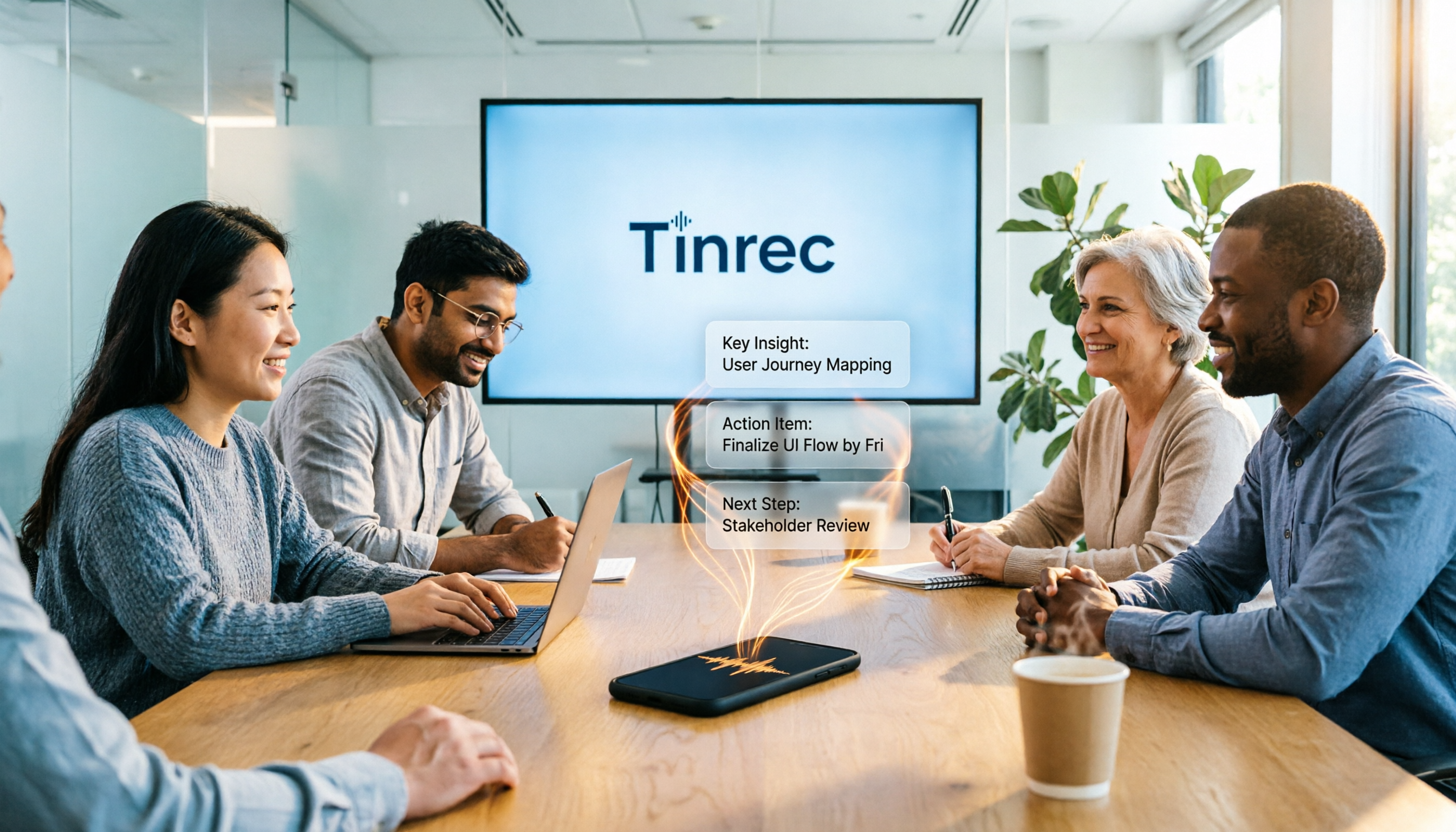
Tinrec's transcription is just the first step. It automatically generates an AI summary, condensing a one-hour meeting into three core conclusions; it also extracts all action items into a clear to-do list. You can even ask questions about the recording, like "What was the budget limit discussed in last week's meeting?" and it will find the answer from the transcript. (See image)
→ This dimension: Tinrec leads across the board.

Dimension 4: Cross-Platform and Export
Zoom's meeting recordings and transcriptions can only be viewed within Zoom's ecosystem; download options for text files are limited, and there's no direct export to collaboration tools like Notion or Google Docs.
Tinrec supports iOS, Android, and web, with real-time sync across all devices. You can export transcripts, summaries, and action items as PDF, Word, TXT, Markdown, or directly connect to third-party services like Notion, Google Drive, and Dropbox, integrating data into your existing workflow.
→ This dimension: Tinrec wins.
Dimension 5: Pricing and Free Plan
Zoom's free account cannot use cloud recording and transcription; you need to upgrade to Pro (about US$12.49/month annual) to unlock these features. This can be an extra expense for small teams that only occasionally need to organize meetings.
Tinrec offers a generous free trial with enough credits to transcribe a few meetings or videos, letting you experience the full workflow before deciding to pay. For higher usage, you can choose a weekly plan (ideal for short sprints), Pro monthly, or annual—the monthly cost is more flexible than Zoom's business plans.
→ This dimension: Tinrec is better for users with limited budgets and varied needs.
What Are the Unique Advantages of Each?
Tinrec's Unique Advantages
- Multi-source integration: Meetings, files, and online videos can all be processed in one workflow without switching between multiple tools.
- AI deep post-processing: Beyond transcription, it generates meeting minutes, reports, tables, and other deliverables, turning recordings into work output.
- Cross-platform sync and export: Seamless across phone, computer, and web; multiple export formats, suitable for individuals and small teams.
- Optimized for Chinese: Performs well with traditional/simplified Chinese and code-switching, low error rate, accurate speaker identification.
Zoom's Unique Advantages
- Integrated meeting experience: For users who only hold meetings and don't need external material processing, Zoom's built-in features suffice without installing extra apps.
- Brand trust and integration: Widely adopted by large enterprises; IT departments can easily manage, with stronger security and compliance.
Conclusion: Which Should You Choose?
- If your meetings, interviews, and course materials come not only from Zoom but also need to organize YouTube, podcasts, or external files → Tinrec is the only choice.
- If you want automatic summaries, action items, and Q&A after recording → Tinrec's AI post-processing is something Zoom lacks entirely.
- If you need flexible organization across phone and computer, and export to tools like Notion and Google Docs → Tinrec offers excellent cross-platform and export support.
- If you only hold English-only Zoom meetings and don't need post-meeting organization or search, Zoom's native transcription might barely suffice, but overall efficiency is far below that of a dedicated tool.
In a nutshell: For most professionals who need to turn meetings, courses, and videos into usable data, Tinrec is currently a more complete and economical choice. We recommend starting with the free plan and experiencing the seamless workflow from transcription to summary with your own recordings.
Turn every recording into actionable outcomes
Get 60 free transcription minutes when you sign in. No credit card required.
Related Reading
You might also like

2026 AI Meeting Assistant Comparison: Tinrec vs Otter.ai vs Granola vs Notta for Chinese Meetings & Post-Meeting Q&A
The real pain point of meeting notes isn't typing speed—it's that decisions and action items get lost after the meeting. This article compares four AI meeting assistants—Tinrec, Otter.ai, Granola, and Notta—using the same testing process, breaking down four dimensions: how meetings are captured, post-meeting organization, Chinese and cross-language performance, and team governance. It also lists four common purchasing mistakes to help you choose the right tool within your budget.

2026 Comparison of 5 AI Agent Structured Output Approaches: From JSON Schema to Meeting Data in Practice
Many people think that writing "please reply in JSON" in a prompt counts as structured output, but when they actually connect it to a system they discover that the fields are different every time. This article starts from common misconceptions, compares 5 structured output approaches side by side, and uses Tinrec to demonstrate how to turn meeting recordings into verifiable, directly usable tables, action items, and reports.

2026 AI Agent Auto-Delivery Tools Compared: From Meeting Notes to Post-Meeting Outputs, Which Is Least Hassle?
2026 is called the "delivery year" for AI Agents, but tools branded as Agents actually fall into four distinct approaches. This article compares them across four dimensions—input method, post-meeting output, Chinese-language experience, and team governance—and uses Tinrec as a practical example of the "bot-free desktop agent" approach to help you decide which one truly turns meetings into deliverables.

2026 AI Meeting Tools Compared: Key Differences That Actually Improve Meeting Efficiency
More meetings don't mean more efficiency. This article starts with common misconceptions and breaks down the three areas AI must address to truly improve meeting efficiency: uninterrupted recording, structured content, and transferable outcomes. Using Tinrec as an example, it explains the complete workflow from bot-free online meeting recording, real-time transcription, AI summaries and action items, AI Q&A, to team spaces. It also includes 5 buying checkpoints and FAQs.
How to Use AI Meeting Efficiency Tools in 2026: 5 Steps from Recording to Team Meeting Minutes
The real work begins after the meeting ends. This article breaks down the practical use of AI meeting efficiency tools through 5 key selection criteria, demonstrates a 5-step workflow from recording, transcription, AI summarization to team knowledge retention using Tinrec, and compares Granola, Notta, and Otter.ai in terms of use cases and official pricing to help you decide which one truly saves time.

2026 AI Meeting Recorder Free Plans Compared: 5 Tools to Check Out
Two-hour meeting, two-hour cleanup? This guide rounds up five AI tools in 2026 that automatically take meeting notes, comparing free plans—from bot-free recording, transcripts, and action items to team collaboration. It also shares hands-on experience on why Tinrec is the top choice for Chinese-language meetings, with free quotas and paid thresholds for each plan.

2026 Meeting Notes App Comparison: Tinrec vs Otter vs Notta – Which Is Best for Office Workers?
Starting from the common misconception that meeting notes apps just need to convert audio to text, this hands-on comparison of Tinrec and Otter covers four key dimensions: meeting capture, Chinese language experience, post-meeting workflow, and team data governance. It also briefly analyzes Notta's free version limitations to help office workers determine which meeting notes app best fits their meeting scenarios.

Best Free Audio Transcription Tools in 2026: 4 Options Compared
Content creators often think free audio transcription means uploading a file and waiting for a transcript, but the real time sink is organizing the output. This article reviews four free options, focusing on Chinese recognition, free quotas, post-meeting summaries, and team collaboration. It also covers Tinrec's bot-free meeting recording, AI Q&A, and export workflow to help you choose a tool that directly produces usable content.

How to Turn Recordings into Reports in 2026: Bot-Free Meeting Transcription + AI Summaries & Action Items
Many people run recordings through transcription tools but still have to re-listen and edit before writing a report. This guide starts with common pitfalls, outlines 5 key buying criteria for transcription tools, compares Tinrec, Granola, Notta, and TurboScribe, and explains how to use AI summaries, chapters, action items, Q&A, and Agent post-processing to turn meeting recordings into deliverable reports. It also covers team plan seats and pricing.