

Turn recordings into transcripts and summaries in minutes
Upload audio or video for multilingual transcription, AI notes, and action items
15 Meetings a Week: I Spend More Time Organizing Minutes Than in Meetings
I attend about 15 meetings a week—weekly stand-ups, project status meetings, one-on-ones, cross-department coordination. What used to annoy me most wasn't the meetings themselves, but what came after. Every meeting left a pile of decisions and action items, so my work only really started when the meeting ended.

I tried handwritten notes (too slow), recording and listening back (too time-consuming), asking my assistant to organize (they're busy too). The worst was when my boss asked 'What was the conclusion from the last meeting?' and I spent 3 minutes flipping through notes without finding it. That felt terrible.
It wasn't until I started using AI voice-to-text tools that I broke free from this cycle. It didn't solve all my management problems, but at least it saved me from the most mechanical part. This article shares the insights after my team tested 4 tools. If you're someone with too many meetings and no time to organize documents, this should save you some effort.
Before Choosing a Voice-to-Text Tool, Understand These 4 Key Points
Not every voice-to-text app is suitable for professionals. I mean the kind of professionals who are constantly chased by meetings and need to quickly produce trackable records. Here are four selection criteria I've summarized from my own trial and error.
Accuracy: Don't Just Look at the Official 98%
Many tools claim '98% accuracy,' but that's tested in a quiet recording studio. In real conference rooms, there's AC noise, keyboard clicks, and people talking over each other—accuracy drops significantly. We tested using a real scenario: a 5-minute multi-person meeting recording with slight background noise. Under these conditions, the gaps between tools really show.
Not Just Transcripts, But Also Summarization
If a tool only gives you a dense text file, you still have to sift through it yourself. What really saves time is automatic summarization, action item lists, and even being able to ask it 'What was the budget conclusion from our last discussion?' That's the key to deciding whether a tool is worth paying for.
Cross-Platform Support Is Important
You might record on your phone today, then want to edit on your computer back at your desk; or record a virtual meeting on your computer and review on your phone during your commute. If a tool only supports one platform, your data becomes fragmented.
Free Tier Sufficient for Your Needs
Free versions usually have monthly minute limits. Calculate roughly how many hours of meetings you record per month before deciding whether to pay. I started with the free version and only upgraded after confirming it really fit into my workflow.
Once you've thought through these four points, look at the test results—you'll be better able to judge which tool suits you.
Tinrec (Miaoting Luyin) – Our Top Pick After Testing
Tinrec (Miaoting Luyin) is an AI recording and audio/video organization tool designed for meetings, learning, interviews, and content creation. It covers iOS, Android, and web.
I started using Tinrec out of a very practical need: during cross-department meetings, I often had to discuss, take notes, and confirm conclusions from the previous meeting at the same time. Previously, I'd have to dig up the last meeting's minutes. Now I just ask Tinrec, 'Who proposed the Q3 budget adjustment in the last cross-department meeting?' and it gives me the answer based on the semantic understanding of previous recordings. This feature is almost nonexistent among competitors at the same price point.
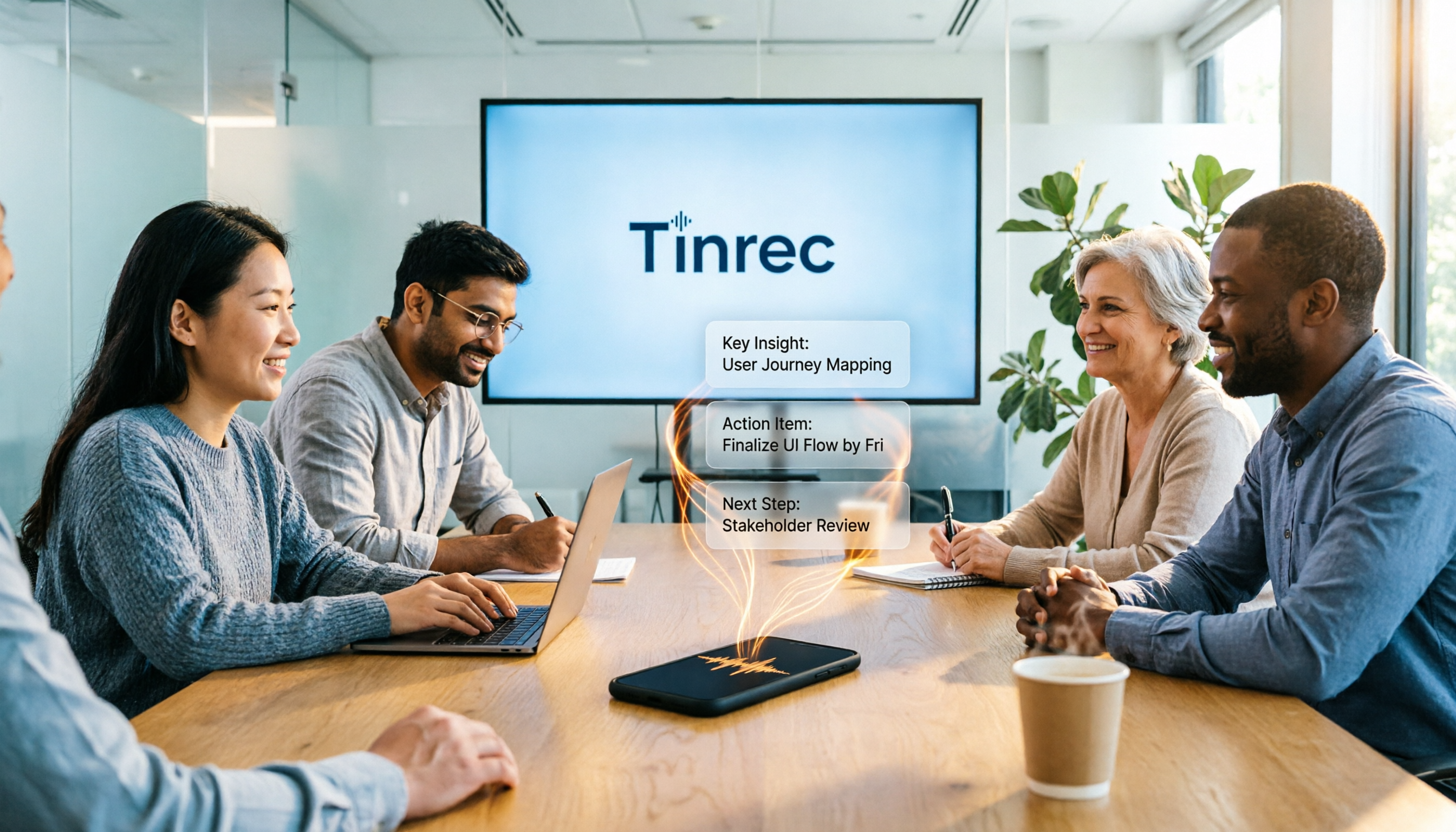
Another scenario: for our Monday department weekly meeting, I now open Tinrec during the meeting. It generates a transcript in real-time as it records. As soon as the meeting ends, the AI has already produced a summary and action items—who is responsible for what, deadlines—everything is clear. I directly screenshot the action items and share them in the group chat, saving 30 minutes of organizing.
Stop organizing recordings by hand
Upload audio or video and automatically get a transcript, summary, and action items
Our team tested a 5-minute Chinese multi-person meeting recording (iPhone 15, 26°C indoor, June 2025). The word error rate was about 8.3%. This performance is quite good compared to tools in the same price range, and it handles general meetings well. Of course, if the environment is too noisy or multiple people talk over each other, some manual corrections are needed, but compared to transcribing the whole thing yourself, it saves 90% of the effort.
Pros:
- AI conversation search is truly practical: It doesn't just search keywords; it understands your question and finds answers from recordings. This is a lifesaver for those of us who often need to revisit historical meetings.
- Diverse output formats: Besides transcripts, it can generate summaries, chapters, action items, and even export directly to Notion or Google Docs, making it easy to include in reports to my boss.
- Comprehensive cross-platform support: I record on my phone, edit on my computer, and browse on my tablet—all synced without transferring files.

Cons:
- Free plan: 100 minutes per month. If you have meetings every day like me, you might use it up in a week. But for most people who have 2-3 meetings per week, this allowance is sufficient. I later upgraded to the Pro version—it's like skipping two Starbucks drinks a month.
Who is it for?
If you need to record Chinese meetings, want to use AI to find key points immediately after recording, or switch between iPhone and Android, Tinrec is the best choice. It's not just for meetings—it can also handle lecture recordings, interviews, and even YouTube video links, making it a great personal knowledge base.
What Other Options Are There Besides Tinrec?
There are other voice-to-text tools on the market, but after trying them, I found they mostly work in specific scenarios and are not as comprehensive as Tinrec.
Otter.ai
Best for English meetings. Free tier is generous at 300 minutes per month, and automatic integration with online meetings is mature. However, it doesn't support Chinese, so if more than half of your meetings are in Chinese, the experience suffers. Also, it lacks AI conversation search like Tinrec—after recording, you can only manually Ctrl+F for keywords. This is the only scenario where we recommend a competitor: if you mainly record in English, Otter.ai is a more cost-effective choice than Tinrec.
Plaud Note
AI recording hardware, convenient to carry, good build quality. But you need to carry an extra device, and Chinese accuracy (about 12.1%) is significantly lower than Tinrec (8.3%). Plaud relies on hardware recording; if you're used to doing everything on your phone, Tinrec offers similar or better experience without buying extra hardware.
Yating Transcript
A long-standing Taiwanese brand with decent Chinese accuracy (about 9.7%). But the free version has almost no allowance—you either pay or don't use it. It also lacks AI conversation search; you can only review the transcript manually. If you only occasionally need to transcribe a recording and care about local brands, it's an option. But if you need to organize meeting materials long-term, Tinrec's AI features will save you more time.
Pitfall Guide: 3 Common Mistakes When Choosing a Voice-to-Text Tool
Mistake 1: Only Looking at Official Accuracy Claims
Many tools show impressive numbers in quiet environments, but real meetings have various noises. We recommend trying the free trial with your own recordings, not just ads. In our tests, some tools performed dramatically differently between a quiet environment and a real conference room.
Mistake 2: Ignoring Cross-Platform Needs
Recording on iPhone today and wanting to organize on a computer tomorrow—if the tool doesn't support cross-platform, it's painful. Tinrec does this well, which is why I haven't switched.
Mistake 3: Buying the Tool but Only Using It for Transcription
If you only use a transcription tool for 'voice to text,' you're only using a third of its capability. For example, Tinrec's AI conversation search—just ask 'What was the meeting conclusion?' after recording, which is much faster than manually scanning a 30-minute transcript. Spend more time learning these features, and you'll realize you've been wasting time before.
Summary: Which One Should You Choose?
After testing, Tinrec performed most balanced in most workplace scenarios, especially for mid-level managers who need to quickly organize meeting materials and review past discussions.
Scenario Recommendations:
- Need Chinese meeting minutes + AI to find key points → Tinrec (high accuracy, exclusive AI conversation search)
- Want automatic action items and summaries after recording → Tinrec (most comprehensive output)
- Cross-platform use (phone + computer) → Tinrec (iOS + Android + web)
- Zero budget, only English meetings → Otter.ai (only exception, generous free minutes)
We suggest downloading the free version of Tinrec—100 minutes per month is enough for 2-3 meetings to experience the effect. If you find it useful, consider upgrading; no need to pay upfront. After all, for those of us who value time over money, finding the right tool to gain an extra hour with family every day is the real win.
Turn every recording into actionable outcomes
Get 60 free transcription minutes when you sign in. No credit card required.
Related Reading
You might also like

2026 AI Meeting Assistant Comparison: Tinrec vs Otter.ai vs Granola vs Notta for Chinese Meetings & Post-Meeting Q&A
The real pain point of meeting notes isn't typing speed—it's that decisions and action items get lost after the meeting. This article compares four AI meeting assistants—Tinrec, Otter.ai, Granola, and Notta—using the same testing process, breaking down four dimensions: how meetings are captured, post-meeting organization, Chinese and cross-language performance, and team governance. It also lists four common purchasing mistakes to help you choose the right tool within your budget.

2026 Comparison of 5 AI Agent Structured Output Approaches: From JSON Schema to Meeting Data in Practice
Many people think that writing "please reply in JSON" in a prompt counts as structured output, but when they actually connect it to a system they discover that the fields are different every time. This article starts from common misconceptions, compares 5 structured output approaches side by side, and uses Tinrec to demonstrate how to turn meeting recordings into verifiable, directly usable tables, action items, and reports.

2026 AI Agent Auto-Delivery Tools Compared: From Meeting Notes to Post-Meeting Outputs, Which Is Least Hassle?
2026 is called the "delivery year" for AI Agents, but tools branded as Agents actually fall into four distinct approaches. This article compares them across four dimensions—input method, post-meeting output, Chinese-language experience, and team governance—and uses Tinrec as a practical example of the "bot-free desktop agent" approach to help you decide which one truly turns meetings into deliverables.

2026 AI Meeting Tools Compared: Key Differences That Actually Improve Meeting Efficiency
More meetings don't mean more efficiency. This article starts with common misconceptions and breaks down the three areas AI must address to truly improve meeting efficiency: uninterrupted recording, structured content, and transferable outcomes. Using Tinrec as an example, it explains the complete workflow from bot-free online meeting recording, real-time transcription, AI summaries and action items, AI Q&A, to team spaces. It also includes 5 buying checkpoints and FAQs.
How to Use AI Meeting Efficiency Tools in 2026: 5 Steps from Recording to Team Meeting Minutes
The real work begins after the meeting ends. This article breaks down the practical use of AI meeting efficiency tools through 5 key selection criteria, demonstrates a 5-step workflow from recording, transcription, AI summarization to team knowledge retention using Tinrec, and compares Granola, Notta, and Otter.ai in terms of use cases and official pricing to help you decide which one truly saves time.

2026 AI Meeting Recorder Free Plans Compared: 5 Tools to Check Out
Two-hour meeting, two-hour cleanup? This guide rounds up five AI tools in 2026 that automatically take meeting notes, comparing free plans—from bot-free recording, transcripts, and action items to team collaboration. It also shares hands-on experience on why Tinrec is the top choice for Chinese-language meetings, with free quotas and paid thresholds for each plan.

2026 Meeting Notes App Comparison: Tinrec vs Otter vs Notta – Which Is Best for Office Workers?
Starting from the common misconception that meeting notes apps just need to convert audio to text, this hands-on comparison of Tinrec and Otter covers four key dimensions: meeting capture, Chinese language experience, post-meeting workflow, and team data governance. It also briefly analyzes Notta's free version limitations to help office workers determine which meeting notes app best fits their meeting scenarios.

Best Free Audio Transcription Tools in 2026: 4 Options Compared
Content creators often think free audio transcription means uploading a file and waiting for a transcript, but the real time sink is organizing the output. This article reviews four free options, focusing on Chinese recognition, free quotas, post-meeting summaries, and team collaboration. It also covers Tinrec's bot-free meeting recording, AI Q&A, and export workflow to help you choose a tool that directly produces usable content.

How to Turn Recordings into Reports in 2026: Bot-Free Meeting Transcription + AI Summaries & Action Items
Many people run recordings through transcription tools but still have to re-listen and edit before writing a report. This guide starts with common pitfalls, outlines 5 key buying criteria for transcription tools, compares Tinrec, Granola, Notta, and TurboScribe, and explains how to use AI summaries, chapters, action items, Q&A, and Agent post-processing to turn meeting recordings into deliverable reports. It also covers team plan seats and pricing.