

Turn recordings into transcripts and summaries in minutes
Upload audio or video for multilingual transcription, AI notes, and action items
2026 Comparison of 5 Voice-to-Text Apps: Which Has the Most Complete AI Features and Saves the Most Time?
Why You Need a Voice-to-Text App
During meetings, classes, or interviews, the worst thing is frantically taking notes and still missing key discussions. According to surveys, the average professional spends over 3 hours per week organizing meeting minutes. This article reviews 5 voice-to-text apps available in Taiwan, from free to advanced, so you can skip the trial and error.
Option 1: Tinrec (Instant Recording) — The Most Complete AI Recording Assistant
Tinrec is an AI tool that turns recordings and audio files into “actionable knowledge” — not just text, but organized insights. I like three things about it: First, input sources are incredibly broad — besides real-time phone recording, you can upload old files, paste YouTube or Bilibili links, and even record online meetings. Second, the transcript automatically generates summaries, chapters, and to-do lists, and you can even ask AI questions like a database, making it super fast to search past meeting content. Third, output formats are very complete — plain text, subtitles, mind maps, and direct export to Notion or Google Docs.
The free plan includes basic transcription credits per month, enough for occasional meetings or short courses. If you have weekly meetings, the Pro monthly or annual plan is more cost-effective, with the annual plan being cheaper per month. Best for people who need to organize meetings, classes, interviews, or online videos long-term, especially those who want to turn all their audio into a searchable database.
Option 2: MyEdit — Free Online Voice-to-Text Website
MyEdit is an online tool from CyberLink that works right in your browser and supports Chinese, English, Japanese, and 6 other languages. Its advantage is fast conversion after uploading audio files, and you can listen and edit the transcript on the same page, with timestamps for downloading as subtitle files. The free version has daily limits on transcription count and minutes, while the paid subscription unlocks more — prices are relatively affordable. Suitable for people who occasionally need to transcribe audio files and don't want to install an app.
Option 3: Yating — Best AI for Taiwanese Accents
Yating is an app developed by a Taiwanese team, specializing in Taiwanese Mandarin, Taiwanese Hokkien, Cantonese, Japanese, and mixed Chinese-English, with very high recognition accuracy. It offers real-time recording-to-text and audio file-to-text, both completely free, and can export results as plain text or subtitle files. Note that some users report longer processing times for long recordings and occasional crashes, but overall, it's very generous for a free app. Best for students or individual users who need extensive Chinese transcription on a budget.
Stop organizing recordings by hand
Upload audio or video and automatically get a transcript, summary, and action items
Option 4: Transcribe — AI Transcription Assistant
Transcribe is an app focused on AI transcription, supporting real-time recording-to-text, importing audio or video files, and even transcribing WhatsApp voice messages and phone calls. Transcription is fast, multi-language support is good, and the interface is intuitive. Free trial available, but a paid subscription is required to continue — monthly or yearly plans are mid-range, with no permanent free version. Best for mobile workers who frequently handle voice messages or call logs.
Option 5: SoundType AI — Multi-Language Transcript
SoundType AI supports speech-to-text in over 90 languages and features speaker identification, which distinguishes different speakers during meetings and automatically labels who said what. Besides transcription, it generates AI summaries for quick review. Free trial available, full features require subscription — monthly and yearly plans offer the same total transcription hours, with the yearly plan being more economical. Best for frequent multi-person meetings or interviews where it's important to know who said what.
How to Choose Among All These Options?
- Want the most complete AI features (transcription + AI query + auto-minutes + multi-source organization)? → Tinrec is the only one that covers all these capabilities.
- Just occasionally recording notes on your phone and need Taiwanese Mandarin or Hokkien recognition? → Yating is free and sufficient.
- Frequently need to add subtitles or edit audio without leaving the browser? → MyEdit is the most convenient online option.
- Need to transcribe voice messages or call content for work? → Transcribe is designed for these scenarios.
- Multi-person meetings where you need to distinguish speakers clearly, with many languages? → SoundType AI's speaker identification stands out.
4 Things to Know Before Using a Voice-to-Text App
- Recording quality determines transcription accuracy. Record in a quiet environment, close to the sound source — too much background noise will trip up even the best AI. In my tests with Tinrec, placing the phone in the center of a conference table yielded much clearer results than keeping it in a pocket.
- Check free plan limits. Nearly all these apps offer free trials, but quota, minutes, and feature restrictions vary widely. Start with the free version to see if you actually use it, then consider paying — that way you won't waste money.
- AI summaries save time, but always cross-check with the original. AI-generated summaries and to-do lists are convenient, but for important decisions or numbers, it's wise to listen back to the original recording or review the transcript to avoid misunderstandings.
- Review privacy and permissions. If you're processing confidential meetings or personal data, check the app's privacy policy to understand how audio files and transcripts are stored and used. Tinrec and Yating both have clear Chinese-language privacy statements — read them before use.
Summary
Each of these 5 voice-to-text apps has its strengths, but if your need goes beyond just transcription — you want a searchable, queryable, report-ready database of your audio — Tinrec currently offers the most complete integration. From meetings and classes to online videos, it handles almost everything, making it a great core audio management tool for individuals or small teams. Start with the free version and see if it truly saves you those late nights wrestling with recordings.
References
Turn every recording into actionable outcomes
Get 60 free transcription minutes when you sign in. No credit card required.
Related Reading
You might also like

4 Cantonese Real-Time Translation Tools Tested for 2026: Which One Understands and Translates Accurately?
Cantonese real-time translation actually serves two different needs: understanding on the spot and keeping a record afterward. Choosing the wrong tool makes everything feel cumbersome. This article starts from real usage scenarios and compares Tinrec, Google Translate, Love Cantonese, and PLAUD recording hardware, summarizing key buying factors, common pitfalls, and suitable users to help you choose right the first time.

2026 Courtroom Audio Transcription Tools Compared: A Transcript Must Work as an Evidence Attachment
Turning a hearing recording into usable court documentation isn't just about converting speech to text. Starting from the actual requirements for evidence attachments, this article compares Tinrec, Granola, TurboScribe, and Otter.ai on speaker labels, timestamp jump-back, legal terminology recognition, and team data handover, and outlines the 4 most common pitfalls to help you decide where to allocate your budget.

2026 4 Voice Recorder Comparison: Which AI Summarization Actually Saves Post-Meeting Time?
A mid-level manager who attends over ten meetings a week shares hands-on testing: in 2025, voice recorders have evolved from 'just recording' to 'helping you organize.' This article covers key buying factors, the top pick Tinrec, brief competitor reviews, and a guide to avoiding pitfalls—helping you decide which one to buy and whether to upgrade.
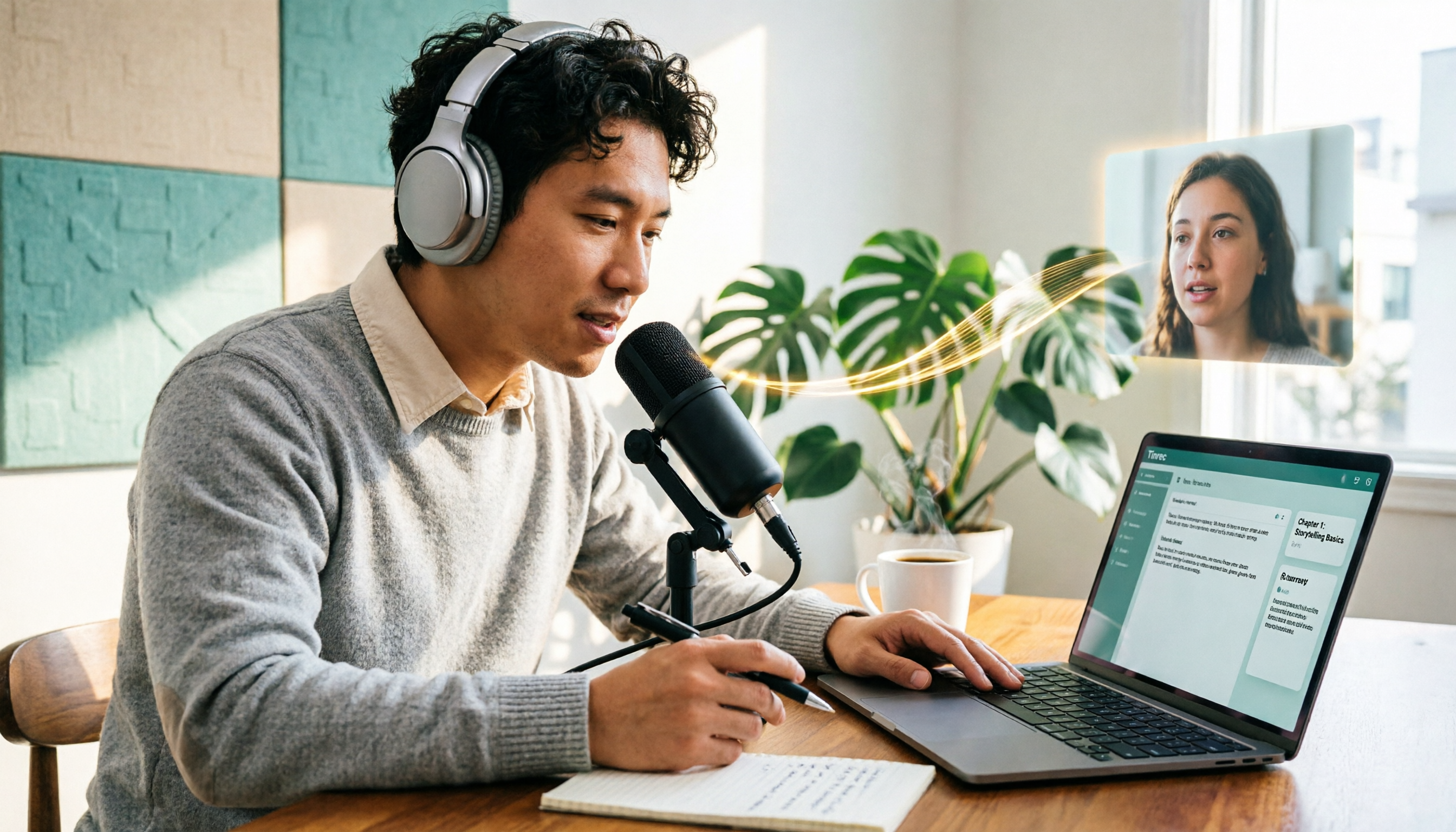
5 Podcast Transcription Tools Tested: Link Parsing, File Upload, or Live Transcription—Which Saves the Most Time in 2026?
How do podcasters choose a recording-to-text tool? This article breaks down five workflows—link parsing, file upload, live recording, online meeting capture, and team collaboration—and uses Tinrec as an example to explain transcripts, AI summaries, chapters, Q&A, and export options, plus buying tips and FAQs.

2026 Comparison of 3 Interview Transcription Tools: Tinrec vs. Notta vs. Subanana — Which Helps Journalists Meet Deadlines?
The biggest pitfall in interview transcription isn't AI accuracy—it's choosing the wrong type of tool from the start. This article, from a journalist's actual workflow, compares Tinrec, Notta, and Subanana on interview format coverage, post-interview organization, Chinese terminology, audio retention, and free quotas, with team plan seat and pricing details, to help you save time before deadline.
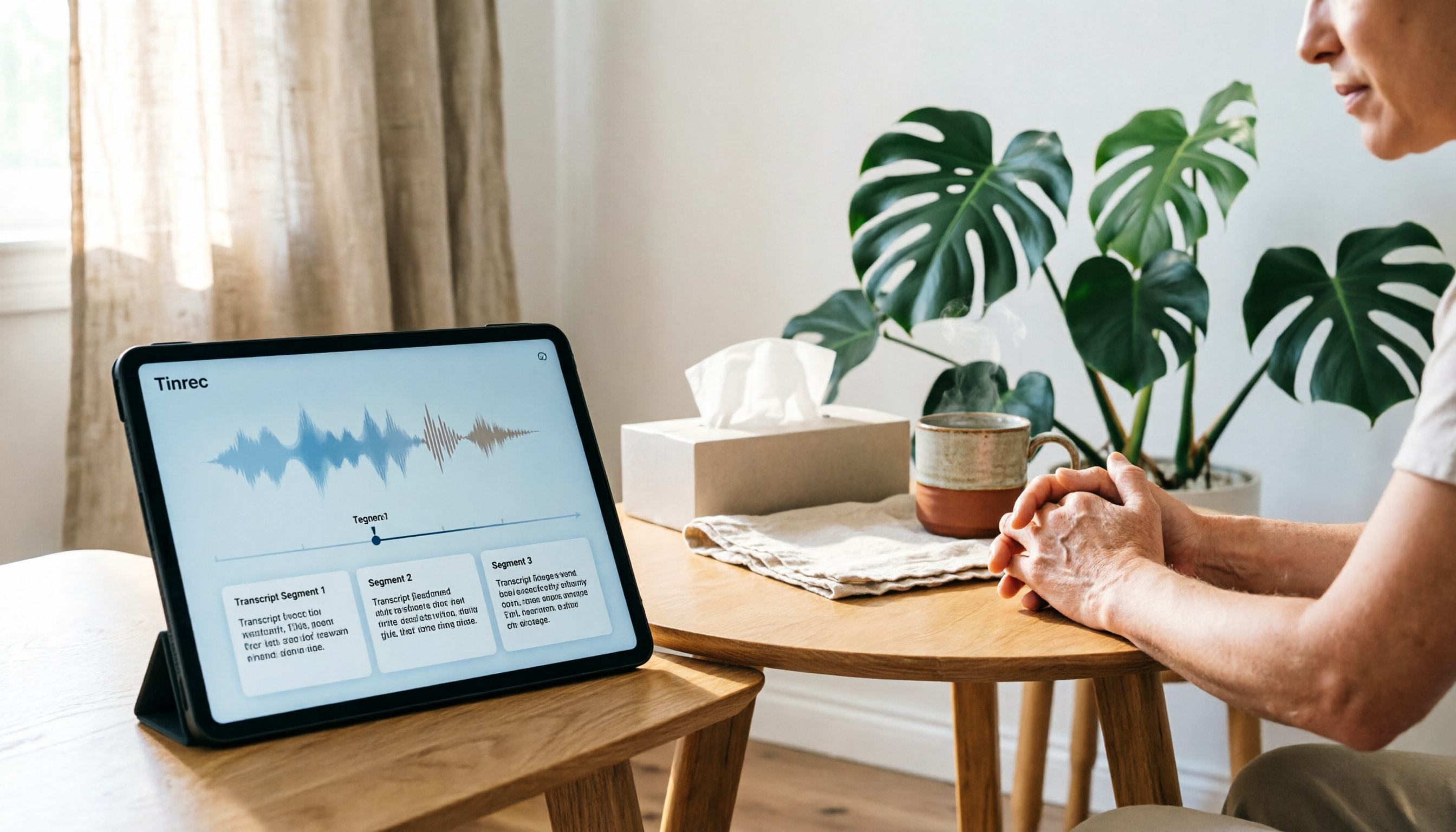
4 Recording and Note-Organization Tools Compared for 2026: How Should Therapy Session Recordings Be Organized?
Can therapy sessions be recorded, and if so, how should the recordings be organized? This article starts with three common misunderstandings, breaks down four key points—scope of consent, confidential storage, post-transcription usability, and Chinese terminology—and compares Tinrec, Notta, Otter.ai, and Granola in terms of their practical differences and pitfalls to avoid in therapy recording and note-taking scenarios.

2026 Guide to Choosing a Subtitle Generator for Content Creators: 3 Tools Tested and Recommendations
Starting from the real needs of campus projects and club videos, this guide outlines 4 key points content creators should consider when choosing a subtitle generation tool. It tests Tinrec's transcription and post-meeting organization workflow, and compares the use cases and limitations of YouTube's built-in captions, VideoCaptioner, and TurboScribe, concluding with selection advice for students and small teams.

4 Screenwriting Audio-to-Text Tools Tested: Which One Saves the Most Time on Dictated Scripts in 2026?
Screenwriting often starts with speaking: dictating outlines, brainstorming in writers' rooms, interviewing real-life subjects. This article tests 4 audio-to-text tools in real screenwriting scenarios—from mixed Chinese-English recognition, post-meeting organization, recording online script meetings without bots, to team knowledge retention—to tell you which one truly saves time on transcripts, and how to choose based on different budgets and needs.

2026 Recorder Comparison: PLAUD Note vs Tinrec — Which Is Better for Meeting Notes?
This article compares PLAUD Note and Tinrec across six dimensions—meeting capture, post-transcription workflow, Chinese-language experience, team collaboration, cost, and data traceability—to help you decide whether to buy a dedicated recorder or choose an AI meeting notes tool that requires no extra hardware.