

Turn recordings into transcripts and summaries in minutes
Upload audio or video for multilingual transcription, AI notes, and action items
Recently, while organizing interview recordings from the first half of the year, I stared at dozens of voice memo files on my iPhone and felt exhausted—not because of the recordings themselves, but because each one required three to four times the original duration to listen back, type, and mark highlights.
In recent years, many people have started using the built-in voice memo transcription feature on iPhone (requires iOS 18 or later and iPhone 12 or newer). It's convenient—you get a transcript right after recording.
But is that transcript really sufficient?
In my experience, for simple idea capture, a transcript is enough. But for a one-hour meeting or a two-hour lecture, a wall of text still leaves you wondering what the key points are.
So I began trying third-party AI tools to process these recordings.
I tested two voice-to-text tools that are easy to use on iPhone: Tinrec and Otter.ai.
Both can import files from Voice Memos and do real-time recording-to-text, but their design philosophies are quite different.
In this article, I'll compare their performance in "organizing Chinese content" from a real user's perspective.
Tinrec vs Otter.ai|Quick Overview
Otter.ai is a representative AI meeting note tool. Its strengths are automatically joining online meetings, identifying speakers, and generating meeting summaries in real time. It's ideal for teams with frequent English meetings.
Tinrec positions itself as an "AI recording and audio/video organization tool." It handles not only meetings but also lectures, interviews, YouTube videos, local audio files, and even subsequent AI Q&A and document generation.
In a nutshell: Otter.ai gives you notes right after a meeting; Tinrec turns all kinds of audio and video into actionable knowledge.
| Otter.ai | Tinrec | |
|---|---|---|
| Primary Use Case | Online meetings, especially English business meetings | Meetings, classes, interviews, public videos, content curation |
| Input Sources | Supports meeting platforms and file upload; emphasizes meeting integration | Live recording, file import, YouTube/Bilibili video links |
| Chinese Support | Primarily English; Chinese transcription available but not core strength | Specifically optimized for Chinese, Traditional Chinese, and mixed Chinese-English scenarios |
| Free Tier | 300 minutes of transcription per month | Basic monthly transcription allowance |
| Paid Price | Pro約 NT$250/month | Weekly, Pro monthly, and annual plans; more flexible |
(Prices as of July 2026 from official websites; actual prices may vary.)
Next, I'll compare these two tools across five key dimensions from real-world usage.
Dimension 1|Input Source Diversity
Otter.ai can import audio files, but its design core is "meetings": calendar integration, automatic meeting joining, and real-time interaction during meetings.
If you primarily use it to record Zoom or Google Meet sessions, the experience is smooth.
But if you often organize lecture recordings, interview recordings, or want to turn YouTube knowledge videos into notes, Otter.ai's framework feels narrow—it always asks, "Which meeting is this? Who are the participants?"
Tinrec's input approach is more like a "content gateway": you can record directly, select audio from Photos or Files app, or even paste a YouTube or Bilibili link, and it starts processing.
For iPhone users, this means you can drop Voice Memos recordings, dictaphone files, or voice messages from friends into Tinrec and have them unified into text.
→ Dimension verdict: If your material goes beyond meetings, Tinrec is more flexible.
Dimension 2|Chinese Adaptability
Otter.ai has Chinese transcription. I tested a five-minute standard Chinese meeting recording (quiet environment, normal speed). Results were mostly correct, but errors increased with technical terms, mixed Chinese-English, or slight accents.
Moreover, Otter.ai's summaries and key point extraction clearly follow English logic; Chinese summaries occasionally have unnatural phrasing or miss key numbers.
Tinrec explicitly markets itself as "suitable for Chinese organization."
Testing the same recording, Tinrec showed noticeably higher accuracy on technical terms and mixed-language segments. Traditional Chinese output was more natural than Otter.ai's.
Stop organizing recordings by hand
Upload audio or video and automatically get a transcript, summary, and action items
Another pleasant surprise: Tinrec's chapter segmentation follows Chinese content logic better—it doesn't force a coherent discussion into English-style bullet points.
→ Dimension verdict: If you mainly handle Chinese content, Tinrec offers a more consistent experience.
Dimension 3|Post-Transcription Organization and Use
Many tools stop after producing a transcript.
But getting a transcript just "moves the hassle to the next step." The real pain is understanding the content, finding key points, and turning it into usable notes or reports.
Otter.ai automatically generates meeting summaries and keywords, which is helpful in English. But Chinese summaries are rough, and further processing is limited.
Tinrec offers much more after transcription:
- Auto-generates AI summaries for quick overview
- Splits long content into chapters; tap to jump
- Auto-extracts action items, turning meetings into to-do lists
- You can ask questions like a database about the recording: "What does the speaker think about the marketing budget?"
- Finally, you can generate meeting minutes, reports, or tables and copy them directly into presentations
For example, when organizing interview recordings, Tinrec turned a one-hour transcript into an interview summary with introduction, key points, and timeline in ten minutes—something I couldn't do with Otter.ai.
→ Dimension verdict: Tinrec doesn't just transcribe; it turns recordings into immediately usable work material.
Dimension 4|Cross-Platform and Export
Otter.ai's strength lies in its ecosystem integration with Google Calendar, Zoom, etc. But if you want to organize notes in Notion or archive in Dropbox, you have to manually copy and paste.
Tinrec supports exporting organized text, summaries, and even action items directly to Notion, Google Docs, OneNote, and other common tools.
For those who need to integrate recordings into their existing knowledge base, this saves a lot of clerical time.
→ Dimension verdict: Tinrec's export options better fit personal knowledge management workflows.
Dimension 5|Free vs. Paid Flexibility
Otter.ai's free plan offers 300 minutes per month, which may suffice for light users. Exceeding that requires upgrading to Pro at about NT$250/month—a fixed recurring cost for individual users.
Tinrec's free plan also has a basic allowance, but paid plans are more flexible: besides monthly and annual plans, there's a weekly plan.
This suits users like me: low regular usage, but during conference season or intensive interview weeks, I can buy a week of high usage without committing to a full year's subscription for one peak month.
→ Dimension verdict: Tinrec's weekly plan is more friendly for non-consistent high-frequency users.
What Are Their Unique Strengths?
Tinrec's Unique Strengths
- Multi-source input: Not just meetings; files and online videos become text
- Chinese ecosystem: Better handling of Traditional Chinese, mixed Chinese-English, and technical terms
- Post-transcription productivity: AI Q&A, chapters, action items, document generation—turning recordings into work material
- Export integration: Direct sending to Notion, Docs, etc., connecting to your workflow
Otter.ai's Unique Strengths
- Strong meeting integration: Deep integration with calendar and meeting software; automatic meeting joining
- Mature English business scenarios: Very complete summaries and key point extraction in pure English environments
Summary: Which Should You Choose?
• If you mainly handle Chinese meetings, lectures, or interviews, and want more than just a transcript → Tinrec
• If you need to turn YouTube or Bilibili videos into notes or material → Tinrec (Otter.ai lacks this feature)
• If you occasionally have high usage and don't want a long-term commitment → Tinrec (weekly plan flexibility)
• If your work environment is pure English online meetings with deep team calendar integration → Otter.ai suits you better
• If you only occasionally record short snippets and iOS built-in transcription is enough → then no extra tool needed
In a nutshell: For most iPhone users who need to organize Chinese audio content, Tinrec is a more complete choice that turns recordings into usable knowledge.
Here's how you can start trying it:
- Download Tinrec, use the free allowance to test a meeting recording
- Drop in a lecture audio file you frequently revisit; see the value of AI summaries and chapters
- Try asking questions about the recording—experience the convenience of "directly asking for key points"
- If you have intensive interviews or conferences this week, consider the weekly plan for a painless full-feature trial
By testing step by step, you can gradually reclaim the time lost to recordings.
References
- iPhone Voice Memos to Text Tutorial: Built-in Transcription Without Third-Party Apps - Mr. Mad
- View Voice Memos transcripts on iPhone - Apple Support
- iPhone Voice Recording to Text Free Transcript! iOS 18 Supports 10 Languages - 500 Times
- iPhone Notes and Recording Apps Also Have Transcription! Classes, Meetings, Speeches Instantly Turned to Text - Business Next
- How to Transcribe iPhone Recordings? Three Easy Methods! - iMyFone
Turn every recording into actionable outcomes
Get 60 free transcription minutes when you sign in. No credit card required.
Related Reading
You might also like

4 Cantonese Real-Time Translation Tools Tested for 2026: Which One Understands and Translates Accurately?
Cantonese real-time translation actually serves two different needs: understanding on the spot and keeping a record afterward. Choosing the wrong tool makes everything feel cumbersome. This article starts from real usage scenarios and compares Tinrec, Google Translate, Love Cantonese, and PLAUD recording hardware, summarizing key buying factors, common pitfalls, and suitable users to help you choose right the first time.

2026 Courtroom Audio Transcription Tools Compared: A Transcript Must Work as an Evidence Attachment
Turning a hearing recording into usable court documentation isn't just about converting speech to text. Starting from the actual requirements for evidence attachments, this article compares Tinrec, Granola, TurboScribe, and Otter.ai on speaker labels, timestamp jump-back, legal terminology recognition, and team data handover, and outlines the 4 most common pitfalls to help you decide where to allocate your budget.

2026 4 Voice Recorder Comparison: Which AI Summarization Actually Saves Post-Meeting Time?
A mid-level manager who attends over ten meetings a week shares hands-on testing: in 2025, voice recorders have evolved from 'just recording' to 'helping you organize.' This article covers key buying factors, the top pick Tinrec, brief competitor reviews, and a guide to avoiding pitfalls—helping you decide which one to buy and whether to upgrade.
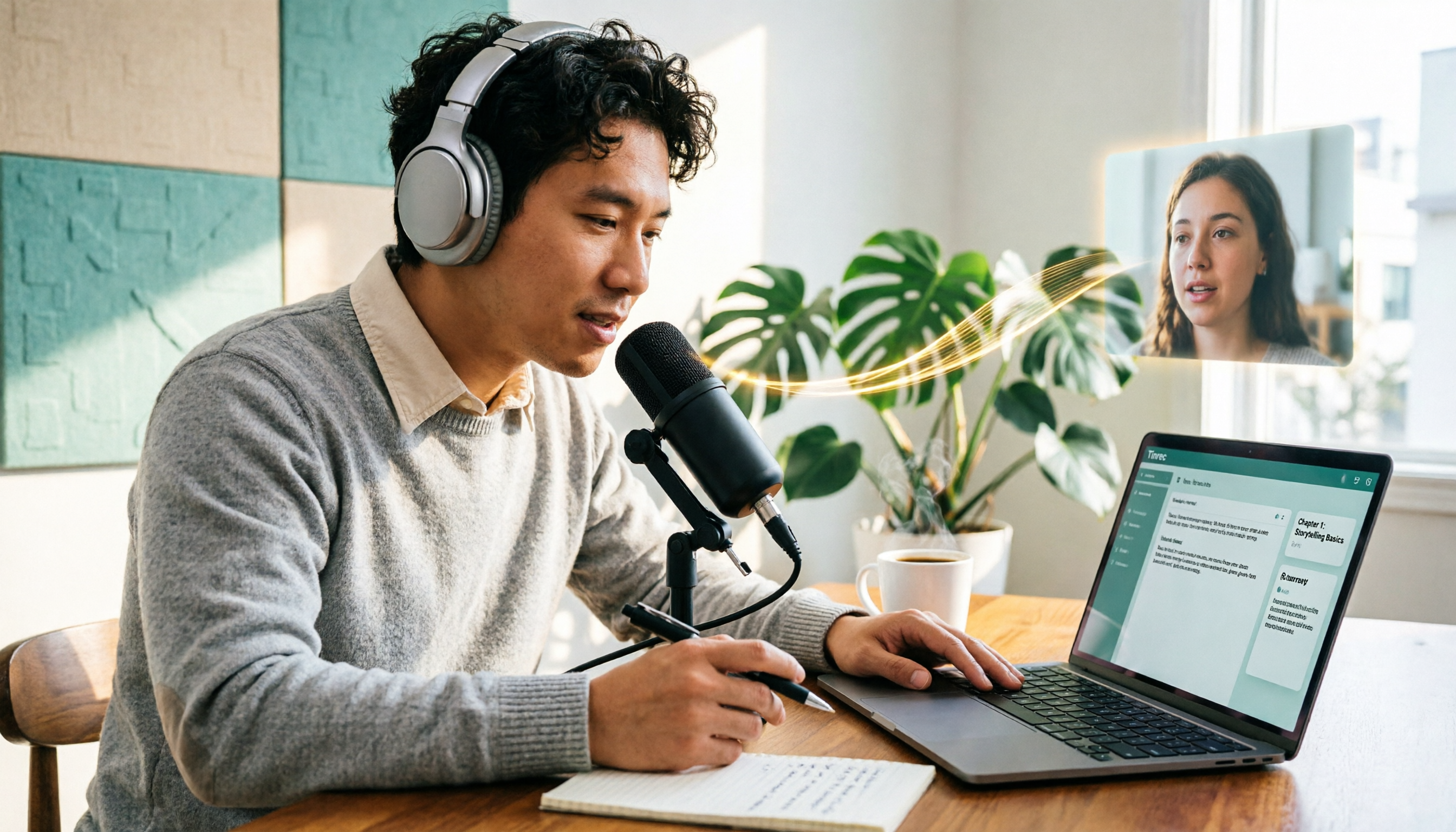
5 Podcast Transcription Tools Tested: Link Parsing, File Upload, or Live Transcription—Which Saves the Most Time in 2026?
How do podcasters choose a recording-to-text tool? This article breaks down five workflows—link parsing, file upload, live recording, online meeting capture, and team collaboration—and uses Tinrec as an example to explain transcripts, AI summaries, chapters, Q&A, and export options, plus buying tips and FAQs.

2026 Comparison of 3 Interview Transcription Tools: Tinrec vs. Notta vs. Subanana — Which Helps Journalists Meet Deadlines?
The biggest pitfall in interview transcription isn't AI accuracy—it's choosing the wrong type of tool from the start. This article, from a journalist's actual workflow, compares Tinrec, Notta, and Subanana on interview format coverage, post-interview organization, Chinese terminology, audio retention, and free quotas, with team plan seat and pricing details, to help you save time before deadline.
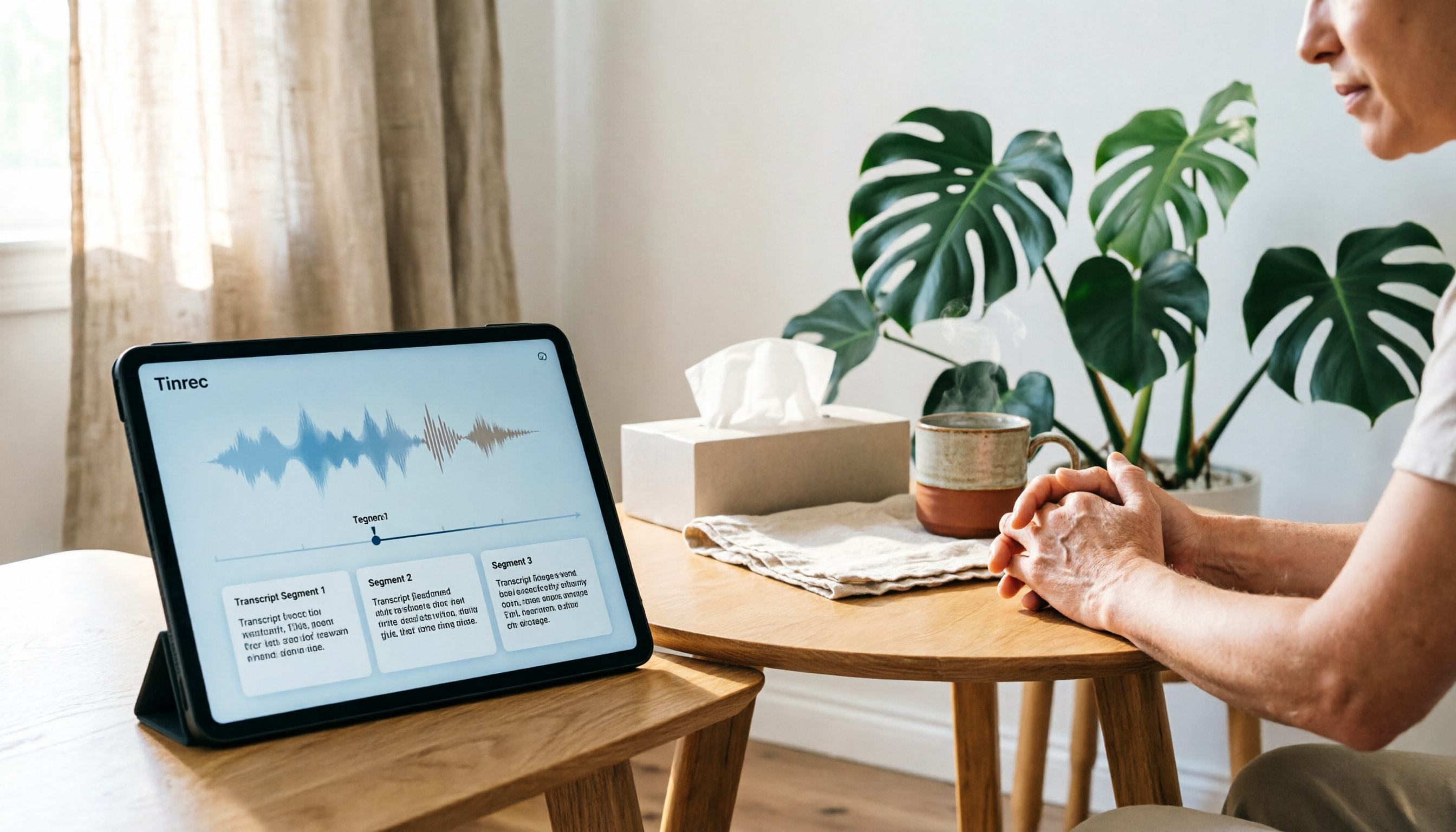
4 Recording and Note-Organization Tools Compared for 2026: How Should Therapy Session Recordings Be Organized?
Can therapy sessions be recorded, and if so, how should the recordings be organized? This article starts with three common misunderstandings, breaks down four key points—scope of consent, confidential storage, post-transcription usability, and Chinese terminology—and compares Tinrec, Notta, Otter.ai, and Granola in terms of their practical differences and pitfalls to avoid in therapy recording and note-taking scenarios.

2026 Guide to Choosing a Subtitle Generator for Content Creators: 3 Tools Tested and Recommendations
Starting from the real needs of campus projects and club videos, this guide outlines 4 key points content creators should consider when choosing a subtitle generation tool. It tests Tinrec's transcription and post-meeting organization workflow, and compares the use cases and limitations of YouTube's built-in captions, VideoCaptioner, and TurboScribe, concluding with selection advice for students and small teams.

4 Screenwriting Audio-to-Text Tools Tested: Which One Saves the Most Time on Dictated Scripts in 2026?
Screenwriting often starts with speaking: dictating outlines, brainstorming in writers' rooms, interviewing real-life subjects. This article tests 4 audio-to-text tools in real screenwriting scenarios—from mixed Chinese-English recognition, post-meeting organization, recording online script meetings without bots, to team knowledge retention—to tell you which one truly saves time on transcripts, and how to choose based on different budgets and needs.

2026 Recorder Comparison: PLAUD Note vs Tinrec — Which Is Better for Meeting Notes?
This article compares PLAUD Note and Tinrec across six dimensions—meeting capture, post-transcription workflow, Chinese-language experience, team collaboration, cost, and data traceability—to help you decide whether to buy a dedicated recorder or choose an AI meeting notes tool that requires no extra hardware.