

Turn recordings into transcripts and summaries in minutes
Upload audio or video for multilingual transcription, AI notes, and action items
Tinrec vs PLAUD Note|Quick Overview
If you're looking for a tool that can quickly convert recordings into text and even help organize key points, you'll likely encounter two approaches: AI recording software like Tinrec, and AI recording hardware like PLAUD Note. This article directly compares their key differences.
- Tinrec: Software subscription model; free tier with basic monthly credits; Pro monthly/yearly available; works on phone, computer, and web.
- PLAUD Note: Hardware purchase model (Pro pre-order ~US$179, NotePin ~US$169); hardware comes with monthly basic transcription minutes; premium plans available for purchase.
- Core difference: Tinrec requires no additional hardware purchase and supports transcription from multiple sources like online videos and local files; PLAUD focuses on portable recording and hardware quality.
Below we compare them across five dimensions: ease of use, input sources, post-processing, data management, and cost.
Dimension 1|Ease of Use: Software Ready vs. Additional Hardware Required
PLAUD Note requires purchasing the hardware first (Pro ~US$179, NotePin ~US$169), which is a significant barrier for users on a budget or those just wanting to try it out. Hardware has the advantage of portable recording, but if you already have a phone or computer, Tinrec lets you start recording and transcribing immediately by downloading the app or opening a web page—no waiting for delivery or worrying about losing a device. For most users accustomed to recording with their phone, Tinrec has a lower entry barrier.
→ This dimension: Tinrec wins.
Dimension 2|Input Source Flexibility: More Than Just Portable Recording—Files and Video Links Too
PLAUD Note primarily records via hardware and uploads to the cloud for transcription, suitable for face-to-face interviews, meetings, and other on-site scenarios. To process online videos or audio files on a computer, users have to play them out loud or use cables, which adds steps. Tinrec natively supports importing audio/video files (MP3, WAV, MP4, etc.), pasting public video links from YouTube, Bilibili, or Xiaohongshu, and even recording system audio for transcribing online meetings. For users who frequently process lecture recordings, podcast materials, or research videos, Tinrec offers much more diverse input sources.
→ This dimension: Tinrec wins.
Dimension 3|Post-Transcription Processing: From Transcript to Deliverable Data
PLAUD Note's app provides basic summaries and template organization, but its main capability remains in transcription and segmentation. Tinrec, on the other hand, can generate AI summaries, automatically split chapters, extract action items, and even perform AI Q&A based on the recording content—e.g., "What exam points were mentioned in this lecture?" or "Who is responsible for next week's report in the meeting?" This turns recordings from mere transcript piles into searchable, processable knowledge assets. For professionals and learners, it saves not just typing time but also the mental effort of subsequent organization.
→ This dimension: Tinrec wins.
Stop organizing recordings by hand
Upload audio or video and automatically get a transcript, summary, and action items
Dimension 4|Data Management & Export: Cross-Platform Sync, Take Results Anywhere
PLAUD recording files reside in the phone app; you can export text and audio, but syncing to a computer or cloud notes often requires manual transfer. Tinrec natively supports real-time sync between web and mobile; all recordings and transcriptions are viewable on any device. It also supports exporting in multiple formats (Word, TXT, SRT subtitles) and one-click transfer to popular tools like Notion, Google Docs, and OneNote. For team collaboration or cross-device workflows, a software solution is clearly more flexible.
→ This dimension: Tinrec wins.
Dimension 5|Cost & Value: Which Is More Economical Long-Term?
Based on one year of use, the PLAUD Note Pro hardware costs about US$179, plus to get sufficient minutes and advanced features, you might pay US$99.99 per year (total ~US$279). For unlimited transcription, it's US$239.99 per year. Tinrec's free tier offers basic monthly credits—light users can use it at zero cost. For moderate users, the Pro monthly or yearly subscription is affordable, with the yearly plan offering an even better monthly rate. For budget-conscious users who want to evaluate the tool first, Tinrec carries lower risk and cost.
→ This dimension: Tinrec wins (lower cost, lower risk).
What Are Their Unique Advantages?
Tinrec's Unique Advantages
- Zero hardware barrier: Ready to use on phone, computer, or web—no extra device needed.
- Multi-source processing: Supports online videos, local audio/video files, and system audio—covering meetings, learning, and content creation.
- Powerful AI post-processing: Summaries, chapters, action items, and conversational queries turn recordings into notes or reports instantly.
- Cross-platform export: Multiple export formats and third-party tool integrations seamlessly fit into your existing workflow.
PLAUD Note's Unique Advantages
- Standalone recording device: Long standby, one-button start—ideal for situations where you'd rather not pull out your phone (e.g., long interviews, non-intrusive meetings).
- Hardware quality and discretion: Some users prefer a compact, dedicated recording device for a more professional feel.
Conclusion: Which One Should You Choose?
- If you want to start with zero barriers and don't want to buy another device → Tinrec. Download the app or open the web page.
- If you need to process not just meetings but also lecture recordings, podcasts, and online videos → Tinrec offers a more comprehensive solution than hardware.
- If you need quick summaries, to-dos, or want to ask questions about the recording content → Tinrec's post-processing is the most practical.
- If you switch between phone and computer and need sync/export to note-taking apps → Tinrec's cross-platform support is most convenient.
- If you only want a standalone portable recorder and don't like frequently using your phone → PLAUD Note could be considered.
In short: For most users who need "online voice-to-text" and expect further organization, Tinrec is the more complete choice. We recommend starting with the free tier, testing transcription and summarization with your own recordings, and then deciding whether to upgrade.
References
- Online AI Speech, Video, Audio to Text - Free Trial - cSubtitle
- Free Audio to Text
- Unlimited Time! 3 Free AI Transcript Tools Recommended! AI Voice Notes Generate Meeting Records, Presentations, Mind Maps|104 Career Force
- Online Speech to Text AI Tool, Free Convert MP3 or Audio to Text Transcript - MyEdit
- 2026 Recommended 6 Speech-to-Text Tools: Free Online Convert Recording to Text!
Turn every recording into actionable outcomes
Get 60 free transcription minutes when you sign in. No credit card required.
Related Reading
You might also like

4 Cantonese Real-Time Translation Tools Tested for 2026: Which One Understands and Translates Accurately?
Cantonese real-time translation actually serves two different needs: understanding on the spot and keeping a record afterward. Choosing the wrong tool makes everything feel cumbersome. This article starts from real usage scenarios and compares Tinrec, Google Translate, Love Cantonese, and PLAUD recording hardware, summarizing key buying factors, common pitfalls, and suitable users to help you choose right the first time.

2026 Courtroom Audio Transcription Tools Compared: A Transcript Must Work as an Evidence Attachment
Turning a hearing recording into usable court documentation isn't just about converting speech to text. Starting from the actual requirements for evidence attachments, this article compares Tinrec, Granola, TurboScribe, and Otter.ai on speaker labels, timestamp jump-back, legal terminology recognition, and team data handover, and outlines the 4 most common pitfalls to help you decide where to allocate your budget.

2026 4 Voice Recorder Comparison: Which AI Summarization Actually Saves Post-Meeting Time?
A mid-level manager who attends over ten meetings a week shares hands-on testing: in 2025, voice recorders have evolved from 'just recording' to 'helping you organize.' This article covers key buying factors, the top pick Tinrec, brief competitor reviews, and a guide to avoiding pitfalls—helping you decide which one to buy and whether to upgrade.
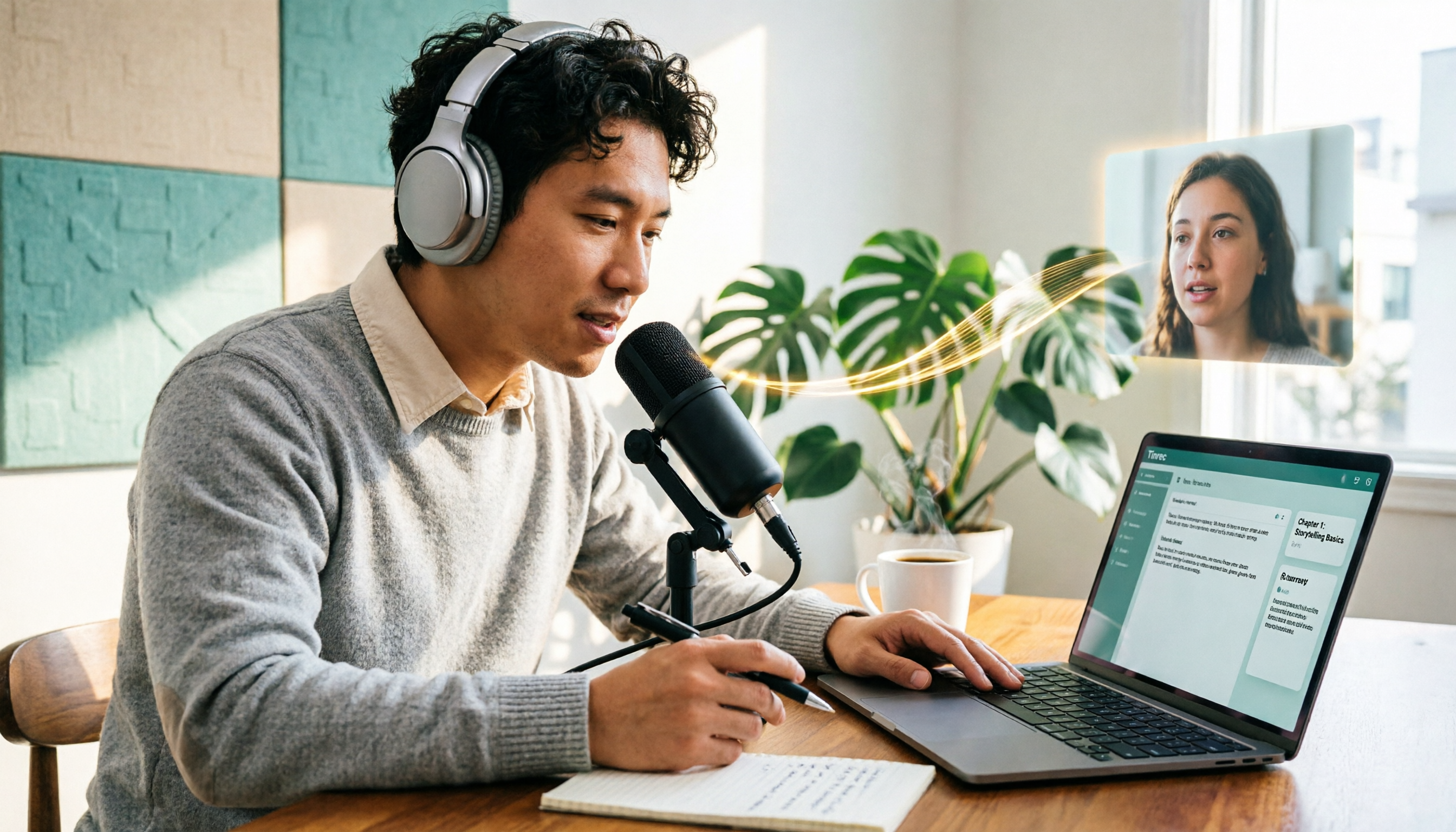
5 Podcast Transcription Tools Tested: Link Parsing, File Upload, or Live Transcription—Which Saves the Most Time in 2026?
How do podcasters choose a recording-to-text tool? This article breaks down five workflows—link parsing, file upload, live recording, online meeting capture, and team collaboration—and uses Tinrec as an example to explain transcripts, AI summaries, chapters, Q&A, and export options, plus buying tips and FAQs.

2026 Comparison of 3 Interview Transcription Tools: Tinrec vs. Notta vs. Subanana — Which Helps Journalists Meet Deadlines?
The biggest pitfall in interview transcription isn't AI accuracy—it's choosing the wrong type of tool from the start. This article, from a journalist's actual workflow, compares Tinrec, Notta, and Subanana on interview format coverage, post-interview organization, Chinese terminology, audio retention, and free quotas, with team plan seat and pricing details, to help you save time before deadline.
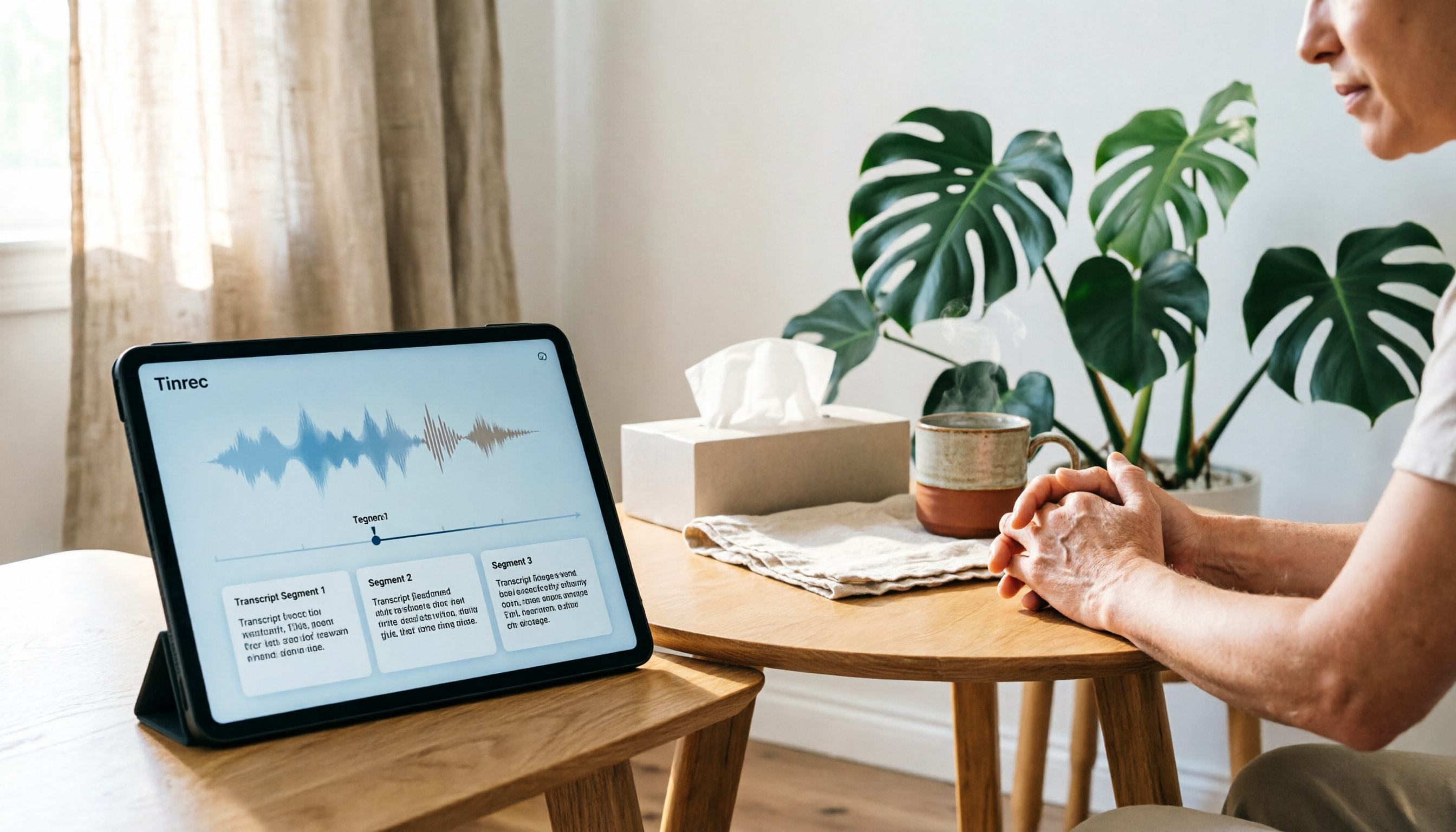
4 Recording and Note-Organization Tools Compared for 2026: How Should Therapy Session Recordings Be Organized?
Can therapy sessions be recorded, and if so, how should the recordings be organized? This article starts with three common misunderstandings, breaks down four key points—scope of consent, confidential storage, post-transcription usability, and Chinese terminology—and compares Tinrec, Notta, Otter.ai, and Granola in terms of their practical differences and pitfalls to avoid in therapy recording and note-taking scenarios.

2026 Guide to Choosing a Subtitle Generator for Content Creators: 3 Tools Tested and Recommendations
Starting from the real needs of campus projects and club videos, this guide outlines 4 key points content creators should consider when choosing a subtitle generation tool. It tests Tinrec's transcription and post-meeting organization workflow, and compares the use cases and limitations of YouTube's built-in captions, VideoCaptioner, and TurboScribe, concluding with selection advice for students and small teams.

4 Screenwriting Audio-to-Text Tools Tested: Which One Saves the Most Time on Dictated Scripts in 2026?
Screenwriting often starts with speaking: dictating outlines, brainstorming in writers' rooms, interviewing real-life subjects. This article tests 4 audio-to-text tools in real screenwriting scenarios—from mixed Chinese-English recognition, post-meeting organization, recording online script meetings without bots, to team knowledge retention—to tell you which one truly saves time on transcripts, and how to choose based on different budgets and needs.

2026 Recorder Comparison: PLAUD Note vs Tinrec — Which Is Better for Meeting Notes?
This article compares PLAUD Note and Tinrec across six dimensions—meeting capture, post-transcription workflow, Chinese-language experience, team collaboration, cost, and data traceability—to help you decide whether to buy a dedicated recorder or choose an AI meeting notes tool that requires no extra hardware.