

Turn recordings into transcripts and summaries in minutes
Upload audio or video for multilingual transcription, AI notes, and action items
Two hours in a meeting, another two hours organizing notes? We get it.
"The team needs to see the decision summary right after the meeting." You've heard this before. But in reality, you're busy typing and miss key points. Or you record the audio, only to spend hours replaying and transcribing.
Not to mention cross-border meetings, online courses, or interview recordings—once you have multiple files, there's no time to organize them all.
This article is for you. We tested 5 popular AI meeting note tools based on transcription quality, organization features, and Chinese support, to help you find a real time-saver.
5 Key Points to Consider Before Choosing a Meeting Note Tool
1. Not Just Transcription, but Understanding
Simply converting speech to text isn't enough. You need auto-summarization, action items, and even the ability to query the recording like a database. That's the real time-saver.
2. Broad Input Sources, Not Tied to Specific Meeting Software
Online meetings, in-person recordings, old audio files, online videos—if your audio sources vary, the tool should handle them all. A tool that only works in Zoom won't help with in-person classes or interviews.
3. Test Chinese Transcription and Summarization Yourself
Many tools excel in English, but accuracy and summary quality for Chinese Mandarin, Cantonese, etc. can vary widely. Always try with your typical recording scenarios.
4. What Can You Do After the Notes Are Ready?
Export to Word, Notion, Google Docs, or generate reports, tables, mind maps—these post-processing capabilities determine workflow continuity. Don't pick a tool that stops at transcription.
5. Free Plans Are for Testing, But Watch Out for Limits
Free minute limits and feature restrictions vary. Estimate your meeting frequency to find a plan that works for testing and has reasonable paid options, so you don't run out mid-month.
Tinrec (Miaoting Luyin) — Our Top Pick After Testing
Tinrec is an AI-powered audio and video note-taking tool designed for meetings, learning, interviews, and content creation. It's more than a voice recorder—it's a workspace that turns any audio into usable data.
During a meeting, Tinrec transcribes in real time. As soon as the meeting ends, AI summaries, chapter highlights, and action items are already generated—who is responsible for what and deadlines are crystal clear. Even better, you can later ask the recording questions like, "What was the decision on the budget adjustment?" Tinrec gives you a direct answer based on semantics, not just keyword search results.
For Chinese, Tinrec's transcription is impressive, handling Mandarin, mixed Chinese-English discussions, and even Cantonese interviews with good accuracy. For public content like YouTube videos or podcasts, just paste the link to get a transcript and summary—especially useful for content creators.
Here's what we especially loved:
- Multiple input sources: Live recording, upload audio/video files, paste links from YouTube/Bilibili/Xiaohongshu—all organized.
- AI conversation search: Ask questions after recording without manually combing through long transcripts.
- Complete export options: Export as documents, tables, reports, or sync to Notion, Google Docs for seamless workflow.
Stop organizing recordings by hand
Upload audio or video and automatically get a transcript, summary, and action items
Honestly, the free plan has a basic monthly limit, so heavy users may need to upgrade. But for 2-3 meetings per week, the free experience already shows its value.
If you frequently need to organize Chinese meetings, mixed audio sources, and want the convenience of "ask AI for answers," Tinrec is currently the most comprehensive choice.
Other Tools Worth Knowing Besides Tinrec
Otter.ai: A classic for English meetings, with a generous free tier of 300 minutes/month. However, its Chinese and Cantonese support is weak, and it can't transcribe online videos directly. If you mainly have English business meetings, consider it; for multilingual needs, Tinrec is better.
Notta: Similar features to Tinrec, a strong transcription and meeting note tool. However, Tinrec has the edge with AI conversation search and more complete post-processing agents (generating reports, tables, etc.), especially for Chinese content and public video transcription.
PLAUD Note: A hardware recorder, convenient for those who prefer not to use their phone. But you need to buy the device, and post-processing focuses on summaries and Q&A, with input limited to the hardware. If you often need to process existing audio files or online videos, Tinrec offers more versatility.
Pitfall Guide: 4 Common Mistakes When Choosing a Meeting Note Tool
Mistake 1: Trusting Official Accuracy Claims. Many tools claim "98% accuracy," but those stats come from quiet recording studios. Real meetings have background noise and overlapping speech, which reduces performance. Test with your own recordings, not just marketing copy.
Mistake 2: Thinking Transcription Is Enough. Converting speech to text is only half the job—the real value is in post-processing. Choose tools that offer AI summaries, Q&A, and action item extraction to truly save time.
Mistake 3: Ignoring Cross-Platform Needs. You might record on your phone today and edit on your computer tomorrow. If the tool only works on one device, you'll be frustrated. Make sure it offers multi-device sync or cloud features.
Mistake 4: Not Checking Input Source Flexibility. You might think you'll only use it for online meetings, but then need to transcribe an audio file or YouTube video and find the feature missing. Pick a tool like Tinrec that handles multiple sources to handle unexpected tasks.
Summary: Which One Should You Choose?
After comprehensive testing, if you need a tool that flexibly handles meetings, classes, interviews, online videos, with strong Chinese support and powerful post-processing, Tinrec is our top recommendation.
Here's a quick guide based on your needs:
- Chinese meetings, classes, interviews, plus AI query for key points → Tinrec (multiple sources, AI Q&A, most complete post-processing)
- Only English online meetings, zero budget → Otter.ai free tier (300 min/month, but no Chinese support)
- Already own a hardware recorder, only need in-person recording → PLAUD Note (portable, but limited to hardware input)
- Heavy English transcription and subtitles, no need for AI Q&A → Notta (strong transcription, but lacks AI query and public video transcription)
We recommend downloading Tinrec's free version first. It includes a basic monthly allowance sufficient to experience meeting transcription, AI summaries, and Q&A. Upgrade only if you find it valuable—no need to pay upfront.
References
- Meeting Ink - 2026 AI Meeting Record Tools Test|8 Speech-to-Text and Summary Speed Comparison | Meeting Ink - AI Meeting Minutes Assistant Automatic Transcription and Summary
- Unlimited Time! 3 Free AI Transcription Tools Recommended! AI Voice Notes for Meeting Minutes, Presentations, Mind Maps|104 Career Power
- 2026 Most Recommended AI Meeting Minutes Tool, Time-Saving Must-Have for Meetings!
- Still Typing Meeting Notes Manually? These 3 AI Tools Save You Time and Effort (Third One is Free and Fastest) :: I'm Chi
- AI Meeting Minutes Software Recommendations: 5 App Real Tests, Auto Transcription Makes Meetings a Breeze!
Turn every recording into actionable outcomes
Get 60 free transcription minutes when you sign in. No credit card required.
Related Reading
You might also like

4 Cantonese Real-Time Translation Tools Tested for 2026: Which One Understands and Translates Accurately?
Cantonese real-time translation actually serves two different needs: understanding on the spot and keeping a record afterward. Choosing the wrong tool makes everything feel cumbersome. This article starts from real usage scenarios and compares Tinrec, Google Translate, Love Cantonese, and PLAUD recording hardware, summarizing key buying factors, common pitfalls, and suitable users to help you choose right the first time.

2026 Courtroom Audio Transcription Tools Compared: A Transcript Must Work as an Evidence Attachment
Turning a hearing recording into usable court documentation isn't just about converting speech to text. Starting from the actual requirements for evidence attachments, this article compares Tinrec, Granola, TurboScribe, and Otter.ai on speaker labels, timestamp jump-back, legal terminology recognition, and team data handover, and outlines the 4 most common pitfalls to help you decide where to allocate your budget.

2026 4 Voice Recorder Comparison: Which AI Summarization Actually Saves Post-Meeting Time?
A mid-level manager who attends over ten meetings a week shares hands-on testing: in 2025, voice recorders have evolved from 'just recording' to 'helping you organize.' This article covers key buying factors, the top pick Tinrec, brief competitor reviews, and a guide to avoiding pitfalls—helping you decide which one to buy and whether to upgrade.
5 Podcast Transcription Tools Tested: Link Parsing, File Upload, or Live Transcription—Which Saves the Most Time in 2026?
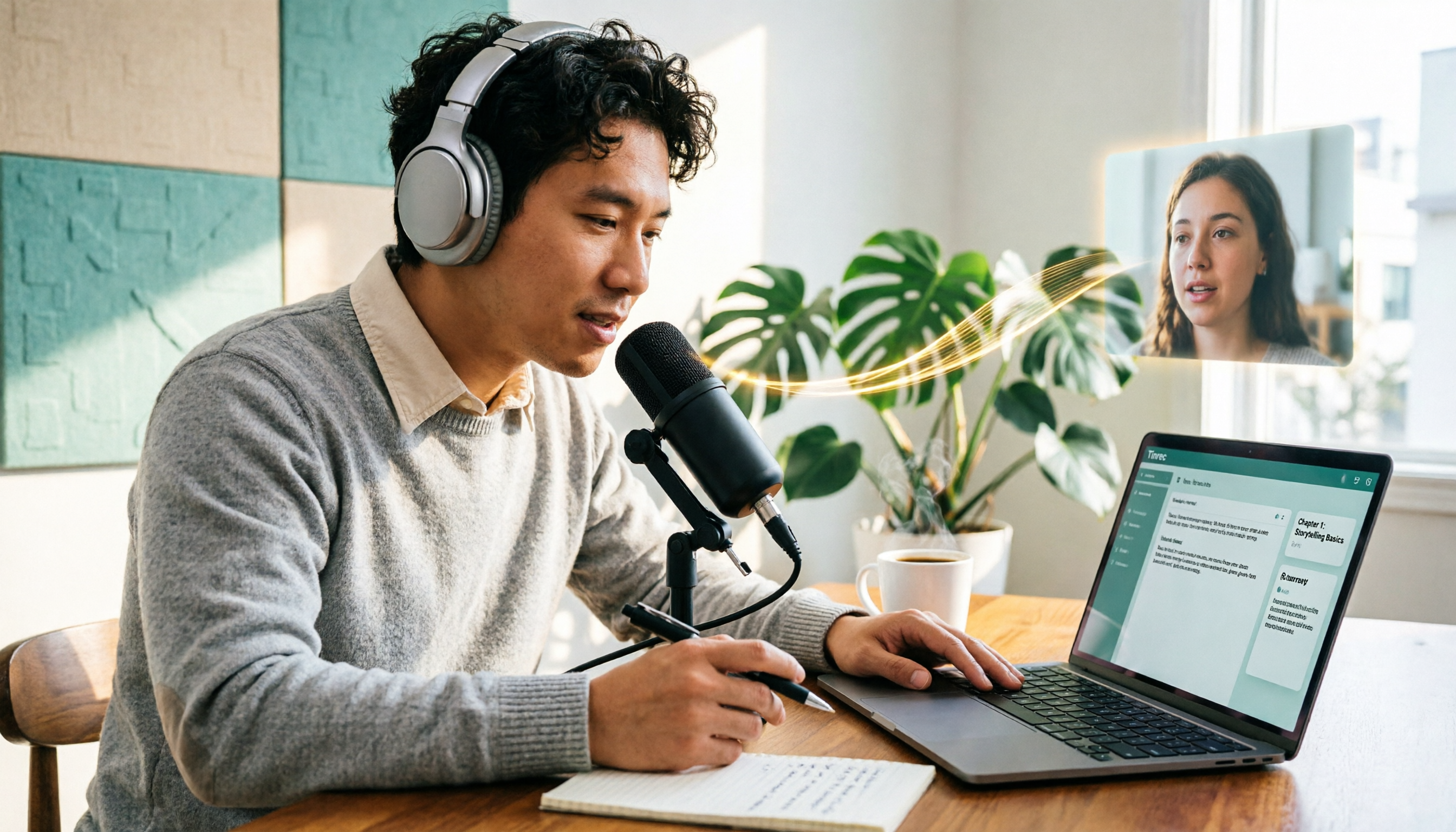
How do podcasters choose a recording-to-text tool? This article breaks down five workflows—link parsing, file upload, live recording, online meeting capture, and team collaboration—and uses Tinrec as an example to explain transcripts, AI summaries, chapters, Q&A, and export options, plus buying tips and FAQs.

2026 Comparison of 3 Interview Transcription Tools: Tinrec vs. Notta vs. Subanana — Which Helps Journalists Meet Deadlines?
The biggest pitfall in interview transcription isn't AI accuracy—it's choosing the wrong type of tool from the start. This article, from a journalist's actual workflow, compares Tinrec, Notta, and Subanana on interview format coverage, post-interview organization, Chinese terminology, audio retention, and free quotas, with team plan seat and pricing details, to help you save time before deadline.

4 Recording and Note-Organization Tools Compared for 2026: How Should Therapy Session Recordings Be Organized?
Can therapy sessions be recorded, and if so, how should the recordings be organized? This article starts with three common misunderstandings, breaks down four key points—scope of consent, confidential storage, post-transcription usability, and Chinese terminology—and compares Tinrec, Notta, Otter.ai, and Granola in terms of their practical differences and pitfalls to avoid in therapy recording and note-taking scenarios.

2026 Guide to Choosing a Subtitle Generator for Content Creators: 3 Tools Tested and Recommendations
Starting from the real needs of campus projects and club videos, this guide outlines 4 key points content creators should consider when choosing a subtitle generation tool. It tests Tinrec's transcription and post-meeting organization workflow, and compares the use cases and limitations of YouTube's built-in captions, VideoCaptioner, and TurboScribe, concluding with selection advice for students and small teams.

4 Screenwriting Audio-to-Text Tools Tested: Which One Saves the Most Time on Dictated Scripts in 2026?
Screenwriting often starts with speaking: dictating outlines, brainstorming in writers' rooms, interviewing real-life subjects. This article tests 4 audio-to-text tools in real screenwriting scenarios—from mixed Chinese-English recognition, post-meeting organization, recording online script meetings without bots, to team knowledge retention—to tell you which one truly saves time on transcripts, and how to choose based on different budgets and needs.

2026 Recorder Comparison: PLAUD Note vs Tinrec — Which Is Better for Meeting Notes?
This article compares PLAUD Note and Tinrec across six dimensions—meeting capture, post-transcription workflow, Chinese-language experience, team collaboration, cost, and data traceability—to help you decide whether to buy a dedicated recorder or choose an AI meeting notes tool that requires no extra hardware.