

Turn recordings into transcripts and summaries in minutes
Upload audio or video for multilingual transcription, AI notes, and action items
Recently I started organizing years of course recordings. There were quite a few—some from online lectures, others from in-person classes.
A few years ago, I would have opened a text editor and typed while listening. But now, my first thought is: "I can use an AI audio-to-text tool."
The problem is, when you search, you get tons of options. Some focus on meeting notes, some emphasize multilingual support, and some claim to be completely free. It's hard to choose at first.
After some testing, I slowly figured out one thing: Free plans aren't just about "having free minutes." The key is whether the free plan can actually help you complete your task.
So in this article, I'll use my own experience organizing recordings to walk you through 5 types of free AI audio-to-text solutions. Instead of listing options and comparing minutes, I'll start from your actual needs. I'll use Tinrec as the main example because it covers a lot of features and offers a practical free tier.
What Can AI Audio-to-Text Do for You?
Before thinking about tools, think about your audio files.
Scenario 1: You finish a two-hour meeting and have the recording sitting on your computer. Before, you'd need another hour to listen again to create meeting notes. Now, upload the recording to Tinrec—the AI transcribes it and even extracts meeting summaries, conclusions, and action items. Who needs to do what and by when is listed directly.
Scenario 2: You attended a great online course but can't find key points later when reviewing. Drop the course audio into Tinrec—it automatically splits it into chapters and highlights core concepts for each section. You don't need to listen from start to finish—just jump to the part you want to review.
Scenario 3: After a user interview with an hour-long recording, you need key insights but don't know where to start. After Tinrec transcribes the text, you can directly ask: "What was the interviewee's reaction to the new feature?" Based on semantic understanding, it finds relevant sections from the entire conversation, saving you repeated listening.
You can see that the real value of AI audio-to-text isn't just "turning sound into words"—it's "turning audio into immediately usable data."
What Are the Core Capabilities of AI Audio-to-Text?
To choose a good free plan, you need to know what capabilities a good tool should have.
Real-time Transcription
Generate text as you record, not after finishing. Tinrec's real-time transcription has almost no lag—during meetings or classes, you can read along and confirm you haven't missed key points.
File Transcription
Upload existing audio or video files for direct transcription. Great for organizing accumulated recordings. Tinrec supports common formats like MP3, WAV, MP4—no conversion needed.
AI Summaries & Chapters
Getting a transcript is only the first step. Automatic summaries and chapter organization save you real time. Tinrec breaks long content into meaningful sections with titles, so you can see at a glance what the entire recording is about.
Action Item Extraction
Automatically extract "who needs to do what by when" from discussions. After a meeting, the to-do list is generated simultaneously—no manual compilation.
AI Q&A
This is the feature I think breaks the mold of traditional transcription. You can ask Tinrec directly like a database: "Was the budget mentioned in the meeting?" "What were the main client concerns?" It finds answers from the entire recording—not just keyword matching.
Stop organizing recordings by hand
Upload audio or video and automatically get a transcript, summary, and action items
Combined, these capabilities turn an audio file into a knowledge base you can repeatedly query and ask questions about.
Practical Use Cases
Now let's see how to use them in real life.
Meeting Notes
After weekly meetings, save the recording, upload it to Tinrec. After transcription, send the summary and action items to attendees. No more time writing meeting notes.
Study Notes
Upload semester-long online course audio in batches to Tinrec. After transcription, use the chapter feature to jump to exam topics—study time cut in half.
Interview Transcription
After transcribing interview recordings, use AI Q&A to directly extract the interviewee's main points. Saves the pain of repeatedly listening for quotes when writing reports or research.
Content Creation
If you run a podcast or YouTube channel, Tinrec can turn whole episodes into text for blog posts or social media. One recording, multiple uses.
4 Things to Consider When Choosing a Free AI Audio-to-Text Plan
There are many free plans out there, but not all suit you. I've summarized four criteria, using Tinrec as a reference.
1. How is the free allowance given?
Some tools claim to be free but give only 30 minutes per month—one meeting recording uses it all. Tinrec's free version offers a basic monthly transcription allowance enough for 2-3 full meetings or several course recordings. You don't need to pay right away—try it first.
2. How broad are the input methods?
Does it only accept live recording, or can you upload files, even YouTube links? Tinrec covers the most sources: live recording, upload audio/video files, and even public video links for transcription. You don't need separate tools for different materials.
3. What happens after transcription?
Tools that only give a transcript have limited value. What matters is how you can organize it afterward. Tinrec provides automatic summaries, chapters, action items, and even Q&A to dig deeper. This makes the free allowance not just something that runs out—it helps you solve real work.
4. Chinese language support
Many tools are English-focused; transcribing a Chinese meeting or course can produce poor results. Tinrec handles Chinese content well, especially Traditional Chinese—punctuation and paragraph breaks are reasonable.
FAQ
Q: Is the free version really sufficient?
A: It depends on your usage. If you have only one or two meetings per week or occasionally organize courses, Tinrec's free allowance can last a while. Try it first, and if you like it, consider a paid plan.
Q: What file formats are supported?
A: Tinrec supports common audio formats like MP3, WAV, and video formats MP4, MOV. See the website for the full list.
Q: Do I need extra equipment?
A: No. Tinrec is an online tool—use it in a browser on your phone or computer. Unlike some solutions, it doesn't require specific recording hardware.
Q: How accurate is the transcription?
A: Accuracy depends on recording quality. Low background noise and clear speech give great results. Try a test with your typical scenario using the free version to see how it performs.
Summary
AI audio-to-text isn't future tech—it's a productivity method you can use now. The key is choosing the right free plan that actually saves you time, not just adds another unused account.
If you have a backlog of meeting recordings or course audio, sign up for Tinrec's free version and upload one to try. Running through the process once will show you the difference between "annoyingly re-listening" and "easily reviewing organized highlights."
Step by step, you can turn your pile of audio data into a searchable, reusable knowledge base.
References
- Online AI Speech, Video, Audio Auto Transcription - Free Trial - cSubtitle
- Free Audio to Text
- Online Speech to Text AI Tool, Free MP3 or Recording to Text Transcript - MyEdit
- SoundType AI - Accurate Transcript, Speech to Text, AI Dictation - Google Play
- 2026 Recommended 6 Speech-to-Text Tools: Free Online Recording to Text!
Turn every recording into actionable outcomes
Get 60 free transcription minutes when you sign in. No credit card required.
Related Reading
You might also like
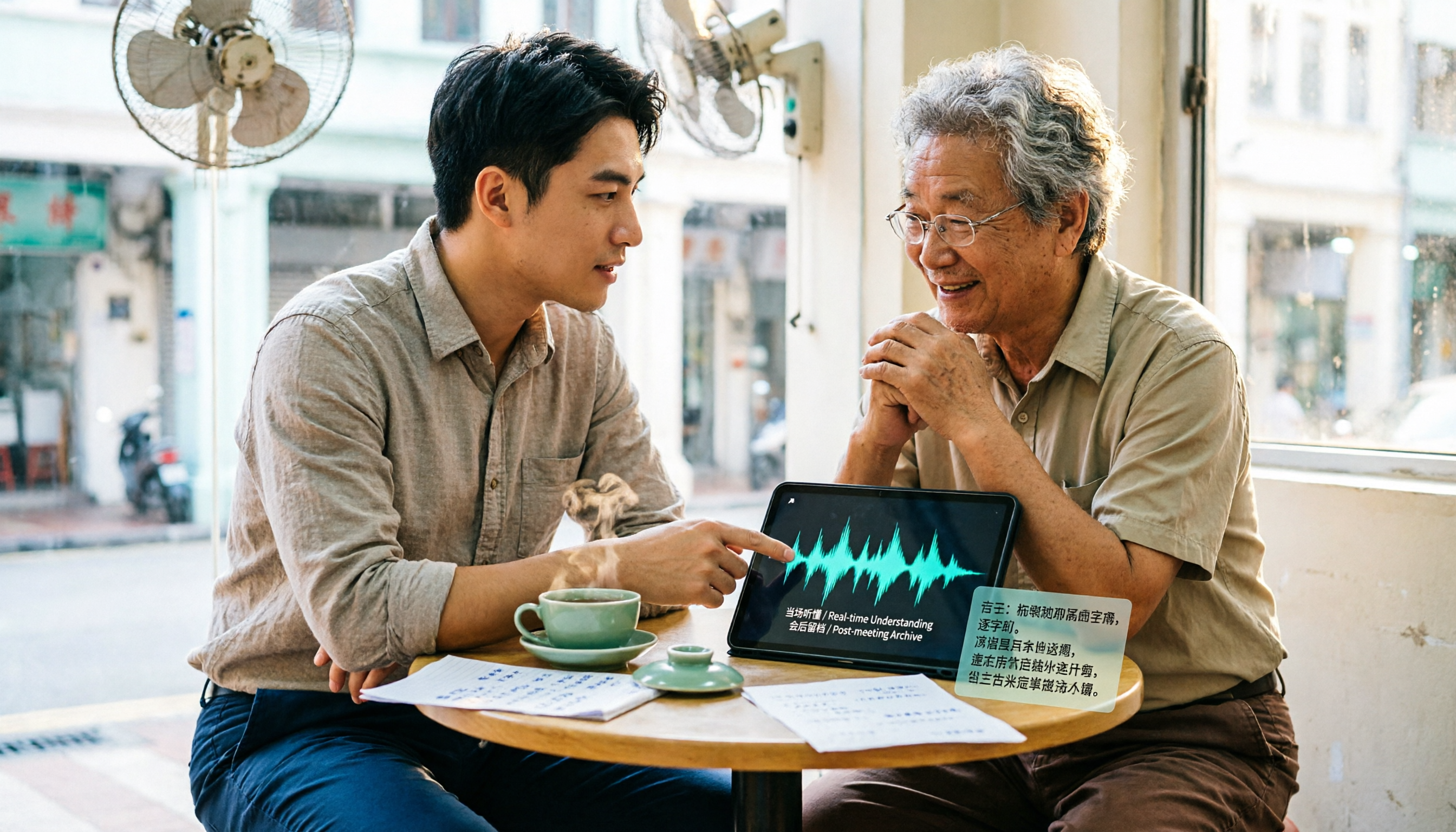
4 Cantonese Real-Time Translation Tools Tested for 2026: Which One Understands and Translates Accurately?
Cantonese real-time translation actually serves two different needs: understanding on the spot and keeping a record afterward. Choosing the wrong tool makes everything feel cumbersome. This article starts from real usage scenarios and compares Tinrec, Google Translate, Love Cantonese, and PLAUD recording hardware, summarizing key buying factors, common pitfalls, and suitable users to help you choose right the first time.

2026 Courtroom Audio Transcription Tools Compared: A Transcript Must Work as an Evidence Attachment
Turning a hearing recording into usable court documentation isn't just about converting speech to text. Starting from the actual requirements for evidence attachments, this article compares Tinrec, Granola, TurboScribe, and Otter.ai on speaker labels, timestamp jump-back, legal terminology recognition, and team data handover, and outlines the 4 most common pitfalls to help you decide where to allocate your budget.

2026 4 Voice Recorder Comparison: Which AI Summarization Actually Saves Post-Meeting Time?
A mid-level manager who attends over ten meetings a week shares hands-on testing: in 2025, voice recorders have evolved from 'just recording' to 'helping you organize.' This article covers key buying factors, the top pick Tinrec, brief competitor reviews, and a guide to avoiding pitfalls—helping you decide which one to buy and whether to upgrade.
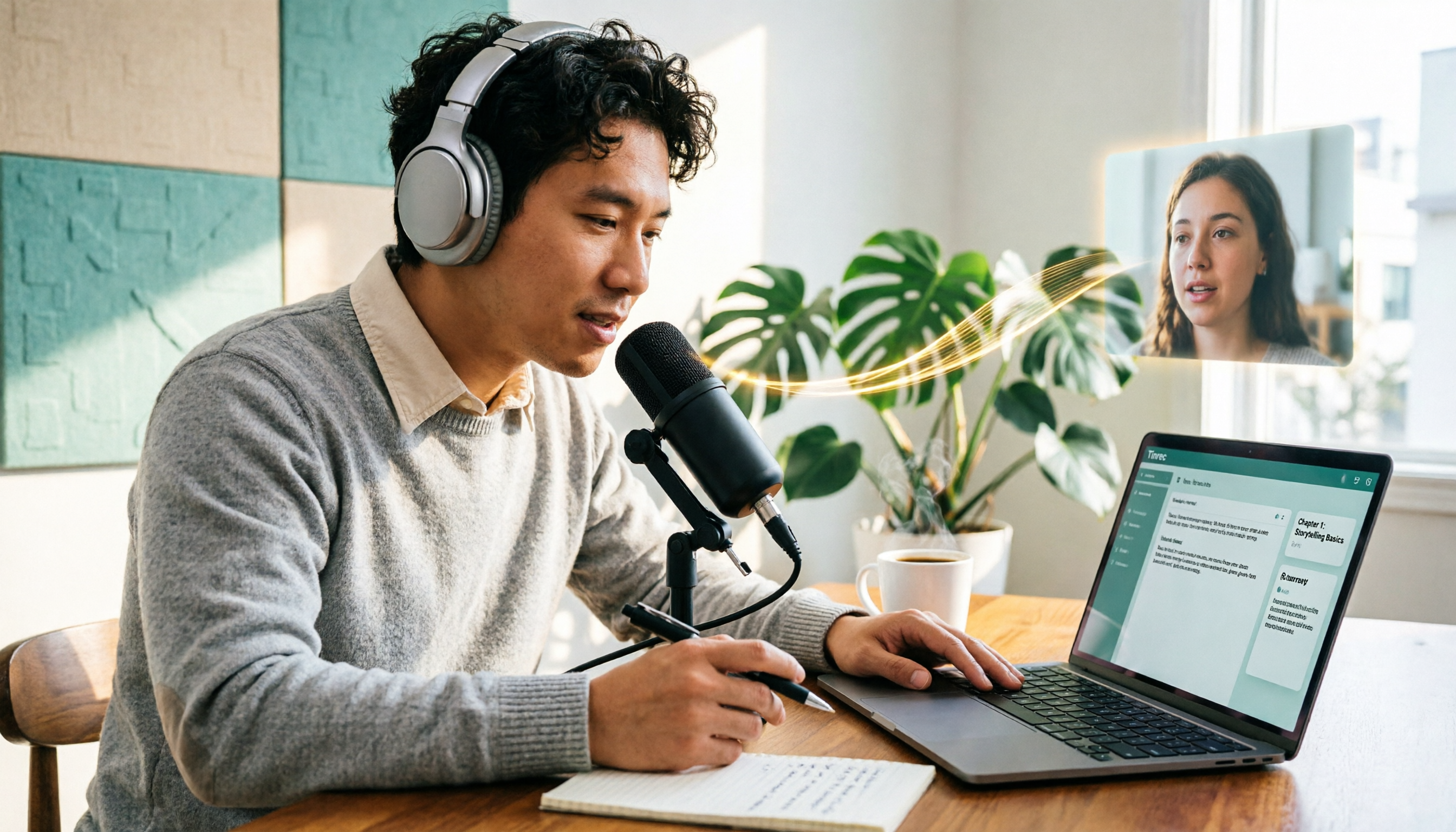
5 Podcast Transcription Tools Tested: Link Parsing, File Upload, or Live Transcription—Which Saves the Most Time in 2026?
How do podcasters choose a recording-to-text tool? This article breaks down five workflows—link parsing, file upload, live recording, online meeting capture, and team collaboration—and uses Tinrec as an example to explain transcripts, AI summaries, chapters, Q&A, and export options, plus buying tips and FAQs.

2026 Comparison of 3 Interview Transcription Tools: Tinrec vs. Notta vs. Subanana — Which Helps Journalists Meet Deadlines?
The biggest pitfall in interview transcription isn't AI accuracy—it's choosing the wrong type of tool from the start. This article, from a journalist's actual workflow, compares Tinrec, Notta, and Subanana on interview format coverage, post-interview organization, Chinese terminology, audio retention, and free quotas, with team plan seat and pricing details, to help you save time before deadline.
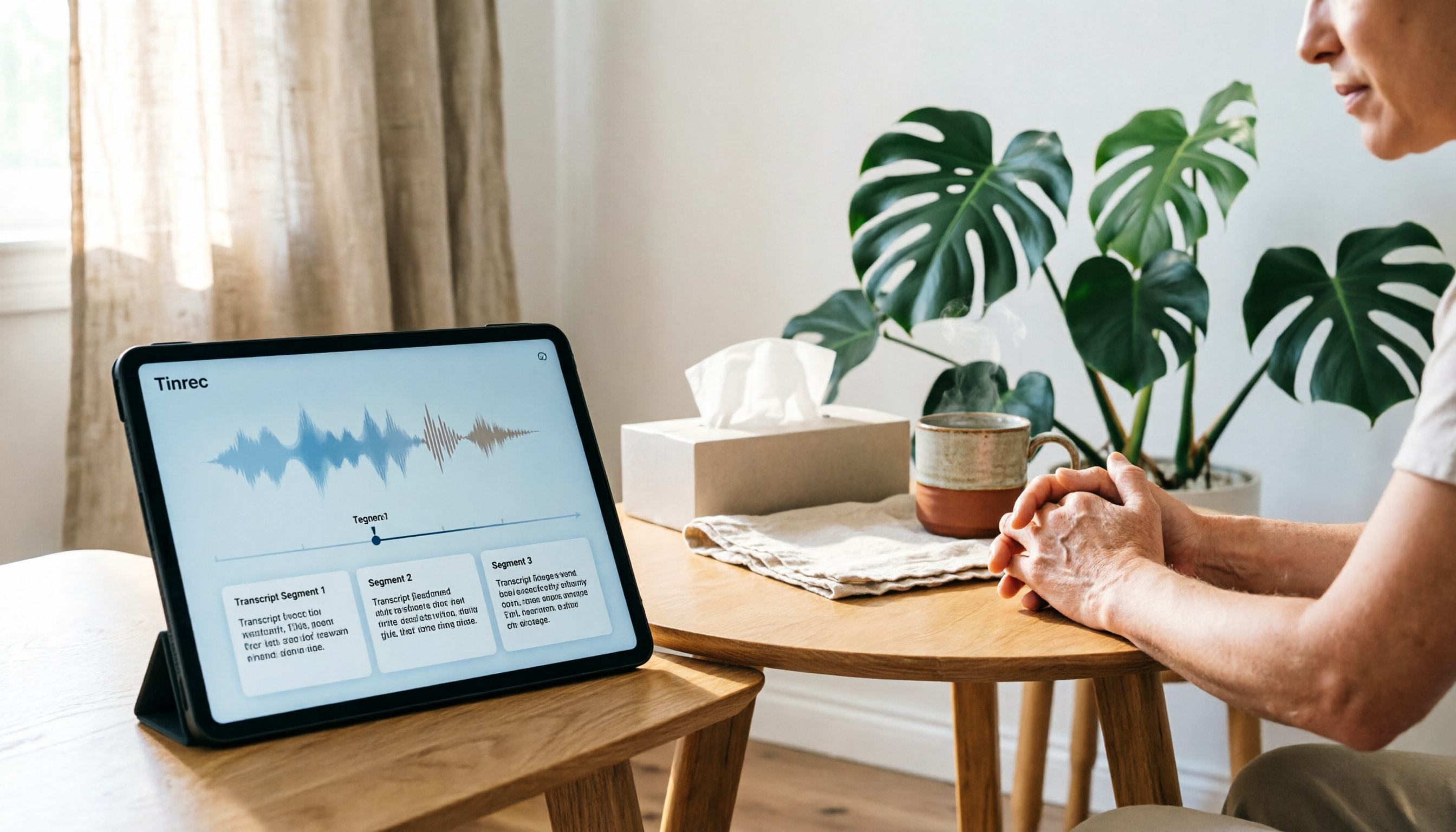
4 Recording and Note-Organization Tools Compared for 2026: How Should Therapy Session Recordings Be Organized?
Can therapy sessions be recorded, and if so, how should the recordings be organized? This article starts with three common misunderstandings, breaks down four key points—scope of consent, confidential storage, post-transcription usability, and Chinese terminology—and compares Tinrec, Notta, Otter.ai, and Granola in terms of their practical differences and pitfalls to avoid in therapy recording and note-taking scenarios.

2026 Guide to Choosing a Subtitle Generator for Content Creators: 3 Tools Tested and Recommendations
Starting from the real needs of campus projects and club videos, this guide outlines 4 key points content creators should consider when choosing a subtitle generation tool. It tests Tinrec's transcription and post-meeting organization workflow, and compares the use cases and limitations of YouTube's built-in captions, VideoCaptioner, and TurboScribe, concluding with selection advice for students and small teams.

4 Screenwriting Audio-to-Text Tools Tested: Which One Saves the Most Time on Dictated Scripts in 2026?
Screenwriting often starts with speaking: dictating outlines, brainstorming in writers' rooms, interviewing real-life subjects. This article tests 4 audio-to-text tools in real screenwriting scenarios—from mixed Chinese-English recognition, post-meeting organization, recording online script meetings without bots, to team knowledge retention—to tell you which one truly saves time on transcripts, and how to choose based on different budgets and needs.

2026 Recorder Comparison: PLAUD Note vs Tinrec — Which Is Better for Meeting Notes?
This article compares PLAUD Note and Tinrec across six dimensions—meeting capture, post-transcription workflow, Chinese-language experience, team collaboration, cost, and data traceability—to help you decide whether to buy a dedicated recorder or choose an AI meeting notes tool that requires no extra hardware.