

Turn recordings into transcripts and summaries in minutes
Upload audio or video for multilingual transcription, AI notes, and action items
2026 Tinrec vs Otter.ai: A 5-Dimension Showdown – Which is Better for Chinese Users?
If you often need to organize meeting recordings, course audio, or online videos, chances are you've heard of Otter.ai — it's a veteran AI meeting note-taker. But Tinrec has recently emerged, claiming to "turn audio and video into actionable knowledge" with a strong emphasis on Chinese-language scenarios. What exactly sets these two tools apart? This article breaks it down from 5 key dimensions.
Tinrec vs Otter.ai: Quick Overview
Tinrec is an AI-powered recording and audio/video organization tool designed for meetings, learning, interviews, and content creation. It doesn't just transcribe; it also generates summaries, action items, chapters, and lets you query the content like a database. Otter.ai is the established AI meeting note-taker, known for automatically joining online meetings, real-time transcription, speaker identification, and team collaboration.
| Feature | Tinrec | Otter.ai |
|---|---|---|
| Core Focus | Multi-source audio/video organization workspace | AI meeting notes & collaboration |
| Supported Platforms | iOS, Android, Web, Desktop | iOS, Android, Web |
| Free Transcription Quota | Monthly base quota | 300 minutes per month |
| Paid Plans | Weekly, monthly, yearly | Pro $8.33/month (annual), Business $19.99/month (annual) |
| Chinese Support | Optimized for Chinese; suitable for Traditional/Simplified | Stronger in English; Chinese performance average |
Next, we dive deeper into five dimensions to see how they differ.
Dimension 1: Chinese Transcription Accuracy
For Chinese users, transcription accuracy is key. Otter.ai supports Chinese, but it performs noticeably better with English meetings. When there's code-switching between Chinese and English, colloquial speech, or background noise, the error rate for Chinese transcription tends to be higher.
Tinrec, on the other hand, has been optimized for Chinese environments. Based on the product copy and use cases, it aligns more closely with Chinese speakers' communication habits. Whether for meetings, courses, or online videos, the Chinese transcription is generally smoother and more ready to use. While no official accuracy rate is claimed, in practice Tinrec delivers finer recognition and sentence segmentation for Chinese content.
→ This dimension: Tinrec is better for Chinese users.
Dimension 2: Input Source Diversity
Otter.ai's strength lies in online meetings; it can directly join Zoom, Google Meet, Microsoft Teams, etc. to automatically transcribe. It also supports live recording via its mobile app. However, support for local audio/video files or online video links is relatively limited.
Tinrec is more flexible here. Besides live recording, it can directly upload audio or video files for transcription, and even paste links from YouTube, Bilibili, TikTok, etc. to extract text and summaries. This is very convenient for anyone needing to organize online courses, podcasts, or social media video content.
→ This dimension: Tinrec wins with more input sources.
Dimension 3: Post-Transcription Organization
Transcription is just the first step; what matters is whether the content can be turned into useful material. Otter.ai offers AI summaries, keywords, speaker labels, and searchable history. But when it comes to transforming content into deliverables (like meeting minutes, to-do lists), the features are relatively basic.
Tinrec goes much further in organization. In addition to verbatim transcripts, it automatically generates segmented chapters, action items, and lets you ask questions about the recording (e.g., "Show me the part about budget discussion"). It also exports in multiple formats and can even generate reports or tables. This design means recordings aren't just archived but actually drive the next step of work.
→ This dimension: Tinrec clearly leads in organization depth.
Stop organizing recordings by hand
Upload audio or video and automatically get a transcript, summary, and action items
Dimension 4: Pricing & Free Tier
Price is always a big concern. Otter.ai's free plan offers 300 minutes per month, enough for light users, but you'll need to upgrade for more. The Pro plan is $8.33/month when billed annually, with 1,200 minutes, suitable for regular users.
Tinrec also offers a free tier with a base quota for you to try. If you need more minutes, you can choose weekly, monthly, or yearly cards, offering flexible options. Although exact amounts may vary, the weekly plan is especially friendly for short-term intensive use (e.g., exam week or project sprint) without committing to a long subscription.
→ This dimension: Each suits different groups; it's a tie. But Tinrec offers more flexible plans.
Dimension 5: Cross-Platform Support
Otter.ai has iOS, Android apps, and a web version, allowing recording anytime, anywhere. However, desktop operation relies heavily on a browser.
Tinrec also supports mobile and computer, and provides a desktop app for a more complete experience on laptops or desktops. Switching between devices is seamless, whether for recording meetings, lectures, or for subsequent editing.
→ This dimension: Tinrec edges ahead in desktop integration.
What Unique Advantages Does Each Have?
Tinrec's Unique Advantages
- Online video to text: Paste YouTube, Bilibili, etc. links to get text and summaries, saving you the hassle of downloading.
- AI Q&A feature: Instead of listening to the entire recording, ask the AI to find specific paragraphs or highlights.
- Flexible payment options: In addition to monthly and yearly plans, a weekly card is available for short-term high-intensity use.
- Multiple export formats and post-processing: Export results to Notion, Google Docs, etc., or generate reports and tables.
Otter.ai's Unique Advantages
- Automated meeting bot: Can schedule and join online meetings automatically, no manual operation needed.
- Team collaboration features: Great for teams sharing meeting notes and tagging action items.
Conclusion: Which One Should You Choose?
Overall, these two tools have different core focuses. When deciding, first consider your primary use case.
- If you frequently attend English online meetings and need automated meeting joining and team collaboration → Otter.ai is the more intuitive choice.
- If you often handle Chinese meetings, courses, interviews, or online videos and want not just transcription but deep organization, Q&A, and export → Tinrec better suits your needs.
- If your usage is irregular — sometimes several sessions a day, sometimes weeks apart → Tinrec's flexible plans (especially the weekly card) may be more cost-effective.
In short, for most Chinese-speaking users, Tinrec offers a more complete audio/video organization experience. Start with the free tier and test it with your own recordings.
Frequently Asked Questions
Q1: Which has better Chinese transcription, Tinrec or Otter.ai? In Chinese environments, Tinrec generally delivers smoother transcription with more natural sentence breaks, especially with code-switching or online video content. However, accuracy still depends on recording quality.
Q2: Is the free version sufficient? Both have free versions. Otter offers 300 minutes/month, likely enough for light meetings; Tinrec also has a base quota for you to try core features. If you only need it occasionally, the free version can solve many problems.
Q3: Can Tinrec automatically join Zoom meetings like Otter? Currently, Tinrec focuses on manual recording and import; it does not emphasize automated meeting scheduling. If you need a meeting bot, Otter is more suitable.
Q4: I often need to transcribe YouTube videos. Which do you recommend? Tinrec directly supports pasting YouTube links for transcription, which is very convenient. Otter's capability in this area is more basic.
Q5: Which tool is better for students making class notes? Tinrec is better suited because it can handle lecture recordings and online course videos, plus generate chapters and highlights to turn long courses into revision notes.
Q6: My team needs to share meeting notes. Which should we choose? If your meetings are mostly in English and you need multi-user collaboration, Otter's team features are more mature. For Chinese meetings or mixed scenarios, Tinrec's organization and export capabilities can also meet most team needs.
References
- Bandicam Best Audio Recording Software | Free Recorder with System & Mic (Windows)
- [2025 Best Audio Recorders] 6 Free Recording Programs - EaseUS
- 9 Most Practical Audio Recording Software in 2026, Easily Handle Audio and Video Editing!
- 14 Best Free Audio Recording Software [2026 Comprehensive Review]
- 4 Best Methods for Computer Recording [2026 Best Recording Software Recommendations]
Turn every recording into actionable outcomes
Get 60 free transcription minutes when you sign in. No credit card required.
Related Reading
You might also like

2026 Comparison of 4 Speech-to-Text Tools: Free Tiers and Post-Meeting Organization—Which Is Enough?
Many people think speech-to-text just means dropping an audio file into a tool and waiting for the text. What really slows things down is post-meeting organization, finding key points, and tracking action items. This article compares Tinrec, Notta, Otter.ai, and Granola using real meeting scenarios—from free tiers, Chinese transcription, bot-free recording, AI Q&A, to team data retention—to help you decide which one best fits your workflow.

2026 Comparison of 3 AI Transcription Tools: Free Tiers, Chinese Recognition, and Post-Meeting Organization—Which One Really Saves Time?
Most people misunderstand AI transcription—they think it's just about turning voice into text. This article addresses three common misconceptions, explaining that transcripts are only raw material; the real time savings come from post-transcription summaries, action items, Q&A, and team knowledge retention. Using Tinrec as an example, it walks you through features, use cases, purchasing considerations, and FAQs.
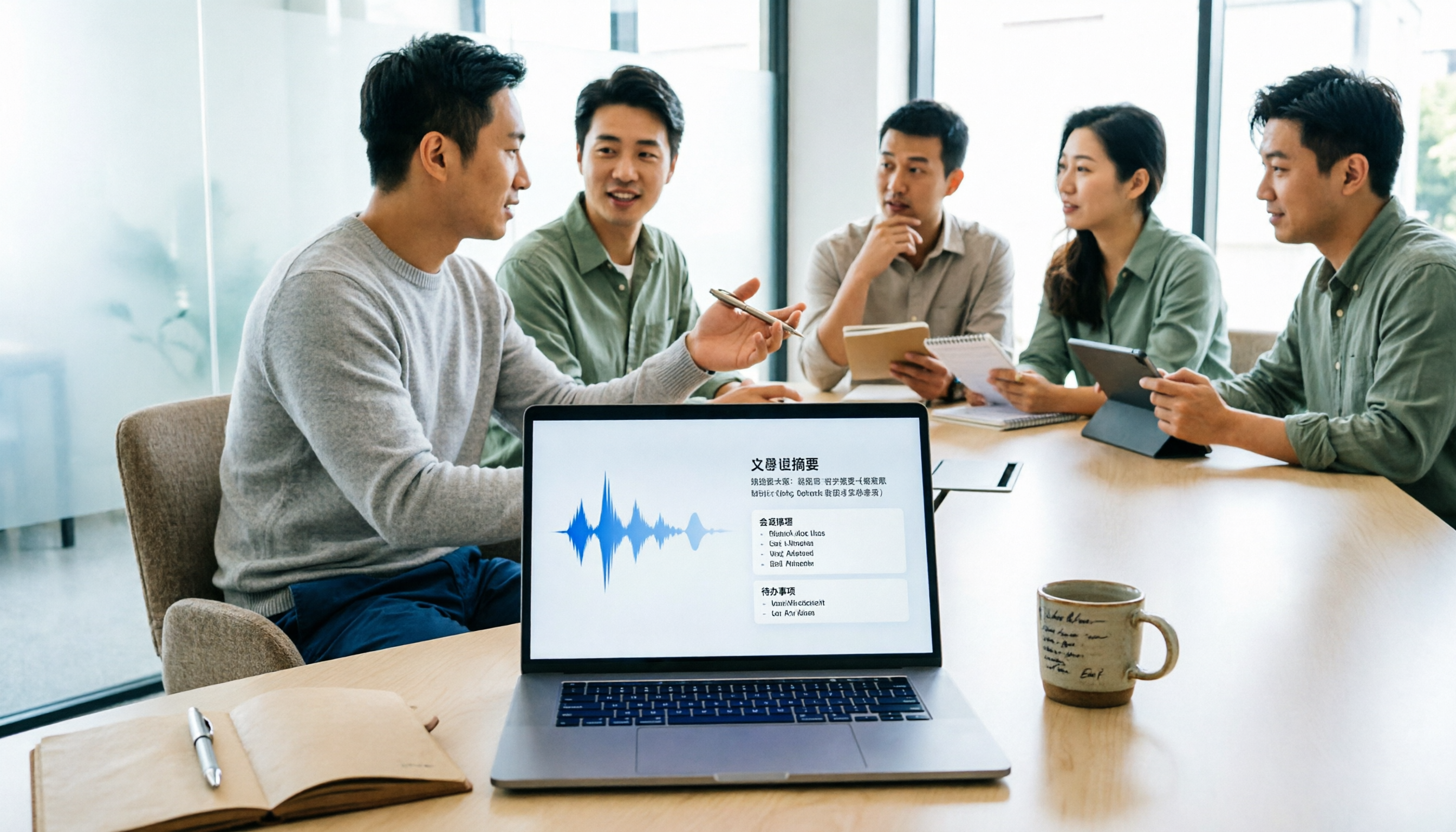
5 Meeting Minutes Software Compared: Which One Actually Saves Time with Chinese Recognition and Post-Meeting Organization?
After a meeting, you're left with just two lines of notes while two hours of discussion stay locked in the recording? This article starts from real meeting scenarios, breaks down the 4 key dimensions for choosing meeting minutes software, and compares Tinrec, Otter.ai, Notta, Granola, and TurboScribe on Chinese recognition, meeting capture methods, post-meeting outputs, and team authorization differences. It also includes a pitfalls guide and selection advice.

2026 Guide: Turn AI Transcripts into Meeting Minutes & Action Items in One Go
Meeting transcripts are often long and messy, taking more time to organize than the meeting itself. This guide, from a mid-level manager's real work scenario, breaks down four key steps for transcript organization, tests Tinrec's bot-free recording and AI Q&A workflow, and honestly compares Notta, Otter.ai, and Granola's applicable boundaries, with three common mistakes and selection advice.

4 Interview Recording-to-Text Tools Tested: Which One Handles Visit Notes and Thank-You Letters in One Go?
The real trouble starts after the interview ends: no one wants to organize the transcript, key points rely on memory, and the thank-you letter gets delayed until the third day. This article uses real scenarios from student project interviews and corporate visits to test 4 tools that turn interview recordings into text, and summarizes selection criteria, the 4 most common pitfalls, and whether the free version is actually enough.

2026 Transcription Tools Guide: AI Transcription Selection Tips + Tinrec Workflow
There are countless transcription tools, but the real challenge isn't transcription—it's what to do after. This guide covers selection criteria, hands-on testing, and pitfalls to avoid, rounding up transcription tools worth considering in 2026, and demonstrates how Tinrec turns meeting recordings into searchable, queryable, and shareable team knowledge.

4 AI Meeting Recorders Tested for 2026: Which Free Tier Works Best for Students?
A student's hands-on comparison of AI meeting note tools—Tinrec, Notta, Granola, and Otter.ai—covering free tiers, per-recording limits, post-transcript organization, and cross-platform use, with recommendations for class recordings, group projects, and final exam review.

How to Write Meeting Minutes in 2026: 5-Step Template Tutorial
Struggling to produce meeting minutes after the meeting ends? This article provides a ready-to-use meeting minutes template with fields and a 5-step process, and compares "template-only handwriting" vs. "template plus AI workflow" across recording, organizing, tracking, and team knowledge retention, helping you choose the right meeting minutes approach for your team.

2026 Tested: 4 AI Meeting Minutes Generators Compared — Which One Actually Saves You That Hour After the Meeting?
AI meeting minutes generation isn't just about uploading a recording. From the perspective of a mid-level manager who holds 15 meetings a week, I break down the most common misconceptions, 4 key purchasing criteria, and hands-on comparisons of Tinrec, Notta, Otter.ai, and Granola across Chinese-language meetings, bot-free recording, post-meeting Q&A, and team knowledge retention — with final recommendations by scenario.