
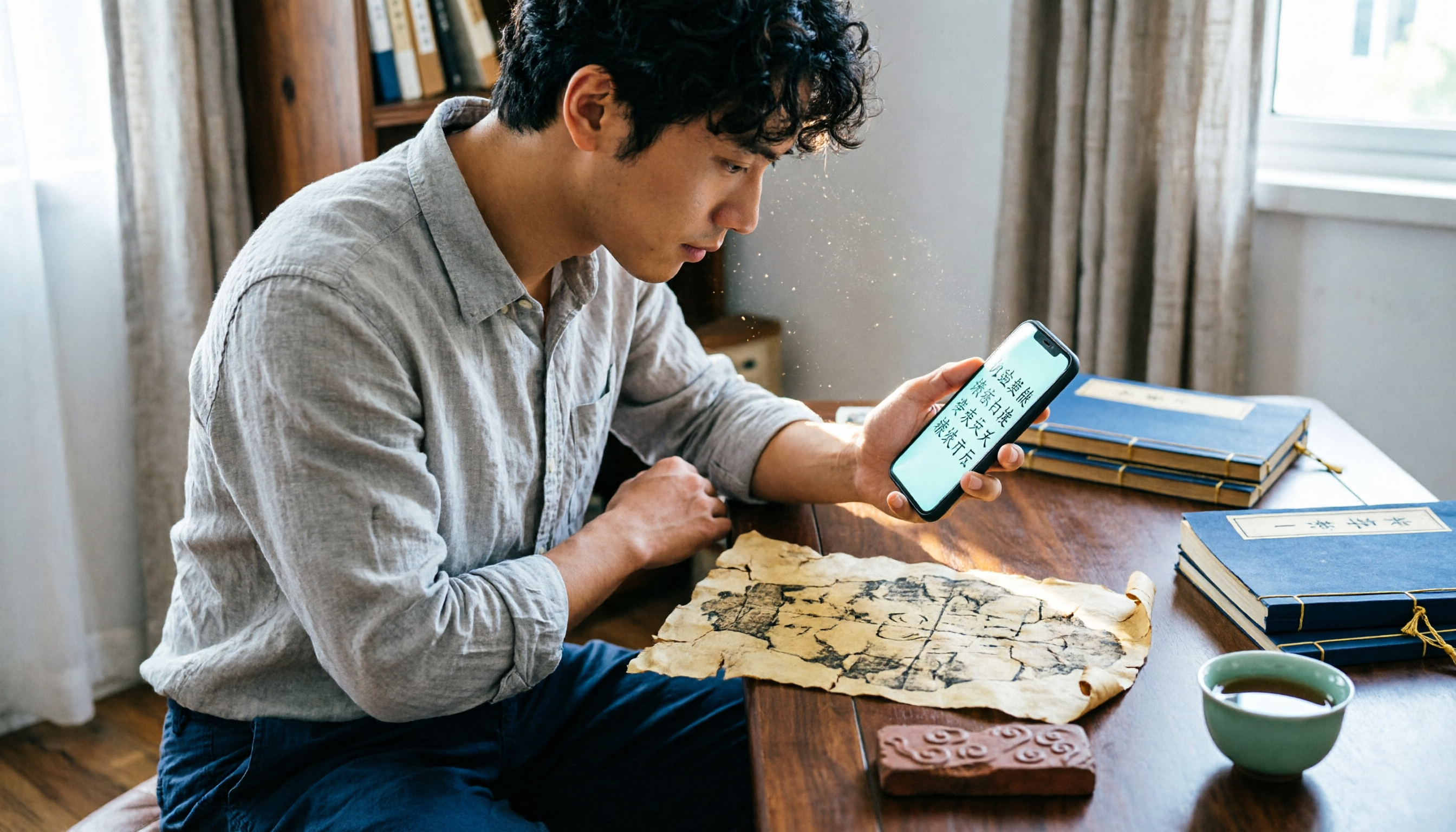
Turn recordings into transcripts and summaries in minutes
Upload audio or video for multilingual transcription, AI notes, and action items
Zijian Calligraphy vs. CamScanner: Quick Overview
Zijian Calligraphy (字鉴书法) is a smart recognition app focused on calligraphy and ancient character recognition, supporting one-click photo recognition of oracle bone script, bronze inscriptions, and more. CamScanner is a globally known document scanning and OCR tool that can also process ancient characters.
| Basic Info | Zijian Calligraphy | CamScanner |
|---|---|---|
| Core positioning | Calligraphy and ancient character learning tool | All-purpose document scanner and text recognition tool |
| Ancient character support | Oracle bone script, bronze inscriptions, etc., with structural explanations | OCR for general ancient books and stone inscription text |
| Free plan | Daily free usage count | Limited free OCR usage |
| Platform | iOS / Android | iOS / Android / Web |
This article compares the two apps from four dimensions: ancient character recognition ability, free quota, additional features, and user experience, to help you decide quickly.
Dimension 1: Ancient Character Recognition Ability
As a general OCR tool, CamScanner recognizes clear traditional vertical text and scanned ancient books fairly well. However, when it encounters uncommon character forms such as oracle bone script or bronze inscriptions, it often mistakes them for modern Chinese characters or fails to recognize them at all.
Zijian Calligraphy is designed specifically for calligraphy and ancient characters. Its database covers a large number of oracle bone script, bronze inscription, and seal script characters. After you photograph a character form, it not only gives the corresponding modern character but also provides information about the character's structure and evolution. We tested both apps with the same oracle bone rubbing: Zijian Calligraphy successfully recognized 5 out of 7 characters, while CamScanner recognized only 2, and both were misidentified as modern regular script.
→ This dimension: Zijian Calligraphy clearly wins and is more suitable for in-depth ancient character learning.
Dimension 2: Free Plan and Usage Limits
CamScanner's free version provides basic document scanning and OCR functions, but with daily or monthly limitations. After exceeding the limit, you need to subscribe to the premium version. This may be enough for users who only occasionally identify a character or two, but it becomes restrictive when you need to recognize multiple ancient characters in a row.
Zijian Calligraphy's free version also has a daily usage limit, but it is generally more generous than CamScanner's free quota (based on online hands-on tests). In addition, recognition results appear directly in a text box for easy copying, unlike CamScanner, which sometimes requires manually selecting the range.
→ This dimension: Zijian Calligraphy offers a better free experience for ancient character scenarios.
Stop organizing recordings by hand
Upload audio or video and automatically get a transcript, summary, and action items
Dimension 3: Additional Features
CamScanner excels in document scanning, PDF conversion, text extraction, and other office scenarios. For ancient characters, however, it cannot provide added explanations of meanings or evolution; it only offers direct “character-to-character” conversion.
Zijian Calligraphy has a built-in calligraphy dictionary. You can tap a recognition result to view multiple forms of that character in oracle bone script, bronze inscription, seal script, and more. It even includes pronunciation and definition, which is very useful for calligraphy learning and Chinese character research.
→ This dimension: Zijian Calligraphy provides greater added value for learners.
Dimension 4: User Experience
CamScanner started as a document scanning app, so it runs smoothly, has an intuitive interface, and recognizes text quickly. However, when photographing ancient characters, you often need to switch to “text recognition” mode, and it cannot automatically optimize the contrast of rubbing or stone inscription images.
Zijian Calligraphy's design is closer to the needs of ancient character users: after taking a photo, it automatically enhances contrast, removes backgrounds, and prompts the best shooting angle. Recognition results retain a side-by-side comparison with the original image, making verification easier.
→ This dimension: Zijian Calligraphy is friendlier for ancient character scenarios, while CamScanner still has an advantage in everyday document scanning.
What Are Their Unique Advantages?
Unique Advantages of Zijian Calligraphy
- Specialized in calligraphy and ancient characters: Oracle bone script, bronze inscriptions, seal script, and more all have dedicated recognition models, not just general-purpose OCR.
- Meaning and evolution information: After recognition, you can learn the origin and development of the character—a must-have for history and literature enthusiasts.
- Photo optimization: Automatically sharpens rubbing images, reducing manual adjustment.
- More free recognition times: You can recognize more ancient character materials every day.
Unique Advantages of CamScanner
- Cross-platform cloud sync: Access scanned results anytime from phone, tablet, or computer.
- Powerful document processing: Recognized text can be exported directly to Word, Excel, and other formats, making note organization easy.
Summary: Which One Should You Choose?
- If you are a history/literature beginner, calligraphy practitioner, or someone who frequently needs to recognize ancient characters → choose Zijian Calligraphy. It is accurate, provides explanations, and the free version is enough for daily use.
- If you mainly scan ancient books, need large amounts of OCR text for archiving, and only occasionally recognize a few ancient characters → CamScanner is more versatile, but you should accept its weakness with rare characters.
In one sentence: For most people who want to learn ancient Chinese characters with their phones, Zijian Calligraphy is more specialized and practical. Download Zijian Calligraphy, try the free usage limit, and take a few photos of ancient books or rubbings at hand—you will immediately feel the difference.
Reference Sources
- Yuncong Intelligent Ancient Books Digitization Platform – Traditional Chinese Ancient Book and Newspaper OCR
- Chinese Characters Ancient and Modern Database
- This database from East China Normal University is amazing: Just photograph an unfamiliar ancient character and get it instantly! – Tencent News
- Which apps can recognize oracle bone script by photo? – Apps / Calligraphy / Users
- Ancient Character Recognition Scanning Download - Tencent MyApp
Turn every recording into actionable outcomes
Get 60 free transcription minutes when you sign in. No credit card required.
Related Reading
You might also like

4 Audio-to-Text Tools Tested: Which Saves More Time on Chinese Meeting Notes and Post-Meeting Cleanup in 2026?
Audio-to-text tools shouldn't just turn speech into text—they should quickly produce usable meeting notes. Based on real workflows, this article explains how Tinrec handles Chinese meetings, bot-free online meeting recording, AI Q&A, team spaces, and buying considerations, helping you decide if the free version is enough and whether the team version is worth evaluating.

How to Choose a Cantonese Speech-to-Text App in 2026: 5-Step Hands-On Comparison
This article compares Tinrec and Subanana across 5 dimensions—input sources, Cantonese colloquial handling, post-meeting organization, team collaboration, and export/integration—to help you decide between a pure Cantonese transcript tool and a meeting workflow solution.

Tinrec vs Notta 2026: 5-Dimension Comparison — Which Is More Reliable for Chinese Meeting Transcription?
Starting from common misconceptions about audio-to-text accuracy, this comparison evaluates Tinrec and Notta across five dimensions and explains the suitable scenarios for Otter.ai and PLAUD Note, helping you choose the right tool for Chinese meetings and team collaboration.

5 Best Chinese-English Real-Time Translation Tools in 2026: Free vs Paid Comparison
A comparison of 5 Chinese-English real-time translation tools in 2026, from free text translation and meeting voice translation to AI meeting note tools that generate transcripts and action items, helping you choose based on your use case.

How to Transcribe Korean Audio to Text in 2026: A Complete 5-Step Guide
Korean audio transcription is more than just converting speech into words. This guide walks you through 5 steps to turn Korean meeting, interview, and course recordings into transcripts, summaries, and action items, and covers the key factors to consider when choosing a tool—language support, audio file retention, export options, and team permissions—using Tinrec as a practical workflow example.

2026 English Speech-to-Text Tools Tested: Which One Turns Transcripts Into Usable Data?
How do you choose an English speech-to-text tool? Starting from common pitfalls, this hands-on comparison tests Tinrec, Otter.ai, Notta, and TurboScribe, covering five key buying factors: audio sources, post-meeting organization, mixed Chinese-English speech, free quotas, and team data ownership, plus a pitfalls guide and scenario-based recommendations.

4 Phone Recording-to-Text Solutions Tested for 2026: Which Offers the Most Free Minutes and Best Post-Meeting Organization?
Starting from the three most common mistakes students make, this hands-on comparison tests four phone recording-to-text solutions and explains how Tinrec turns classroom and group meeting recordings into searchable, queryable, exportable transcripts and action items. It also covers free quotas, pricing, and what students should consider when choosing a tool.
2026 Tested: 3 Shanghainese Speech-to-Text Tools Compared — The Least Painful Way to Process Dialect Interviews
There's no one-size-fits-all answer for transcribing Shanghainese. Instead of hunting for a tool that "supports dialects," change your workflow. This article covers four key points — assessing your recording's language mix, checking timestamps, post-meeting follow-up questions, and preserving team data — and tests Tinrec, Notta, Granola, and Otter.ai on mixed-language interviews, plus the 4 most common buying mistakes.

5 Best Korean Speech-to-Text Tools in 2026: Free vs Paid Comparison
After a one-hour Korean meeting, do you spend three hours organizing the transcript? This article compares five Korean speech-to-text tools: Tinrec, Musely, UniScribe, TurboScribe, and Notta. It breaks down honorific level handling, post-meeting summaries and action items, input sources, team collaboration, and free tier limits, with a guide to avoid pitfalls and scenario-based recommendations to help you find the one that truly saves time.