

Turn recordings into transcripts and summaries in minutes
Upload audio or video for multilingual transcription, AI notes, and action items
Tinrec vs Felo AI in 2026: A 5-Dimension Comparison — Who Is the Video Organization All-Rounder?
Why Are Some People Looking for Felo AI Alternatives?
Felo AI is a free tool that instantly summarizes YouTube videos. Paste a link and you'll get the key points within seconds, which is indeed convenient for those who just want to quickly understand a video's content. However, after real-world use, many people find that it only handles online videos; when it comes to local audio recordings, meeting notes, or course audio files, it falls short. Not to mention that summarized content cannot be further interrogated, nor can it automatically extract action items. If what you need is not a "one-time summary" but a workspace that can consistently help you turn various audio and video content into reusable materials, Tinrec is a more worthy option to explore.
Tinrec vs Felo AI: What's Different in Core Experience?
We directly compare their differences across five dimensions that matter most to professionals and learners:
| Comparison Dimension | Tinrec | Felo AI | Advantage |
|---|---|---|---|
| Input Sources | Live recording, audio/video files, YouTube/social links, online meetings | Only supports public video links like YouTube | Tinrec |
| Output Results | Transcripts, AI summaries, chapters, to-dos, subtitles, mind maps | Video summaries, optional PPT/mind maps | Tinrec |
| AI Interaction | Can freely ask questions about recording content, get specific sections or action lists | No conversational query function | Tinrec |
| Chinese Context | Optimized for Traditional Chinese meetings, classes, interviews; handles mixed Chinese-English | Mainly relies on general models, no emphasis on Chinese scenarios | Tinrec |
| Plan Flexibility | Free version includes monthly base quota; paid weekly/monthly/yearly plans to suit different frequencies | Free to use, no paid advanced features | Depends on needs |
As the table shows, Felo AI is intuitive for "quickly understanding a video," but Tinrec extends the scope of organization to nearly all audio and video content, and after processing, you can still have conversations, export, and generate deliverables. For those who frequently handle meetings, courses, or interviews, this level of "post-processing capability" is exactly where the value lies.
Tinrec's Core Features at a Glance
Tinrec is not just a "video summarizer"; it's more like an audio/video data workspace. Here are a few features that are most helpful for content organization:
Stop organizing recordings by hand
Upload audio or video and automatically get a transcript, summary, and action items
- Real-time speech-to-text: While recording during meetings or classes, the text appears almost in real time, and the transcript is ready the moment the meeting ends.
- Audio/video file transcription: Import previously saved audio or video files and get the text version within minutes.
- Online video parsing: Paste a public video link from YouTube, Bilibili, etc., and it automatically generates the full text and summary. This is similar to Felo AI, but Tinrec also lets you ask follow-up questions with AI.
- AI summaries and Q&A: For a one-hour meeting recording, simply ask Tinrec "What was the conclusion?" or "Who is responsible for what?" It will provide answers based on semantic understanding, without manually flipping through dozens of pages of transcript.
- Multi-format export: Summaries, to-dos, and transcripts can be exported in common formats for further editing in Notion, Google Docs, etc.
Real-World Use Cases
Meeting notes: Record the entire meeting, and Tinrec automatically produces the transcript and extracts action items. Share it directly with the team after the meeting, saving time on organizing.
Class notes: Convert lecture recordings or online course videos into text, and Tinrec automatically divides them into chapters, allowing you to jump straight to key sections while reviewing.
Content creation: Collect reference videos on YouTube and convert multiple videos' transcripts and summaries at once, quickly extracting inspiration without repeated playback.
Interview transcription: For research interviews or media interviews, hand the audio file to Tinrec to produce a transcript and key-point summary, significantly shortening post-production time.
Points to Consider When Choosing a Speech-to-Text Tool
When choosing a tool, first clarify whether you truly need a "one-time summary" or "long-term content management." If you frequently deal with meetings, classes, or interviews, the variety of input sources and AI Q&A features matter more than simple video summarization. Chinese users should also pay attention to the tool's recognition accuracy for Traditional Chinese and mixed Chinese-English scenarios—testing with your own recordings is more reliable than reading spec sheets. Additionally, whether the free plan's quota is sufficient and whether paid upgrades are flexible also affect long-term costs. Tinrec performs well on all these fronts: it supports multiple input types, lets you export organized content, ask questions, and generate reports, and offers a free version for you to test before deciding on a paid plan.
Conclusion: Is Tinrec Worth Trying?
If you only need to summarize a YouTube video occasionally, Felo AI's simple free plan may suffice. But if you often face meeting notes, class notes, interview organization, or collecting large amounts of video material, Tinrec's multi-source support and AI post-processing capabilities can save you more time on repetitive organization. Especially for Chinese users, Tinrec's contextual optimization for meetings and learning scenarios is closer to actual needs than generic tools. We recommend first signing up for the Tinrec free version and testing its organization capabilities with your own videos or recordings—this is more convincing than reading any review.
References
- Summarize YouTube with GPT: A Free Online Video Summary Tool
- ChatGPT YouTube Video Summary Tips: From Transcript to Summarization Method - Mr. Mad
- Let ChatGPT Help You Organize YouTube Video Summaries in One Click and Quickly Grasp Key Points - Applealmond - iPhone/iOS/Tech Media
- Save Time with Felo AI: Summarize YouTube Videos Instantly | Felo Search Blog
- EaseMate AI YouTube Video Summary: Free Online YouTube Video Summarizer
Turn every recording into actionable outcomes
Get 60 free transcription minutes when you sign in. No credit card required.
Related Reading
You might also like

4 Audio-to-Text Tools Tested: Which Saves More Time on Chinese Meeting Notes and Post-Meeting Cleanup in 2026?
Audio-to-text tools shouldn't just turn speech into text—they should quickly produce usable meeting notes. Based on real workflows, this article explains how Tinrec handles Chinese meetings, bot-free online meeting recording, AI Q&A, team spaces, and buying considerations, helping you decide if the free version is enough and whether the team version is worth evaluating.

How to Choose a Cantonese Speech-to-Text App in 2026: 5-Step Hands-On Comparison
This article compares Tinrec and Subanana across 5 dimensions—input sources, Cantonese colloquial handling, post-meeting organization, team collaboration, and export/integration—to help you decide between a pure Cantonese transcript tool and a meeting workflow solution.

Tinrec vs Notta 2026: 5-Dimension Comparison — Which Is More Reliable for Chinese Meeting Transcription?
Starting from common misconceptions about audio-to-text accuracy, this comparison evaluates Tinrec and Notta across five dimensions and explains the suitable scenarios for Otter.ai and PLAUD Note, helping you choose the right tool for Chinese meetings and team collaboration.

5 Best Chinese-English Real-Time Translation Tools in 2026: Free vs Paid Comparison
A comparison of 5 Chinese-English real-time translation tools in 2026, from free text translation and meeting voice translation to AI meeting note tools that generate transcripts and action items, helping you choose based on your use case.

How to Transcribe Korean Audio to Text in 2026: A Complete 5-Step Guide
Korean audio transcription is more than just converting speech into words. This guide walks you through 5 steps to turn Korean meeting, interview, and course recordings into transcripts, summaries, and action items, and covers the key factors to consider when choosing a tool—language support, audio file retention, export options, and team permissions—using Tinrec as a practical workflow example.

2026 English Speech-to-Text Tools Tested: Which One Turns Transcripts Into Usable Data?
How do you choose an English speech-to-text tool? Starting from common pitfalls, this hands-on comparison tests Tinrec, Otter.ai, Notta, and TurboScribe, covering five key buying factors: audio sources, post-meeting organization, mixed Chinese-English speech, free quotas, and team data ownership, plus a pitfalls guide and scenario-based recommendations.

4 Phone Recording-to-Text Solutions Tested for 2026: Which Offers the Most Free Minutes and Best Post-Meeting Organization?
Starting from the three most common mistakes students make, this hands-on comparison tests four phone recording-to-text solutions and explains how Tinrec turns classroom and group meeting recordings into searchable, queryable, exportable transcripts and action items. It also covers free quotas, pricing, and what students should consider when choosing a tool.
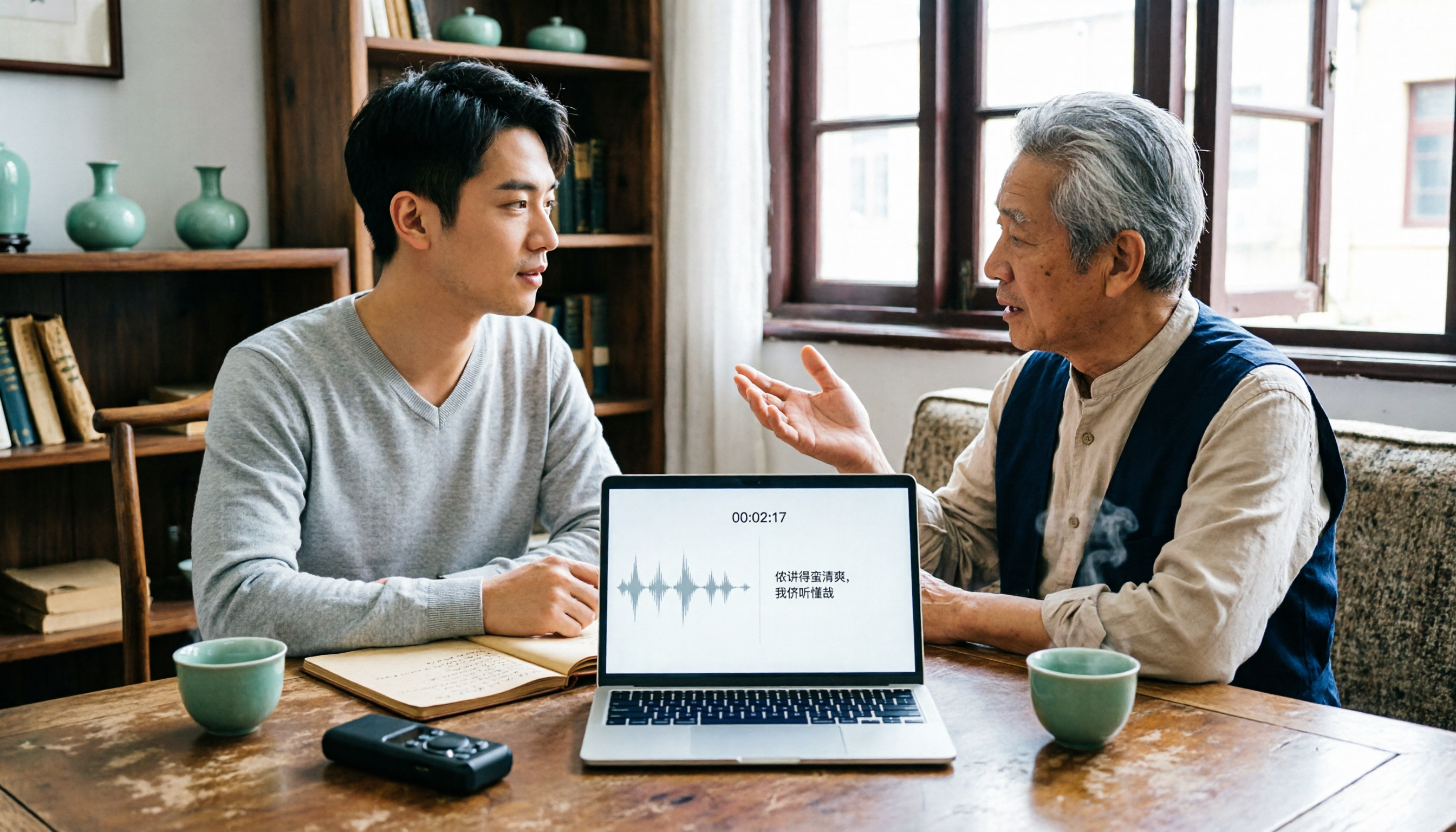
2026 Tested: 3 Shanghainese Speech-to-Text Tools Compared — The Least Painful Way to Process Dialect Interviews
There's no one-size-fits-all answer for transcribing Shanghainese. Instead of hunting for a tool that "supports dialects," change your workflow. This article covers four key points — assessing your recording's language mix, checking timestamps, post-meeting follow-up questions, and preserving team data — and tests Tinrec, Notta, Granola, and Otter.ai on mixed-language interviews, plus the 4 most common buying mistakes.

5 Best Korean Speech-to-Text Tools in 2026: Free vs Paid Comparison
After a one-hour Korean meeting, do you spend three hours organizing the transcript? This article compares five Korean speech-to-text tools: Tinrec, Musely, UniScribe, TurboScribe, and Notta. It breaks down honorific level handling, post-meeting summaries and action items, input sources, team collaboration, and free tier limits, with a guide to avoid pitfalls and scenario-based recommendations to help you find the one that truly saves time.