

Turn recordings into transcripts and summaries in minutes
Upload audio or video for multilingual transcription, AI notes, and action items
How to Extract Subtitles from Videos in 2026: A Complete 5-Step Guide
Two hours in a meeting, two more hours transcribing—what you need isn't a tool, it's a solution
Have a meeting recording, online course, or YouTube video you want to turn into text, but manual transcription is your only option? Just recalling the content eats up a lot of time, let alone correcting timestamps.
Even worse, subtitles on some videos are "burned" into the image like a watermark (hard subtitles) and can't be copied directly; others have a separate subtitle track but you don't know how to extract it.
If you've been in these situations, this article is for you. Below, I'll walk you through 5 steps to understand the types of subtitle extraction, compare different tools, and finally help you choose the one that's best for you.
Step 1: Understand the Two Types of Subtitles—Soft vs. Hard
Before diving into the sea of tools, you need to identify what type of subtitle you're dealing with, because that directly determines which tools you can use.
- Soft subtitles: The kind you can toggle on and off on Netflix or YouTube. These are a separate subtitle track stored independently of the video. This type is the easiest to extract; even a free media player can export them.
- Hard subtitles: The subtitles are baked into the video frame, like Chinese subtitles on Japanese anime or a translated English overlay. They are essentially text in each image and must be converted to editable text using OCR (Optical Character Recognition) or AI speech recognition.
In short: soft subtitles can be "pulled" out directly, while hard subtitles need to be "transcribed." The tool recommendations that follow all revolve around this core difference.
Step 2: Before Choosing a Tool, Clarify These 3 Key Needs
Not every tool works for everyone. Instead of poring over specs, ask yourself these three questions—the answers will automatically help you weed out half of your options.
- Does your video have audio or not? If the video contains speech (e.g., a meeting or course), an AI speech-to-text (ASR) tool can help. If the visuals have text but no audio, an OCR tool is a must.
- Do you need a "subtitle file" or a "full summary"? Some tools output only an .srt subtitle file, suitable for post-production. Others conveniently package a summary, chapters, and even action items. If you want to turn video content into reusable data—not just add captions—the latter provides much more value.
- Which devices will you use? If you often record meetings on your phone and then edit on your computer, cross-platform support (iOS, Android, web) is crucial. If you always work on the same Windows computer, a desktop app might be enough.
In the hands-on comparisons below, I'll use these three questions as a yardstick to help you judge which tools are worth your time.
Step 3: Tinrec — The Most Complete Solution We Tested
After testing multiple tools, Tinrec is one of the few options that can both extract subtitles from audio and transform content into actionable knowledge.
It's not just a subtitle extractor; it's a video content organization workspace. You can upload meeting recordings, paste a YouTube link, or use the mobile app to record audio and transcribe text on the go. Tinrec automatically recognizes speech, generates a timestamped subtitle file (SRT), and then goes one step further: it creates summaries, breaks content into chapters, pulls out action items, and even lets you ask follow-up questions about the video using its AI chat feature.
A common example: your manager sends a 40-minute product meeting recording and asks you to "summarize the pricing strategy discussed." In the past, you'd have to listen from start to finish and still might miss the relevant sections. With Tinrec, you can upload the video and get a transcript in about 5 minutes. Then you can ask, "What pricing content was discussed in the meeting?" and it will highlight the corresponding sections and conclusions—far more precise than manually Ctrl+F searching for keywords.
Stop organizing recordings by hand
Upload audio or video and automatically get a transcript, summary, and action items
Hands-on verdict: We tested a 10-minute Chinese tech talk with background noise. Tinrec's exported subtitle track had accurate timestamps and high semantic fidelity. The free tier includes a monthly transcription allowance—enough for light-to-moderate users with 2-3 meetings per week. Heavy users might consider the Pro plan. Few competitors in the same price range offer the "AI chat query" feature, making it a clear differentiator.
Ideal for: If the videos you work with contain audio (meetings, courses, interviews, online videos) and you don't just want subtitles but also want to organize them into summaries or searchable archives, Tinrec is currently the most time-efficient choice.
Step 4: Consider Other Tools—They're Better for More Specific Tasks
VLC Media Player
VLC is a well-known free media player with a built-in VLSub add-on that can search for and download soft subtitles for videos. However, it can only handle existing subtitle tracks, is helpless against hard subtitles, and its workflow is a bit clunky for unfamiliar users. By contrast, Tinrec leverages AI speech recognition to generate text regardless of subtitle type and offers seamless content querying afterward.
Video-subtitle-extractor
This is an open-source tool for hard subtitle extraction. It uses OCR to turn burned-in text into SRT files and supports multiple languages. Its biggest appeal is the price (free), but it requires local installation, and neither the video path nor the program path can contain Chinese characters or spaces—a high barrier for average users. If you have a batch of silent videos with hard subtitles, this is worth considering. But if the video has audio, Tinrec is not only faster but also provides summaries and Q&A.
AnyMP4 Video Converter Ultimate
AnyMP4 is a feature-rich paid software that can extract soft subtitles, convert video formats, and perform simple edits. It handles soft subtitle extraction reliably and suits users who need batch conversion and format switching. The downside is its lack of AI post-processing—you just get a subtitle file, with no summaries, chapters, or chat queries. If you want to further organize meeting notes, you'll need to pair it with other tools.
Step 5: Avoid These 3 Selection Traps and Save Yourself Unnecessary Hassle
- Assuming every video can simply "download" subtitles: Many online videos or meeting recordings don't have a separate subtitle file at all—just burned-in hard subtitles or pure audio. You might jump at a "subtitle downloader" only to find it's useless. First determine whether your video has soft subtitles, hard subtitles, or no subtitles, then choose the right approach.
- Comparing only price and ignoring hidden costs: Free tools save money, but if you have to manually tweak settings and proofread errors every time, the time cost far exceeds a few dollars per month. Tinrec's AI summaries and Q&A can save 2-3 hours of report writing, making it pay off quickly for professionals.
- Overlooking cross-platform convenience: If you record a class on your phone and then need to transfer the file to your computer and open specific software, any break in that chain makes you want to quit. Choose a solution that works on mobile, desktop, and the web—so the tool itself doesn't become a new obstacle.
Conclusion: Which Tool Should You Choose?
As you've seen, no single tool can perfectly solve every problem, but Tinrec offers the broadest coverage, seamlessly taking you from extraction to organization. Here are quick recommendations for common scenarios:
- Meeting recordings, online courses, podcast organization → Tinrec, which summarizes and flags action items while generating subtitles, ideal for professionals who need to track follow-ups.
- Just want a plain text transcript of audio-based videos quickly → Start with Tinrec's free tier—its monthly minutes should cover several meetings; upgrade only if you find it valuable.
- Have a few silent hard-subtitle videos and want a free solution → Try Video-subtitle-extractor. It requires more setup but costs nothing.
- Need to mass-extract soft subtitles from MKV or MP4 files and don't care about post-processing → Use AnyMP4 or VLC to pull out the subtitle tracks and repurpose them as needed.
We recommend starting with Tinrec's free plan—the monthly 100-minute allowance is enough for two or three meetings or several tutorial videos. Test the full workflow from subtitles to actionable data, then decide whether to pay.
This is an independent review and does not involve sponsored collaboration. Tool prices and features are subject to change; please refer to official information.
References
- How to extract/save subtitles from video—soft and hard subtitles
- Video-subtitle-extractor Hard Subtitle Extractor 2.2.0 CPU Version for Windows - Softking | Professional Software Download Platform
- 4 Ways to Extract Subtitles from Video - Soft/Hard Encoded
- 8 Recommended Video Subtitle Extraction Tools in 2026: One-Click Solutions for Online Video-to-Text and Translation Pain Points - Tinrec Blog
- The 3 Latest Recommended Methods for Video Subtitle Extraction in 2026: Solving Hard Subtitle Recognition and Online Transcription Challenges - Tinrec Blog
Turn every recording into actionable outcomes
Get 60 free transcription minutes when you sign in. No credit card required.
Related Reading
You might also like

4 Audio-to-Text Tools Tested: Which Saves More Time on Chinese Meeting Notes and Post-Meeting Cleanup in 2026?
Audio-to-text tools shouldn't just turn speech into text—they should quickly produce usable meeting notes. Based on real workflows, this article explains how Tinrec handles Chinese meetings, bot-free online meeting recording, AI Q&A, team spaces, and buying considerations, helping you decide if the free version is enough and whether the team version is worth evaluating.

How to Choose a Cantonese Speech-to-Text App in 2026: 5-Step Hands-On Comparison
This article compares Tinrec and Subanana across 5 dimensions—input sources, Cantonese colloquial handling, post-meeting organization, team collaboration, and export/integration—to help you decide between a pure Cantonese transcript tool and a meeting workflow solution.

Tinrec vs Notta 2026: 5-Dimension Comparison — Which Is More Reliable for Chinese Meeting Transcription?
Starting from common misconceptions about audio-to-text accuracy, this comparison evaluates Tinrec and Notta across five dimensions and explains the suitable scenarios for Otter.ai and PLAUD Note, helping you choose the right tool for Chinese meetings and team collaboration.

5 Best Chinese-English Real-Time Translation Tools in 2026: Free vs Paid Comparison
A comparison of 5 Chinese-English real-time translation tools in 2026, from free text translation and meeting voice translation to AI meeting note tools that generate transcripts and action items, helping you choose based on your use case.

How to Transcribe Korean Audio to Text in 2026: A Complete 5-Step Guide
Korean audio transcription is more than just converting speech into words. This guide walks you through 5 steps to turn Korean meeting, interview, and course recordings into transcripts, summaries, and action items, and covers the key factors to consider when choosing a tool—language support, audio file retention, export options, and team permissions—using Tinrec as a practical workflow example.

2026 English Speech-to-Text Tools Tested: Which One Turns Transcripts Into Usable Data?
How do you choose an English speech-to-text tool? Starting from common pitfalls, this hands-on comparison tests Tinrec, Otter.ai, Notta, and TurboScribe, covering five key buying factors: audio sources, post-meeting organization, mixed Chinese-English speech, free quotas, and team data ownership, plus a pitfalls guide and scenario-based recommendations.

4 Phone Recording-to-Text Solutions Tested for 2026: Which Offers the Most Free Minutes and Best Post-Meeting Organization?
Starting from the three most common mistakes students make, this hands-on comparison tests four phone recording-to-text solutions and explains how Tinrec turns classroom and group meeting recordings into searchable, queryable, exportable transcripts and action items. It also covers free quotas, pricing, and what students should consider when choosing a tool.
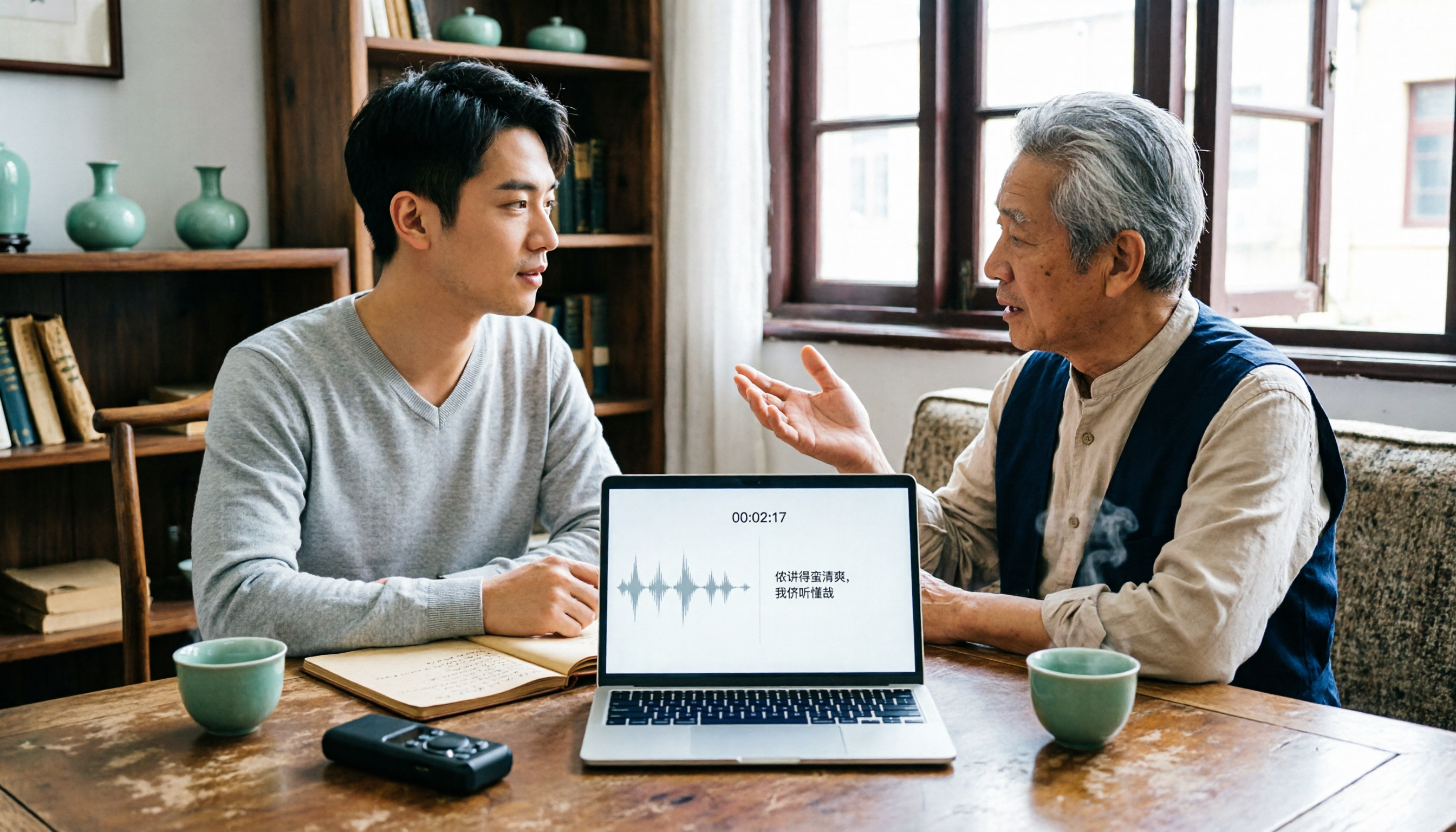
2026 Tested: 3 Shanghainese Speech-to-Text Tools Compared — The Least Painful Way to Process Dialect Interviews
There's no one-size-fits-all answer for transcribing Shanghainese. Instead of hunting for a tool that "supports dialects," change your workflow. This article covers four key points — assessing your recording's language mix, checking timestamps, post-meeting follow-up questions, and preserving team data — and tests Tinrec, Notta, Granola, and Otter.ai on mixed-language interviews, plus the 4 most common buying mistakes.

5 Best Korean Speech-to-Text Tools in 2026: Free vs Paid Comparison
After a one-hour Korean meeting, do you spend three hours organizing the transcript? This article compares five Korean speech-to-text tools: Tinrec, Musely, UniScribe, TurboScribe, and Notta. It breaks down honorific level handling, post-meeting summaries and action items, input sources, team collaboration, and free tier limits, with a guide to avoid pitfalls and scenario-based recommendations to help you find the one that truly saves time.