

Turn recordings into transcripts and summaries in minutes
Upload audio or video for multilingual transcription, AI notes, and action items
Why Do You Need Video Link to Text?
Recording lectures, meeting minutes, interview videos, or wanting to organize YouTube learning resources, turning video content into text files is a common need for many people. Manually transcribing transcripts is not only time-consuming but also error-prone. According to actual tests, a 30-minute video could take more than 2 hours to transcribe manually.
In 2026, AI speech-to-text technology has become quite mature. Just paste a video link or upload a file, and you can get a transcript, summary, or even subtitle files within minutes. This article compiles 5 tools that can help you quickly convert video links into text, freeing you from the hassle of manual transcription.
Option 1: Tinrec (Instant Recording) | The Most Complete AI Recording and Video-to-Text Assistant
Tinrec is more than just a general transcription tool; it's a workspace that turns recordings and videos into 'actionable knowledge.' It supports real-time recording, uploading audio files, and pasting public video links from YouTube, Bilibili, and more for transcription. It automatically generates AI summaries, chapters, and to-do items, and you can query the recording content like a database.
After a meeting, you can paste the recording link and quickly get meeting notes and to-do lists; students can convert online course videos into notes and use the AI Q&A feature to review key points; content creators can organize competitor videos and interview materials into text for easy repurposing. After transcription, besides TXT and Word transcripts, you can export SRT subtitles, mind maps, or sync directly to Notion and Google Docs.
The free version provides a basic number of transcription minutes per month, suitable for light trial use; if you have heavy transcription needs, consider Pro monthly or annual plans, which are more cost-effective when spread out over the long term. Overall, if you often need to structure and organize video content, Tinrec is the most complete choice.
Suitable for: workplace meetings, online courses, interview research, and content creation.
Option 2: cSubtitle | Fast Transcription and Subtitle Generation
cSubtitle is an online speech-to-text service focused on Chinese. After uploading a video or pasting a link, you can get a transcript and timestamped subtitle files within a few minutes at the earliest. The system automatically adds punctuation and paragraph breaks, with accuracy reaching over 94%.
The barrier to entry is very low; you can use it without registration, making it suitable for those who need to handle meeting recordings or create subtitles occasionally. The free trial allowance is limited; for heavy usage, you can purchase a paid plan.
Suitable for: video creators who need to quickly obtain subtitles and transcripts without spending time learning complex tools.
Option 3: VEED.IO | Real-Time Transcription and Subtitle Editing
VEED.IO is essentially an online video editor, but it has a powerful automatic transcription feature built in. After uploading a video, it instantly converts speech to text. You can adjust subtitle styles and correct typos directly in the editor, then download a TXT file or upload it to YouTube as a description.
It also supports multilingual translation, allowing you to quickly generate subtitles in different languages for the same video. The free version lets you download the transcribed text; if you need higher-quality output or background noise removal, you’ll need to unlock those with a paid plan.
Stop organizing recordings by hand
Upload audio or video and automatically get a transcript, summary, and action items
Suitable for: content creators who prefer an all-in-one workflow and need to edit subtitles and video clips.
Option 4: Vidnoz | Free Online Video to Text
Vidnoz provides a completely free AI video-to-text service. After copying a YouTube or other video link, the system automatically recognizes and generates a transcript with about 98% accuracy, and it supports over 30 languages. You don’t need to register; when downloading, you can choose TXT, JSON, or SRT formats.
Because it costs nothing, it’s very suitable for students or individual users on a budget who only occasionally need to transcribe video content. If you need more advanced summarization, Q&A, or long-term database management, its features are more limited.
Suitable for: users who simply want to turn video into text without any additional organization needs.
Option 5: Transcribe App | Multilingual Transcript Tool
Transcribe App offers a web version and a mobile app, automatically converting videos into text in over 120 languages. In official user stories, someone used this tool to handle multilingual interviews in German, English, and Italian, receiving positive feedback on both accuracy and efficiency.
The free version includes basic transcription credits, suitable for cross-border workers or those who need to handle multilingual videos. However, compared to the previous tools, it leans more toward a pure transcription service, without AI summaries or conversational query features for further organization.
Suitable for: freelancers and researchers who need multilingual support and work across devices.
With So Many Options, How Should You Choose?
- If you want the most complete AI organization features (transcription + summarization + Q&A + export) → choose Tinrec; it is the only option that covers all of these capabilities.
- If you need to quickly generate subtitles and edit styles → VEED.IO’s online editor can do it all at once.
- If you only occasionally need to transcribe a video and don’t want to spend money → Vidnoz is free, requires no registration, and is sufficient.
- If you often handle multilingual content, such as mixed Chinese-English or European languages → Transcribe App and cSubtitle both have good multilingual support.
- If you want to turn historical video content into a searchable knowledge base → only Tinrec offers long-term storage and AI Q&A capabilities.
Most users eventually find that a simple transcript isn’t enough; Tinrec, which can automatically summarize, answer questions, and export to other tools, is the truly time-saving choice.
Before Using Video Link to Text, Here Are a Few Things to Know
- Recording quality determines transcription accuracy: background noise, accents, and multiple people speaking at once can all affect AI recognition. When using tools like Tinrec, it is recommended to ensure the original audio is clear, so that transcription results are good.
- Online videos have copyright restrictions: before pasting a public video link, please confirm that the content allows fair use, or use it only for personal study and notes. The transcribed text should also respect the original creator’s rights.
- The free version allowance is only a starting point: most tools’ free versions have minute or usage limits. If you have transcription needs every week, it is recommended to evaluate paid plans directly so you don’t run into a wall halfway through.
- AI summaries still require human review: automatically generated summaries may miss details or misinterpret context. For important meetings or interviews, remember to cross-check with the original text.
Summary
In 2026, converting video links into text no longer requires painful manual transcription. From the completely free Vidnoz to the feature-rich Tinrec, you can choose based on your usage frequency and organization needs. If you want not just a transcript but to turn video content into workable material, Tinrec is currently the most comprehensive solution. Why not try the free version first to see if it can save you a lot of organizing time.
References
- Video to Text | Transcribe App & Online Editor
- Online AI Speech, Video, and Audio File Automatic Transcription - Free Trial - cSubtitle
- Transcribe Video to Text - Real-time, 99.9% Accuracy - VEED.IO
- Free Video to Text Tool | AI Auto-Transcription with High-Accuracy Subtitles
- AI Speech-to-Text: Quickly Convert Audio Files Online to Text, Transcripts, and Video Subtitles - Free Trial - cSubtitle
Turn every recording into actionable outcomes
Get 60 free transcription minutes when you sign in. No credit card required.
Related Reading
You might also like

4 Audio-to-Text Tools Tested: Which Saves More Time on Chinese Meeting Notes and Post-Meeting Cleanup in 2026?
Audio-to-text tools shouldn't just turn speech into text—they should quickly produce usable meeting notes. Based on real workflows, this article explains how Tinrec handles Chinese meetings, bot-free online meeting recording, AI Q&A, team spaces, and buying considerations, helping you decide if the free version is enough and whether the team version is worth evaluating.

How to Choose a Cantonese Speech-to-Text App in 2026: 5-Step Hands-On Comparison
This article compares Tinrec and Subanana across 5 dimensions—input sources, Cantonese colloquial handling, post-meeting organization, team collaboration, and export/integration—to help you decide between a pure Cantonese transcript tool and a meeting workflow solution.

Tinrec vs Notta 2026: 5-Dimension Comparison — Which Is More Reliable for Chinese Meeting Transcription?
Starting from common misconceptions about audio-to-text accuracy, this comparison evaluates Tinrec and Notta across five dimensions and explains the suitable scenarios for Otter.ai and PLAUD Note, helping you choose the right tool for Chinese meetings and team collaboration.

5 Best Chinese-English Real-Time Translation Tools in 2026: Free vs Paid Comparison
A comparison of 5 Chinese-English real-time translation tools in 2026, from free text translation and meeting voice translation to AI meeting note tools that generate transcripts and action items, helping you choose based on your use case.

How to Transcribe Korean Audio to Text in 2026: A Complete 5-Step Guide
Korean audio transcription is more than just converting speech into words. This guide walks you through 5 steps to turn Korean meeting, interview, and course recordings into transcripts, summaries, and action items, and covers the key factors to consider when choosing a tool—language support, audio file retention, export options, and team permissions—using Tinrec as a practical workflow example.

2026 English Speech-to-Text Tools Tested: Which One Turns Transcripts Into Usable Data?
How do you choose an English speech-to-text tool? Starting from common pitfalls, this hands-on comparison tests Tinrec, Otter.ai, Notta, and TurboScribe, covering five key buying factors: audio sources, post-meeting organization, mixed Chinese-English speech, free quotas, and team data ownership, plus a pitfalls guide and scenario-based recommendations.

4 Phone Recording-to-Text Solutions Tested for 2026: Which Offers the Most Free Minutes and Best Post-Meeting Organization?
Starting from the three most common mistakes students make, this hands-on comparison tests four phone recording-to-text solutions and explains how Tinrec turns classroom and group meeting recordings into searchable, queryable, exportable transcripts and action items. It also covers free quotas, pricing, and what students should consider when choosing a tool.
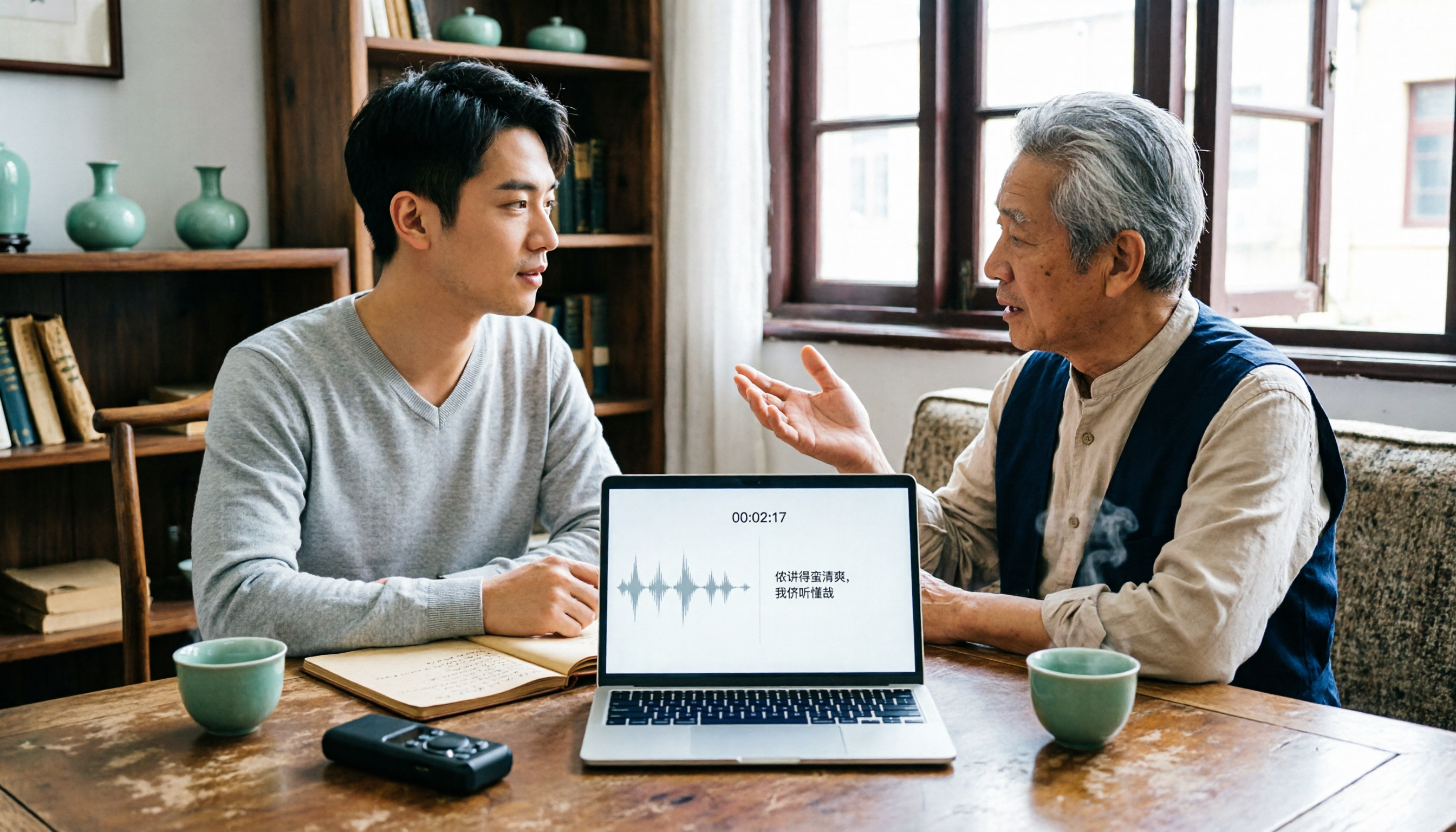
2026 Tested: 3 Shanghainese Speech-to-Text Tools Compared — The Least Painful Way to Process Dialect Interviews
There's no one-size-fits-all answer for transcribing Shanghainese. Instead of hunting for a tool that "supports dialects," change your workflow. This article covers four key points — assessing your recording's language mix, checking timestamps, post-meeting follow-up questions, and preserving team data — and tests Tinrec, Notta, Granola, and Otter.ai on mixed-language interviews, plus the 4 most common buying mistakes.

5 Best Korean Speech-to-Text Tools in 2026: Free vs Paid Comparison
After a one-hour Korean meeting, do you spend three hours organizing the transcript? This article compares five Korean speech-to-text tools: Tinrec, Musely, UniScribe, TurboScribe, and Notta. It breaks down honorific level handling, post-meeting summaries and action items, input sources, team collaboration, and free tier limits, with a guide to avoid pitfalls and scenario-based recommendations to help you find the one that truly saves time.