
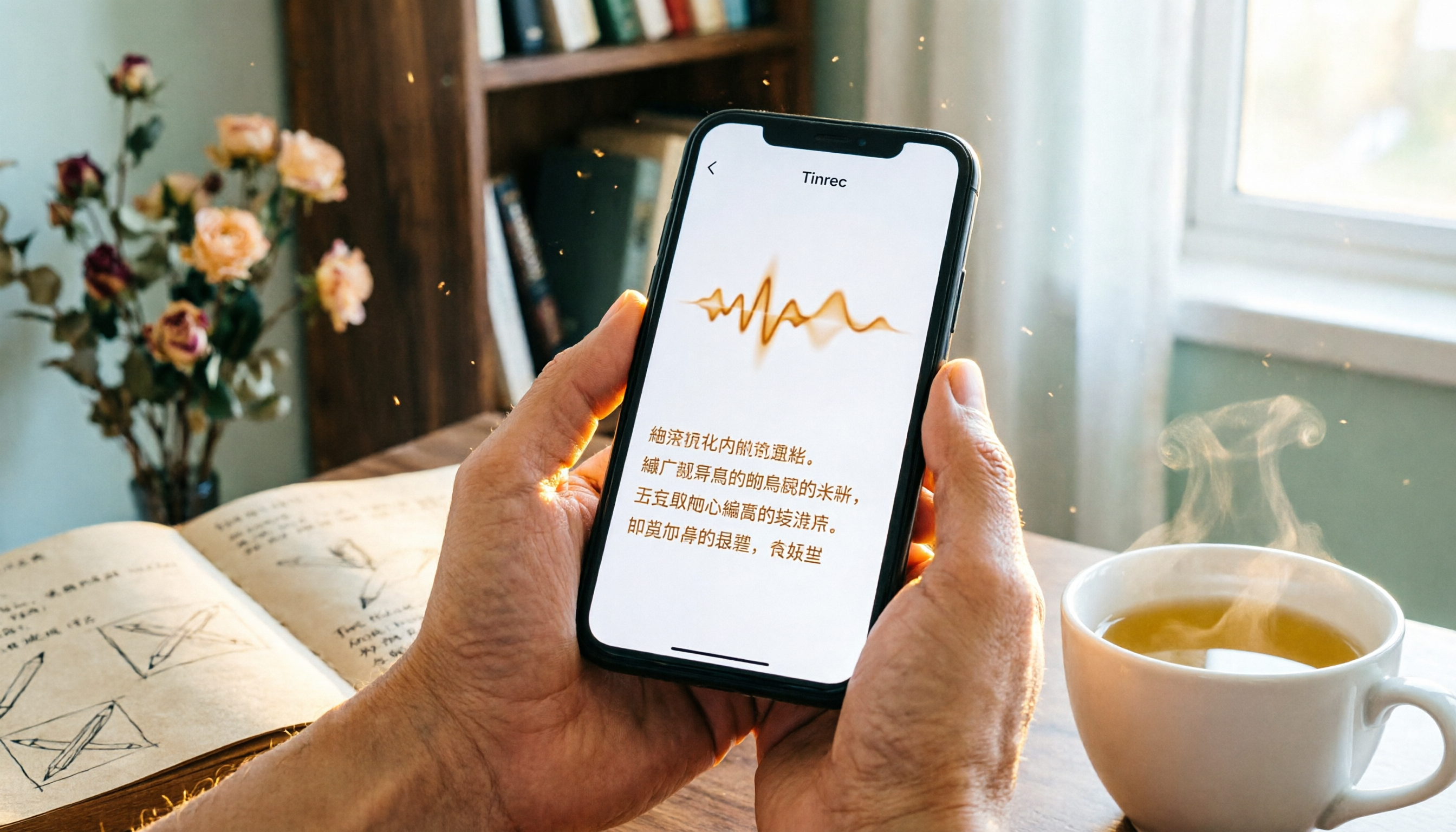
Turn recordings into transcripts and summaries in minutes
Upload audio or video for multilingual transcription, AI notes, and action items
Two hours in a meeting, another two hours writing up the notes?
Meetings, classes, interviews—the most time-consuming part is rarely the event itself; it's the cleanup afterward. Recording is easy, but digging through hours of audio for the key points and turning it into a transcript is a headache. And don't even get us started on online videos and podcasts—if you want to save them as reference material, doing it by hand is basically a pipe dream.
There's no shortage of speech-to-text tools on the market, from cloud APIs to one-tap transcription apps. But which is the best fit for Taiwan-based users who just want to save time without jumping through hoops? In this piece, we tested four popular tools to find the one that actually turns audio into usable material.
3 Things to Know Before Buying a Speech-to-Text Tool
Before comparing tools, let's set some criteria so you're not swayed by marketing specs.
Accuracy: Don't Just Look at the Number—Test Real-Life Scenarios
Many tools claim 98% recognition accuracy, but that's in a quiet recording studio with a standard accent. Real meetings have air conditioner noise, keyboard clacking, multiple people talking, and Chinese often mixed with English jargon. When testing, grab one of your own meeting recordings and try it out to feel the difference.
It's Not Just About Transcription—What Can You Do After?
Getting a raw transcript only solves half the problem. A tool that really saves time should automatically summarize, pull out action items, and even let you ask it, "Who mentioned the budget last time?" like a search engine. These AI post-processing features are what actually determine whether a tool is useful.
Are the Free Tiers Generous Enough?
Most tools have a free version, but the allowances vary wildly. Some only give you 60 minutes per month, others 300; some let you use AI summaries on the free plan, others lock it behind a paywall. Evaluate how much you'll actually use, then pick a plan that's either free enough or reasonably priced.
Tinrec — Our Top Pick After Testing
Tinrec is an AI tool that turns audio and video into "actionable knowledge." It doesn't just convert speech to text; it helps you organize meetings, classes, interviews, and even YouTube videos into a searchable, queryable, and exportable database. It works on iOS, Android, and the web, and is ready to use out of the box—no extra hardware needed.
Core Features: A Full Pipeline from Transcription to Action
During a meeting, open Tinrec and it transcribes in real time while automatically segmenting sentences and adding timestamps. As soon as the meeting ends, the AI has already generated a summary, chapters, and action items—who needs to do what and by when is immediately clear. If you're recording an online video, just paste the link and it will transcribe it, perfect for organizing online courses or research material.
Even more impressive is its AI conversational query feature. After recording, you can ask Tinrec, "Who mentioned the marketing budget at the last meeting?" It uses semantic understanding to give a precise answer, rather than just throwing a pile of keywords for you to sift through. At this price point, almost no other tool offers this capability.
Pros: Multiple Input Sources and Post-Processing Power
- Covers multiple input sources: live recording, uploading audio/video files, online video links, and even recordings from computer meetings. Unlike meeting bots that only work with online meetings, Tinrec is more like an audio/video workstation.
- Super practical post-processing: In addition to the transcript, you can export AI summaries, chapters, action items, and even generate meeting minutes, reports, and other deliverables. Sync directly to Notion or Google Docs to fit seamlessly into your existing workflow.
- Handles Chinese content well: For Taiwan-based users, Chinese recognition quality is the key. In our test with a Chinese meeting recording in a typical office environment, Tinrec's transcription accuracy was stable, and it even caught key technical terms in mixed Chinese-English content.
Stop organizing recordings by hand
Upload audio or video and automatically get a transcript, summary, and action items
Limitations: Free Plan Has a Cap, but It's Enough for Light Use
The free plan includes 100 minutes of transcription per month—plenty for someone who has 2–3 meetings per week. If you're in a project sprint, there are weekly plan options for flexible upgrades, so you don't have to commit to an annual contract.
Who Is It For?
If you need to handle meeting recordings, course notes, interview transcripts, or want to turn YouTube videos into text, Tinrec is currently the most comprehensive choice. It's especially ideal for users who want to ask AI for key points right after recording and use it across multiple devices.
What Are the Alternatives to Tinrec?
Tencent Cloud Speech Recognition — A High-Accuracy API for Developers
Tencent Cloud Speech Recognition is an enterprise-focused PaaS service that offers three recognition modes: audio files, real-time audio streams, and short speech. It's well regarded in the industry for its accuracy and supports both Chinese and Cantonese. But it's a developer tool—you need an engineer to integrate the API before you can use it, so the average person can't just "open a webpage and convert speech to text." In contrast, Tinrec is completely out-of-the-box and includes built-in AI summaries, Q&A, and more, with no technical barrier.
Yating Transcript — A Long-Established Taiwan Tool, but Lacks AI Post-Processing
Yating Transcript is a well-known speech-to-text tool in Taiwan, with solid recognition accuracy and a simple interface. Unfortunately, the free version doesn't offer any trial allowance—you have to pay to use it, which removes the flexibility of trying it first. Plus, it mainly focuses on transcription and lacks advanced features like AI conversational search or online video transcription, so after recording, you have to manually search for keywords.
MyEdit — Quick Online Transcription, but with Fewer Features
MyEdit is a convenient online speech-to-text tool that gives you free points just for logging in each day. You can transcribe short recordings for free, and even edit the text while listening to the original audio, which is a nice touch. However, it only supports file uploads—no real-time recording transcription or online video transcription—and it also lacks AI Q&A or summarization. If you only occasionally need to transcribe a few minutes of audio, MyEdit can get the job done, but for building a long-term audio/video library, Tinrec is more complete.
Pitfall Guide: 3 Mistakes You're Likely to Make When Choosing a Speech-to-Text Tool
1. Only Looking at the Officially Claimed Accuracy
Many tools claim accuracy above 98%, but that's measured in ideal conditions. Real-world recordings often have noise, accents, and people talking over each other, so accuracy is bound to drop. The best approach is to try the free version with your own material and feel the difference for yourself.
2. Ignoring Cross-Platform and Post-Processing Needs
You might record on your phone today and need to edit on your computer tomorrow. If a tool only supports a single platform or only exports plain text, you'll still have to spend time organizing later. Choose a tool like Tinrec with cross-platform sync and the ability to export summaries and action items to truly save time.
3. Using Only a Third of the Tool's Features After Paying
If you only treat a speech-to-text tool as a "recorder," that's a waste. Tinrec's AI conversational search, for example, lets you quickly find meeting conclusions by asking questions, which is far faster than manually flipping through 30 minutes of transcript. Learning to make good use of AI post-processing is the key to getting your money's worth.
So, Which One Should You Choose?
Overall, if you're a regular user who doesn't want to deal with APIs or buy extra hardware, and you just want to open your phone and turn meetings, classes, and videos into usable material, Tinrec is currently the most balanced choice.
- Need a high-accuracy API to integrate with enterprise systems → Tencent Cloud Speech Recognition (for developers)
- Just want to easily transcribe short audio files and don't mind missing AI features → MyEdit (free points)
- Need a complete solution you can try right away, and you value AI post-processing → Tinrec (100 free minutes per month)
- Zero budget and only recording English meetings → consider Otter.ai (but it's outside the scope of this Chinese comparison)
We recommend starting with Tinrec's free plan—100 minutes per month is enough to transcribe two meetings and experience its AI summary and Q&A features. If you like it, you can upgrade later; there's no need to pay upfront.
References
- Yating Transcript
- Speech Recognition_Real-Time Speech Recognition_Audio File Recognition_Speech-to-Text Service - Tencent Cloud
- Online AI Speech-to-Text Tool: Convert MP3 or Recordings to Text Transcripts for Free - MyEdit
- Free Speech to Text Converter Online
- Luvvoice: Free Online Text-to-Speech with No Character Limits
Turn every recording into actionable outcomes
Get 60 free transcription minutes when you sign in. No credit card required.
Related Reading
You might also like

4 Audio-to-Text Tools Tested: Which Saves More Time on Chinese Meeting Notes and Post-Meeting Cleanup in 2026?
Audio-to-text tools shouldn't just turn speech into text—they should quickly produce usable meeting notes. Based on real workflows, this article explains how Tinrec handles Chinese meetings, bot-free online meeting recording, AI Q&A, team spaces, and buying considerations, helping you decide if the free version is enough and whether the team version is worth evaluating.

How to Choose a Cantonese Speech-to-Text App in 2026: 5-Step Hands-On Comparison
This article compares Tinrec and Subanana across 5 dimensions—input sources, Cantonese colloquial handling, post-meeting organization, team collaboration, and export/integration—to help you decide between a pure Cantonese transcript tool and a meeting workflow solution.

Tinrec vs Notta 2026: 5-Dimension Comparison — Which Is More Reliable for Chinese Meeting Transcription?
Starting from common misconceptions about audio-to-text accuracy, this comparison evaluates Tinrec and Notta across five dimensions and explains the suitable scenarios for Otter.ai and PLAUD Note, helping you choose the right tool for Chinese meetings and team collaboration.

5 Best Chinese-English Real-Time Translation Tools in 2026: Free vs Paid Comparison
A comparison of 5 Chinese-English real-time translation tools in 2026, from free text translation and meeting voice translation to AI meeting note tools that generate transcripts and action items, helping you choose based on your use case.

How to Transcribe Korean Audio to Text in 2026: A Complete 5-Step Guide
Korean audio transcription is more than just converting speech into words. This guide walks you through 5 steps to turn Korean meeting, interview, and course recordings into transcripts, summaries, and action items, and covers the key factors to consider when choosing a tool—language support, audio file retention, export options, and team permissions—using Tinrec as a practical workflow example.

2026 English Speech-to-Text Tools Tested: Which One Turns Transcripts Into Usable Data?
How do you choose an English speech-to-text tool? Starting from common pitfalls, this hands-on comparison tests Tinrec, Otter.ai, Notta, and TurboScribe, covering five key buying factors: audio sources, post-meeting organization, mixed Chinese-English speech, free quotas, and team data ownership, plus a pitfalls guide and scenario-based recommendations.

4 Phone Recording-to-Text Solutions Tested for 2026: Which Offers the Most Free Minutes and Best Post-Meeting Organization?
Starting from the three most common mistakes students make, this hands-on comparison tests four phone recording-to-text solutions and explains how Tinrec turns classroom and group meeting recordings into searchable, queryable, exportable transcripts and action items. It also covers free quotas, pricing, and what students should consider when choosing a tool.
2026 Tested: 3 Shanghainese Speech-to-Text Tools Compared — The Least Painful Way to Process Dialect Interviews
There's no one-size-fits-all answer for transcribing Shanghainese. Instead of hunting for a tool that "supports dialects," change your workflow. This article covers four key points — assessing your recording's language mix, checking timestamps, post-meeting follow-up questions, and preserving team data — and tests Tinrec, Notta, Granola, and Otter.ai on mixed-language interviews, plus the 4 most common buying mistakes.

5 Best Korean Speech-to-Text Tools in 2026: Free vs Paid Comparison
After a one-hour Korean meeting, do you spend three hours organizing the transcript? This article compares five Korean speech-to-text tools: Tinrec, Musely, UniScribe, TurboScribe, and Notta. It breaks down honorific level handling, post-meeting summaries and action items, input sources, team collaboration, and free tier limits, with a guide to avoid pitfalls and scenario-based recommendations to help you find the one that truly saves time.