

Turn recordings into transcripts and summaries in minutes
Upload audio or video for multilingual transcription, AI notes, and action items
You may have run into EPUB ebooks that can only be opened in specific readers, making them hard to share with friends or print out. With an online EPUB-to-PDF converter, you can convert an ebook to PDF in seconds, allowing you to easily open, read, and even print it on Windows, Mac, phone, or tablet. PDF also preserves the original layout and images, so your reading experience stays intact.
What Can EPUB to PDF Do for You?
- Cross-platform reading: Once converted, any device that opens PDFs can view it, so you're no longer tied to a dedicated ebook reader.
- Easy sharing and printing: PDF is a universal format; you can email it to colleagues or friends or project it in meetings without any issues.
- Preserves original layout: Most tools accurately convert text, images, and formatting without breaking the design.
What Are the Core Capabilities of Online EPUB-to-PDF Converters?
- Fast conversion: Upload an EPUB file and download the PDF within seconds.
- Cross-platform use: No software installation is needed—just open a browser and use it on your computer, phone, or tablet.
- High format compatibility: In addition to EPUB, some tools support other ebook formats like MOBI, AZW, and PRC.
- Privacy and security: Many services automatically delete your files after conversion to protect your privacy.
Real-World Use Cases
Scenario 1: Student reading reports
Convert an EPUB textbook provided by your school to PDF, and you can highlight, annotate, and even print it out for group discussions on your tablet or laptop.
Scenario 2: Workplace document sharing
A colleague sends an EPUB product manual, but you need to present it in a meeting. After converting to PDF, you can open it directly in presentation software without scrambling to find a reader.
Stop organizing recordings by hand
Upload audio or video and automatically get a transcript, summary, and action items
Scenario 3: Personal library organization
If you have a collection of EPUB novels, you can convert them to PDF for unified archiving, easier searching, and cloud backup. After conversion, you can organize them easily.
4 Things to Keep in Mind When Choosing an EPUB-to-PDF Tool
- File size limits: Free tools often have upload limits (e.g., 20 MB or two conversions per day). If your file is large, you may need a service that handles bigger files.
- Conversion quality: Check whether the resulting PDF preserves the original layout, images, and fonts. Some tools may slightly break the layout or miss images.
- Privacy and security: Choose a service that deletes files on its servers periodically. For confidential documents, consider a desktop offline converter.
- Registration requirements: Most online tools work without registration, which is convenient for occasional conversions.
Frequently Asked Questions
Q: Will converting EPUB to PDF affect the content layout?
A: Most converters faithfully preserve the original layout, but special fonts or complex layouts may differ slightly. We recommend previewing the output after conversion.
Q: How many files can I convert per day?
A: Limits vary by service. Some free plans cap you at two files per day, while others limit file size. Paid versions typically lift these restrictions.
Q: Can the converted PDF be edited?
A: Yes. PDF itself is an editable format, so you can use a PDF editor to add text, comments, or merge pages.
Q: Can I convert EPUB to PDF online on my phone?
A: Yes. As long as your browser is supported, these online tools work on mobile phones. You can download the converted PDF directly to your phone.
Conclusion
Converting EPUB to PDF is easier than you think—you can do it with a free online tool. Next time you have an EPUB ebook or document, try a convenient conversion service and enjoy the ease of reading and working across more devices.
References
Turn every recording into actionable outcomes
Get 60 free transcription minutes when you sign in. No credit card required.
Related Reading
You might also like

4 Audio-to-Text Tools Tested: Which Saves More Time on Chinese Meeting Notes and Post-Meeting Cleanup in 2026?
Audio-to-text tools shouldn't just turn speech into text—they should quickly produce usable meeting notes. Based on real workflows, this article explains how Tinrec handles Chinese meetings, bot-free online meeting recording, AI Q&A, team spaces, and buying considerations, helping you decide if the free version is enough and whether the team version is worth evaluating.

How to Choose a Cantonese Speech-to-Text App in 2026: 5-Step Hands-On Comparison
This article compares Tinrec and Subanana across 5 dimensions—input sources, Cantonese colloquial handling, post-meeting organization, team collaboration, and export/integration—to help you decide between a pure Cantonese transcript tool and a meeting workflow solution.

Tinrec vs Notta 2026: 5-Dimension Comparison — Which Is More Reliable for Chinese Meeting Transcription?
Starting from common misconceptions about audio-to-text accuracy, this comparison evaluates Tinrec and Notta across five dimensions and explains the suitable scenarios for Otter.ai and PLAUD Note, helping you choose the right tool for Chinese meetings and team collaboration.

5 Best Chinese-English Real-Time Translation Tools in 2026: Free vs Paid Comparison
A comparison of 5 Chinese-English real-time translation tools in 2026, from free text translation and meeting voice translation to AI meeting note tools that generate transcripts and action items, helping you choose based on your use case.

How to Transcribe Korean Audio to Text in 2026: A Complete 5-Step Guide
Korean audio transcription is more than just converting speech into words. This guide walks you through 5 steps to turn Korean meeting, interview, and course recordings into transcripts, summaries, and action items, and covers the key factors to consider when choosing a tool—language support, audio file retention, export options, and team permissions—using Tinrec as a practical workflow example.

2026 English Speech-to-Text Tools Tested: Which One Turns Transcripts Into Usable Data?
How do you choose an English speech-to-text tool? Starting from common pitfalls, this hands-on comparison tests Tinrec, Otter.ai, Notta, and TurboScribe, covering five key buying factors: audio sources, post-meeting organization, mixed Chinese-English speech, free quotas, and team data ownership, plus a pitfalls guide and scenario-based recommendations.

4 Phone Recording-to-Text Solutions Tested for 2026: Which Offers the Most Free Minutes and Best Post-Meeting Organization?
Starting from the three most common mistakes students make, this hands-on comparison tests four phone recording-to-text solutions and explains how Tinrec turns classroom and group meeting recordings into searchable, queryable, exportable transcripts and action items. It also covers free quotas, pricing, and what students should consider when choosing a tool.
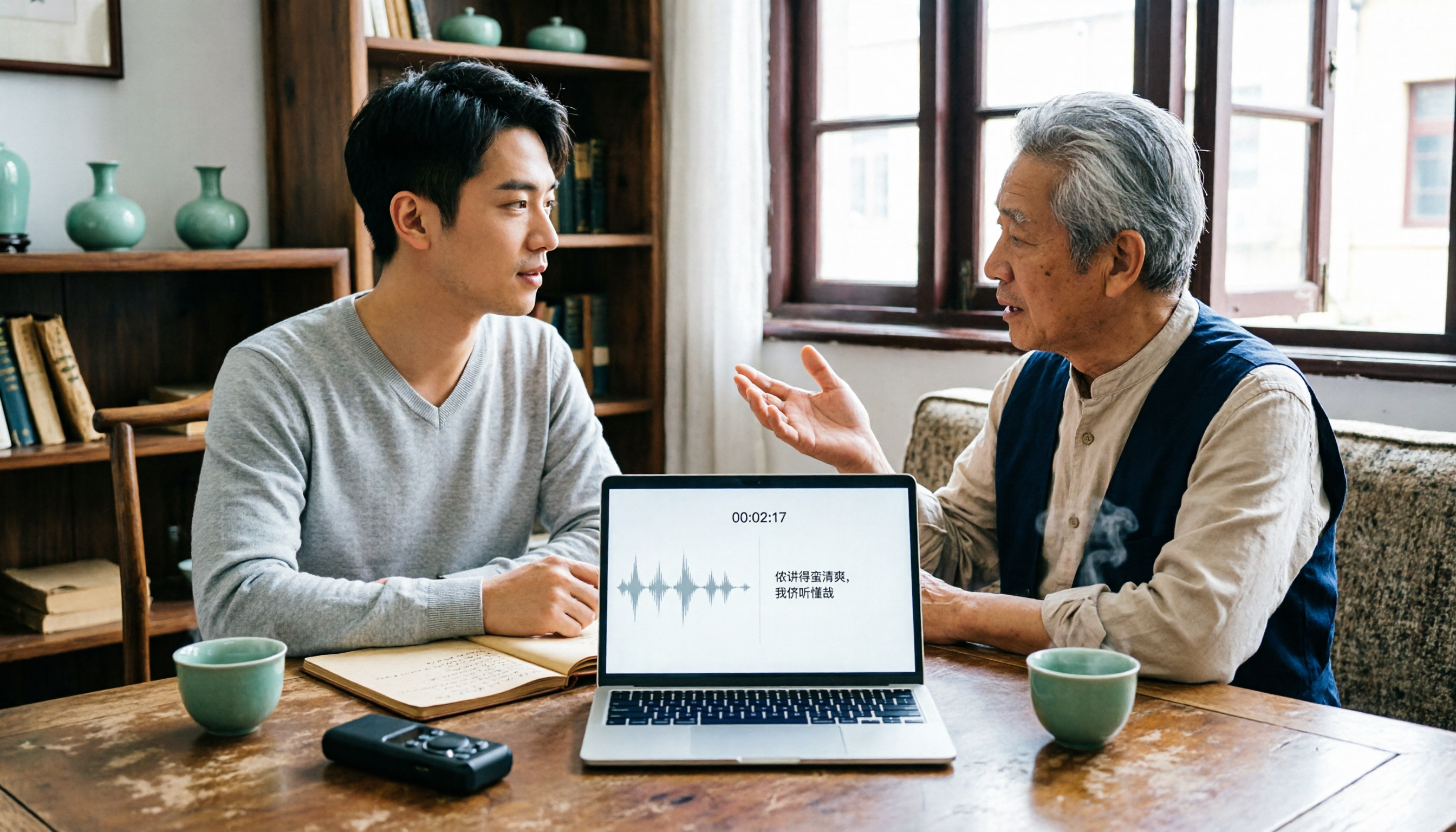
2026 Tested: 3 Shanghainese Speech-to-Text Tools Compared — The Least Painful Way to Process Dialect Interviews
There's no one-size-fits-all answer for transcribing Shanghainese. Instead of hunting for a tool that "supports dialects," change your workflow. This article covers four key points — assessing your recording's language mix, checking timestamps, post-meeting follow-up questions, and preserving team data — and tests Tinrec, Notta, Granola, and Otter.ai on mixed-language interviews, plus the 4 most common buying mistakes.

5 Best Korean Speech-to-Text Tools in 2026: Free vs Paid Comparison
After a one-hour Korean meeting, do you spend three hours organizing the transcript? This article compares five Korean speech-to-text tools: Tinrec, Musely, UniScribe, TurboScribe, and Notta. It breaks down honorific level handling, post-meeting summaries and action items, input sources, team collaboration, and free tier limits, with a guide to avoid pitfalls and scenario-based recommendations to help you find the one that truly saves time.