

Turn recordings into transcripts and summaries in minutes
Upload audio or video for multilingual transcription, AI notes, and action items
Why Are People Looking for Google Voice-to-Text Alternatives?
The Google ecosystem offers several ways to turn recordings into text: the Google Recorder app on Android can transcribe in real time and supports Traditional Chinese, Google Cloud Speech-to-Text provides high-accuracy recognition via API, Google AI Studio lets tech-savvy users use Gemini models to generate transcripts for free, and there’s even a web-based “Live Transcribe” tool that can pick up audio and convert it to text.
But many users find that these options either require specific devices, need manual setup of virtual audio cables, or require writing prompts, and they only produce a transcript with no follow-up organization. If you need a voice-to-text tool that works across devices, supports multiple sources, and can automatically summarize and answer questions after transcription, Tinrec is worth checking out.
Tinrec vs. Google Voice-to-Text: What’s Different in Core Experience?
Cross-Platform and Input Sources
Tinrec offers iOS, Android, and web versions at once, so you can sync across devices with the same account. Google’s transcription features are spread across different services: the Recorder app is Android-only, Live Transcribe requires a browser, and the Cloud API is for developers. Tinrec also lets you directly paste links to online videos like YouTube and Bilibili, an integration that’s harder to achieve across Google’s various tools.
More Than Just Transcription: Ready to Use Right Away
Most Google options only convert speech into a transcript. After transcription, Tinrec automatically generates AI summaries, separates chapters, and extracts to-dos, and you can also ask questions about the recording like querying a database. This effectively completes the organization process at the same time, not just saving a text file.
Better Suited for Chinese-Language Use Cases
Google’s AI transcription supports Chinese well, but it often needs manual adjustment by the user. Tinrec’s interface and defaults are designed specifically for Traditional Chinese users, so whether it’s meetings, classes, or interviews, the scenario-based approach is more direct and requires no extra commands.
Free Tier Lets You Try Before You Decide
Although Google AI Studio is free, you need to manually upload files, select models, and adjust temperature parameters, and it’s prone to errors for recordings longer than an hour. Tinrec’s free version provides a monthly base quota—just open the app and record or transcribe—and it includes AI summaries, making the barrier to entry lower for those who just want to try it out.
Tinrec’s Core Features at a Glance
Real-Time Recording to Text: Open Tinrec and the text appears as you speak. During meetings or classes, you can see the transcript in real time, and when it’s over, the organization is already done.
Audio and Video File Transcription: Upload past meeting recordings, interview files, or video footage directly to convert them to text—no more worrying about file formats or converting files.
Stop organizing recordings by hand
Upload audio or video and automatically get a transcript, summary, and action items
Online Video Link Processing: Paste a public video URL from YouTube, TikTok, or similar, and Tinrec will extract the audio track, transcribe it, and even provide a summary—especially handy for research or gathering material.
AI Summaries and Conversational Queries: For a one-hour recording, Tinrec provides a key summary in seconds. You can also ask questions like “What’s the conclusion?” or “Who needs to do what?” and the system will answer based on the audio content—no need to listen from the beginning.
To-Dos and Multi-Format Export: Action items mentioned in meetings automatically become a list. The entire data can be exported as documents, spreadsheets, or sent directly to Notion or Google Docs, so you don’t have to copy and paste manually.
Practical Use Cases
Team Meetings: During a project discussion with both remote and in-person members, open Tinrec to record. When the meeting ends, the transcript, to-dos, and summary are all ready—you can send them directly to everyone.
Class Notes: Record lectures or talks, and Tinrec segments the highlights into chapters. When reviewing, you can directly look at the structured notes and ask the AI about anything you don’t understand.
Interview Processing: After conducting user interviews or expert interviews, you no longer need to spend many times longer typing up transcripts. Tinrec identifies different speakers, so you can quickly pick out key points and quoted passages.
Personal Knowledge Base: Store voice memos for inspiration, book notes, and other audio recordings in Tinrec. You can search by keywords later, or have the AI help you find details you mentioned once but forgot.
When Choosing a Voice-to-Text Tool, Keep These Points in Mind
- Support for All Your Everyday Platforms: Make sure the tool works on both your phone and computer, so you’re not limited to one device. Tinrec’s iOS, Android, and web versions have no such limitation.
- What You Can Do After Transcription: A bare transcript still requires manual organization. Tinrec provides summaries, to-dos, Q&A, and export, so the follow-up work is included.
- Wide Range of Input Sources: If you often work with old files or online videos, Tinrec’s file upload and link-pasting features can save you many conversion steps and third-party services.
- Attention to Chinese-Language Details: Interface, word segmentation, and tone segmentation all affect the user experience. Tinrec has prioritized Chinese needs from the very beginning of its design.
- Whether the Free Tier Is Enough to Try: Many services have basic free versions. Tinrec’s free version includes real-time transcription and AI summaries, so the best way to evaluate it is with your own recordings.
Conclusion: Is Tinrec Worth Trying?
If your current Google voice-to-text solution feels a bit limiting—maybe it’s Android-only, only produces transcripts, or requires extra time for organization—Tinrec is one of the few tools on the market that offers cross-platform support, multiple input sources, and AI-powered highlight extraction after transcription. Especially for those in meetings, learning, and content organization, Tinrec significantly shortens the process from recording to usable data. We recommend starting with the free version and testing with your own real recordings, which is more direct than reading any number of reviews.
References
- Google Recorder App’s Built-In AI Transcribes Traditional Chinese Voice to Text, with Chinese, English, and Japanese Switching
- Speech-to-Text: AI Speech Input and Transcription | Google Cloud
- Google Transcript Tutorial: Turn Videos and Audio Files into Text in Your Browser
- Google AI Studio Transcript Tutorial: Free AI Audio File to Text Tips - Mr. Mad
- From Recording to Text: Gemini Helps You Get Transcripts Done - Lawyer Chang Ching-hao’s Blog
Turn every recording into actionable outcomes
Get 60 free transcription minutes when you sign in. No credit card required.
Related Reading
You might also like

4 Audio-to-Text Tools Tested: Which Saves More Time on Chinese Meeting Notes and Post-Meeting Cleanup in 2026?
Audio-to-text tools shouldn't just turn speech into text—they should quickly produce usable meeting notes. Based on real workflows, this article explains how Tinrec handles Chinese meetings, bot-free online meeting recording, AI Q&A, team spaces, and buying considerations, helping you decide if the free version is enough and whether the team version is worth evaluating.

How to Choose a Cantonese Speech-to-Text App in 2026: 5-Step Hands-On Comparison
This article compares Tinrec and Subanana across 5 dimensions—input sources, Cantonese colloquial handling, post-meeting organization, team collaboration, and export/integration—to help you decide between a pure Cantonese transcript tool and a meeting workflow solution.

Tinrec vs Notta 2026: 5-Dimension Comparison — Which Is More Reliable for Chinese Meeting Transcription?
Starting from common misconceptions about audio-to-text accuracy, this comparison evaluates Tinrec and Notta across five dimensions and explains the suitable scenarios for Otter.ai and PLAUD Note, helping you choose the right tool for Chinese meetings and team collaboration.

5 Best Chinese-English Real-Time Translation Tools in 2026: Free vs Paid Comparison
A comparison of 5 Chinese-English real-time translation tools in 2026, from free text translation and meeting voice translation to AI meeting note tools that generate transcripts and action items, helping you choose based on your use case.

How to Transcribe Korean Audio to Text in 2026: A Complete 5-Step Guide
Korean audio transcription is more than just converting speech into words. This guide walks you through 5 steps to turn Korean meeting, interview, and course recordings into transcripts, summaries, and action items, and covers the key factors to consider when choosing a tool—language support, audio file retention, export options, and team permissions—using Tinrec as a practical workflow example.

2026 English Speech-to-Text Tools Tested: Which One Turns Transcripts Into Usable Data?
How do you choose an English speech-to-text tool? Starting from common pitfalls, this hands-on comparison tests Tinrec, Otter.ai, Notta, and TurboScribe, covering five key buying factors: audio sources, post-meeting organization, mixed Chinese-English speech, free quotas, and team data ownership, plus a pitfalls guide and scenario-based recommendations.

4 Phone Recording-to-Text Solutions Tested for 2026: Which Offers the Most Free Minutes and Best Post-Meeting Organization?
Starting from the three most common mistakes students make, this hands-on comparison tests four phone recording-to-text solutions and explains how Tinrec turns classroom and group meeting recordings into searchable, queryable, exportable transcripts and action items. It also covers free quotas, pricing, and what students should consider when choosing a tool.
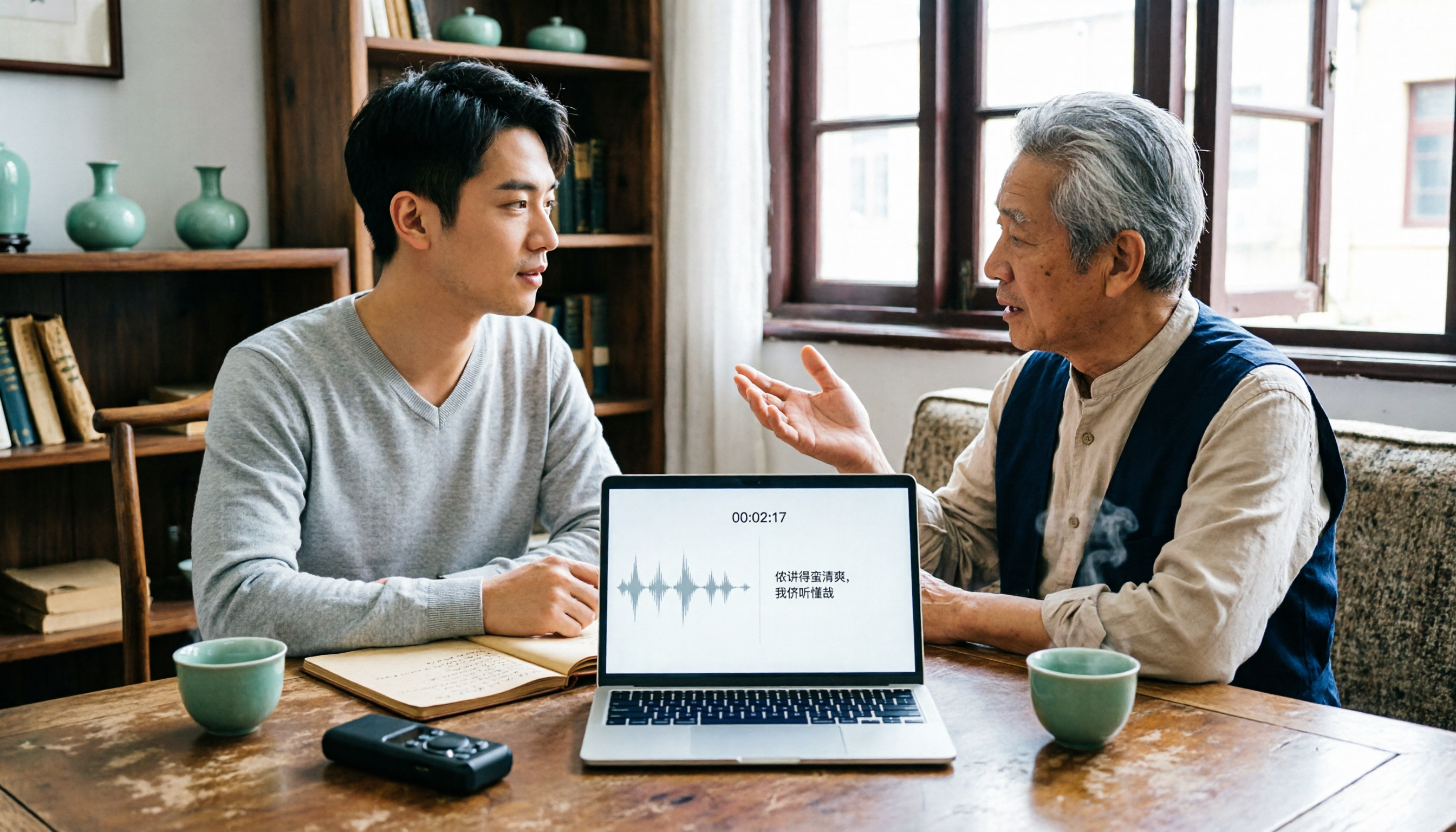
2026 Tested: 3 Shanghainese Speech-to-Text Tools Compared — The Least Painful Way to Process Dialect Interviews
There's no one-size-fits-all answer for transcribing Shanghainese. Instead of hunting for a tool that "supports dialects," change your workflow. This article covers four key points — assessing your recording's language mix, checking timestamps, post-meeting follow-up questions, and preserving team data — and tests Tinrec, Notta, Granola, and Otter.ai on mixed-language interviews, plus the 4 most common buying mistakes.

5 Best Korean Speech-to-Text Tools in 2026: Free vs Paid Comparison
After a one-hour Korean meeting, do you spend three hours organizing the transcript? This article compares five Korean speech-to-text tools: Tinrec, Musely, UniScribe, TurboScribe, and Notta. It breaks down honorific level handling, post-meeting summaries and action items, input sources, team collaboration, and free tier limits, with a guide to avoid pitfalls and scenario-based recommendations to help you find the one that truly saves time.