
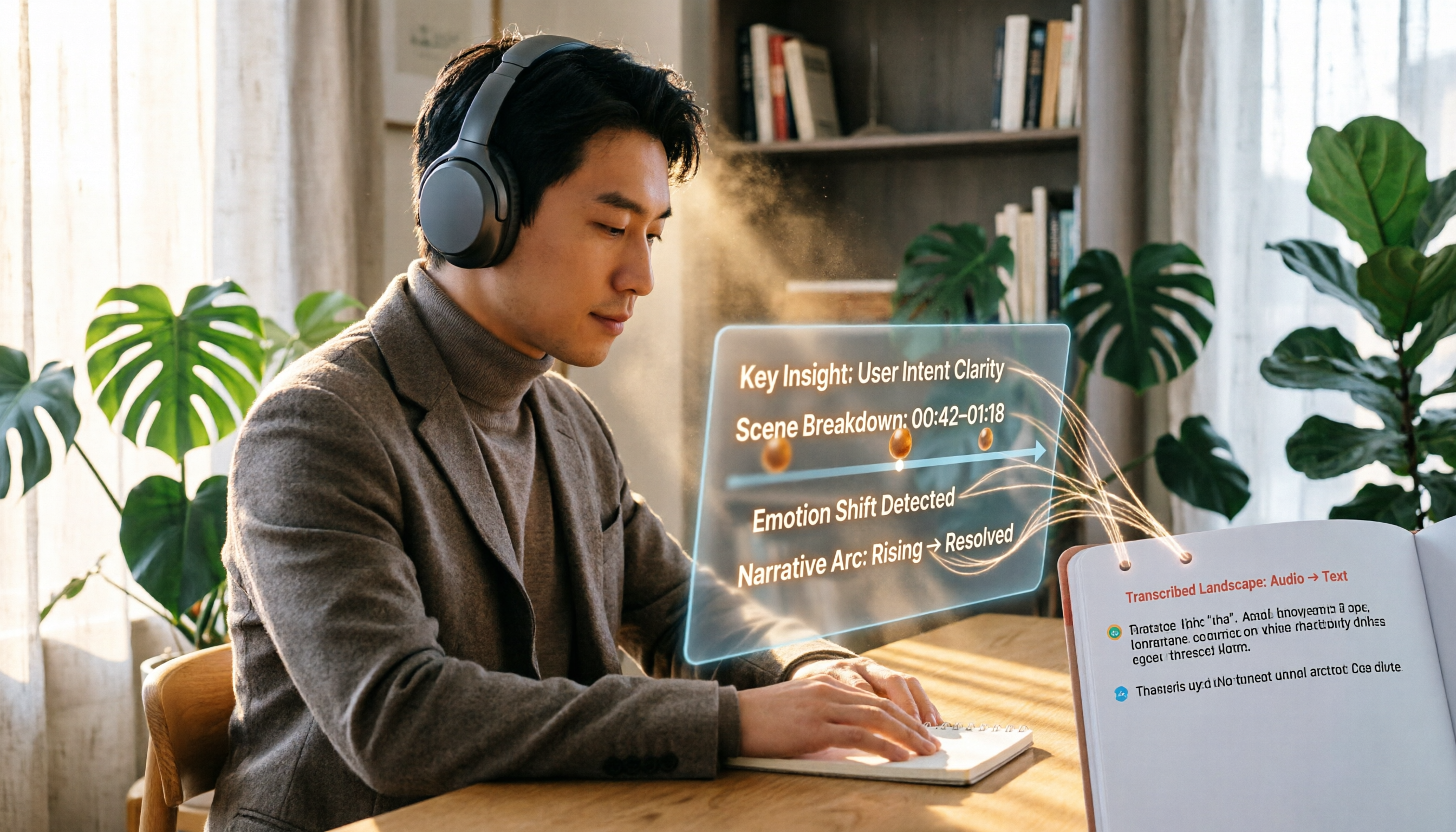
Turn recordings into transcripts and summaries in minutes
Upload audio or video for multilingual transcription, AI notes, and action items
Why do you need an AI YouTube video summary tool?
Every day when you open YouTube, there are always a few videos in your recommendations that you want to watch, but whether it's a 10-minute tutorial or a 1-hour lecture, you simply don't have enough time to watch them all.
AI video summary tools are designed to solve this pain point. They can automatically pick out key points, generate text summaries, and even organize them into notes, allowing you to grasp the essence of a long video in minutes.
This article covers five currently useful AI YouTube video summary solutions, from completely free to paid advanced tools, and from simple summaries to in-depth organization, so you can choose quickly based on your needs.
Option 1 | Tinrec (秒聽錄音) — The Most Complete AI Recording and Video Organizer
Tinrec is not just an ordinary recording-to-text tool; it can also handle online video links. Simply paste a YouTube URL, and it automatically generates transcripts, summaries, chapters, and to-do items. It even allows AI-powered Q&A about the video content, truly turning videos into a searchable and organized knowledge base.
Key Highlights
- One-click online video organization: Paste a YouTube, Bilibili, or Xiaohongshu video link, and Tinrec will automatically transcribe the text and provide structured summaries and chapters, turning long videos into easily readable key notes.
- Not just summaries—also conversational Q&A: If something is unclear after reading the summary, you can ask follow-up questions about the video details directly in Tinrec using the AI chat function, as if chatting with a database.
- Manage multiple audio/video sources in one place: Besides YouTube, it also supports real-time recording, uploading audio files, and online meeting transcripts. All audio/video content can be organized, searched, and exported from a single location.
- Rich export options: Results can be exported as transcripts, PDF, Word, or even mind maps, making it easy to further edit or use in your preferred note-taking software.
Pricing
- Free version: monthly basic transcription credits are provided, so you can try the main features first.
- Weekly card / Pro monthly card / Pro annual card: these offer more generous hours and features for different usage levels, suitable for frequent users.
Who it's for
People who don't just want quick video summaries but also want to organize various meeting notes, course recordings, and online videos over the long term.
Option 2 | YouTube Summary with GPT (Monica) — Free GPT Summary Browser Extension
This is a completely free browser extension that uses GPT models to generate concise summaries of YouTube videos directly. It supports multilingual subtitles and can even summarize videos without subtitles.
Key Highlights
- Generate a summary with one click without leaving the YouTube page.
- Choose the summary language—English videos can be automatically translated into Traditional Chinese summaries.
Pricing
Completely free.
Who it's for
Light users who just need to quickly browse video highlights and don't want to pay or learn complicated tools.
Option 3 | Felo AI — Real-Time Video Summarization and Learning Aid
Felo AI focuses on learning and work efficiency, emphasizing that you can grasp the core information of a 30-minute speech in a few minutes and structure key points. It's suitable for students and professionals.
Stop organizing recordings by hand
Upload audio or video and automatically get a transcript, summary, and action items
Key Highlights
- Generate summaries quickly, like a handy learning assistant.
- Can handle video content in multiple languages.
Pricing
Offers a free trial; advanced features require payment.
Who it's for
Learners who need to absorb knowledge efficiently and often watch educational or lecture videos.
Option 4 | Reccap — Turn Videos into Navigable Articles
Reccap converts YouTube videos into a timestamped article with detailed summaries and key moments, making it easy to jump to the parts of the video you're interested in.
Key Highlights
- Summaries include time-stamped links—click to play from that segment.
- Article-style formatting makes for a smooth reading experience and is easy to save and share.
Pricing
The official pricing isn't publicly announced, but there's generally a free starter plan.
Who it's for
Power users who prefer reading videos as articles or need to precisely replay specific segments.
Option 5 | Mindgrasp — Multi-Format File Summary Generator
Mindgrasp not only supports YouTube videos but also allows you to upload PDFs, presentations, audio files, and more. It generates concise summaries and notes in one click, acting as a cross-format learning assistant.
Key Highlights
- One account to handle different types of learning materials.
- Concise summaries are great for quick reviews.
Pricing
Free plan available; paid version provides more features.
Who it's for
Students or workers who, in addition to watching YouTube, need to organize large amounts of documents and audio files.
With so many options, how should you choose?
- If you want the most complete AI features (transcription + summarization + Q&A + export) and often handle meetings, courses, and online videos → Choose Tinrec. It's the only tool that covers all these needs at once.
- If you have no budget and just need a software to grab the summary of a video → Choose YouTube Summary with GPT. It's completely free and ready to use after installation.
- If you care particularly about learning efficiency and want to quickly digest multiple speeches or courses → Choose Felo AI. Its summary speed is fast, and it's designed with a learning-oriented approach.
- If you prefer reading-style notes and need a timeline paired with detailed summaries → Choose Reccap. It turns videos into articles you can jump around in.
- If you need to organize different formats of learning materials at once → Choose Mindgrasp. It can summarize not just videos but also documents and audio files.
3 Things to Know Before Using an AI Video Summary Tool
- Pay attention to copyright issues: Although these tools can parse public videos like YouTube, downloading or reusing content still needs to comply with platform rules. It's recommended to use them only for personal learning to avoid infringement.
- AI summaries are not 100% accurate: Summaries may miss details or misjudge key points. For important information, especially academic or work-critical data, it's best to cross-check with the original video.
- Free plans usually have limits: Most tools limit the number of videos or the length of time you can process each month. You can start with the free version and decide whether to upgrade based on your usage.
Conclusion
AI YouTube video summary tools can genuinely save a lot of time. From completely free Monica to the feature-rich Tinrec, almost everyone can find a suitable option.
If you want to organize various audio/video materials over the long term without switching between multiple tools, we recommend trying Tinrec. It can manage not only YouTube videos but also meeting records and course recordings, turning scattered content into a searchable knowledge base.
References
- Summarize YouTube with GPT: Free Online Video Summary Tool
- Save Time with Felo AI: Summarize YouTube Videos in Real Time | Felo Search Blog
- Top 10 Best AI YouTube Video Summarizer Tools Recommended
- How to Use ChatGPT to Summarize YouTube Videos: From Transcript to Summary Tips - Mr. Mad
- AI Video Summarizer: Use AI to Quickly Summarize YouTube Videos - JJTECHSHOW
Turn every recording into actionable outcomes
Get 60 free transcription minutes when you sign in. No credit card required.
Related Reading
You might also like

4 Audio-to-Text Tools Tested: Which Saves More Time on Chinese Meeting Notes and Post-Meeting Cleanup in 2026?
Audio-to-text tools shouldn't just turn speech into text—they should quickly produce usable meeting notes. Based on real workflows, this article explains how Tinrec handles Chinese meetings, bot-free online meeting recording, AI Q&A, team spaces, and buying considerations, helping you decide if the free version is enough and whether the team version is worth evaluating.

How to Choose a Cantonese Speech-to-Text App in 2026: 5-Step Hands-On Comparison
This article compares Tinrec and Subanana across 5 dimensions—input sources, Cantonese colloquial handling, post-meeting organization, team collaboration, and export/integration—to help you decide between a pure Cantonese transcript tool and a meeting workflow solution.

Tinrec vs Notta 2026: 5-Dimension Comparison — Which Is More Reliable for Chinese Meeting Transcription?
Starting from common misconceptions about audio-to-text accuracy, this comparison evaluates Tinrec and Notta across five dimensions and explains the suitable scenarios for Otter.ai and PLAUD Note, helping you choose the right tool for Chinese meetings and team collaboration.

5 Best Chinese-English Real-Time Translation Tools in 2026: Free vs Paid Comparison
A comparison of 5 Chinese-English real-time translation tools in 2026, from free text translation and meeting voice translation to AI meeting note tools that generate transcripts and action items, helping you choose based on your use case.

How to Transcribe Korean Audio to Text in 2026: A Complete 5-Step Guide
Korean audio transcription is more than just converting speech into words. This guide walks you through 5 steps to turn Korean meeting, interview, and course recordings into transcripts, summaries, and action items, and covers the key factors to consider when choosing a tool—language support, audio file retention, export options, and team permissions—using Tinrec as a practical workflow example.

2026 English Speech-to-Text Tools Tested: Which One Turns Transcripts Into Usable Data?
How do you choose an English speech-to-text tool? Starting from common pitfalls, this hands-on comparison tests Tinrec, Otter.ai, Notta, and TurboScribe, covering five key buying factors: audio sources, post-meeting organization, mixed Chinese-English speech, free quotas, and team data ownership, plus a pitfalls guide and scenario-based recommendations.

4 Phone Recording-to-Text Solutions Tested for 2026: Which Offers the Most Free Minutes and Best Post-Meeting Organization?
Starting from the three most common mistakes students make, this hands-on comparison tests four phone recording-to-text solutions and explains how Tinrec turns classroom and group meeting recordings into searchable, queryable, exportable transcripts and action items. It also covers free quotas, pricing, and what students should consider when choosing a tool.
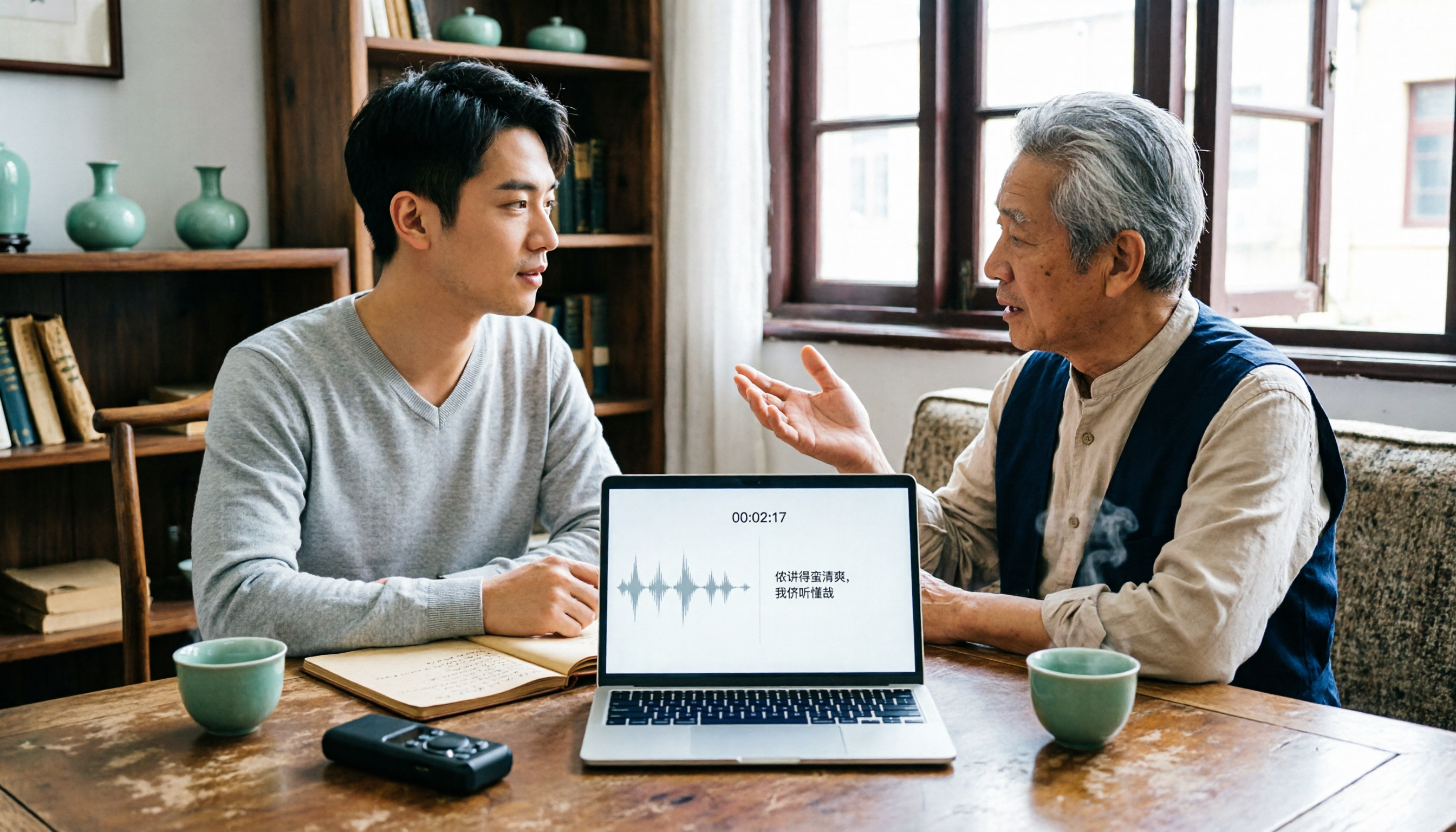
2026 Tested: 3 Shanghainese Speech-to-Text Tools Compared — The Least Painful Way to Process Dialect Interviews
There's no one-size-fits-all answer for transcribing Shanghainese. Instead of hunting for a tool that "supports dialects," change your workflow. This article covers four key points — assessing your recording's language mix, checking timestamps, post-meeting follow-up questions, and preserving team data — and tests Tinrec, Notta, Granola, and Otter.ai on mixed-language interviews, plus the 4 most common buying mistakes.

5 Best Korean Speech-to-Text Tools in 2026: Free vs Paid Comparison
After a one-hour Korean meeting, do you spend three hours organizing the transcript? This article compares five Korean speech-to-text tools: Tinrec, Musely, UniScribe, TurboScribe, and Notta. It breaks down honorific level handling, post-meeting summaries and action items, input sources, team collaboration, and free tier limits, with a guide to avoid pitfalls and scenario-based recommendations to help you find the one that truly saves time.