

Turn recordings into transcripts and summaries in minutes
Upload audio or video for multilingual transcription, AI notes, and action items
Recently, many readers have asked me: “Which free AI meeting transcription tool is the best?” “Is Otter.ai good for Chinese?” “What’s the difference between Tinrec and Otter?” In this article, I’ll put these two popular tools to the test across five key dimensions to see which one deserves your time.
Tinrec vs Otter.ai | Quick Overview
Otter.ai is a typical AI meeting transcription tool, excelling at joining online meetings automatically, real-time transcription, speaker identification, and team collaboration. It’s especially popular in English-speaking business circles.
Tinrec (秒聽錄音) is an AI recording and audio/video organization tool. It doesn’t just handle meetings—it can also process lectures, interviews, podcasts, and online videos, with a stronger focus on “organizing” and “using” the transcribed content.
| Category | Tinrec | Otter.ai |
|---|---|---|
| Core positioning | Multi-source audio/video organization workspace | Online meeting notes & collaboration |
| Supported platforms | iOS, Android, Web, Desktop | iOS, Android, Web |
| Input sources | Live recording, audio/video files, online video links, online meetings | Live recording, online meetings, limited file imports |
| Free plan | Monthly basic transcription quota | 300 minutes per month |
| Paid plans | Weekly pass, Pro monthly, yearly | Pro $8.33/mo, Business $19.99/mo |
This article will compare the two tools across five dimensions: “Use-case coverage,” “Chinese language support,” “Post-processing,” “Pricing plans,” and “Export & integration.”
Dimension 1 | Which Handles More Scenarios?
Otter.ai is almost purpose-built for online meetings. If you primarily use Zoom, Google Meet, or Microsoft Teams, it can automatically join, generate transcripts and summaries, and let you search keywords afterward. Its team collaboration is solid too. However, when it comes to in-person meetings, classroom recordings, or working with a YouTube video, Otter falls short.
Tinrec, on the other hand, is designed to handle anything related to audio and video. It can transcribe live recordings, uploaded files, pasted video links, and computer-recorded online meetings. In other words, you don’t need to decide in advance whether it’s a meeting or a lecture—Tinrec can organize it all.
→ Verdict: Tinrec is clearly more flexible and suits users with mixed recording needs.
Dimension 2 | Which Handles Chinese More Accurately?
Otter.ai’s strength is English. While it supports Chinese, the overall experience is still English-centric. Many Chinese users report inconsistent accuracy with mixed Chinese-English speech or Taiwanese expressions, and cleaning up the transcript afterward takes extra effort.
Tinrec is natively designed for Chinese content organization, with full Traditional Chinese support across its interface and feature copy. In actual use, it handles Taiwanese accents, mixed Chinese-English, and proper nouns better, and its Chinese summaries sound more natural and conversational. Of course, accuracy is still affected by recording quality, but overall it works better for Chinese-first meetings or learning scenarios.
→ Verdict: In Chinese contexts, Tinrec offers a noticeably smoother experience.
Dimension 3 | What Can You Do After Transcription?
After transcription, Otter.ai provides AI summaries, keyword search, and a basic AI chat feature, which is great for quickly reviewing meetings. But if you want to turn the content into a to-do list, structured sections, or generate a report, you’ll have to manually organize it.
Tinrec makes “post-processing” its core focus. Besides summaries, it can automatically split chapters, extract action items, generate mind maps, and even let you query recordings like a database to pinpoint key moments using AI Q&A. It recently introduced an Agent feature that can generate meeting minutes, reports, tables, and other deliverables directly from the recording content.
→ Verdict: Tinrec offers more complete post-processing, turning recordings into truly usable assets.
Dimension 4 | Is the Free Plan Enough? Which Paid Plan Is Worth It?
Otter.ai’s free plan includes 300 minutes per month, which is generous for light meeting users. But if you need more, you’ll need to subscribe to Pro (about $8.33 per month billed annually, with 1,200 minutes). The Business plan adds team-focused features.
Stop organizing recordings by hand
Upload audio or video and automatically get a transcript, summary, and action items
Tinrec’s free plan provides a basic quota that’s enough to test the core features. If you need short-term, intensive use (e.g., during a project or exam week), you can get a weekly pass. Long-term users can choose a Pro monthly or yearly plan for a lower per-month cost. Its plans are designed around task-based needs rather than forcing long-term commitments.
→ Verdict: Otter has an edge for teams, but for individual users who want flexible costs, Tinrec’s weekly pass and tiered plans are friendlier.
Dimension 5 | Which Tools Can the Output Integrate With?
Otter.ai can export transcripts to text files or PDF and integrates with tools like Slack and Dropbox, focusing on team collaboration scenarios.
Tinrec supports export in multiple formats (including subtitles and mind maps) and can send content to Notion, Google Docs, OneNote, and other common tools with one click, making it easy to edit or archive. This is a big plus for people who manage a knowledge base in Notion.
→ Verdict: Both can handle basic needs, but Tinrec covers a wider range of personal knowledge management tools.
What Are Their Unique Strengths?
Tinrec’s Unique Strengths
- Online video to text: Paste a link to a public video (YouTube, Bilibili, etc.) and get a transcript and summary—great for learning and content creation.
- AI Q&A: Ask questions about your recordings like querying a database to find specific discussions or highlights.
- Agent post-processing: Automatically generate meeting minutes, reports, or tables from recordings, saving hours of manual work.
- Weekly pass: For short, intensive needs without a monthly commitment—ideal for temporary projects or exam periods.
Otter.ai’s Unique Strengths
- Robust English meeting collaboration: For all-English business teams, automatic meeting joining, speaker separation, and shared notes are still top-notch.
- Full-featured team management: The Business plan offers user management, permission controls, and more, suitable for mid-to-large organizations.
Summary: Which Should You Choose?
- If you need to handle large amounts of Chinese content—not just meetings but also lectures, interviews, and videos, Tinrec is the better fit.
- If you want one-click generation of summaries, action items, or even reports after transcription, Tinrec has more powerful post-processing.
- If you just want a simple tool that can automatically join online English meetings, Otter.ai still works well.
- If you’re a budget-conscious individual user who wants to start with a free plan, both have free options, but Tinrec’s weekly pass makes short-term needs easier.
In a nutshell: For most Chinese-speaking users, Tinrec offers more complete scenario coverage, a better Chinese experience, and stronger post-processing. Start with the free version and test it with your own recordings.
FAQ
Q1: Is the Tinrec free plan enough?
A1: The free plan provides a monthly basic transcription quota, suitable for testing the core features. It’s usually enough if you only transcribe meetings occasionally; if you have heavy recording needs every week, consider Pro or the weekly pass.
Q2: How accurate is Otter.ai for Chinese?
A2: It’s acceptable in quiet settings with standard accents, but error rates rise noticeably with mixed Chinese-English, Taiwanese expressions, or background noise. If you primarily use Chinese, Tinrec is better tuned.
Q3: Do both tools support mobile and desktop?
A3: Both support iOS, Android, and web versions, and you can use them on desktop as well. Tinrec also offers a desktop recording feature for capturing online meetings.
Q4: Can I export transcripts to Notion?
A4: Tinrec supports one-click export to Notion, Google Docs, OneNote, and more; Otter can export to a text file, which you can then manually paste into Notion.
Q5: Which one should I try first?
A5: If you mainly use Chinese for meetings or learning, start with Tinrec; if your team communicates primarily in English and needs collaboration features, Otter remains an option.
Q6: Do they support offline transcription?
A6: Both require an internet connection for transcription and AI processing, but you can record first and upload later.
References
- Meeting Ink – 2026 AI Meeting Notes Tool Test: 8 Speech-to-Text and Summary Speed Face-Off | Meeting Ink – AI Meeting Notes Assistant
- Struggling with meeting minutes? 5 NotebookLM AI note transformation tricks for accurate transcription of mixed-language and proper nouns | BusinessNext
- No time limits! 3 free AI transcription tools we recommend for generating meeting minutes, presentations, and mind maps | 104 Career Force
- Recently, many people asked me if there’s an AI tool for meeting minutes. They still type manually and often can’t multitask, wasting time. My answer is always—SeaMeet. Why do I recommend it? Key points: – It connects to Google Meet, transcribes online meetings in real time, and provides instant summaries; – no need to reorganize; after the meeting, it emails all participants directly; – so easy that even middle-aged and older people who have never used AI tools can learn it in 10 minutes; – physical meetings...
- The Best AI Meeting Note Tools of 2026: Time-Saving Must-Haves for Meetings!
Turn every recording into actionable outcomes
Get 60 free transcription minutes when you sign in. No credit card required.
Related Reading
You might also like

4 Audio-to-Text Tools Tested: Which Saves More Time on Chinese Meeting Notes and Post-Meeting Cleanup in 2026?
Audio-to-text tools shouldn't just turn speech into text—they should quickly produce usable meeting notes. Based on real workflows, this article explains how Tinrec handles Chinese meetings, bot-free online meeting recording, AI Q&A, team spaces, and buying considerations, helping you decide if the free version is enough and whether the team version is worth evaluating.

How to Choose a Cantonese Speech-to-Text App in 2026: 5-Step Hands-On Comparison
This article compares Tinrec and Subanana across 5 dimensions—input sources, Cantonese colloquial handling, post-meeting organization, team collaboration, and export/integration—to help you decide between a pure Cantonese transcript tool and a meeting workflow solution.

Tinrec vs Notta 2026: 5-Dimension Comparison — Which Is More Reliable for Chinese Meeting Transcription?
Starting from common misconceptions about audio-to-text accuracy, this comparison evaluates Tinrec and Notta across five dimensions and explains the suitable scenarios for Otter.ai and PLAUD Note, helping you choose the right tool for Chinese meetings and team collaboration.

5 Best Chinese-English Real-Time Translation Tools in 2026: Free vs Paid Comparison
A comparison of 5 Chinese-English real-time translation tools in 2026, from free text translation and meeting voice translation to AI meeting note tools that generate transcripts and action items, helping you choose based on your use case.

How to Transcribe Korean Audio to Text in 2026: A Complete 5-Step Guide
Korean audio transcription is more than just converting speech into words. This guide walks you through 5 steps to turn Korean meeting, interview, and course recordings into transcripts, summaries, and action items, and covers the key factors to consider when choosing a tool—language support, audio file retention, export options, and team permissions—using Tinrec as a practical workflow example.

2026 English Speech-to-Text Tools Tested: Which One Turns Transcripts Into Usable Data?
How do you choose an English speech-to-text tool? Starting from common pitfalls, this hands-on comparison tests Tinrec, Otter.ai, Notta, and TurboScribe, covering five key buying factors: audio sources, post-meeting organization, mixed Chinese-English speech, free quotas, and team data ownership, plus a pitfalls guide and scenario-based recommendations.

4 Phone Recording-to-Text Solutions Tested for 2026: Which Offers the Most Free Minutes and Best Post-Meeting Organization?
Starting from the three most common mistakes students make, this hands-on comparison tests four phone recording-to-text solutions and explains how Tinrec turns classroom and group meeting recordings into searchable, queryable, exportable transcripts and action items. It also covers free quotas, pricing, and what students should consider when choosing a tool.
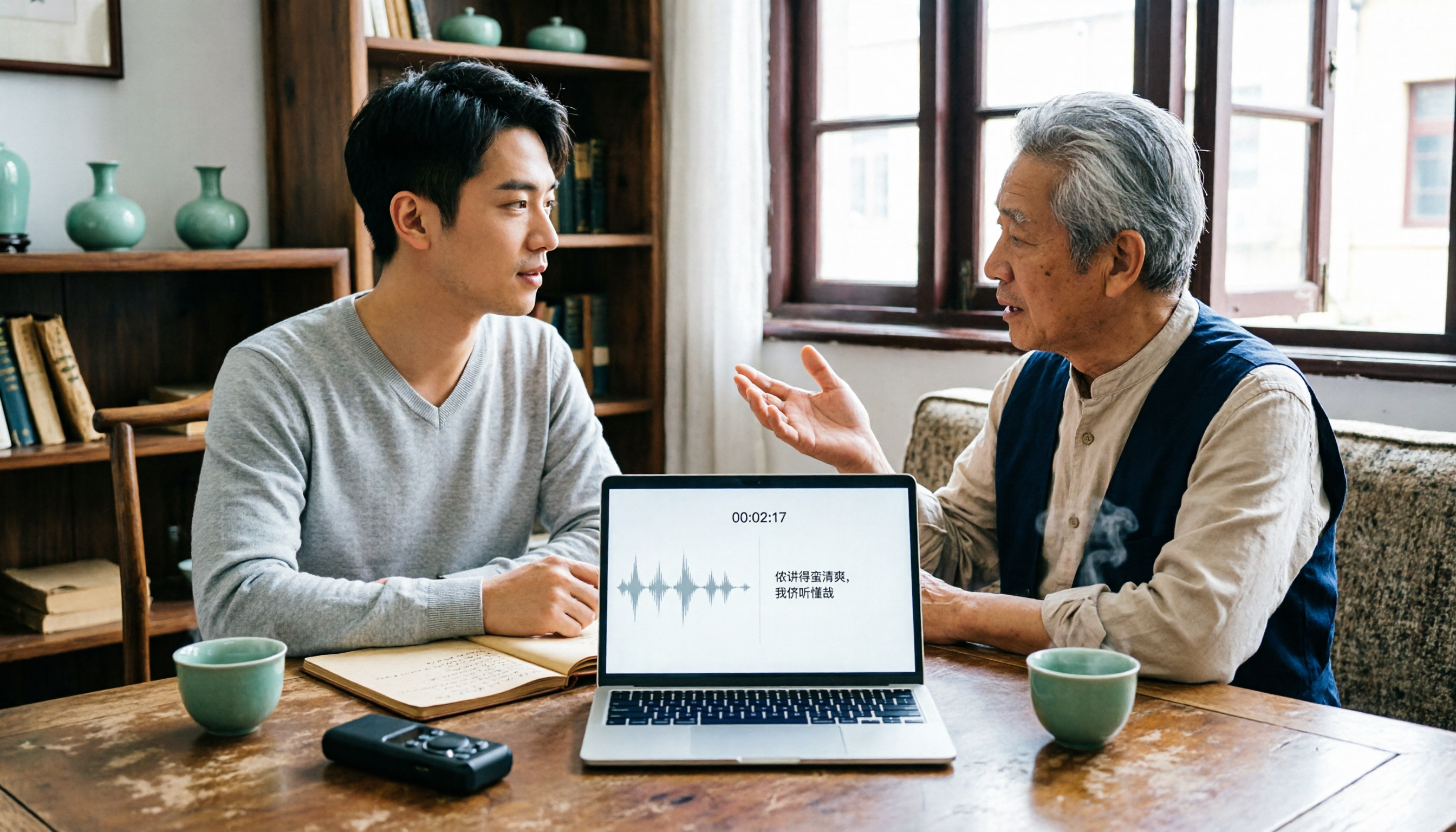
2026 Tested: 3 Shanghainese Speech-to-Text Tools Compared — The Least Painful Way to Process Dialect Interviews
There's no one-size-fits-all answer for transcribing Shanghainese. Instead of hunting for a tool that "supports dialects," change your workflow. This article covers four key points — assessing your recording's language mix, checking timestamps, post-meeting follow-up questions, and preserving team data — and tests Tinrec, Notta, Granola, and Otter.ai on mixed-language interviews, plus the 4 most common buying mistakes.

5 Best Korean Speech-to-Text Tools in 2026: Free vs Paid Comparison
After a one-hour Korean meeting, do you spend three hours organizing the transcript? This article compares five Korean speech-to-text tools: Tinrec, Musely, UniScribe, TurboScribe, and Notta. It breaks down honorific level handling, post-meeting summaries and action items, input sources, team collaboration, and free tier limits, with a guide to avoid pitfalls and scenario-based recommendations to help you find the one that truly saves time.