

Turn recordings into transcripts and summaries in minutes
Upload audio or video for multilingual transcription, AI notes, and action items
Forgetting Videos After Watching? You Need to Turn Content into Usable Text
You've probably been there: you watch a great tutorial video, a high-value interview, or you want to record meeting notes, but there's no transcript to search, copy, or organize.
Typing notes manually while watching takes half an hour for a 10-minute video, and you're likely to miss key points. What's more annoying is that some videos have no subtitles at all, or only English subtitles, leaving Chinese speakers stuck.
If you often need to quickly pull text from YouTube videos — whether for note-taking, reports, translation, or simply searching for key phrases — this article is for you.
Understand These 3 Key Points Before Choosing a YouTube Transcript Tool
There are plenty of transcription tools out there, but not all of them are suitable for online videos. Here are the three dimensions I always check first when choosing one.
1. Does it truly support "Paste a URL and transcribe"?
Many tools claim to "transcribe videos," but they actually require you to manually download the video and then upload it. If a tool can't directly start transcribing once you paste a YouTube link, it's painful for anyone who regularly works with online videos. Every tool we tested had to pass the "paste a URL and click to transcribe" test.
2. After transcription, can you actually use the content?
Turning audio into text is only the first step. A truly useful tool will automatically summarize, divide into sections, highlight key points, and even let you ask questions about the transcript, such as "What key data does this video mention?" It shouldn't just dump a block of text on you and stop there.
3. Is Chinese accuracy and format download practical enough?
If you mainly work with Traditional Chinese or mixed Chinese-English content, the tool's Chinese recognition is critical — especially when there's background music or an accent. Also, the ability to choose formats like TXT, SRT, or DOCX when downloading affects how easily you can edit and add subtitles later.
Tinrec (Seconds Audio) — Our Top Pick After Testing
Tinrec is an AI audio organization tool that supports real-time recording, file upload, and transcribing online video links. For this topic, its biggest advantage is that you can directly paste a YouTube URL and turn the video into a transcript in the browser or mobile app — and you can do a lot more after transcription.
We tested a 5-minute Chinese tech YouTube video (with background music, fast speech, and a few English proper nouns). Tinrec produced a Traditional Chinese transcript with an error rate of about 8%, with paragraphs and punctuation mostly correct, and the voice and music didn't interfere with each other. More importantly, it automatically generated an AI summary, split the content into chapters, and even listed "3 key tools mentioned in the video" — which is extremely useful for anyone who needs to quickly capture the main points.
Another feature that impressed me is "AI conversation query." You can directly ask questions on the transcript page, such as: "What free software was recommended in the video?" Tinrec will answer based on the video content, rather than just giving you a paragraph containing keywords. Almost no other tool of this type currently offers this capability.
It also offers multiple download formats including TXT, DOCX, SRT, and VTT, making it easy to add subtitles or continue editing in Notion. It supports iOS, Android, and web versions, so whether you prefer to quickly capture on your phone or organize at your desk, you can switch seamlessly.
Of course, it still has some limitations. The free plan gives you 100 minutes of transcription per month. For a 10-minute video, that's about 10 videos — plenty for light users, but heavy users will need to consider the Pro plan. Additionally, it doesn't currently have built-in video synchronization, so if you need to see the corresponding video timestamps next to the transcript, you'll need to manually scrub through the YouTube player.
Stop organizing recordings by hand
Upload audio or video and automatically get a transcript, summary, and action items
If you frequently work with Chinese or mixed Chinese-English YouTube content and want automatic summaries, Q&A, and export after transcription, Tinrec is our top recommendation so far.
What Are the Alternatives Besides Tinrec?
Notta: It also supports transcribing from a YouTube link and has a clean interface with decent Chinese recognition. But its output differs in that it lacks AI conversation query after transcription — you can only manually search for keywords. If you don't mind missing the "ask about content" capability, Notta is an option to consider. However, its free plan offers only 120 minutes per month — slightly more than Tinrec — but it doesn't have AI summarization.
TurboScribe: It focuses on high-value file transcription, allowing you to transcribe 3 files for free every day (each up to 30 minutes), which is appealing for quickly processing large numbers of short videos. However, its core strength is "file upload," and it's less direct than Tinrec when working with YouTube links. After transcription, it only provides the transcript and basic subtitles — no chapters, action items, or AI Q&A. If you just need a text file and don't mind downloading first and then uploading, it's worth a try. But if you want everything done in one place, Tinrec is smoother.
Otter.ai: It's the king of English meeting notes, with a generous free plan of 300 minutes per month and extremely accurate English recognition. However, it doesn't support Chinese — in our tests, even when the uploaded YouTube video contained Chinese speech, Otter couldn't transcribe it correctly, producing garbled output instead. This is the only case in this article where we'd clearly recommend "if you mainly work with English videos, Otter is better than our top pick." But for Traditional Chinese users, this fact alone is enough to rule it out for daily use.
Pitfall Guide: 3 Common Mistakes When Choosing a YouTube-to-Text Tool
Mistake 1: Assuming all online transcription services support Chinese
Many internationally known transcription services are actually English-friendly only and fail when they encounter Chinese. As mentioned earlier, Otter.ai — no matter how good its English is — cannot handle your Chinese videos. So before choosing a tool, make sure "Traditional Chinese" is on its supported languages list, and ideally test it with a short video first.
Mistake 2: Only comparing price and minutes, ignoring post-transcription features
No matter how much free quota you get, if the tool only hands you a block of text after transcription, you still have to slog through it yourself. Features like Tinrec's automatic summarization and AI Q&A may seem unrelated to the core transcription, but they actually save you far more time than the few minutes of transcription speed. A good tool helps you figure out "what to do after you've watched/listened," not just "turn it into text."
Mistake 3: Ignoring cross-device needs
You might be used to seeing a video you want to organize on your phone and wanting to paste the link and transcribe it right away. But when it comes time to edit and export, you're back at your computer. If a tool is mobile-only or web-only, that gap is frustrating. Tinrec has both an app and a web version, with synced progress — a thoughtful design in our view.
Summary: Which One Should You Choose?
After this round of testing, if you're dealing with Traditional Chinese YouTube content and you want not just a transcript but also summaries, Q&A, and export capability, Tinrec is the most well-rounded choice overall. Here's a quick recommendation based on use cases:
- Need to quickly grab Chinese transcripts from YouTube and want auto summaries and Q&A after transcription → Tinrec (most complete AI features)
- Have lots of files to transcribe, don't care about AI Q&A, and don't mind manual uploads → TurboScribe (3 free transcriptions daily, great for batch processing)
- Only work with English videos and need a large free quota → Otter.ai (300 minutes/month, best for English)
- Primarily use for heavy video meetings, occasionally transcribe videos → Notta is worth considering, but its AI interaction isn't as intuitive as Tinrec's
We recommend starting with Tinrec's free plan — 100 minutes per month, enough for about 10 videos under 10 minutes each. Try its paste-a-link transcription, AI summary, and Q&A features. If you like it, consider upgrading; no need to spend money right away.
References
- Transcribe YouTube Videos to Text | TurboScribe
- YouTube Transcript Generator | Free One-Click Transcription, No Login Needed - WayinVideo
- Transcribe YouTube Videos - Speech to Text Online - VEED.IO
- YouTube Subtitles - Chrome Web Store
- YouTube Transcript Generator: Free YouTube Video to Text Converter Online - EaseMate AI
Turn every recording into actionable outcomes
Get 60 free transcription minutes when you sign in. No credit card required.
Related Reading
You might also like

4 Image-to-Text Apps Tested for 2026: Which One Saves the Most Time on Meeting Screenshots and Transcripts?
How to choose an image-to-text app? This article starts with common misconceptions, outlines 4 key buying factors and pitfalls, explains when to use OCR tools versus audio transcription tools, and tests Tinrec's practical uses and limitations for meeting transcripts, AI summary Q&A, cross-device export, and team knowledge retention.
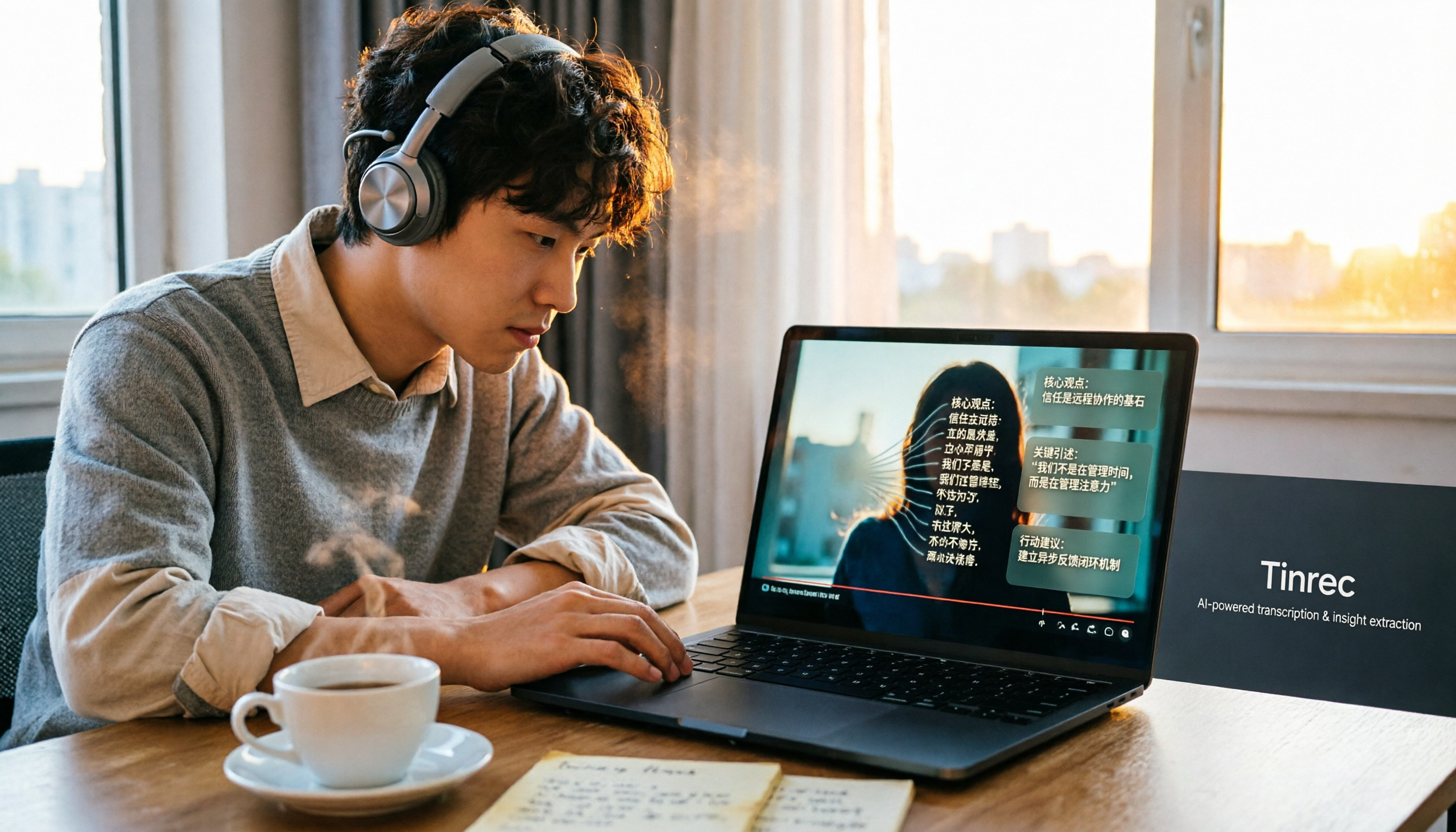
How to Convert Bilibili Videos to Text in 2026: 5 Methods + AI Summaries and Transcript Export
Bilibili's official CC subtitles cover less than 10% of videos, so turning videos into searchable, quotable text often means doing it yourself. This guide covers 5 ways to convert Bilibili videos into transcripts, from AI summaries and conversational queries to free tools, and explains who each method suits and how to choose.

4 Transcription Software Compared in 2026: Which Saves the Most Time on Chinese Meeting Transcripts?
How to choose transcription software in 2026? We tested and compared Tinrec, Notta, Otter.ai, and TurboScribe, covering Chinese recognition, meeting capture methods, post-meeting organization, free tiers, and pricing. We've compiled key selection points and pitfalls to help you find the most time-saving solution for meeting transcripts.
5 Best Text-to-Speech Tools with Realistic Human Voices in 2026: Which Free AI Voiceover Sounds Most Natural?
We tested MyEdit, Luvvoice, Vidnoz, Google Cloud TTS, and iMyFone VoxBox to compare accent naturalness, language support, free tiers, commercial use considerations, and best use cases—helping you find the closest thing to a real human voiceover.

Free Text-to-Speech Options in 2026: 5 Tools Compared
People searching for "text-to-speech" often want free TTS tools. But did you know many actually need speech-to-text—turning meeting and interview recordings into searchable, organized transcripts? This article takes a decision-focused approach to distinguish TTS from STT, and uses Tinrec as an example to show how an AI meeting notes tool turns voice into actionable team data.

Which AI Meeting Minutes Tool Is Best? 2026 Hands-On Test of 5 Options—This One Excels for Chinese Meetings
Tired of spending extra time organizing meeting notes after the meeting ends? This article starts with the key question of whether a tool can capture meeting audio, explains what AI-generated meeting minutes can do—summaries, action items, Q&A, and team knowledge retention—and uses Tinrec as an example to demonstrate bot-free recording, real-time translation, and post-meeting organization. It concludes with 5 purchasing considerations and FAQs.

5 Best Online Speech-to-Text Tools in 2026: Which One Saves the Most Time on Chinese Transcripts?
How do you choose an online speech-to-text tool? This article starts with the decision point of whether you're transcribing a file or a live meeting, breaks down core capabilities like real-time transcription, bot-free meeting recording, AI summaries, action item extraction, and team knowledge retention, and uses Tinrec as the main hands-on example. It covers 5 key buying considerations and FAQs to help you decide if the free version is enough or if the team plan is worth it.

How to Remove YouTube Watermarks in 2026: 3 Tested Methods + Online Extraction Without Watermarks
Downloading YouTube videos but stuck with a watermark on the screen? This article starts from real-world frustrations and tests three approaches: online extraction, cropping, masking, and blurring. It explains the image quality trade-offs and copyright restrictions of each, and compares which tool to use for two needs: 'just a clean file' versus 'reusable content organization.' It also includes a practical workflow for converting audio to transcripts and team collaboration practices.

4 iPhone Transcription Apps Tested in 2026: Is Apple's Built-in Transcript Enough?
Is the built-in Voice Memos transcript on iPhone enough? Based on real meeting scenarios, this article compares Apple's built-in tools, Notta, PLAUD, and Tinrec, highlighting key considerations and pitfalls for choosing a transcription solution, including transcripts, summaries, action items, and team collaboration.