

Turn recordings into transcripts and summaries in minutes
Upload audio or video for multilingual transcription, AI notes, and action items
Feeling exhausted watching videos? You need smart organization, not toughing it out
You've probably experienced this: a friend recommends an educational YouTube video that looks super practical, but you click it and find it's 40 minutes long. You awkwardly fast-forward, miss key sections, and end up learning nothing.
Or your manager sends you a meeting recording and asks you to "summarize the key points." You watch and take notes, and a two-hour video takes your whole afternoon. Inside you're screaming: "Isn't there an easier way?"
Actually, what you need isn't more willpower but a tool that can quickly extract video highlights—even let you "ask" to understand the content. This article tested 4 popular free video summarizer tools on the market to help you find a solution that truly saves time and whose free tier is enough.
Before choosing a video summarizer, understand these 4 key points
Tools on the market look similar, but the devil is in the details. These 4 dimensions directly affect your experience, so make sure you check them before trying.
1. Is the free quota really enough? Many tools advertise "free," but they may only give you 2 trial uses or limit video length. For the average office worker or student, being able to process at least 5-10 videos per month is considered practical. We paid special attention to free-tier limitations so you don’t get forced to pay halfway through.
2. Can videos without captions also be summarized? Not every YouTube video has captions, and some courses or meeting recordings certainly won’t. A good tool should be able to automatically recognize speech, generate a transcript, and then produce a summary. If it only supports subtitled videos, its usefulness drops dramatically.
3. Besides summarizing, what else can it do? Many people think video summarization is just "generating a summary," but a truly useful tool should let you "continue working with the content." For example: Can you export the summary to a document? Can you ask questions about the video content? Can it automatically generate chapters or action items? These features determine whether it's a "toy" or a "productivity tool."
4. Is cross-platform important? You might watch YouTube on your computer in the morning, record a meeting with your phone at noon, and use a tablet to organize a course at night. If a tool only works as a Chrome extension, it’s useless when you leave your computer. For modern multi-device work habits, cross-platform support is a must.
Tinrec (秒聽錄音) — Not just a video summarizer, but your AI organization assistant
Tinrec is an AI tool that organizes audio and video from multiple sources; YouTube video summarization is just one small part of its features. It works on iOS, Android, and web, making it very friendly for multi-device workers.
Using Tinrec for online videos is incredibly simple
Copy a YouTube or Bilibili video link, paste it into Tinrec's web version or app, and it will automatically fetch the content, generate a transcript, and give you a bullet-point summary. No extension installation is needed, and you don't need to worry about browser compatibility.
Even better, Tinrec's AI Q&A lets you "ask" the video content directly. For example, after watching a blockchain tutorial, you can ask: "Does this video mention the impact of Bitcoin halving?" It will directly find the relevant passages in the transcript and answer you—not just return a keyword search result. Right now, almost no competitor at a similar price point can do this.
The free plan is genuinely generous
Tinrec's free plan provides a basic transcription quota every month, enough to process several videos of average length. For light users who only want to organize 2–3 educational videos a week, this is plenty. If you need more heavy-duty processing, there are weekly, monthly, and annual plans, with transparent pricing—no surprise upgrade prompts.
It's not just summaries—here's what else you can do
Beyond basic summaries, Tinrec can automatically generate video chapters, extract action items, export to Google Docs or Notion, and even create mind maps. If you also need to turn video content into slides or reports, its Agent post-processing feature can directly produce deliverables based on the transcript, saving you the time of opening ChatGPT to organize everything separately.
Stop organizing recordings by hand
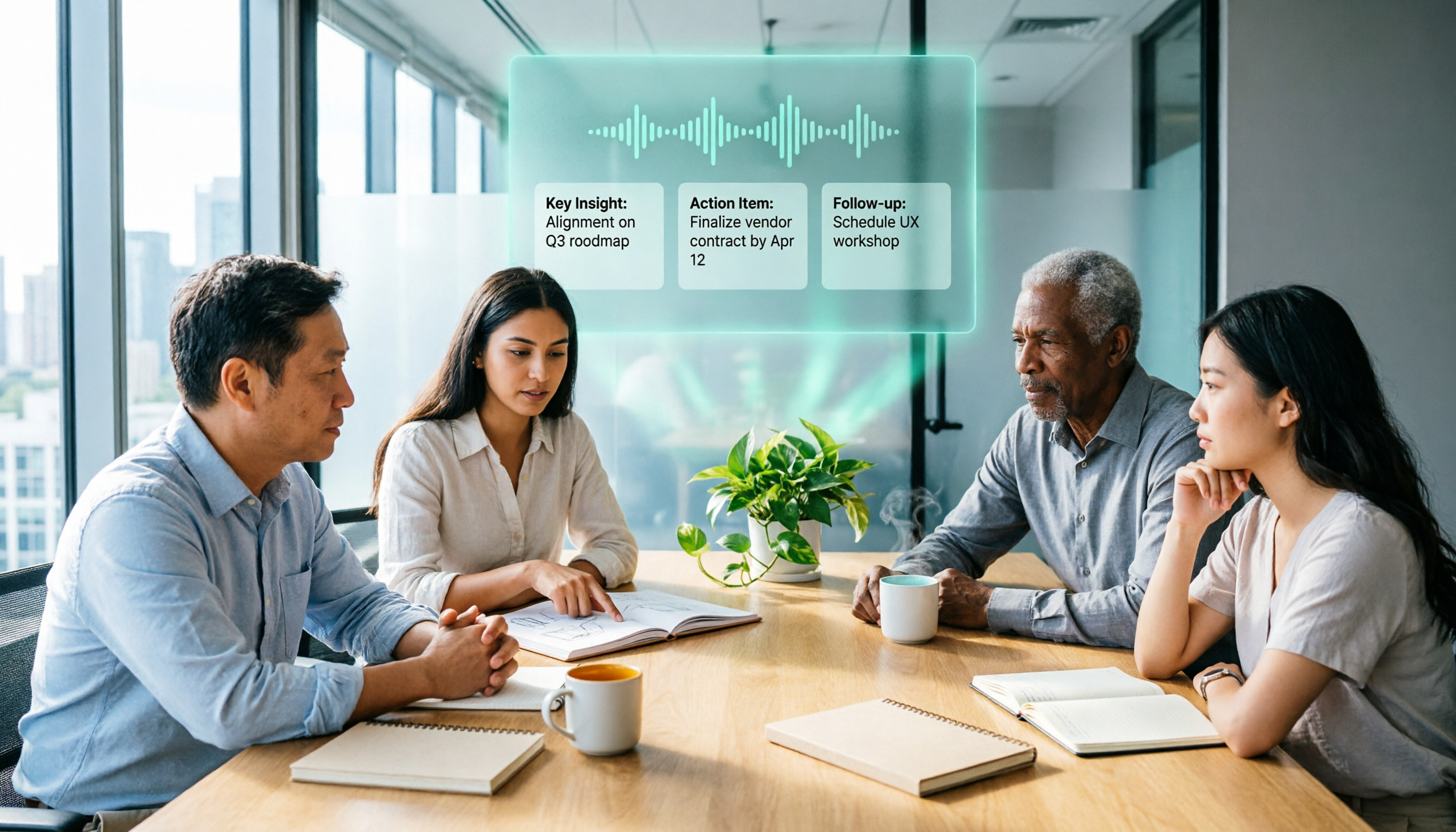
Upload audio or video and automatically get a transcript, summary, and action items
Honest limitations
The free tier has a limited quota, and heavy users may need to pay. In addition, for the rare video with extremely poor audio or many people talking over each other, the transcript may have errors. But typical clear instructional or interview videos perform consistently well.
Who is it best for?
If you regularly organize not just YouTube videos but also meeting recordings, course audio, and interview files, Tinrec's multi-source integration will feel very convenient. If you want to ask deeper questions after summarizing and export to other tools for further editing, Tinrec is currently the most complete choice.
Besides Tinrec, what other options are there?
The following tools are also commonly discussed free options, but each has clear trade-offs. If you just want to test the waters, take a look.
YouTube Summary with ChatGPT
A Chrome extension focused on generating video summaries with ChatGPT. New users get 2 free credits; after that, it's done. It only works if the video itself has captions, and it gives up entirely on videos without captions. It also only works in the Chrome browser and is not cross-platform. It's suitable for people who only want a one-off trial and don't mind installing an extension. But note: it has no AI Q&A feature, and you can't export the summary for use elsewhere.
NoteGPT
Another Chrome extension, free 15 times per month, supports transcription for videos without captions, and can handle videos up to 2 hours long. You can also download subtitles and export a PDF summary or mind map. However, its AI Q&A and advanced features require a paid upgrade, and it's still limited to the Chrome browser—there's no mobile app. If all your video watching happens on your computer, NoteGPT's free allowance might be enough, but if you need cross-device support or want to ask questions about the content, Tinrec is more flexible.
EaseMate AI YouTube Video Summary
A purely web-based tool—paste a link and it produces a summary. It's completely free with no limits. But it only works with YouTube videos and only produces a summary; there's no transcript, export, or Q&A functionality. In short, it's a "one-click summary generator," suitable for people who quickly need to know what a video is roughly about without doing any follow-up organization. However, if you want to retain the content or do deep learning, this tool won't help.
Pitfall Guide: 3 Most Common Mistakes When Choosing Free Video Summary Tools
Pitfall 1: Assuming "free" means unlimited
Many tools claim to be free, but they're actually "a few trial uses" or "limited features." Before downloading, make sure to check: How many videos can you process per month? Is there a video length limit? Do you need to link a credit card? These all affect whether you can truly use it for free.
Pitfall 2: Ignoring cross-platform needs
Today you find a great Chrome extension on your computer; tomorrow you want to organize a meeting recording on your phone and find out it's not supported at all. If you're a multi-device user, prioritize tools that have iOS/Android apps or at least a web version, so you won't be tied to one device.
Pitfall 3: Treating the tool only as a "summary generator"
Many people use video summary tools just to save time, but after getting the summary, they still have to manually take notes and organize key points. In fact, a good tool should let you "get straight to work." Tinrec, for example, can auto-generate action items and chapters, and even let you find details by asking questions—if you only use it for summaries, you're wasting most of its value.
Verdict: Which one should you choose?
In short, most people will find Tinrec the best fit. Its free tier has a low barrier, it’s cross-platform, supports videos without captions, and its AI Q&A feature turns video organization from "passive viewing" into "active knowledge acquisition."
If you're still unsure, choose this way:
- Just want a one-time trial and don't care about cross-platform → YouTube Summary with ChatGPT (but free is only 2 uses)
- Process many YouTube videos on your computer and need PDF export → NoteGPT (15 times a month, but no mobile version)
- Only need a simple summary and absolutely don't want to pay → EaseMate AI (no limits, but the most basic features)
- Want cross-platform, AI Q&A, and support for multiple audio/video sources → Tinrec (the free version is enough for most people)
We suggest trying the free version of Tinrec first. The monthly free quota is enough for several videos—experience how efficient it is to understand content by "asking." If you like it, consider upgrading then; there's no need to pay from the start.
References
- Summarize YouTube with GPT: Free Online Video Summary Tool
- ChatGPT YouTube Summary Tips: From Video Transcript to Summarization - Mr. Mad
- Video Too Long to Watch? Must-Have Tools for Learning and Fan Following! Long Video Summaries and Foreign Language Video Translation Done Fast! - PanSci
- EaseMate AI YouTube Video Summary: Free Online YouTube Video Summarizer
- NoteGPT: YouTube Video Summary Generator | ChatGPT, DeepSeek, Claude, Gemini AI Assistant | AI Sidebar | PDF Summary Tool - Chrome Web Store
Turn every recording into actionable outcomes
Get 60 free transcription minutes when you sign in. No credit card required.
Related Reading
You might also like

3 AI Meeting Note Tools Tested: What to Know Before Paying Monthly for Notta Pro in 2026
Notta Pro costs about USD 13.99/month billed monthly, or about USD 8.17/month billed annually—a difference of over 40%. Switching from annual to monthly requires canceling and resubscribing. This article compares Tinrec, Notta, and Otter.ai across billing cycles, quota calculations, post-meeting workflows, and team seats, highlighting common pitfalls when switching from monthly to annual, adding features, and seat pricing.

2026 AI Meeting Recorder Comparison: Is Dcard's Favorite Meeting Ink Worth It?
Is Meeting Ink, the tool buzzing on Dcard, actually worth using? This article compares four AI meeting recorder tools using the same criteria, from language recognition and meeting recording methods to post-meeting summaries and team permissions. It also breaks down Tinrec's bot-free recording, AI follow-up questions, and team governance features to help you pick the one that truly saves time.

2026 AI Meeting Notes Tools Compared: Meeting Ink vs. Tinrec and More
This guide tackles three common misconceptions about choosing an AI meeting notes tool and compares Meeting Ink, Notta, Otter.ai, and Tinrec on audio capture methods, post-meeting organization, Chinese language support, and team collaboration. It concludes with recommendations based on different use cases.

How to Organize Worship Audio in 2026: Before Your Throne Transcript + AI Summary
Before Your Throne is a 12-minute worship EP released by Mattie Nottage in 2024. Starting from the real pain of organizing long audio files, this guide explains how to turn worship and sermon recordings into citable transcripts, summaries, and notes, and compares Tinrec, Otter.ai, TurboScribe, and Granola in terms of differences and use cases.

2026 AI Meeting Recorder Comparison: Notta vs. Tinrec — Which Handles Chinese Meetings Faster?
Tired of replaying recordings after meetings? This comparison puts Tinrec, Notta, Otter.ai, and Granola head-to-head, breaking down online meeting capture methods, Chinese and mixed-language recognition, post-meeting summaries and AI Q&A, plus free tiers and team licensing. Find out if Notta is enough or when to switch to Tinrec.

2025 Comparison of 3 Audio-to-Text Tools: Notta vs. Tinrec for Chinese Meeting Notes—Which Saves More Time?
When choosing a meeting notes tool in 2025, don't just look at how many minutes are included each month. This article starts from three decision points: how audio gets in, what can be produced after transcription, and whether team data remains when people change. It compares Notta, Tinrec, and Otter, and breaks down Tinrec's bot-free recording, AI Q&A, action item extraction, and team spaces to help you decide which one truly saves that hour after meetings.

2026 Free Voice Translation Guide: Tinrec Real-Time Bilingual Subtitles + Transcript Organization
A hands-on comparison of Vidnoz and Tinrec, two voice translation tools you can start using for free, broken down across five dimensions: real-time performance, post-meeting output, audio sources, free quota, and team collaboration, to help you decide which one fits your meeting notes and video dubbing needs.

Tinrec vs Notta in 2026: 5-Dimension Comparison — Which Chinese Meeting Transcription App Is Worth Downloading?
Before searching for 'Notta AI app download,' understand the real limits of the free tier and how online meetings are captured. This article compares Tinrec and Notta across 5 dimensions—meeting audio source, post-meeting organization, Chinese performance, team collaboration, and quota calculation—to help you decide which app to download.
2026 AI Meeting Recorder Comparison: 3 Tools Tested, and the Notta Alternative Worth Buying
Thinking about Notta or comparing AI meeting note tools? This guide starts with what to clarify before buying, breaks down 5 key criteria—live transcription, bot-free recording, summaries and action items, AI Q&A, and team seat governance—and uses Tinrec as the main hands-on example, with team pricing and FAQs to help you spend on features you'll actually use.