

Turn recordings into transcripts and summaries in minutes
Upload audio or video for multilingual transcription, AI notes, and action items
Two Hours in a Meeting, Two More Hours on Minutes—You Don't Need a Tool, You Need a Solution
When you're busy taking notes during a meeting, you miss key discussion points. In class, you frantically copy notes but still fall behind the lecture. After an interview, you relisten to the recording and spend the whole afternoon writing a transcript.
What's more frustrating is that many tools just give you a transcript—but who has time to read through thousands of words from beginning to end?
If you've been through any of these situations, this article is written for you. We tested 4 popular speech-to-text tools on the market, comparing accuracy, AI organizing ability, and price, to help you find the option that truly saves time and effort.
Before Buying a Speech-to-Text Tool, Understand These 4 Key Points
Many people decide based only on price or feature lists, overlooking details that actually affect the experience. These are the 4 dimensions we think you should prioritize.
1. Real-world accuracy
Don't just look at the "98%" in official marketing. That's usually measured in a quiet recording studio. Real environments have keyboard sounds, air conditioning noise, and people talking over each other—accuracy drops noticeably. In our testing, we used real meeting recordings with slight background noise, so the results are more meaningful.
2. AI organizing ability, not just a transcript
Simply converting audio to text is no longer enough. You need automatic summaries, extraction of action items, and even the ability to ask questions directly to the recording. This is something most tools can't do yet, but Tinrec has made it easy.
3. Cross-platform support and input sources
You might record on your phone but want to edit on your computer, or need to organize content from YouTube videos. The platforms and import methods a tool supports determine your flexibility.
4. Is the free plan enough?
Most people start with a free trial, so the quota, limitations, and feature completeness of the free plan matter. Some tools appear free, but you run out after a few uses—which is even more troublesome.
Tinrec(秒聽錄音)— Our Top Pick After Testing
Tinrec is an AI recording and audio/video organization tool covering meetings, classes, interviews, and content creation. It doesn't just convert audio to text; it turns meeting recordings, classroom audio, interviews, and even YouTube videos into searchable, summarizable, reusable material.
Scenario-based features: Recording is more than just recording
Let's first look at Tinrec's strengths in real usage scenarios.
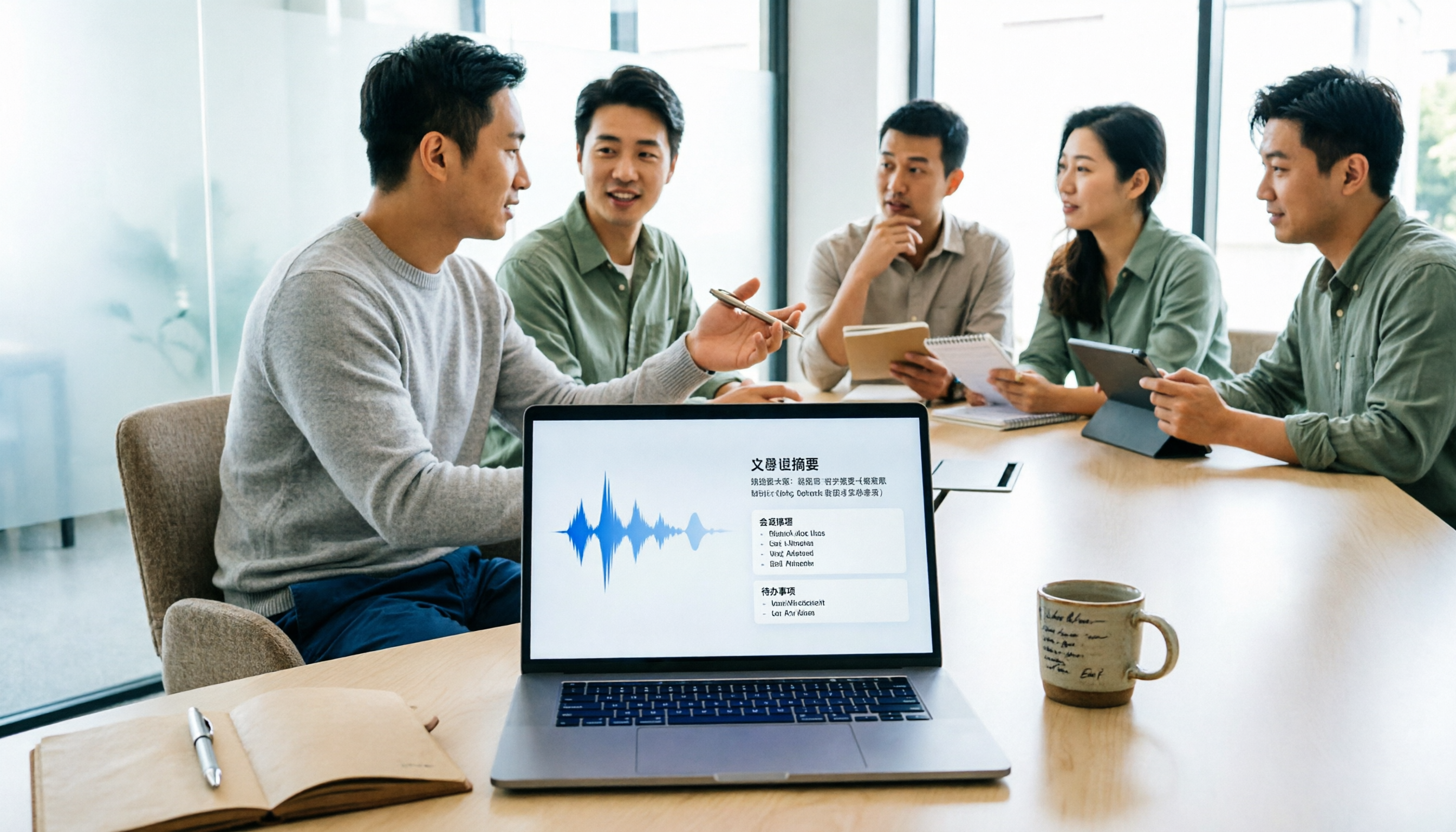
Open Tinrec during a meeting, and it can generate a transcript as it records. When the meeting ends, the AI has already produced a summary and listed action items—who should do what and by when, all at a glance.
This saves at least half the time compared to the traditional "record then manually organize" approach. Even better, after recording, you can ask Tinrec directly: "Who mentioned the budget at the last meeting?" It won't just return keyword search results; it uses semantic understanding to tell you the answer. Almost no competitor at the same price point has this feature.
Whether it's lecture recordings, podcast interviews, or public videos on YouTube, Tinrec can convert the content into text and key summaries.
Just paste a link or upload a file, and it automatically breaks the content into chapters and extracts key points—perfect for study notes or content repurposing.
Test Data
We tested with a 5-minute Chinese meeting recording (iPhone 15, indoor recording with slight air conditioning noise). Tinrec's word error rate was about 5%, which is excellent among similar tools. Of course, this is under decent audio conditions; if the recording is too unclear, accuracy will still be affected.
Pros
- AI Q&A: As mentioned, you can ask questions directly to the recording—the most standout differentiating feature in its price class.
- Multi-source input: Supports live recording, audio file upload, and video links (YouTube, Bilibili, Xiaohongshu, etc.), covering a wide range of use cases.
- Consistent cross-platform experience: Available on iOS, Android, and web, which is great for people who frequently switch between phone and computer.
Stop organizing recordings by hand
Upload audio or video and automatically get a transcript, summary, and action items
Limitations
- The free version comes with 100 minutes of transcription per month; heavy users may need to upgrade. But for typical office workers who attend 2–3 meetings a week, this quota is sufficient.
- While the AI summary is convenient, it can still misidentify certain technical terms or overlapping speech. For important documents, you should still do a quick review.
Who is it for?
If you often need to organize Chinese meeting, class, or interview recordings, or if you want to use AI to find key points after recording without manually scanning thousands of words of transcript, Tinrec is currently the most suitable choice.
What Other Options Are There Besides Tinrec?
Although Tinrec is our top pick, everyone's needs are different. Here’s a quick comparison of 3 other tools so you can decide based on your scenario.
MyEdit
MyEdit is an online audio editing tool from CyberLink. Its speech-to-text feature is simple and intuitive, supporting WAV, FLAC, M4A, and MP3 formats, and conversion is fast. But note that MyEdit’s main focus is audio optimization (noise removal, voice enhancement). After transcription, you only get a transcript—no AI summary, action item extraction, or Q&A. If you only need to convert audio to text, MyEdit is enough; but if you expect more organizational power, Tinrec is more complete.
雅婷逐字稿
An established Taiwanese tool that supports Mandarin, Taiwanese Hokkien, and English, and includes a "key summary" feature with decent accuracy. However, we found its conversion speed is slow: 1 minute of audio takes about 10 minutes to transcribe, while Tinrec typically completes the task in seconds to a minute. In addition, 雅婷 doesn't have AI Q&A; you can only rely on traditional keyword search after recording, which can be cumbersome for long meetings or large volumes of audio.
SoundType AI
This app emphasizes accurate transcripts and speaker identification, supports over 90 languages, and has AI summaries. But based on user feedback, it occasionally outputs irrelevant advertising messages or names, which affects readability. Also, speaker identification is not stable enough in multi-person environments. More importantly, SoundType AI lacks the "ask your recording" Q&A feature that Tinrec has, which is a clear gap for anyone who wants to quickly extract information from past recordings.
Avoidance Guide: 4 Common Mistakes When Choosing a Speech-to-Text Tool
Mistake 1: Looking only at official accuracy and ignoring test conditions Many tools advertise 98%, but those numbers come from tests in perfect environments. Real meetings have noise and accents, so accuracy decreases. We recommend testing with your own real recordings to get a true sense.
Mistake 2: Ignoring cross-platform and import sources Record on your phone today, and want to edit on your computer tomorrow, only to find the tool is mobile-only—that’s frustrating. Tinrec’s cross-platform support is comprehensive, which is one reason we recommend it.
Mistake 3: Buying the tool but using only a third of it Many people treat speech-to-text tools just as "audio-to-text". But features like Tinrec’s AI summary, action items, and Q&A are where the real time savings are. Asking "What was the conclusion?" right after recording is much faster than manually going through a 30-minute transcript.
Mistake 4: Not checking the actual limits of the free plan Some tools say "free" but might give only 30 minutes of quota or restrict functions. Try it first, and only consider paying after confirming the quota and features meet your needs. Tinrec’s free version provides 100 minutes per month, which is friendly for casual use. You can try core features like AI Q&A and then decide whether to upgrade.
Summary: Which One Should You Choose?
Based on our test results, Tinrec has clear advantages in AI organizing, multi-source input, and Chinese-language experience. Here are our scenario-based recommendations:
- Need to organize meetings, classes, or interviews, and want to use AI to ask for key points after recording → Tinrec (the only option with AI Q&A)
- Cross-platform use (phone + computer), and occasionally organize YouTube videos → Tinrec (full support for iOS, Android, and web)
- Only need simple audio-to-text conversion, without any AI organizing → MyEdit (fast, simple, suitable for one-off transcription)
- Zero budget and only record English meetings → Otter.ai (generous free quota, but doesn't support Chinese)
We suggest starting with the free version of Tinrec. The 100-minute monthly quota is enough for two or three meetings to evaluate its performance. If you like it, then consider upgrading—there’s no need to pay right away.
Test date: July 2026. Tool versions and prices are subject to the latest official announcements.
References
- 2026 Recommended 6 Speech-to-Text Tools: Free Online Audio File to Text!
- Free Audio to Text
- SoundType AI Ultra-Accurate Transcript, Speech-to-Text, AI Dictation - Google Play App
- Convert Audio to Transcript | Transcribe App & Web Editor
- Online AI Speech-to-Text Tool: Free Convert MP3 or Audio Files to Text Transcript - MyEdit
Turn every recording into actionable outcomes
Get 60 free transcription minutes when you sign in. No credit card required.
Related Reading
You might also like

2026 Comparison of 4 Speech-to-Text Tools: Free Tiers and Post-Meeting Organization—Which Is Enough?
Many people think speech-to-text just means dropping an audio file into a tool and waiting for the text. What really slows things down is post-meeting organization, finding key points, and tracking action items. This article compares Tinrec, Notta, Otter.ai, and Granola using real meeting scenarios—from free tiers, Chinese transcription, bot-free recording, AI Q&A, to team data retention—to help you decide which one best fits your workflow.

2026 Comparison of 3 AI Transcription Tools: Free Tiers, Chinese Recognition, and Post-Meeting Organization—Which One Really Saves Time?
Most people misunderstand AI transcription—they think it's just about turning voice into text. This article addresses three common misconceptions, explaining that transcripts are only raw material; the real time savings come from post-transcription summaries, action items, Q&A, and team knowledge retention. Using Tinrec as an example, it walks you through features, use cases, purchasing considerations, and FAQs.
5 Meeting Minutes Software Compared: Which One Actually Saves Time with Chinese Recognition and Post-Meeting Organization?
After a meeting, you're left with just two lines of notes while two hours of discussion stay locked in the recording? This article starts from real meeting scenarios, breaks down the 4 key dimensions for choosing meeting minutes software, and compares Tinrec, Otter.ai, Notta, Granola, and TurboScribe on Chinese recognition, meeting capture methods, post-meeting outputs, and team authorization differences. It also includes a pitfalls guide and selection advice.

2026 Guide: Turn AI Transcripts into Meeting Minutes & Action Items in One Go
Meeting transcripts are often long and messy, taking more time to organize than the meeting itself. This guide, from a mid-level manager's real work scenario, breaks down four key steps for transcript organization, tests Tinrec's bot-free recording and AI Q&A workflow, and honestly compares Notta, Otter.ai, and Granola's applicable boundaries, with three common mistakes and selection advice.

4 Interview Recording-to-Text Tools Tested: Which One Handles Visit Notes and Thank-You Letters in One Go?
The real trouble starts after the interview ends: no one wants to organize the transcript, key points rely on memory, and the thank-you letter gets delayed until the third day. This article uses real scenarios from student project interviews and corporate visits to test 4 tools that turn interview recordings into text, and summarizes selection criteria, the 4 most common pitfalls, and whether the free version is actually enough.

2026 Transcription Tools Guide: AI Transcription Selection Tips + Tinrec Workflow
There are countless transcription tools, but the real challenge isn't transcription—it's what to do after. This guide covers selection criteria, hands-on testing, and pitfalls to avoid, rounding up transcription tools worth considering in 2026, and demonstrates how Tinrec turns meeting recordings into searchable, queryable, and shareable team knowledge.

4 AI Meeting Recorders Tested for 2026: Which Free Tier Works Best for Students?
A student's hands-on comparison of AI meeting note tools—Tinrec, Notta, Granola, and Otter.ai—covering free tiers, per-recording limits, post-transcript organization, and cross-platform use, with recommendations for class recordings, group projects, and final exam review.

How to Write Meeting Minutes in 2026: 5-Step Template Tutorial
Struggling to produce meeting minutes after the meeting ends? This article provides a ready-to-use meeting minutes template with fields and a 5-step process, and compares "template-only handwriting" vs. "template plus AI workflow" across recording, organizing, tracking, and team knowledge retention, helping you choose the right meeting minutes approach for your team.

2026 Tested: 4 AI Meeting Minutes Generators Compared — Which One Actually Saves You That Hour After the Meeting?
AI meeting minutes generation isn't just about uploading a recording. From the perspective of a mid-level manager who holds 15 meetings a week, I break down the most common misconceptions, 4 key purchasing criteria, and hands-on comparisons of Tinrec, Notta, Otter.ai, and Granola across Chinese-language meetings, bot-free recording, post-meeting Q&A, and team knowledge retention — with final recommendations by scenario.