

Turn recordings into transcripts and summaries in minutes
Upload audio or video for multilingual transcription, AI notes, and action items
Audio and Video Content Is Exploding: You Need a Solution, Not Just a Tool
Every week, you have hours of online courses to catch up on, a 2-hour product launch to summarize, not to mention those "must-watch" interview videos on social media. Just thinking about turning all that content into notes is enough to drain half your energy.
What's worse, most videos don't have subtitles, or the ones they do are auto-generated and full of gaps. You're stuck manually pausing, typing, rewinding, and spending an entire day on just one video.
If this sounds familiar, this article is for you. We'll start with real-world needs, show you what to look for in a video parsing tool, and put popular options to the test to help you find the most effortless one.
Before Buying a Video Parsing Tool, Understand These 3 Key Points
Platform Support: Don't Get Stuck With a Single-Source Tool
Many people assume "video-to-text" is just opening a tool and pasting a link. But in practice, you quickly find that a tool might only support YouTube, not Bilibili or Xiaohongshu; or it works for international platforms but blocks Taiwanese sources.
Before choosing, make sure the tool supports the sources you regularly watch. Ideally, it should work across devices: you can start on your phone and continue on your computer for maximum flexibility.
Parsing Quality: It's Not Just About Transcripts – Post-Processing Matters More
If you get a long transcript and have to read it all and highlight it yourself, the tool has only solved 30% of the problem. A truly effortless video parsing tool will convert the content into structured summaries, chapters, and even automatically extract action items.
In our testing, we especially focused on "AI summarization" and "conversational query" capabilities – whether you can paste a link and get clear notes instantly, or ask something like "Which part of the video mentions the budget?" and get an answer without scrolling forever.
Free Tiers and Pricing: The Hidden Costs of Long-Term Use
Most tools offer free plans, but the free "minutes" vary widely. Some give 300 minutes but only for English meetings, while others give 120 minutes but with poor Chinese support.
If you process more than 3 videos a week, it's worth comparing monthly plans. For short-term needs, check whether there are flexible weekly or monthly options.
Tinrec — Our Top Pick After Real-World Testing
Tinrec is an AI recording and media-organizing tool that supports 14 languages, with iOS, Android, and web versions. Among the video parsing tools we tested, its combination of "multi-platform link parsing" and "AI conversational query after parsing" stood out the most.
Paste Links Across Platforms, Exceptional Chinese Video Parsing
During testing, we pasted links to Chinese interviews on YouTube, Bilibili educational videos, and Xiaohongshu short clips. Tinrec generated transcripts, AI summaries, and chapters within minutes. It handled code-mixed Chinese-English content particularly well, with sensible paragraph breaks that didn't fracture sentences.
Even better, Tinrec doesn't just hand you a transcript. You can ask questions about the parsed content, like "What's the conclusion of this video?" or "Who first proposed this point?" Tinrec answers based on semantic understanding, not just keyword search results.
Hands-On Experience: From Video to Reusable Notes in One Seamless Flow
We tested with an 18-minute product launch video (H.264 stream, with slight meeting background noise). Tinrec finished transcribing in 3 minutes, and the summary section listed new feature highlights and release dates. Opening the "Chapters" tab, the video was automatically split into 6 sections, each with a subtitle – perfect as a study outline.
Pros
Stop organizing recordings by hand
Upload audio or video and automatically get a transcript, summary, and action items
- Multi-platform support: Parses public video links from YouTube, Bilibili, Xiaohongshu, and more – not limited to a single source.
- AI conversational query: After parsing, ask questions about the content directly. This saves significant re-watching time and is rarely offered by tools in the same price range.
- Exportable results: Summaries, transcripts, and action items can be exported to Markdown, PDF, or synced directly to Notion and Google Docs for further editing.
Things to Keep in Mind The free plan includes a monthly transcription allowance (about 100 minutes); heavy users may need to upgrade to the Pro plan. For those who process 2–3 videos a week, this allowance is enough to try it out. If you plan to build a long-term media knowledge base, the annual plan works out to a reasonable monthly cost.
Who It's For Students, professionals, and content creators who regularly organize Chinese or code-mixed Chinese-English video content, don't want to be locked into a single platform, and want to use AI to find key points after parsing. Tinrec is a highly polished choice on the market.
What Are the Alternatives to Tinrec?
Notta: Strong Transcription and Subtitles, But Weaker AI Conversation
Notta is also a multilingual transcription tool that supports video link parsing and offers robust subtitles and translation features. However, in our testing, Notta's free plan is more limited (120 minutes per month), and it lacks the AI conversational feature that lets you ask questions about the content directly – you still have to manually find key sections after parsing. If your focus is on creating bilingual subtitles, Notta is worth considering. But if you want to "ask the video," Tinrec is more convenient.
Otter.ai: A Top Choice for English Meetings and Videos, but Not for Chinese
Otter.ai's English video parsing is very strong. It offers a generous free tier of 300 minutes per month and includes a conversational query feature. Unfortunately, its support for Chinese videos is limited – pasting a Chinese interview link often fails to correctly segment paragraphs, and it can't provide semantic answers in Chinese like Tinrec can. If you work primarily with English audio and video, Otter.ai is the only exception here; but if your content is mostly Chinese, you'll find it frustrating.
Pitfall Guide: 3 Common Mistakes When Choosing a Video Parsing Tool
Mistake 1: Only Looking at Accuracy, Ignoring Real-World Scenarios
Many tools boast "98% accuracy," but that's in a quiet recording studio. Real videos often have background music, multiple speakers talking at once, or non-standard pronunciation, which significantly drops accuracy. Rather than relying on official claims, try the free version with the types of videos you usually watch – your own experience is the best test.
Mistake 2: Buying a Tool and Only Using It for Transcripts
If you just save a transcript after every parsing, you're only using 30% of the tool's power. Features like Tinrec's AI conversational query, auto-chapters, and action-item extraction are designed so you don't have to rewatch the video. Not spending 10 minutes to learn these features is wasting the time you spent choosing the tool.
Mistake 3: Overlooking Cross-Platform Needs, Locking Yourself to a Single Device
You might be used to finding videos and sharing links on your phone, but when you actually need to organize content, you prefer a computer. If a tool only has a mobile version or only a web version, your workflow gets interrupted. Tinrec has iOS, Android, and web versions with unified syncing, so you can switch from your home computer to your phone while commuting. This makes a big difference over time.
Conclusion: Which One Should You Choose?
For Chinese or code-mixed Chinese-English videos, and you want AI to extract key points after parsing → Tinrec is currently the most complete choice. For bilingual subtitles with strong translation features → consider Notta, but weigh the cost and AI interactivity. For entirely English audio/video with no Chinese needs → Otter.ai is a great value with its generous free tier.
Overall, if you're looking for a tool to help you organize video knowledge long-term, try Tinrec's free version first. The monthly allowance is enough to process several of your regular videos. Experience the smooth flow from pasting a link to getting summaries, chapters, and even asking questions about the content. If it works for you, then consider a paid plan.
References
- Performance Evaluation of Decoding Modules for H.264 Video Streaming from Network Cameras Using FFmpeg = Parsing the Structure of H.264 Video Streaming and Evaluating the Performance of Decoding Modules Using FFmpeg | Airiti Library
- AI Video Analytics | OpenText
- Webex Video Support
- Intelligent Computing / Information Engineering - Image/Video Processing (Image/Video Processing)
- Video - Wikipedia, the free encyclopedia
Turn every recording into actionable outcomes
Get 60 free transcription minutes when you sign in. No credit card required.
Related Reading
You might also like

2026 Comparison of 4 Speech-to-Text Tools: Free Tiers and Post-Meeting Organization—Which Is Enough?
Many people think speech-to-text just means dropping an audio file into a tool and waiting for the text. What really slows things down is post-meeting organization, finding key points, and tracking action items. This article compares Tinrec, Notta, Otter.ai, and Granola using real meeting scenarios—from free tiers, Chinese transcription, bot-free recording, AI Q&A, to team data retention—to help you decide which one best fits your workflow.

2026 Comparison of 3 AI Transcription Tools: Free Tiers, Chinese Recognition, and Post-Meeting Organization—Which One Really Saves Time?
Most people misunderstand AI transcription—they think it's just about turning voice into text. This article addresses three common misconceptions, explaining that transcripts are only raw material; the real time savings come from post-transcription summaries, action items, Q&A, and team knowledge retention. Using Tinrec as an example, it walks you through features, use cases, purchasing considerations, and FAQs.
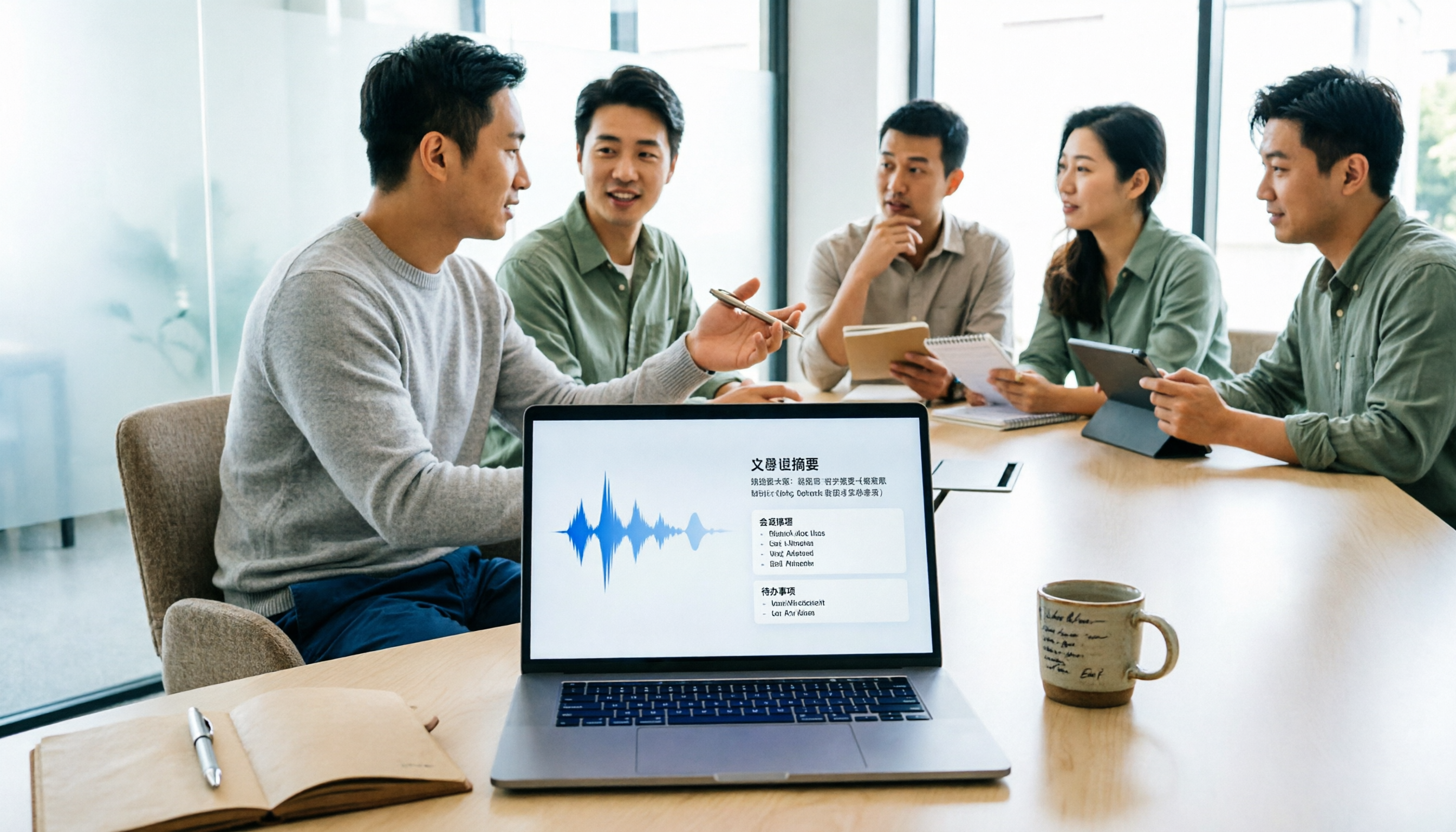
5 Meeting Minutes Software Compared: Which One Actually Saves Time with Chinese Recognition and Post-Meeting Organization?
After a meeting, you're left with just two lines of notes while two hours of discussion stay locked in the recording? This article starts from real meeting scenarios, breaks down the 4 key dimensions for choosing meeting minutes software, and compares Tinrec, Otter.ai, Notta, Granola, and TurboScribe on Chinese recognition, meeting capture methods, post-meeting outputs, and team authorization differences. It also includes a pitfalls guide and selection advice.

2026 Guide: Turn AI Transcripts into Meeting Minutes & Action Items in One Go
Meeting transcripts are often long and messy, taking more time to organize than the meeting itself. This guide, from a mid-level manager's real work scenario, breaks down four key steps for transcript organization, tests Tinrec's bot-free recording and AI Q&A workflow, and honestly compares Notta, Otter.ai, and Granola's applicable boundaries, with three common mistakes and selection advice.

4 Interview Recording-to-Text Tools Tested: Which One Handles Visit Notes and Thank-You Letters in One Go?
The real trouble starts after the interview ends: no one wants to organize the transcript, key points rely on memory, and the thank-you letter gets delayed until the third day. This article uses real scenarios from student project interviews and corporate visits to test 4 tools that turn interview recordings into text, and summarizes selection criteria, the 4 most common pitfalls, and whether the free version is actually enough.

2026 Transcription Tools Guide: AI Transcription Selection Tips + Tinrec Workflow
There are countless transcription tools, but the real challenge isn't transcription—it's what to do after. This guide covers selection criteria, hands-on testing, and pitfalls to avoid, rounding up transcription tools worth considering in 2026, and demonstrates how Tinrec turns meeting recordings into searchable, queryable, and shareable team knowledge.

4 AI Meeting Recorders Tested for 2026: Which Free Tier Works Best for Students?
A student's hands-on comparison of AI meeting note tools—Tinrec, Notta, Granola, and Otter.ai—covering free tiers, per-recording limits, post-transcript organization, and cross-platform use, with recommendations for class recordings, group projects, and final exam review.

How to Write Meeting Minutes in 2026: 5-Step Template Tutorial
Struggling to produce meeting minutes after the meeting ends? This article provides a ready-to-use meeting minutes template with fields and a 5-step process, and compares "template-only handwriting" vs. "template plus AI workflow" across recording, organizing, tracking, and team knowledge retention, helping you choose the right meeting minutes approach for your team.

2026 Tested: 4 AI Meeting Minutes Generators Compared — Which One Actually Saves You That Hour After the Meeting?
AI meeting minutes generation isn't just about uploading a recording. From the perspective of a mid-level manager who holds 15 meetings a week, I break down the most common misconceptions, 4 key purchasing criteria, and hands-on comparisons of Tinrec, Notta, Otter.ai, and Granola across Chinese-language meetings, bot-free recording, post-meeting Q&A, and team knowledge retention — with final recommendations by scenario.