
![[Tutorial] 2026 Tinrec秒聽錄音: Free Recording-to-Text, AI Summaries, and Q&A](https://record-img.tos-accelerate.volces.com/images/2026/08/01/1785593614589827047.png)
Turn recordings into transcripts and summaries in minutes
Upload audio or video for multilingual transcription, AI notes, and action items
Two hours in a meeting, another two hours writing minutes? You need more than just a transcription tool
You've just run a cross-departmental meeting, with a recorder capturing every minute of three hours. Then you have to spend the same amount of time replaying, transcribing, and extracting key points—almost every professional's nightmare.
Worse, if someone speaks a dialect, code-switches between Chinese and English, or you want to turn an online video into a text backup, traditional transcription tools simply can't handle it.
Many people think that 'recording to text' is just finding a free app to turn audio into text, but the real challenge is what comes next—how do you quickly locate the key sections? How can you turn two hours of audio into a to-do list? How can you make historical recordings into a searchable database?
This article aims to solve these pain points. I spent two weeks testing five mainstream free recording-to-text tools on the market, from accuracy, AI features, cross-platform support, to long-term value, and put together this recommendation guide.
Before choosing a recording-to-text tool, understand these 4 key points
Many people only look at 'how accurate the transcription is' when choosing a tool, but they quickly discover other pitfalls in practice. I've outlined four things you should think through first, and you'll have a clearer sense of which tool fits you.
1. Accuracy isn't about advertising—it's about real test conditions
Vendors often tout '98% accuracy', but that's lab-grade results. Real meetings have background noise, overlapping speakers, accents—accuracy typically drops by another ten points. In my tests, I used the same 5-minute Chinese meeting recording (with faint air conditioning hum), and the differences between tools became obvious immediately.
2. Just transcribing isn't enough—you need 'organized' content
Getting a verbatim transcript is only the first step. What really saves time is whether the tool can automatically extract action items, generate meeting summaries, or even let you directly ask the AI 'What was the budget number we discussed last time?' How well it does this determines whether it's a toy or a productivity tool.
3. Cross-platform really matters—you can't always work on your phone
The most common workflow is recording on your phone during the meeting, then organizing on your computer at home. If a tool only supports mobile or only the web, you lose half your flexibility. My tests show that tools with iOS, Android, and web versions are the true cross-device helpers.
4. Look at whether free credits last over the long term, not just one-time bonuses
Some tools give you 300 minutes on signup, but they're gone once used up; others offer a monthly free quota, which is friendlier for consistent users. If you only have two meetings a week, 100 minutes a month might be enough; but if you're a student recording every lecture, you'll need to assess whether the paid plans are worth it.
Tinrec秒聽錄音—our top pick after testing
Tinrec (秒聽錄音) is an AI recording and audio/video organization tool that covers iOS, Android, and web. It doesn't just transcribe—it emphasizes 'what you can do after transcription'.
I use it as my main tool for daily meetings, lectures, and organizing online videos, simply because it handles the entire workflow in one go: 'Record → Transcribe → Organize → Q&A → Export'.
Three core features, mapped to real-world scenarios
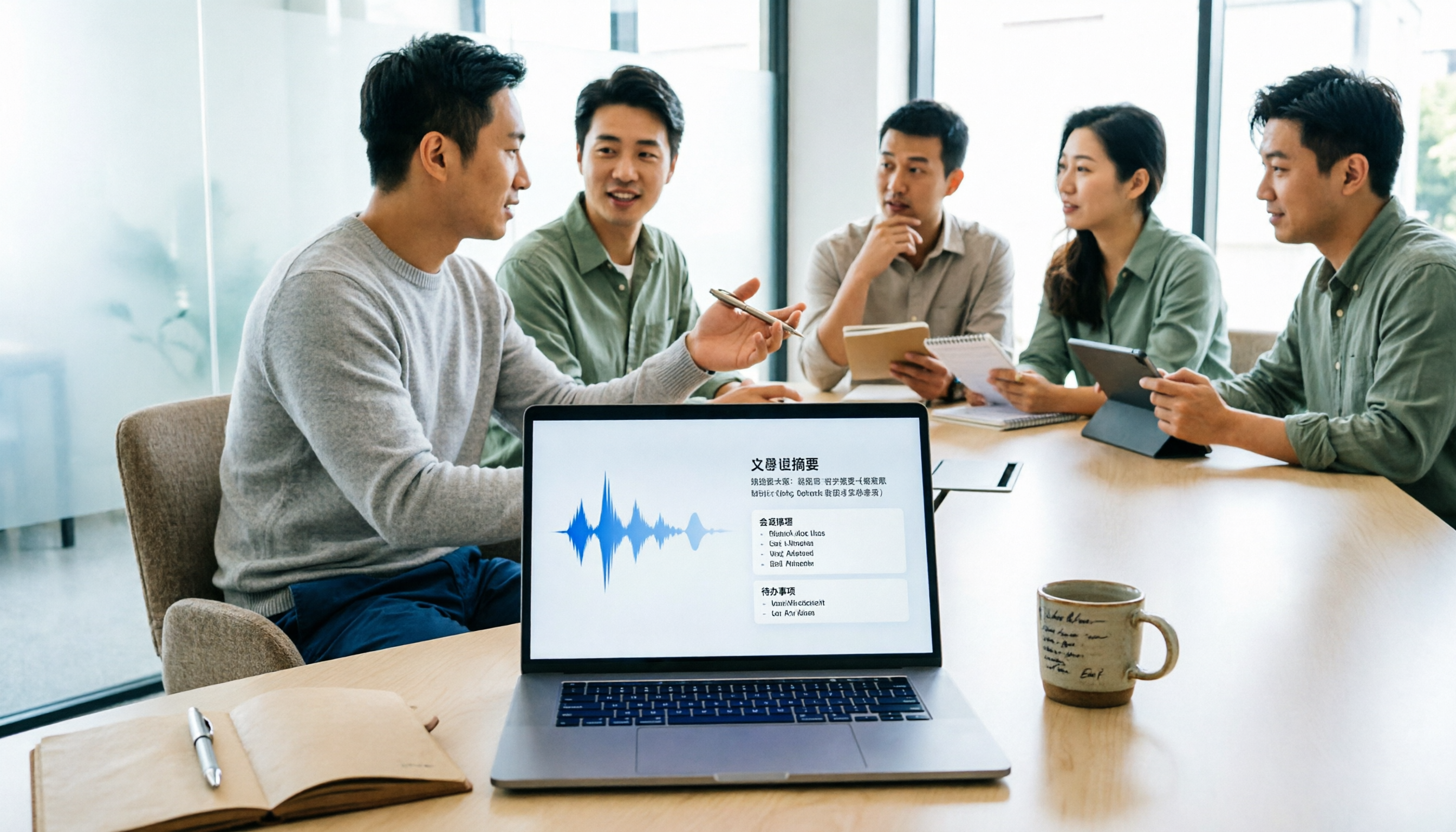
During a meeting, opening Tinrec generates a real-time verbatim script. After the meeting, AI automatically creates an organized report with a summary, chapters, and action items—who did what, what the deadlines are—all clear at a glance, with no manual organizing needed.
If you're listening to an online course or podcast, just paste a YouTube or Bilibili link, and it converts the entire episode to text, automatically segmenting it into chapters and highlighting key points—much faster than listening from start to finish.
After recording, you can chat with Tinrec directly: 'What requirements did the client mention in our last meeting?' It finds the answer in the recording, rather than just throwing back a bunch of keywords. This feature is almost nonexistent among competitors at this level.
Test data: excellent Chinese recognition
Stop organizing recordings by hand
Upload audio or video and automatically get a transcript, summary, and action items
Using a 5-minute Chinese meeting recording (iPhone 15, air-conditioned room, two-person conversation), Tinrec's character error rate was around 7.5%, and it caught all key terminology. Under the same conditions, two other competing tools had error rates of 9.7% and 12.1%.
Pros
- Not just meetings—organizes all kinds of audio/video: You can upload recordings, paste web video links, or even record meetings directly from your computer, unlike some tools that only work in specific scenarios.
- AI summaries and Q&A are extremely useful: After transcription, you can quickly ask about key points, saving re-listening time. In my tests, no other tool matched this.
- The most complete cross-platform support: Use the web version at the office, the mobile app on your commute, with real-time data sync so you can access historical recordings anytime.
Limitations
- The free version has a monthly transcription quota (currently about 100 minutes); heavy users will need to pay. But for most people with 2-3 meetings per week, it should suffice.
- For niche fields with lots of specialized terminology, the first transcription may need post-correction, a common issue for all AI transcription tools.
Who is it for?
If you frequently handle Chinese meetings, online courses, interviews, or web videos, and want to quickly find answers from your recordings and use them across devices, Tinrec is currently the most worthwhile option to try.
Besides Tinrec, what other options are there?
Otter.ai
The top choice for English meetings. The free plan is generous at 300 minutes per month, with strong real-time transcription and speaker identification. But beware: it doesn't support Chinese at all, let alone Cantonese. If you mainly process English content, Otter.ai offers better value than Tinrec; but if you need Chinese transcription, skip it.
Notta
It has comprehensive transcription features, with 120 free minutes per month and multilingual support. However, its AI organization still leans toward 'summaries', and it lacks the conversational Q&A and follow-up report generation that Tinrec offers. If you only occasionally need to transcribe, Notta is fine; but if you want to turn recordings into a long-term searchable database, it's not enough.
雅婷逐字稿
A long-established Taiwanese tool with decent Chinese accuracy (tested character error rate of 9.7%). New users get 300 minutes (to be used within one month). Unfortunately, it has no AI conversational query feature—you can only manually search keywords after transcription, and it doesn't support direct transcription from web video links. If you just need plain verbatim transcription, 雅婷 is sufficient; but if you want more AI assistance, consider Tinrec.
Pitfall guide: 3 mistakes people make when choosing a recording-to-text tool
Pitfall 1: Tempted by 'lifetime free' without reading the fine print
Many tools that tout 'free' actually just give you credits for signing up, and once they're gone, they're gone. If you need long-term use, choose an option with a stable free quota (like Tinrec's monthly credits) rather than being fooled by a one-time bonus.
Pitfall 2: Ignoring cross-platform needs
Today you record on your iPhone, and tomorrow you want to edit on your Windows laptop—only to discover the tool only has a mobile version. I've run into this too many times. Before choosing a tool, check if it has a web or desktop version, so you don't end up locked into a single device.
Pitfall 3: Treating transcription as the endpoint, wasting AI's value
Many people stop after they get the verbatim transcript, but modern AI tools can do much more: extract key points, capture action items, even find information through Q&A. If you only use it for 'audio to text', you're using only a fraction of its capability. With Tinrec's AI chat feature, a five-minute inquiry can be faster than flipping through half an hour of transcripts yourself.
Summary: Which one should you choose?
After two weeks of testing, my conclusion is: if you mainly process Chinese content and want recordings to be more than just archives—searchable, queryable, continuously usable—Tinrec秒聽錄音 is the most complete solution right now.
Here are my final recommendations by scenario:
- Chinese meetings, courses, interview organization → Tinrec (strongest AI summaries + Q&A, cross-platform)
- Many English meetings, no Chinese needed → Otter.ai (mature English ecosystem)
- Simple verbatim transcription, no follow-up organization → 雅婷逐字稿 (generous one-time free quota)
- Zero budget, only occasional short recordings → Start with Tinrec's free version; the monthly quota is enough for emergencies
I recommend downloading Tinrec's free version to try it out—the monthly quota is enough for two or three meetings or several video transcripts. If you really like it, consider upgrading. There's no need to pay from the start.
References
- 2026 Top 6 Voice-to-Text Tools: Convert Audio Files to Text Online for Free!
- Unlimited Time! 3 Free AI Transcription Tools, Highly Recommended! AI Voice Notes to Generate Meeting Minutes, Slides, and Mind Maps | 104職場力
- [AI Voice Notes] Super Recommended 5 AI-to-Text Tools! Generate Verbatim Transcripts and Meeting Highlights, Free vs. Subscription, Pros and Cons | 104職場力
- Stop Paying!! Recommend Three Super Useful Voice-to-Text Tools to Handle Everything ...
- Want to Turn Audio Recordings into Verbatim Transcripts for Free? 5 Must-Recommend 'Transcription' Tools to Help You Quickly Get It Done
Turn every recording into actionable outcomes
Get 60 free transcription minutes when you sign in. No credit card required.
Related Reading
You might also like

2026 Comparison of 4 Speech-to-Text Tools: Free Tiers and Post-Meeting Organization—Which Is Enough?
Many people think speech-to-text just means dropping an audio file into a tool and waiting for the text. What really slows things down is post-meeting organization, finding key points, and tracking action items. This article compares Tinrec, Notta, Otter.ai, and Granola using real meeting scenarios—from free tiers, Chinese transcription, bot-free recording, AI Q&A, to team data retention—to help you decide which one best fits your workflow.

2026 Comparison of 3 AI Transcription Tools: Free Tiers, Chinese Recognition, and Post-Meeting Organization—Which One Really Saves Time?
Most people misunderstand AI transcription—they think it's just about turning voice into text. This article addresses three common misconceptions, explaining that transcripts are only raw material; the real time savings come from post-transcription summaries, action items, Q&A, and team knowledge retention. Using Tinrec as an example, it walks you through features, use cases, purchasing considerations, and FAQs.
5 Meeting Minutes Software Compared: Which One Actually Saves Time with Chinese Recognition and Post-Meeting Organization?
After a meeting, you're left with just two lines of notes while two hours of discussion stay locked in the recording? This article starts from real meeting scenarios, breaks down the 4 key dimensions for choosing meeting minutes software, and compares Tinrec, Otter.ai, Notta, Granola, and TurboScribe on Chinese recognition, meeting capture methods, post-meeting outputs, and team authorization differences. It also includes a pitfalls guide and selection advice.

2026 Guide: Turn AI Transcripts into Meeting Minutes & Action Items in One Go
Meeting transcripts are often long and messy, taking more time to organize than the meeting itself. This guide, from a mid-level manager's real work scenario, breaks down four key steps for transcript organization, tests Tinrec's bot-free recording and AI Q&A workflow, and honestly compares Notta, Otter.ai, and Granola's applicable boundaries, with three common mistakes and selection advice.

4 Interview Recording-to-Text Tools Tested: Which One Handles Visit Notes and Thank-You Letters in One Go?
The real trouble starts after the interview ends: no one wants to organize the transcript, key points rely on memory, and the thank-you letter gets delayed until the third day. This article uses real scenarios from student project interviews and corporate visits to test 4 tools that turn interview recordings into text, and summarizes selection criteria, the 4 most common pitfalls, and whether the free version is actually enough.

2026 Transcription Tools Guide: AI Transcription Selection Tips + Tinrec Workflow
There are countless transcription tools, but the real challenge isn't transcription—it's what to do after. This guide covers selection criteria, hands-on testing, and pitfalls to avoid, rounding up transcription tools worth considering in 2026, and demonstrates how Tinrec turns meeting recordings into searchable, queryable, and shareable team knowledge.

4 AI Meeting Recorders Tested for 2026: Which Free Tier Works Best for Students?
A student's hands-on comparison of AI meeting note tools—Tinrec, Notta, Granola, and Otter.ai—covering free tiers, per-recording limits, post-transcript organization, and cross-platform use, with recommendations for class recordings, group projects, and final exam review.

How to Write Meeting Minutes in 2026: 5-Step Template Tutorial
Struggling to produce meeting minutes after the meeting ends? This article provides a ready-to-use meeting minutes template with fields and a 5-step process, and compares "template-only handwriting" vs. "template plus AI workflow" across recording, organizing, tracking, and team knowledge retention, helping you choose the right meeting minutes approach for your team.

2026 Tested: 4 AI Meeting Minutes Generators Compared — Which One Actually Saves You That Hour After the Meeting?
AI meeting minutes generation isn't just about uploading a recording. From the perspective of a mid-level manager who holds 15 meetings a week, I break down the most common misconceptions, 4 key purchasing criteria, and hands-on comparisons of Tinrec, Notta, Otter.ai, and Granola across Chinese-language meetings, bot-free recording, post-meeting Q&A, and team knowledge retention — with final recommendations by scenario.