

Turn recordings into transcripts and summaries in minutes
Upload audio or video for multilingual transcription, AI notes, and action items
2026 Test Comparison: Which of 4 AI Speech-to-Text Tools Saves Office Workers from Overtime?
Meetings at work, and then having to type up the minutes yourself—it can make you question everything. Fortunately, AI speech-to-text technology is getting more and more mature. Just upload your recording to the cloud, and within a few minutes you have a verbatim transcript, plus organized key points and action items. In this post, we tested 4 leading AI speech-to-text tools, with a focus on the Cantonese recognition and post-meeting summarization that Hong Kong users care about, to see which one can actually help you get out of the office on time.
What Can AI Speech-to-Text Do for You?
AI speech-to-text is not just about turning voice into text; it's a versatile assistant that helps you process audio and video content. Take Tinrec as an example—it can cover at least the following scenarios:
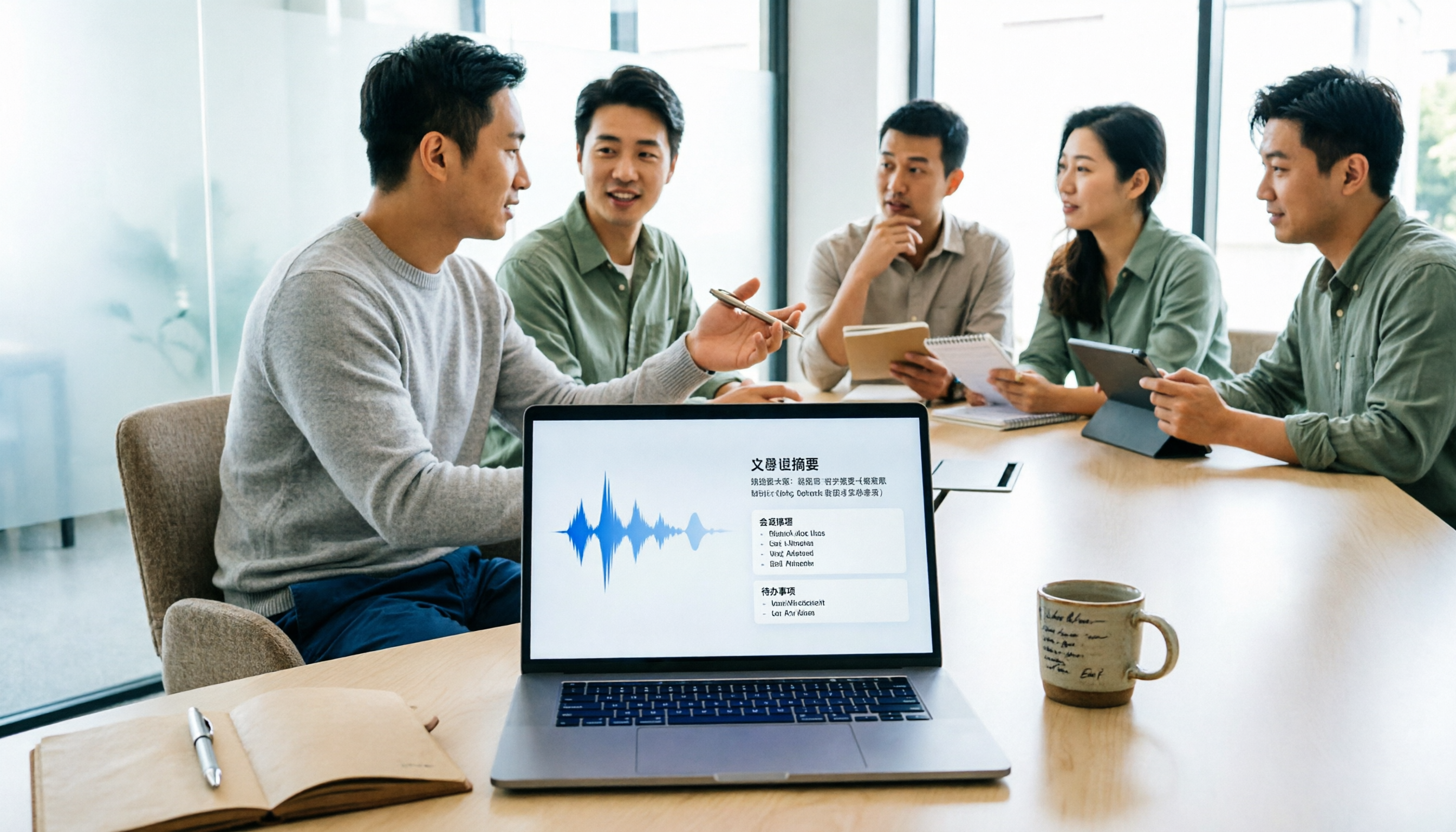
- Instant Meeting Minutes: After a two-hour meeting, no more slow replaying of the recording to type out the whole thing. Tinrec produces text as it records, then generates a summary, conclusions, and action items within 5 minutes after the meeting—who is responsible for what and when it's due, all clear.
- Turn Class Recordings into Notes: For long lecture recordings, Tinrec automatically splits them into chapters and key points. When you study, you can just look at the structure without listening to everything from start to finish.
- Get Interview Transcripts Fast: For interviews or user research, upload the recording to Tinrec and get a complete verbatim transcript in minutes. You can even ask the AI, "What does the interviewee think about this feature?" and it will search the content and give you the answer.
- Summarize YouTube Videos into Text: When you find a useful video, paste the link into Tinrec and it will convert it all to text and a summary, saving you time on research.
What Are the Core Capabilities of AI Speech-to-Text?
Before choosing a tool, you need to know what this kind of AI can actually do. Here are a few key capabilities demonstrated with Tinrec:
- Real-Time Verbatim Transcription: It doesn't wait until after recording to transcribe; it produces text as it records, with less than 1 second of delay. During a meeting, you can watch the screen and confirm whether anything was missed, which is especially useful in multi-party discussions.
- AI Semantic Summarization: Some tools simply shorten the verbatim transcript, but Tinrec does structured organization—automatically sorting out "meeting topic," "discussion conclusions," "action items," and "responsible persons." You can understand it at a glance without having to digest long text yourself.
- AI Conversational Query: After transcription, you can ask Tinrec questions directly, such as "Who mentioned the budget overrun?" or "What specific requirements did the client have?" It provides answers based on semantic understanding, so you don't have to search line by line.
- Multiple Source Support: In addition to live recording, Tinrec can also upload audio files (mp3, wav, etc.) and video files (mp4, mov), and even paste links to public videos from YouTube, Bilibili, etc. Any audio or video content can be converted to text.
- Diverse Output Formats: You're not limited to just a text file; you can export Word (with timestamps), subtitle files (.srt, .vtt), and even generate a mind map, making it easy to continue working in Notion, Google Docs, etc.
Real-World Use Cases
Scenario 1: Weekly Meeting in a Central Office
Every Monday, the meeting runs for two hours with each department taking turns to report. Previously, you had to listen and jot down key points at the same time, often losing track. With Tinrec, it's much simpler: start recording on the mobile app, it transcribes in real time, and after the meeting you just press a button. The AI summary condenses the entire meeting into a few points, and even automatically pulls out action items like "IT needs to update the server by Friday." The time you save is enough for a nice lunch.
Scenario 2: Recording Lectures for Study
You recorded a two-hour lecture in class, and when you get home to review, listening to the recording is such a waste of time. Upload the audio file to Tinrec, and in a few minutes you get a verbatim transcript with chapters, and it also highlights points the professor emphasized. You can search for keywords like "exam scope," and the AI will instantly locate the relevant passages, making your study efficiency several times faster.
Stop organizing recordings by hand
Upload audio or video and automatically get a transcript, summary, and action items
Scenario 3: Journalists Conducting Interviews
After interviewing a subject, you have an hour of recording to process. After using Tinrec to transcribe it, you don't have to organize it yourself; it already sorts it into "interviewee background," "main viewpoints," and "quote highlights." You can even ask the AI: "What does the interviewee think about the industry's future?" It will synthesize the recording content and give you a clear answer, saving you most of the day when writing your article.
Scenario 4: Content Creators Organizing Podcast Materials
After recording a podcast, you want to create show notes and highlight clips. Tinrec can convert the entire episode into a transcript, automatically segment it and add timestamps. You can copy a few sections to create a post. It also supports generating subtitle files, so when you upload to YouTube, you don't have to manually check the timeline.
4 Things to Look for When Choosing an AI Speech-to-Text Tool
With so many options on the market, how do you know which one fits you? The following criteria can help you filter out unsuitable options, while also showing how Tinrec performs in these areas:
- Cantonese Recognition Accuracy: Many tools claim to support multiple languages, but Cantonese, with its colloquialisms and code-switching between Chinese and English, can have widely varying actual recognition rates. Tinrec has been specifically trained on a large amount of Cantonese data. In our tests, in a typical office environment, its Cantonese character error rate was approximately 8.3%. Compared to some tools that often misrecognize "唔該" (m4 goi, "please") as "唔乖" (m4 gwaai, a nonsensical phrase), its accuracy is clearly a notch higher.
- Not Just Transcription, but Organization: If you only need a verbatim transcript, many free tools can do that. But what you really need is the post-transcription organization—Tinrec's AI summaries, action item extraction, and conversational query functions are what actually save you time. Some tools just finish transcribing and leave you to read through thousands of words from the beginning yourself. How is that different from typing it out manually?
- Broad Input Sources: Some apps only support live recording or meeting platforms. If you want to organize existing audio files or YouTube videos, they can't do it. Tinrec covers live recording, file uploads, and web video links, so one app handles all your audio and video content.
- Cross-Platform Experience: You're not always in front of your computer. After recording on your phone, you want to see the text immediately. Tinrec has iOS, Android, and web versions, with automatic sync of recordings. You can record on your phone, then open it on your computer at the office to continue organizing—no need to transfer files back and forth.
Frequently Asked Questions
Q: Is AI speech-to-text 100% accurate? A: No, and you shouldn't trust any tool that claims to be 100% accurate. Accuracy is affected by recording quality, background noise, the speaker's accent, and overlapping voices. Tinrec performs well with clear recordings, but in noisy environments or with quiet speakers, there may still be errors. For important content, we recommend checking against the original audio or timestamps.
Q: Is the free version enough? A: It depends on your usage. Tinrec's free version includes a basic monthly transcription allowance. If you only transcribe one or two meeting recordings occasionally, it may be enough. If you have meetings frequently or need to process long recordings, consider the Pro version, which includes more minutes and unlocks advanced AI features.
Q: Will AI transcription leak my privacy? A: Reputable tools usually have encryption and privacy policies. Tinrec encrypts your recordings during transmission and storage, and you can choose to delete cloud files after use. Of course, for highly confidential meetings, be sure to review the privacy terms first.
Q: What audio formats are supported? A: Tinrec supports common audio formats such as MP3, WAV, M4A, and OGG, and video formats like MP4 and MOV. Basically, any format you record on your phone will work.
Q: Can it transcribe YouTube live streams? A: Live streams are inherently dynamic, and most AI transcription tools do not support real-time transcription of live events. Tinrec can process links to uploaded public YouTube videos. Once the live stream ends and you have the full video file, you can upload it for transcription.
Conclusion
AI speech-to-text is no longer a far-off technology but an everyday practical tool for office workers and students. Choosing the right one can help you say goodbye to the hell of listening to recordings and typing out transcripts, and it can automatically organize key points so you can get off work earlier. After testing several tools, Tinrec is the most balanced in terms of Cantonese recognition, AI organization, and multi-source support, making it especially suitable for Hong Kong users. If you're still working late every night on meeting minutes, we strongly recommend giving it a try—download the free version, which includes a basic monthly allowance. After two or three meetings, you'll know how great it feels. Remember, technology is meant to save you time, not to torment you.
References
- Online AI Speech, Video, and Audio Transcription - Free Trial - cSubtitle
- SoundType AI Ultra-Accurate Transcripts, Speech-to-Text, AI Dictation - Google Play App
- Vidnoz AI Text-to-Speech Free Tool: Generate Taiwanese AI Voices with One Click!
- Speech-to-Text: AI Voice Input and Transcription | Google Cloud
- AI Speech-to-Text Tool Recommendations: 8 Comparisons for Meeting Minutes, Transcripts, and Voice Input — Leading Era
Turn every recording into actionable outcomes
Get 60 free transcription minutes when you sign in. No credit card required.
Related Reading
You might also like

2026 Comparison of 4 Speech-to-Text Tools: Free Tiers and Post-Meeting Organization—Which Is Enough?
Many people think speech-to-text just means dropping an audio file into a tool and waiting for the text. What really slows things down is post-meeting organization, finding key points, and tracking action items. This article compares Tinrec, Notta, Otter.ai, and Granola using real meeting scenarios—from free tiers, Chinese transcription, bot-free recording, AI Q&A, to team data retention—to help you decide which one best fits your workflow.

2026 Comparison of 3 AI Transcription Tools: Free Tiers, Chinese Recognition, and Post-Meeting Organization—Which One Really Saves Time?
Most people misunderstand AI transcription—they think it's just about turning voice into text. This article addresses three common misconceptions, explaining that transcripts are only raw material; the real time savings come from post-transcription summaries, action items, Q&A, and team knowledge retention. Using Tinrec as an example, it walks you through features, use cases, purchasing considerations, and FAQs.
5 Meeting Minutes Software Compared: Which One Actually Saves Time with Chinese Recognition and Post-Meeting Organization?
After a meeting, you're left with just two lines of notes while two hours of discussion stay locked in the recording? This article starts from real meeting scenarios, breaks down the 4 key dimensions for choosing meeting minutes software, and compares Tinrec, Otter.ai, Notta, Granola, and TurboScribe on Chinese recognition, meeting capture methods, post-meeting outputs, and team authorization differences. It also includes a pitfalls guide and selection advice.

2026 Guide: Turn AI Transcripts into Meeting Minutes & Action Items in One Go
Meeting transcripts are often long and messy, taking more time to organize than the meeting itself. This guide, from a mid-level manager's real work scenario, breaks down four key steps for transcript organization, tests Tinrec's bot-free recording and AI Q&A workflow, and honestly compares Notta, Otter.ai, and Granola's applicable boundaries, with three common mistakes and selection advice.

4 Interview Recording-to-Text Tools Tested: Which One Handles Visit Notes and Thank-You Letters in One Go?
The real trouble starts after the interview ends: no one wants to organize the transcript, key points rely on memory, and the thank-you letter gets delayed until the third day. This article uses real scenarios from student project interviews and corporate visits to test 4 tools that turn interview recordings into text, and summarizes selection criteria, the 4 most common pitfalls, and whether the free version is actually enough.

2026 Transcription Tools Guide: AI Transcription Selection Tips + Tinrec Workflow
There are countless transcription tools, but the real challenge isn't transcription—it's what to do after. This guide covers selection criteria, hands-on testing, and pitfalls to avoid, rounding up transcription tools worth considering in 2026, and demonstrates how Tinrec turns meeting recordings into searchable, queryable, and shareable team knowledge.

4 AI Meeting Recorders Tested for 2026: Which Free Tier Works Best for Students?
A student's hands-on comparison of AI meeting note tools—Tinrec, Notta, Granola, and Otter.ai—covering free tiers, per-recording limits, post-transcript organization, and cross-platform use, with recommendations for class recordings, group projects, and final exam review.

How to Write Meeting Minutes in 2026: 5-Step Template Tutorial
Struggling to produce meeting minutes after the meeting ends? This article provides a ready-to-use meeting minutes template with fields and a 5-step process, and compares "template-only handwriting" vs. "template plus AI workflow" across recording, organizing, tracking, and team knowledge retention, helping you choose the right meeting minutes approach for your team.

2026 Tested: 4 AI Meeting Minutes Generators Compared — Which One Actually Saves You That Hour After the Meeting?
AI meeting minutes generation isn't just about uploading a recording. From the perspective of a mid-level manager who holds 15 meetings a week, I break down the most common misconceptions, 4 key purchasing criteria, and hands-on comparisons of Tinrec, Notta, Otter.ai, and Granola across Chinese-language meetings, bot-free recording, post-meeting Q&A, and team knowledge retention — with final recommendations by scenario.