
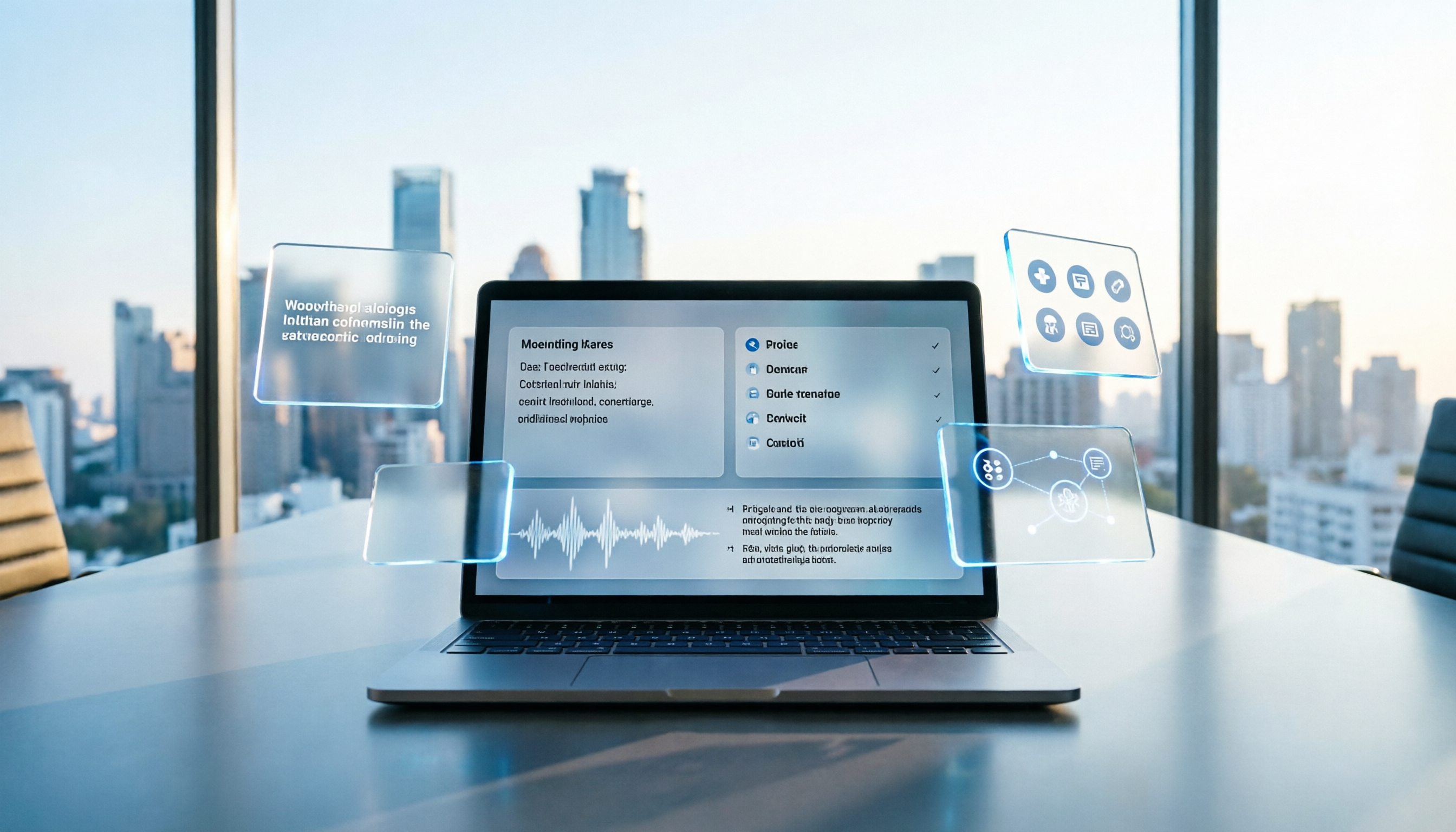
Turn recordings into transcripts and summaries in minutes
Upload audio or video for multilingual transcription, AI notes, and action items
Meetings every day until knock-off time—the worst part isn't the meeting itself, it's writing the minutes afterward. Now with AI assistance, Tinrec can automatically record, transcribe, and summarize the entire session, so you have all the info right when the meeting ends—no more overtime listening to recordings and typing transcripts.
What Can AI-Generated Meeting Minutes Do for You?
Scenario 1: Get the record 5 minutes after the meeting
After a two-hour meeting, you might previously spend another hour organizing the minutes. Now with Tinrec, the moment the meeting ends, AI has already generated the summary, conclusions, and action items. Who is responsible for what, and when deadlines are due—everything is clear at a glance.
Scenario 2: No missed points in long meetings
In meetings over an hour, the human brain is bound to miss something. Tinrec records the entire session and transcribes it in real time. Afterward, you can search directly for keywords or even ask AI questions like "Who mentioned the budget?" or "What did the client ask for?"—it instantly finds the relevant passages for you.
Scenario 3: Team collaboration without waiting
No need to type the minutes yourself. Tinrec's transcription and summary can be shared with colleagues via a one-click link, or exported to Notion or Google Docs, so the whole team stays in sync and no one can claim they didn't know about the action items.
Core Capabilities of Tinrec AI Meeting Minutes
Real-time transcription: text as it records
Tinrec doesn't transcribe after recording; it outputs text as the meeting happens, with less than 1 second of delay. You can watch the screen to confirm no key points are missed, which is especially useful during multi-person discussions.
AI semantic summary: not just random condensation
Many tools simply shorten the transcript. Tinrec's AI summary is structured organization—meeting topic, discussion conclusions, action items, and owners are listed separately, truly helping you understand the content instead of leaving you confused.
Automatic action item extraction: clear on who does what
In meetings, people often say "I'll follow up," but on what exactly? Tinrec automatically catches action items from the discussion, tags the person responsible, and suggests deadlines—no more chasing people afterward.
AI conversational query: like having an assistant find information for you
After transcription, you can type questions to Tinrec directly—"Who mentioned the marketing budget in the meeting?" "What feedback did the client give?"—it's not keyword search, but semantic understanding that gives direct answers.
Multi-format export: take it anywhere
Your organized records can be exported as Word, PDF, or TXT, and even synced to Notion, Google Docs, or OneNote. Use them however you like—you're not locked into one platform.
Practical Use Cases
Company weekly meetings: auto-generate to-do lists
Every weekly meeting involves status updates plus a pile of new tasks. Record with Tinrec, and the AI summary will list everything each person needs to do the following week. Share directly to team Slack or Notion, saving the PM half an hour of organizing time.
Client meetings: never miss key requirements
The biggest fear in client meetings is missing the client's requirements. Tinrec records and transcribes simultaneously, so you can focus on the conversation. Afterward, ask AI "When is the client's required delivery date?" or "Any special instructions?" and get answers instantly—even your proposal writing goes faster.
Stop organizing recordings by hand
Upload audio or video and automatically get a transcript, summary, and action items
Online lectures/courses: organize study notes
Attending an online talk or course? Just turn on Tinrec to record system audio. It automatically separates chapters, generates summaries, and can even export key points as a mind map—super convenient for studying.
Brainstorming sessions: capture every idea
In creative meetings where everyone talks at once, many great ideas are often forgotten moments later. Tinrec's transcript and AI query can help you revisit any part of the discussion afterward, then use AI to distill a few feasible directions.
5 Things to Look For When Choosing an AI Meeting Minutes Tool
1. Accuracy is essential, but don't blindly trust official numbers
Many tools claim 9x% accuracy, but fall apart in noisy environments or with mixed languages. In real-world testing, Tinrec's Chinese transcription is quite stable in normal meeting environments and can handle moderate background noise. It's recommended to test with your own recordings before deciding.
2. AI features are the game changer
Transcription is just the first step. The real value lies in post-transcription organization. Tinrec's AI conversational query and action item extraction offer value that other pure transcription tools can't provide—don't just compare minute counts.
3. Language support should fit your daily use
If your company often uses Chinese or even a mix of Chinese and English, note that some tools focus on the English market, and their Chinese transcription quality suffers. Tinrec handles Chinese content well, and works reasonably well with both Cantonese and Mandarin meetings.
4. Cross-platform and integration capabilities
You don't only have meetings on your computer—sometimes you need to quickly sync on your phone. Tinrec has iOS, Android, and web versions, with cross-device syncing for recordings, and supports exporting to common note-taking tools, so you're not locked into a single platform.
5. Free trial and price transparency
No need to pay upfront. Tinrec's free plan includes a monthly basic transcription quota, enough to try two or three meetings. The Pro plan has a reasonable monthly fee with no hidden charges. Upgrade only when it suits you, with no forced annual contract.
FAQ
Q: Is Tinrec's accuracy 100%?
A: No, and no tool can achieve 100%. Accuracy is affected by recording quality, background noise, accents, and overlapping speech. Tinrec's Chinese transcription performs very well with clear recordings, but for important documents, it's recommended to verify against the original recording.
Q: Do other participants need to install an app to record meetings with Tinrec?
A: No. As long as Tinrec is recording on your device, it captures the room audio via microphone or system audio (for online meetings). Other participants don't need to install anything.
Q: How long are recordings kept? How is privacy protected?
A: Recordings and transcriptions are securely stored in your account, and you can delete them at any time. Tinrec has strict data protection measures and does not use your content to train models or share it with third parties.
Q: Can I upload old recordings for transcription?
A: Yes. Tinrec supports uploading audio or video files (e.g., MP3, WAV, MP4), and can generate summaries and action items as well—useful for organizing old meeting records.
Q: What are the limitations of the free plan?
A: The free plan includes a fixed number of transcription minutes per month, enough to experience the core features. If you have frequent meetings, consider the Pro monthly or yearly plan, which offers significantly more minutes and unlocks advanced AI features.
Conclusion
AI-generated meeting minutes are no longer future technology—they're a tool you can use right now to genuinely save time. If you have more than three meetings a week, instead of staying late every night to type up meeting minutes, why not try Tinrec? The free plan includes a monthly basic quota, enough to experience several meetings and find out how great it feels to have structured records and automatically listed action items the moment the meeting ends. From now on, no more meeting anxiety—AI has everything covered for you.
References
Turn every recording into actionable outcomes
Get 60 free transcription minutes when you sign in. No credit card required.
Related Reading
You might also like

2026 Comparison of 4 Speech-to-Text Tools: Free Tiers and Post-Meeting Organization—Which Is Enough?
Many people think speech-to-text just means dropping an audio file into a tool and waiting for the text. What really slows things down is post-meeting organization, finding key points, and tracking action items. This article compares Tinrec, Notta, Otter.ai, and Granola using real meeting scenarios—from free tiers, Chinese transcription, bot-free recording, AI Q&A, to team data retention—to help you decide which one best fits your workflow.

2026 Comparison of 3 AI Transcription Tools: Free Tiers, Chinese Recognition, and Post-Meeting Organization—Which One Really Saves Time?
Most people misunderstand AI transcription—they think it's just about turning voice into text. This article addresses three common misconceptions, explaining that transcripts are only raw material; the real time savings come from post-transcription summaries, action items, Q&A, and team knowledge retention. Using Tinrec as an example, it walks you through features, use cases, purchasing considerations, and FAQs.
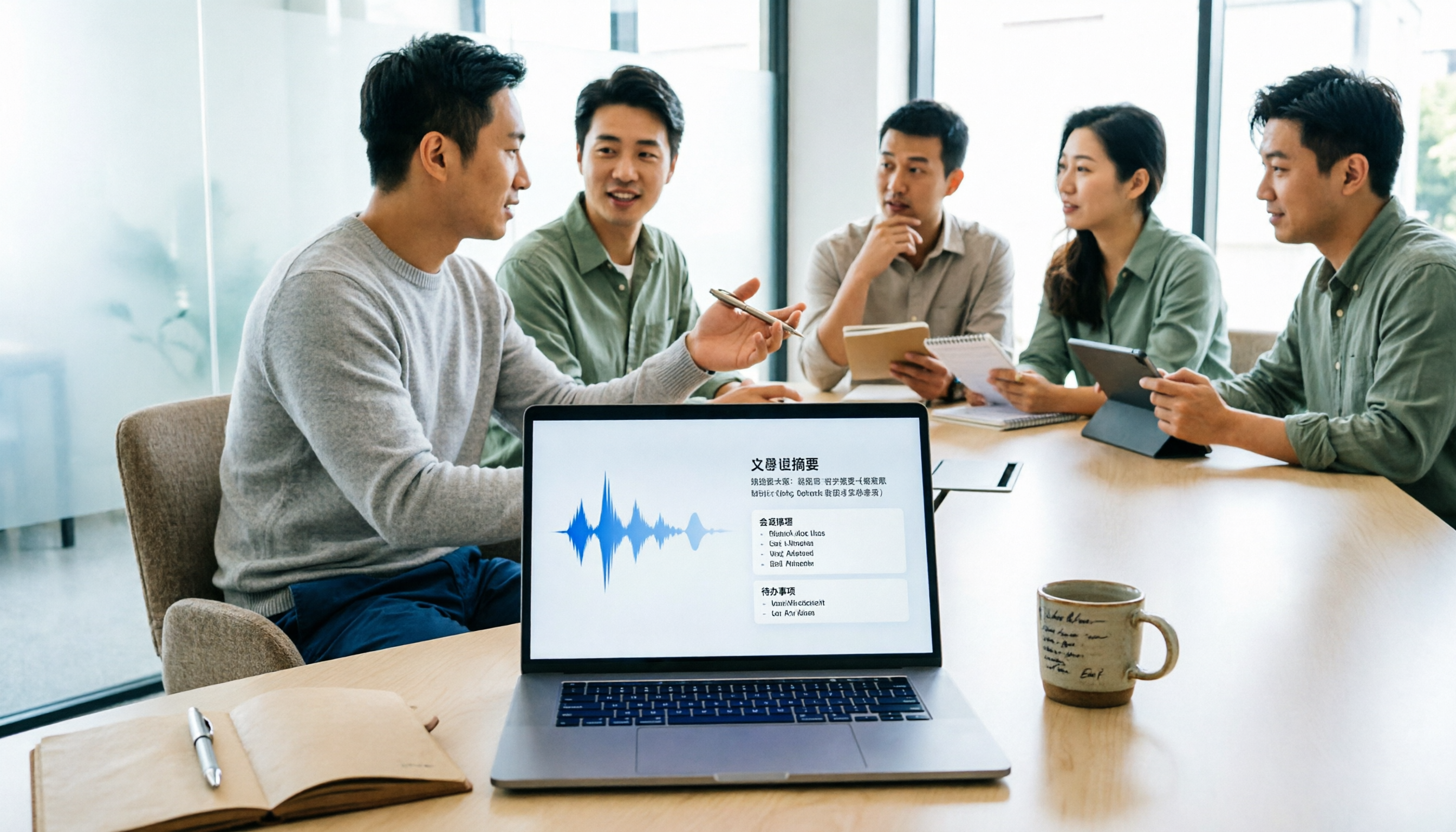
5 Meeting Minutes Software Compared: Which One Actually Saves Time with Chinese Recognition and Post-Meeting Organization?
After a meeting, you're left with just two lines of notes while two hours of discussion stay locked in the recording? This article starts from real meeting scenarios, breaks down the 4 key dimensions for choosing meeting minutes software, and compares Tinrec, Otter.ai, Notta, Granola, and TurboScribe on Chinese recognition, meeting capture methods, post-meeting outputs, and team authorization differences. It also includes a pitfalls guide and selection advice.

2026 Guide: Turn AI Transcripts into Meeting Minutes & Action Items in One Go
Meeting transcripts are often long and messy, taking more time to organize than the meeting itself. This guide, from a mid-level manager's real work scenario, breaks down four key steps for transcript organization, tests Tinrec's bot-free recording and AI Q&A workflow, and honestly compares Notta, Otter.ai, and Granola's applicable boundaries, with three common mistakes and selection advice.

4 Interview Recording-to-Text Tools Tested: Which One Handles Visit Notes and Thank-You Letters in One Go?
The real trouble starts after the interview ends: no one wants to organize the transcript, key points rely on memory, and the thank-you letter gets delayed until the third day. This article uses real scenarios from student project interviews and corporate visits to test 4 tools that turn interview recordings into text, and summarizes selection criteria, the 4 most common pitfalls, and whether the free version is actually enough.

2026 Transcription Tools Guide: AI Transcription Selection Tips + Tinrec Workflow
There are countless transcription tools, but the real challenge isn't transcription—it's what to do after. This guide covers selection criteria, hands-on testing, and pitfalls to avoid, rounding up transcription tools worth considering in 2026, and demonstrates how Tinrec turns meeting recordings into searchable, queryable, and shareable team knowledge.

4 AI Meeting Recorders Tested for 2026: Which Free Tier Works Best for Students?
A student's hands-on comparison of AI meeting note tools—Tinrec, Notta, Granola, and Otter.ai—covering free tiers, per-recording limits, post-transcript organization, and cross-platform use, with recommendations for class recordings, group projects, and final exam review.

How to Write Meeting Minutes in 2026: 5-Step Template Tutorial
Struggling to produce meeting minutes after the meeting ends? This article provides a ready-to-use meeting minutes template with fields and a 5-step process, and compares "template-only handwriting" vs. "template plus AI workflow" across recording, organizing, tracking, and team knowledge retention, helping you choose the right meeting minutes approach for your team.

2026 Tested: 4 AI Meeting Minutes Generators Compared — Which One Actually Saves You That Hour After the Meeting?
AI meeting minutes generation isn't just about uploading a recording. From the perspective of a mid-level manager who holds 15 meetings a week, I break down the most common misconceptions, 4 key purchasing criteria, and hands-on comparisons of Tinrec, Notta, Otter.ai, and Granola across Chinese-language meetings, bot-free recording, post-meeting Q&A, and team knowledge retention — with final recommendations by scenario.