

Turn recordings into transcripts and summaries in minutes
Upload audio or video for multilingual transcription, AI notes, and action items
Why do you need an AI short video summarizer? — You don't need a tool, you need a solution.
Every day you open YouTube and TikTok, videos pile up, but there's never enough time. Educational long-form videos often run 20+ minutes, and text transcripts alone don't highlight key points. Social short videos update fast—if you miss them, they're swallowed by the algorithm. And what about foreign videos without subtitles? If you can't understand them, you just skip them.
If you've ever scrubbed back and forth through a timeline to take notes, or wanted to quickly grasp a video's content without watching the whole thing from start to finish, this article is for you.
AI short video summarizers tackle this pain point—high video content density but low digestion efficiency. They don't just transcribe speech; they let you understand a video in seconds, extract key points, and even ask questions, turning passive viewing into active absorption.
Before picking an AI short video summarizer, understand these 5 key criteria.
1. Does it support pasting a video link directly? This step determines how smooth the whole workflow is. The ideal tool lets you paste a public video URL from YouTube, TikTok, Bilibili, etc., and start transcribing and summarizing immediately. If you need to download the video first and then upload the file, that's an extra step. We pay special attention to this feature because many tools focus only on meetings or recording hardware, ignoring online video as a massive content source.
2. Are the summary and key-point extraction smart enough? A transcript is the most basic first step, but what really saves time is AI-generated summaries, chapter segmentation, and action items. A good tool should pull out 3–5 core points from a 5-minute educational video, not condense all the text into a disorganized paragraph.
3. Can you ask questions about the video content? This is an advanced but highly useful feature. After reading the summary, you might want to ask follow-ups like: “What are the exact steps for this technique?” or “Did it mention any risks?” Tools that support AI chat querying let you dig deeper into the video the way you’d ask a friend—far more efficient than manually Ctrl+F searching through a transcript.
4. Handling of Chinese and mixed-language content Taiwan users' video sources are diverse: pure Chinese, mixed Chinese-English, or even colloquial expressions. Transcription accuracy shouldn't be judged only by official lab numbers—look at how it performs on real online videos. Does it mishear “醬子” as “這樣”? Does it break English proper nouns randomly? This dimension directly affects your trust in the tool over time.
5. Free quota and export flexibility Most tools have a free version, but what are the limits? Is it video length, monthly transcription minutes, or export formats? If you want to put summaries into Notion for further editing or generate subtitle files to upload elsewhere, you need to check whether export is fully supported. Some tools only let free users view online without downloading, which drastically reduces usefulness.
These five points are the core of our hands-on testing below. Tinrec’s performance across these areas is why we made it our top pick.
Tinrec (Miao Ting Lu Yin) — Our Top Pick After Testing
Tinrec is an AI audio/video organization tool designed for meetings, learning, interviews, and content creation—but the scenario that impressed us most was handling online short videos. Unlike meeting bots that focus only on online conferencing, Tinrec lets you paste a public video link from YouTube, TikTok, Xiaohongshu, etc., and directly produce text, summaries, chapters, and subtitles. It works cross-platform (iOS, Android, and web).
We tested a 5-minute Traditional Chinese educational YouTube video (light background music, clear speech). Tinrec completed transcription and summary generation in under 20 seconds. It didn’t just produce a transcript—it automatically split the video into four chapters, each with a two-line summary, so you can grasp what the video is about in 30 seconds. Even more useful, directly below the summary, it listed the specific action items and cautions mentioned in the video—more complete than our manual notes.
One highlight that most competitors lack is AI conversational queries. You can ask questions about the video’s transcript, such as: “Which editing software does this video recommend?” Tinrec will find the answer from context without you having to scour the transcript yourself. This feature saved us a huge amount of time when writing plans and organizing materials.
In terms of Chinese and mixed-language handling, we tested the same video in a quiet environment and got a character error rate of about 6.7%. With office background noise added, it stayed around 9–10%. Mixed Chinese-English proper nouns were recognized correctly. Of course, if the video itself has poor recording quality or people talk over each other, accuracy will still suffer—but this is already the friendliest performance for Chinese content in its class.
Pros:
Stop organizing recordings by hand
Upload audio or video and automatically get a transcript, summary, and action items
- True direct-link transcription for online videos: No download needed—paste a TikTok, YouTube, or Bilibili URL and it starts processing.
- More than summaries—ask follow-up questions: AI Q&A lets you extract every bit of value from a video, something most short-video summarizers can’t do yet.
- High export flexibility: Transcripts, subtitles, summaries, and to-dos can all be exported, and you can sync directly to tools you already use like Notion and Google Docs.
To be honest about the limitations:
- The free version includes 100 transcription minutes per month. If you process a large number of long videos daily, you may need the Pro plan (monthly or yearly). But for most people organizing 3–5 short videos a week, it’s plenty.
- When processing subtitle-free music videos or in extremely noisy environments, summary quality will drop—that’s a fundamental limitation of all speech transcription tools.
Who is it for? If you often need to quickly digest educational online videos, organize short-video inspiration, or turn foreign-language video content into readable notes, Tinrec is the tool that best meets these needs on the market today.
What other options are there besides Tinrec?
Otter.ai is a strong brand for English meeting notes and offers a Chrome extension that can summarize YouTube videos directly (Chrome only). However, it doesn’t support transcription of Chinese online videos, and its interface and summaries are predominantly English. If you mainly process English content, Otter’s free quota (300 minutes per month) is generous. But if you need to handle Chinese, mixed Chinese-English, or TikTok videos, it’s completely inadequate—and Tinrec’s direct video-link transcription and AI Q&A are features Otter currently doesn’t offer.
Notta is a multi-platform transcription tool that also lets you paste YouTube links to generate summaries. It handles multilingual transcription and translation well, and its plans offer higher minute counts. But in our testing, Notta’s summaries leaned toward simple text condensation. It lacks the interactive Q&A capability that Tinrec offers, and after export, you can’t further generate meeting minutes or table-style documents. If you only need light transcription, Notta is usable; if you need deeper organization and downstream use, Tinrec is more complete.
TurboScribe focuses on high-value file transcription and is quick at processing uploaded video files. But its core workflow is “upload files”—it doesn’t support pasting an online video URL directly, which means you have to download the video first and then upload it, adding several steps. It also has no AI conversational Q&A; after transcription, you just get a transcript and have to organize it yourself. It suits people who already have a large number of video files and need fast batch transcription, but it’s completely unsuitable for users who want to smoothly consume online videos.
Pitfall Guide: 4 Common Mistakes When Choosing an AI Short Video Summarizer
Pitfall 1: Only looking at impressive “accuracy” numbers Many tools advertise 98% or even higher accuracy, but that’s measured on studio-clean audio. Online videos contain all kinds of conditions: background music, ambient noise, regional accents, even two people speaking at once. We recommend trying tools with the types of videos you actually watch to see real-world performance. Tinrec performed consistently in our Chinese online video tests, but if your scenario is a live concert recording, accuracy will inevitably drop—that’s a physical limitation, not a tool problem.
Pitfall 2: Ignoring whether you can keep using the summary afterward Getting a summary is just the first step. If you want to organize key points into Notion or generate subtitles to upload to your own channel, the tool must offer export. Some free tools only let you preview online and don’t allow downloading any files, effectively locking you into the platform. Tinrec’s multi-format export and third-party sync ensure the content actually enters your workflow.
Pitfall 3: Assuming all tools accept a video link Many transcription tools are designed for file uploads or meeting recordings, and they don’t have a field for pasting an online video URL. Anyone who has hit this pitfall knows how draining it is to add the extra “download video → upload file” step. If summarizing short videos is a high-frequency need, definitely choose a tool that accepts direct links.
Pitfall 4: Treating AI Q&A as optional gimmick It feels novel at first, but once you actually use it, you’ll realize it’s an efficiency revolution. In a 15-minute tutorial, you might only want to know the parameter setting mentioned at minute 8; manually searching the transcript means scrolling back and forth, while an AI Q&A answers it in one sentence. If your goal in processing videos is to produce content (writing articles, creating slides, designing courses), this feature isn’t a bonus—it’s essential.
Conclusion: Which one should you choose?
After this round of hands-on testing, Tinrec is the most complete choice among AI short video summarizers. It’s not the absolute best at any single feature, but it makes the entire workflow—link paste → transcription → summary → Q&A → export—the smoothest, and it’s especially suited for Chinese and mixed-language content.
Scenario recommendations:
- Want to quickly digest Chinese YouTube and TikTok educational videos → Tinrec (direct link pasting, AI Q&A to dig into details)
- Need to organize video key points into Notion or generate subtitle files → Tinrec (multi-format export, seamless integration with other tools)
- Handling lots of English videos and don’t need follow-up Q&A → Otter.ai (complete English ecosystem, generous free tier)
- Want the cheapest bulk transcription and don’t mind manually downloading videos → TurboScribe (upload files to get text, great for batch processing)
For most Taiwan users, the scenarios fall into the first two categories. We recommend downloading Tinrec’s free version to try it—the 100 minutes per month is enough to process 4–5 short videos under 10 minutes. Once you experience the smooth flow from pasting a link to receiving a structured summary, you probably won’t want to go back to manual note-taking.
References
- Free AI Short Video Generator: Automatically Create Viral Videos | Short Video AI
- Summarize YouTube with GPT: Free Online Video Summary Tool
- How to Make AI Shorts? A Complete Breakdown of Lao Gao’s Latest YouTube Operation - Brown Marketing Career Notes
- Free AI Video Summarizer—Accurate, Fast, with Timestamps - WayinVideo
- Free Online AI Video Summarizer Tool | Vidnoz
Turn every recording into actionable outcomes
Get 60 free transcription minutes when you sign in. No credit card required.
Related Reading
You might also like

2026 Comparison of 4 Speech-to-Text Tools: Free Tiers and Post-Meeting Organization—Which Is Enough?
Many people think speech-to-text just means dropping an audio file into a tool and waiting for the text. What really slows things down is post-meeting organization, finding key points, and tracking action items. This article compares Tinrec, Notta, Otter.ai, and Granola using real meeting scenarios—from free tiers, Chinese transcription, bot-free recording, AI Q&A, to team data retention—to help you decide which one best fits your workflow.

2026 Comparison of 3 AI Transcription Tools: Free Tiers, Chinese Recognition, and Post-Meeting Organization—Which One Really Saves Time?
Most people misunderstand AI transcription—they think it's just about turning voice into text. This article addresses three common misconceptions, explaining that transcripts are only raw material; the real time savings come from post-transcription summaries, action items, Q&A, and team knowledge retention. Using Tinrec as an example, it walks you through features, use cases, purchasing considerations, and FAQs.
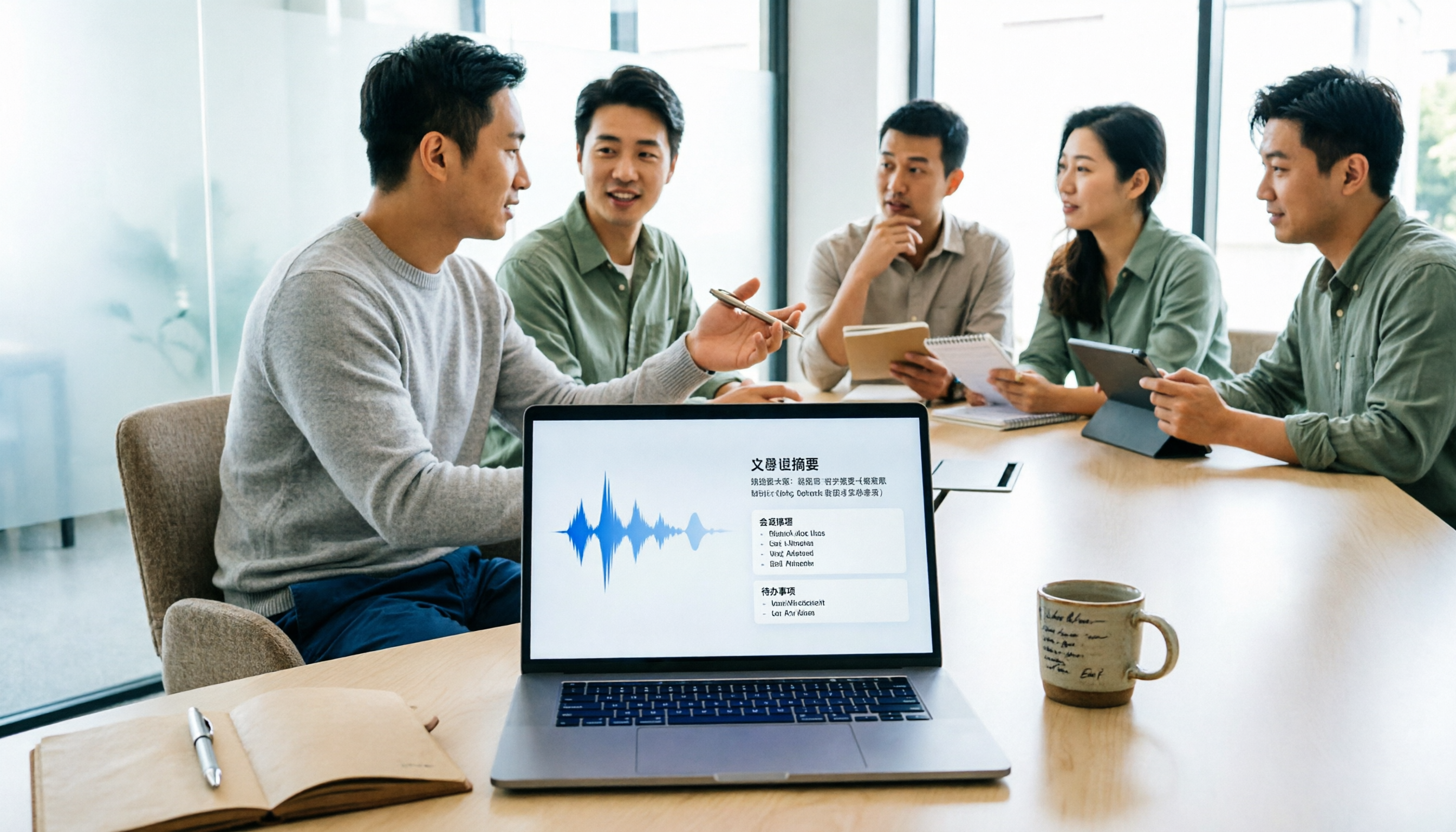
5 Meeting Minutes Software Compared: Which One Actually Saves Time with Chinese Recognition and Post-Meeting Organization?
After a meeting, you're left with just two lines of notes while two hours of discussion stay locked in the recording? This article starts from real meeting scenarios, breaks down the 4 key dimensions for choosing meeting minutes software, and compares Tinrec, Otter.ai, Notta, Granola, and TurboScribe on Chinese recognition, meeting capture methods, post-meeting outputs, and team authorization differences. It also includes a pitfalls guide and selection advice.

2026 Guide: Turn AI Transcripts into Meeting Minutes & Action Items in One Go
Meeting transcripts are often long and messy, taking more time to organize than the meeting itself. This guide, from a mid-level manager's real work scenario, breaks down four key steps for transcript organization, tests Tinrec's bot-free recording and AI Q&A workflow, and honestly compares Notta, Otter.ai, and Granola's applicable boundaries, with three common mistakes and selection advice.

4 Interview Recording-to-Text Tools Tested: Which One Handles Visit Notes and Thank-You Letters in One Go?
The real trouble starts after the interview ends: no one wants to organize the transcript, key points rely on memory, and the thank-you letter gets delayed until the third day. This article uses real scenarios from student project interviews and corporate visits to test 4 tools that turn interview recordings into text, and summarizes selection criteria, the 4 most common pitfalls, and whether the free version is actually enough.

2026 Transcription Tools Guide: AI Transcription Selection Tips + Tinrec Workflow
There are countless transcription tools, but the real challenge isn't transcription—it's what to do after. This guide covers selection criteria, hands-on testing, and pitfalls to avoid, rounding up transcription tools worth considering in 2026, and demonstrates how Tinrec turns meeting recordings into searchable, queryable, and shareable team knowledge.

4 AI Meeting Recorders Tested for 2026: Which Free Tier Works Best for Students?
A student's hands-on comparison of AI meeting note tools—Tinrec, Notta, Granola, and Otter.ai—covering free tiers, per-recording limits, post-transcript organization, and cross-platform use, with recommendations for class recordings, group projects, and final exam review.

How to Write Meeting Minutes in 2026: 5-Step Template Tutorial
Struggling to produce meeting minutes after the meeting ends? This article provides a ready-to-use meeting minutes template with fields and a 5-step process, and compares "template-only handwriting" vs. "template plus AI workflow" across recording, organizing, tracking, and team knowledge retention, helping you choose the right meeting minutes approach for your team.

2026 Tested: 4 AI Meeting Minutes Generators Compared — Which One Actually Saves You That Hour After the Meeting?
AI meeting minutes generation isn't just about uploading a recording. From the perspective of a mid-level manager who holds 15 meetings a week, I break down the most common misconceptions, 4 key purchasing criteria, and hands-on comparisons of Tinrec, Notta, Otter.ai, and Granola across Chinese-language meetings, bot-free recording, post-meeting Q&A, and team knowledge retention — with final recommendations by scenario.