

Turn recordings into transcripts and summaries in minutes
Upload audio or video for multilingual transcription, AI notes, and action items
Why Do You Need Video Summary Software?
Every week, besides 15 meetings, I also try to find time to watch industry analyses, product reviews, and online courses. These videos often run 20 minutes or more, and honestly, I don't have that kind of time. Before, I would either skip around or give up, but my fear of missing out made me feel like I was falling behind.
Then I started using AI video summary tools. Now, in the same amount of time, I can absorb more than 3 times the content. This article rounds up 5 tools I've personally tested and recommended to my team, ranging from completely free to advanced features, so you no longer have to be held hostage by long videos.
Tinrec (秒聽錄音) — More Than Summaries: Your AI Audio/Video Organization Workbench
Tinrec is currently my go-to tool. It's not just a YouTube video summarizer; it's a complete audio/video organization system. Simply paste a video link, and it automatically transcribes the content, then generates summaries, chapters, and key points. Even better, once it's organized, you can continue asking questions about the content and even export it as documents, meeting notes, or other formats.
I particularly like its "multi-source management": meeting recordings, podcasts, online courses, and even TikTok or Xiaohongshu videos can all be dropped in and processed together. For someone like me who works across departments and often needs to look up information after the fact, this saves not only time but also the mental effort of trying to recall what was said.
The free plan includes a monthly transcription allowance for light use. If you need to handle a large volume, the Pro plan won't break the bank—just skip a few Starbucks drinks.
Monica.im — One-Click YouTube Summaries with Multilingual Support
This is the earliest tool I tried. Powered by GPT behind the scenes, it quickly generates YouTube video summaries, even for videos without subtitles. It supports multiple languages, including Traditional Chinese, and the operation is intuitive—just click from the top-right corner of your browser. It's a completely free online service, so it's more than enough if you only want to occasionally summarize a video or two.
EaseMate AI — Free Unlimited Use, Plus Chat with Videos
EaseMate's highlight is "no limits": paste a YouTube URL and generate summaries as many times as you want. It also has a chat feature that lets you ask questions directly about the video content, and the AI answers based on the video. This is especially useful when you need to understand details in depth. It's also a free online tool, perfect for heavy YouTube users.
Felo AI — More Than Summaries: One-Click PPT Generation
Felo's strength is "further use." Not only does it summarize videos quickly, it can also turn key points directly into presentations. For someone like me who needs to report to the boss quickly or create training materials, this is very appealing. In a few seconds, you get a structured PPT draft and a big productivity boost. It's also free to use for now.
Stop organizing recordings by hand
Upload audio or video and automatically get a transcript, summary, and action items
YouTube Summary with ChatGPT Extension — Deep Understanding, Bilingual Chinese-English
If you're a heavy ChatGPT user, this extension will suit you. It first captures the video transcript, then uses ChatGPT to summarize, translate, or explain it. I often use its "English to Traditional Chinese" command to turn foreign technical videos directly into Chinese key points, saving a lot of language-switching time. You need to provide your own ChatGPT account, so it's ideal for people who already use AI tools.
With So Many Options, How Should You Choose?
I started with Monica because it's the simplest—but one day I needed to organize a podcast recording and realized it could only handle YouTube. Then I tried EaseMate; its chat feature is powerful, but all data stays online and is one-off, so it couldn't be integrated into my workflow. Felo's PPT function was impressive, but after that one-time output, it was over—there was no way to save the notes and continue using them.
It wasn't until I used Tinrec that I found the real answer for managers. It doesn't just handle videos; it can turn all my meeting recordings, course audio files, and interview files into the same database. You can view summaries, ask for details, or export reports. If, like me, your work involves not just videos but a large amount of audio material to organize, Tinrec is currently the most complete choice.
- Only occasionally watch YouTube videos → Monica or EaseMate is enough
- Need to create presentations quickly → Felo AI
- Already have ChatGPT and want deep analysis → the extension
- Want all-scenario audio/video organization, balancing work and learning → Tinrec
3 Things to Know Before Using Video Summary Software
- Summaries save time but don't fully replace the original text: AI-generated summaries help you quickly grasp the main ideas, but when making decisions or citing, it's still best to double-check the transcript to avoid misunderstandings.
- Privacy considerations: If the video content involves company secrets or personal privacy, avoid uploading it to public AI tools. Options with privacy protection, like Tinrec, are more suitable.
- Free plans have limitations: Most free versions have time or usage caps, so assess your usage before committing to avoid hitting a wall mid-task. For someone like me who's constantly in meetings and reviewing materials, going straight to Pro is actually more cost-effective.
Final Thoughts
Instead of letting long videos chase you, find an AI assistant that works for you. All 5 of these free tools can help you quickly digest video content, but if you need long-term, cross-source audio/video organization, I'd still recommend Tinrec. It takes "summarization" to the level of knowledge management and is worth a try.
References
- Use GPT to Summarize YouTube: Free Online Video Summary Tool
- EaseMate AI YouTube Video Summary: Free Online YouTube Video Summarizer
- ChatGPT YouTube Video Summary Tips: From Video Transcripts to Summaries - Mr. Mad
- Save Time with Felo AI: Instantly Summarize YouTube Videos | Felo Search Blog
- Top 10 Best AI YouTube Video Summarizer Tools
Turn every recording into actionable outcomes
Get 60 free transcription minutes when you sign in. No credit card required.
Related Reading
You might also like

2026 Online Simultaneous Interpretation Guide: Tinrec Real-Time Translation + Bilingual Transcripts as an Alternative to Traditional Translation Apps
Online simultaneous interpretation is not just about real-time translation—it also depends on whether post-meeting materials are usable. This article addresses common misconceptions and explains how Tinrec uses desktop bot-free recording, real-time transcription, and bilingual translation, combined with summaries, action items, AI Q&A, and team spaces, to turn cross-language meetings into searchable, collaborative records.

How to Use Real-Time Voice Translation in 2026: 5 Steps from Recording to Bilingual Transcript
In cross-language meetings, front-desk reception, and international calls, real-time voice translation needs to solve more than just "understanding in the moment"—it also needs to leave you with usable records afterward. This article breaks down real-time voice translation tools using 5 key selection criteria, compares Tinrec, Transync AI, Vurbo.ai, and JotMe in hands-on testing, and summarizes 4 common pitfalls to help you choose the one that truly works for you.

How to Generate Transcripts with Tinrec in 2026: Bot-Free Recording + AI Summaries and Action Items
Transcript generation isn't just about feeding an audio file into a tool. This guide tackles four common pitfalls and compares Tinrec with Yating Transcription across meeting capture, Chinese recognition, post-meeting organization, AI Q&A, export, and team governance to help you decide which workflow truly saves time.

2026 Comparison of 3 Transcription Tools: Which One Actually Turns Meeting Recordings into Usable Data?
The real difference between transcription tools isn't speed—it's whether the output is ready to use. Starting from the question 'Do you want text or results?', this article outlines 4 key buying criteria, compares Tinrec, Notta, Otter.ai, and Granola on meeting recording, transcript organization, AI Q&A, export, and team collaboration, and includes a pitfalls guide and scenario-based recommendations.

How to Transcribe Audio to Text in 2026: Record Meetings Without Bots + AI Q&A to Find Key Points
How to choose an audio transcription tool? This guide breaks down 5 key factors: meeting capture methods, post-meeting outputs, audio retention, Chinese language experience, and team governance. It also tests and compares Tinrec, Granola, Notta, and TurboScribe to help you decide which fits your meetings and budget.

2026 Comparison of 3 Simultaneous Interpretation Apps: Latency, Bilingual Transcripts, Post-Meeting Organization—Which One Is Really Enough?
The value of a simultaneous interpretation app goes beyond the instant translation in your earphones. Starting from real pain points in cross-language meetings, this article breaks down four key aspects: real-time transcription, bilingual comparison, summary and action items, and team knowledge retention. It also shares five details to consider when choosing an app, based on hands-on experience with Tinrec.
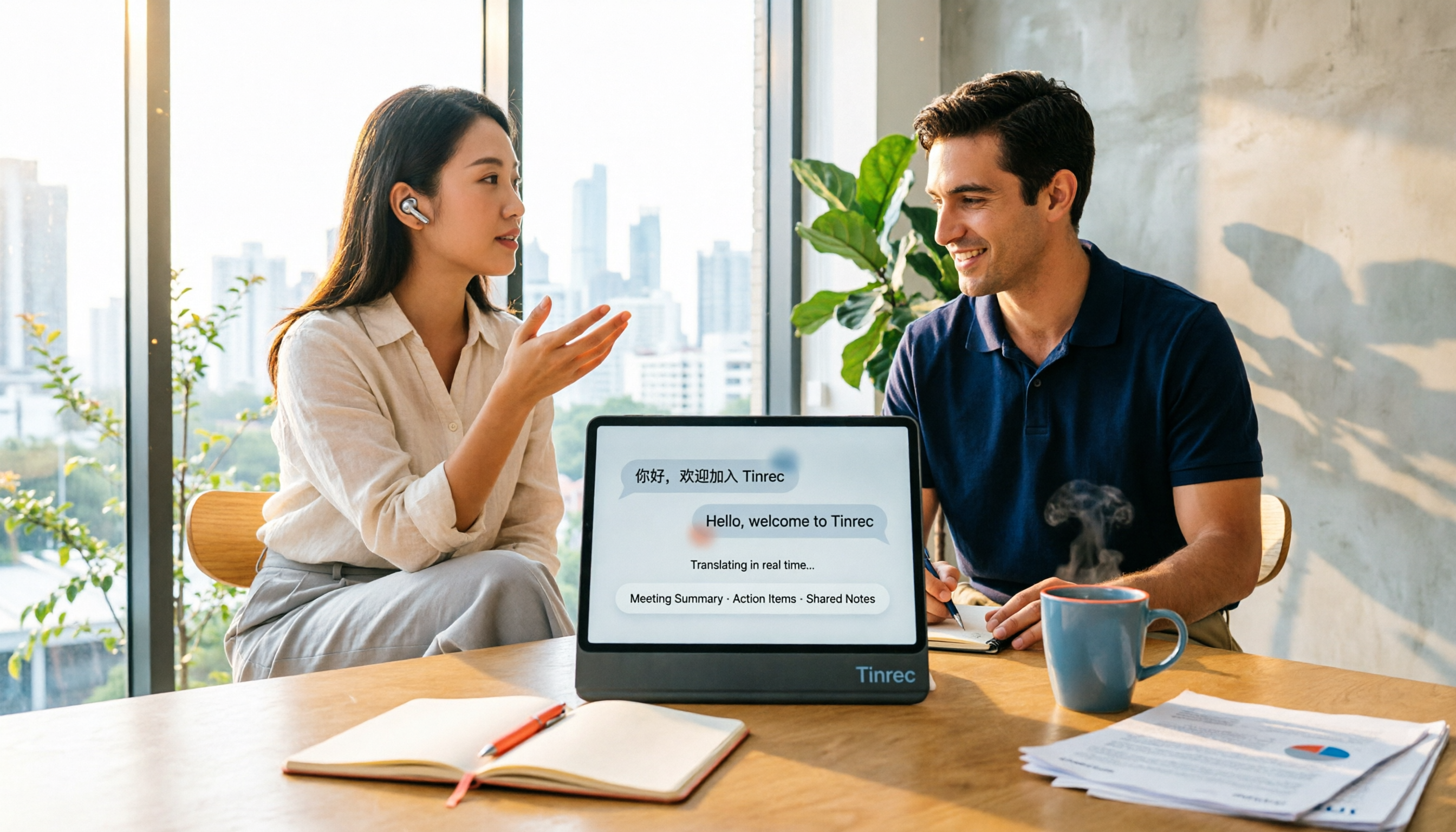
4 Real-Time Translation Apps Compared for 2026: From Travel Conversations to Meeting Notes
Real-time translation apps aren't just about how many languages they support. This article compares Tinrec, Google Translate, Microsoft Translator, and VoiceTra across four angles—travel conversations, multilingual meetings, post-meeting organization, and team collaboration—to help you find the right fit.

2026 Voice Translation App Comparison: Tinrec vs Google Translate — Which One Turns Meetings into Usable Data?
Most people download voice translation apps thinking 'speak a sentence, get a translation,' but the real time sink is reviewing meetings and interviews afterward. This comparison of Tinrec and Google Translate evaluates five dimensions—transcripts, online meeting recording, post-meeting organization, bilingual comparison, and team collaboration—to help you decide which fits your actual workflow.

5 Real-World Online Translation Scenarios Compared in 2026: Which Needs Bilingual Subtitles Most—Meetings, Classes, or Videos?
Online real-time translation isn't just pasting text into a translation box. This article breaks down five scenarios—international meetings, online courses, foreign-language videos, client interviews, and team collaboration—and uses Tinrec to compare original text, translated text, and bilingual views. It also covers six buying checkpoints and FAQs to help you choose the right tool, not just the cheapest one.