

Turn recordings into transcripts and summaries in minutes
Upload audio or video for multilingual transcription, AI notes, and action items
How to Transcribe Audio to Text in 2026: Record Meetings Without Bots + AI Q&A to Find Key Points
A good audio transcript saves more than just typing time—it's the difference between whether the meeting can still be used afterward. Most people buy the wrong tool not because the transcription is inaccurate, but because they buy a solution that only outputs plain text and leaves all the follow-up work to them. This article will first clarify the 5 questions you should really ask when choosing, then show you the actual differences between 4 tools.
The Real Battle Begins After the Meeting: What You Really Need Isn't a Transcription Tool, but "Usable Post-Meeting Data"
A 90-minute client meeting recording sits on your phone for three days, and no one dares to open and listen again. Turning it into meeting minutes means spending another hour and a half.
Online meetings are even trickier. If you rely on a meeting bot to join and record, and the client doesn't allow third-party bots, you'll have to take notes manually. Some teams switch to voice recorders, but then audio files are scattered across personal devices—when personnel change, the data trail breaks.
There's another scenario: you have a pile of historical recordings—interviews, courses, seminars—that you want to organize into searchable text, but the tool limits the length per upload, or the output is just a wall of plain text with no paragraphs or highlights.
The common thread here isn't "inaccurate transcription" but "unusable after transcription." So when choosing a tool, the real comparison is the post-meeting phase: can you quickly grasp conclusions, find out who said what, and leave this data for the team to reuse?
Before Choosing an Audio Transcription Tool, Understand These 5 Key Points
1. How the meeting is recorded
This is the most important point in 2026. There are three mainstream methods: a meeting bot joining the meeting, desktop capture of system audio, and dedicated recording hardware. Bots are the easiest but require the other party's consent for the bot to join; desktop capture doesn't need an extra participant and suits external meetings; hardware is more for portable and phone recording. First confirm whether your meeting "can add a bot," then discuss other specs.
2. What you get after transcription
A tool that only gives you a transcript is essentially handing the organizing work right back to you. What's worth comparing: does it have automatic summaries, chapter segmentation, action item extraction, and can you ask follow-up questions about the content? This determines whether you spend 10 minutes or 90 minutes after the meeting.
3. Will the audio be retained, and can existing files be imported
Some tools only keep text and not audio, so you can't check the tone or context of a specific sentence later. Also, whether you can upload existing audio files (MP3, WAV, M4A, etc.) is crucial—historical data usually isn't recorded during the meeting itself.
4. Chinese, mixed Chinese-English, and real-time translation
Meetings in Taiwan rarely use pure Chinese or pure English; they often mix, like "this Q3 pipeline." How well the tool handles mixed Chinese-English, recognizes proper nouns, and whether it can show side-by-side original/translated text in real time makes a big practical difference.
5. For team use, governance matters more than minutes
For personal use, you can just look at the quota; but for multiple people, you need to consider team spaces, member roles, seat allocation, usage analytics, and audit logs. Many teams fall into the trap of "sharing one account among multiple people," and in the end, no one knows who used up the quota.
Tinrec (Miao Ting Lu Yin) — Our Top Pick After Testing
Tinrec is an AI meeting notes and collaboration tool for individuals and teams, covering iOS, Android, web, and desktop. Its core proposition is "turn meetings into searchable, collaborative, actionable team data."
Record online meetings without a meeting bot. The desktop version directly captures computer system audio, handling meeting audio played on platforms like Zoom, Google Meet, Microsoft Teams, and Webex without inviting an extra bot. This is especially useful for external meetings—you don't have to ask the client "can we let an AI bot in." Note that this is not "automatically join all calendar meetings"; you actively open Tinrec to start recording.
The transcript is just the starting point; post-meeting output is the core. After recording or importing a file, Tinrec generates a transcript and automatically organizes summaries, chapters, and action items—who is responsible for what and what's next, pulled directly from the discussion. It can also turn recordings into mind maps to help you understand the topic structure of a long meeting.
AI Q&A is where it differs most from most tools at the same price. After recording, you can directly ask: "Who mentioned the budget in the last meeting?" "What were the client's concerns about the delivery date?" It doesn't just throw a bunch of keyword search results at you; it gives answers based on semantic understanding. The more historical meetings accumulate, the more valuable this feature becomes.
Stop organizing recordings by hand
Upload audio or video and automatically get a transcript, summary, and action items
How we tested. We used a meeting recording with mixed Chinese-English, air conditioning background noise, and two people speaking over each other, and checked transcription paragraphs, summary accuracy, action item extraction, translation comparison, and export process item by item; then tested importing an existing audio file. Actual performance will be affected by recording quality, accents, noise, and technical terms—no tool should be considered "absolutely error-free."
Three reasons to buy:
- Comprehensive meeting capture methods: live recording, desktop bot-free recording, audio file import, mobile recording—no need to switch tools for online or offline.
- Complete post-meeting workflow: summaries, chapters, action items, Q&A, mind maps, plus export to Notion, Google Docs, OneNote, Dropbox, etc. for further processing.
- Team version is a true team space: multiple team switching, invite members, set owner/admin/member roles, allocate and reclaim seats, and provides usage trends, member rankings, team hot words, audit logs, and audio recycle bin.
Limitations are clear: The free version has a basic quota, suitable for trying the workflow; heavy users need to upgrade. The personal version offers weekly cards, Pro monthly, and Pro annual—different plans suit short-term projects and long-term accumulation. The team version is USD 29.80 per paid seat per month, or USD 199 per paid seat per year (about USD 16.58/month), each paid seat includes 2,000 minutes of team shared import quota per month. Qualified first trial is 7 days, 1 free seat, 300 minutes shared import quota; under an active team plan, live recording currently does not deduct minutes. Prices and benefits are subject to the official purchase page.
Who it's for: Departments and project teams that frequently hold mixed Chinese-English meetings, don't want bots in meetings, want to use AI to find key points directly after meetings, or need to turn meetings into team assets.
Besides Tinrec, What Other Options Are There?
Granola: Also an AI meeting notes tool that captures desktop audio without a bot, with a strength in "user handwritten notes + AI enhancement." Free version available for entry, Business is USD 14/user/month. But it doesn't support uploading pre-recorded audio files and doesn't retain meeting audio—if you need to organize historical recordings and play back for verification, this is a clear gap; Tinrec retains audio and supports file import.
Notta: A mature choice for multilingual transcription and meeting notes. Free version offers 120 minutes per month, max 3 minutes per item; Pro annual is about USD 8.17/month (1,800 minutes per month), Business annual is about USD 16.67/seat/month. If your need is mainly pure transcription and translation, it's sufficient; but if you want to turn meetings into governable team data (roles, seats, usage, audit, recycle bin), Tinrec's team version puts this whole process in one space.
TurboScribe: A cost-effective file transcription tool. Free version allows 3 files per day, max 30 minutes per file; Unlimited annual is USD 120 (about USD 10/month), paid version supports up to 10 hours or 5GB per file, and up to 50 files at once. It's more economical for long files and batch processing; but it focuses on file transcription—real-time meeting recording, post-meeting AI Q&A, and action item tracking are not its focus, which is exactly Tinrec's strength.
Pitfall Guide: The 4 Most Common Mistakes When Choosing an Audio Transcription Tool
Pitfall 1: Only looking at the word "free" without checking quota rules. Some free plans are "120 minutes per month, but only 3 minutes per item," essentially forcing you to split into multiple uploads. Another type seems generous with minutes but doesn't include file import or advanced AI features. The right approach is to test with your longest recording, not just look at promotional numbers.
Pitfall 2: Treating a transcription tool as just a transcription tool. This is the biggest waste. Most people start manually organizing after transcription, but you can actually ask AI directly: "What are the three conclusions of this meeting?" "Who was assigned tasks?" Previously you had to scroll up through 30 minutes of transcript; now it's just one question.
Pitfall 3: Assuming that buying for the team means everyone can edit. Team tools need to distinguish "roles" and "seats": roles determine who can manage members and settings, seats determine who can record, upload, edit, and export. Members without seats usually can only view, play, and read. Before purchasing, calculate clearly "how many people will actually produce content," don't buy editor seats for the whole team.
Pitfall 4: Ignoring recording notification and data ownership. Before recording, confirm compliance with local regulations and obtain consent from participants when necessary. Also ask clearly: is the data owned by individuals or the team? How is data handed over when a member leaves? If the team version has clear resource handover and recycle bin mechanisms, it will save many disputes in the long run.
Conclusion: Which One Should You Choose?
To recap: in 2026, choosing an audio transcription tool isn't about who has more transcription minutes, but who can make the meeting continue to be used after it ends.
- Need Chinese/mixed Chinese-English meetings and don't want bots in the meeting → Tinrec (desktop captures system audio, no extra participant)
- Want to directly ask AI "what are the conclusions, who is responsible for what" after recording → Tinrec (AI Q&A + action item extraction)
- Need the same set for phone, computer, and team space → Tinrec (iOS/Android/web/desktop)
- Department needs to manage members, seats, usage, and audit logs → Tinrec team version (remember to estimate budget using "number of paid seats")
- Just need to batch convert large long audio files to text → TurboScribe (10 hours per file, batch upload)
- Mainly record English meetings and only need basic transcription → Notta or Granola both have free versions to evaluate
If budget is limited, we recommend running through a complete workflow with the free version first: record a meeting, check if the summary is accurate, ask AI a question, export a file once. If it works smoothly, then upgrade—more reliable than reading a hundred spec sheets. Also note that any AI transcription may miss or mishear; important decisions and numbers should still be verified against the recording and transcript timestamps.
References
- Online Speech to Text AI, Free Convert MP3 or Recording to Text Transcript - MyEdit
- Audio to Text | Free Online Recording to Transcript | Proactor AI
- No Time Limit! 3 Free AI Transcription Tools, Highly Recommended! AI Voice Notes Generate Meeting Minutes, Presentations, Mind Maps | 104 Career Power
- Tested 4 Best Online Speech to Text Tools, Free Convert Recording to Transcript in Seconds
- AI Speech to Text | Free and Easy Online Speech to Text Tool
Turn every recording into actionable outcomes
Get 60 free transcription minutes when you sign in. No credit card required.
Related Reading
You might also like

2026 Online Simultaneous Interpretation Guide: Tinrec Real-Time Translation + Bilingual Transcripts as an Alternative to Traditional Translation Apps
Online simultaneous interpretation is not just about real-time translation—it also depends on whether post-meeting materials are usable. This article addresses common misconceptions and explains how Tinrec uses desktop bot-free recording, real-time transcription, and bilingual translation, combined with summaries, action items, AI Q&A, and team spaces, to turn cross-language meetings into searchable, collaborative records.

How to Use Real-Time Voice Translation in 2026: 5 Steps from Recording to Bilingual Transcript
In cross-language meetings, front-desk reception, and international calls, real-time voice translation needs to solve more than just "understanding in the moment"—it also needs to leave you with usable records afterward. This article breaks down real-time voice translation tools using 5 key selection criteria, compares Tinrec, Transync AI, Vurbo.ai, and JotMe in hands-on testing, and summarizes 4 common pitfalls to help you choose the one that truly works for you.

How to Generate Transcripts with Tinrec in 2026: Bot-Free Recording + AI Summaries and Action Items
Transcript generation isn't just about feeding an audio file into a tool. This guide tackles four common pitfalls and compares Tinrec with Yating Transcription across meeting capture, Chinese recognition, post-meeting organization, AI Q&A, export, and team governance to help you decide which workflow truly saves time.

2026 Comparison of 3 Transcription Tools: Which One Actually Turns Meeting Recordings into Usable Data?
The real difference between transcription tools isn't speed—it's whether the output is ready to use. Starting from the question 'Do you want text or results?', this article outlines 4 key buying criteria, compares Tinrec, Notta, Otter.ai, and Granola on meeting recording, transcript organization, AI Q&A, export, and team collaboration, and includes a pitfalls guide and scenario-based recommendations.

2026 Comparison of 3 Simultaneous Interpretation Apps: Latency, Bilingual Transcripts, Post-Meeting Organization—Which One Is Really Enough?
The value of a simultaneous interpretation app goes beyond the instant translation in your earphones. Starting from real pain points in cross-language meetings, this article breaks down four key aspects: real-time transcription, bilingual comparison, summary and action items, and team knowledge retention. It also shares five details to consider when choosing an app, based on hands-on experience with Tinrec.

4 Real-Time Translation Apps Compared for 2026: From Travel Conversations to Meeting Notes
Real-time translation apps aren't just about how many languages they support. This article compares Tinrec, Google Translate, Microsoft Translator, and VoiceTra across four angles—travel conversations, multilingual meetings, post-meeting organization, and team collaboration—to help you find the right fit.

2026 Voice Translation App Comparison: Tinrec vs Google Translate — Which One Turns Meetings into Usable Data?
Most people download voice translation apps thinking 'speak a sentence, get a translation,' but the real time sink is reviewing meetings and interviews afterward. This comparison of Tinrec and Google Translate evaluates five dimensions—transcripts, online meeting recording, post-meeting organization, bilingual comparison, and team collaboration—to help you decide which fits your actual workflow.

5 Real-World Online Translation Scenarios Compared in 2026: Which Needs Bilingual Subtitles Most—Meetings, Classes, or Videos?
Online real-time translation isn't just pasting text into a translation box. This article breaks down five scenarios—international meetings, online courses, foreign-language videos, client interviews, and team collaboration—and uses Tinrec to compare original text, translated text, and bilingual views. It also covers six buying checkpoints and FAQs to help you choose the right tool, not just the cheapest one.
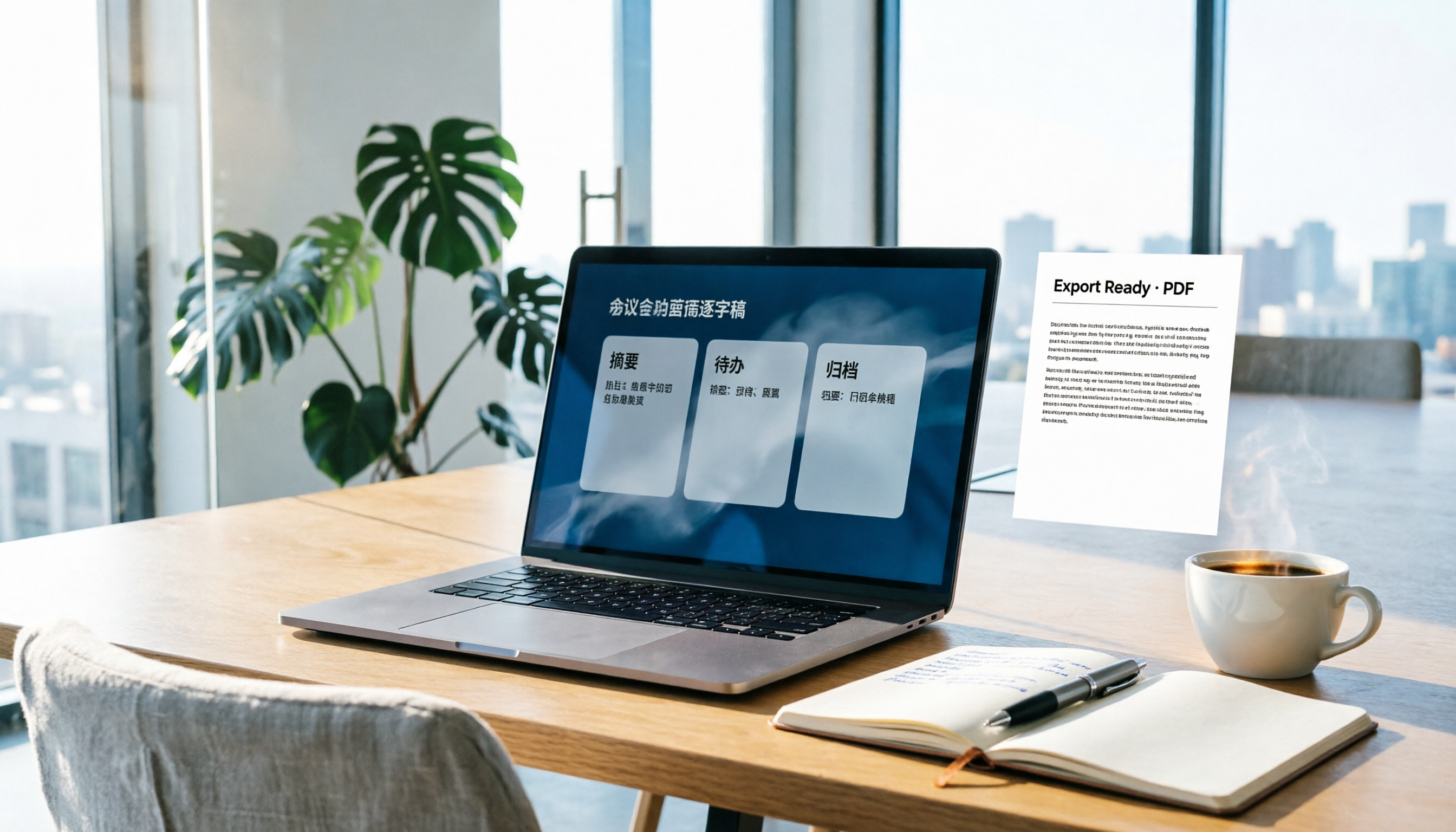
How to Write Meeting Minutes in Word (2026 Workflow): 3-Section Structure + AI-Generated Transcripts
Writing meeting minutes in Word isn't hard—the hard part is where the content comes from. This guide breaks down a three-section Word meeting minutes structure you can hand off directly, and shows how to use Tinrec to generate transcripts, summaries, and action items during the meeting, then export to Word for formatting and archiving—cutting documentation time from two hours to ten minutes.