

Turn recordings into transcripts and summaries in minutes
Upload audio or video for multilingual transcription, AI notes, and action items
How to Generate Transcripts with Tinrec in 2026: Bot-Free Recording + AI Summaries and Action Items
Why Most People's Transcript Generation Workflow Is a Waste of Time
People searching for "transcript generation" usually have the same goal: turn recordings into text and save typing time. That expectation is reasonable, but many who try it find the saved time gets paid back elsewhere. The problem is often not that the tool isn't powerful enough, but that the workflow was set up wrong from the start.
Here are the four most common pitfalls:
- Pitfall 1: Treating the transcript as the final product. A 30,000-word file with no paragraphs, speakers mixed together, and all proper nouns wrong still requires you to listen again to write meeting notes. The transcript is just raw material.
- Pitfall 2: Only looking at free quotas. Free plans often have limits on single-session length or monthly total. They work for everyday use, but when quarterly reviews or back-to-back interviews hit, you're stuck finding a last-minute alternative.
- Pitfall 3: Assuming a meeting bot is required. Many tools use a bot that joins the meeting as a participant. For external client meetings or sensitive internal discussions, this often needs extra explanation.
- Pitfall 4: Transcription ends in a personal account. Files stay on your device or cloud, colleagues can't see them, and when the person in charge changes, the entire meeting record disappears.
A more sensible approach is to break transcript generation into three stages: capture (how audio gets in), organize (can the text be read and queried directly), and retain (can you still find it three months later). Below, we compare Tinrec and Yating Transcription, often mentioned by Taiwanese users, across these three stages.
Tinrec vs. Yating Transcription: Quick Overview
The two have different positioning. Tinrec is an AI meeting notes and team collaboration tool focused on "what you can do after the meeting ends." Yating Transcription is a local tool centered on Chinese speech-to-text, with a reputation in the Taiwanese Chinese market; source reviews rate it as "strong at multi-speaker recognition, slower transcription speed."
| Item | Tinrec | Yating Transcription |
|---|---|---|
| Core positioning | AI meeting notes and team collaboration | Chinese speech-to-text tool |
| Meeting capture | Desktop app captures system audio, no bot required | Primarily Chinese speech and audio file transcription |
| Post-meeting output | Transcript, summary, chapters, action items, mind map, AI Q&A, translation, documents and tables | Mainly transcript text output |
| Team capabilities | Team spaces, roles, seats, usage analytics, audit logs, audio recycle bin | Refer to official plan announcements |
Below is a comparison across six dimensions. Supported formats and plan details may change; refer to each vendor's official pages for the latest information.
Dimension 1: Meeting Capture — Do You Need a Meeting Bot?
Yating Transcription's strength is Chinese speech-to-text, typically used when you already have an audio file to convert, such as interview recordings, class recordings, or post-processing meeting audio files. This model is simple, but the downside is that someone must first record, save, and transfer the audio file.
Tinrec moves capture earlier. The desktop app directly captures computer system audio, so for online meetings on Zoom, Google Meet, Microsoft Teams, Webex, etc., you don't need to invite an extra bot as a participant; users start recording manually in Tinrec, and meeting audio and transcript are generated simultaneously. It also supports live recording, audio/video file upload, mobile recording, and import from some web links.
Note a common misunderstanding: this is "bot-free recording via desktop app," not "automatically joining all calendar meetings," nor does it imply official partnerships with these platforms.
→ This dimension: Tinrec wins on capture initiative and source coverage; for pure file transcription, both can handle it.
Dimension 2: Chinese Multi-Speaker Recognition and Transcript Usability
Be fair to Yating here. Source reviews clearly state its strength is "strong multi-speaker recognition"; for Chinese meetings with multiple speakers taking turns, it has deeper experience in speaker differentiation. The same review notes the downside is "slower transcription speed," so allow time when you need it urgently.
Tinrec focuses on Chinese, Traditional Chinese, and multilingual meetings, supports mixed Chinese-English content organization, and offers team hotwords so product names, department abbreviations, and client codes can be maintained in the recognition reference. Note that actual accuracy depends on recording quality, background noise, accents, overlapping speech, and technical terms; we don't recommend promising a single fixed number.
→ This dimension: Yating holds its ground on established multi-speaker differentiation; Tinrec is more complete for mixed Chinese-English and terminology maintenance. Overall a tie, depending on your meeting type.
Dimension 3: After the Transcript — Summaries, Chapters, and Action Items
This is where the gap is most obvious, and where "transcript generation" is most often misunderstood.
Yating's core output is the transcript itself, focused on faithfully converting speech to text. For interviews or research where you need verbatim quotes and original statements, this is sufficient; but if you want meeting notes you can send directly to your manager, the post-transcript work is still on you.
Stop organizing recordings by hand
Upload audio or video and automatically get a transcript, summary, and action items
Tinrec produces AI summaries, chapter segmentation, and action items after transcription. For a 60-minute weekly meeting, you can first jump to the "budget discussion" chapter, then check the action item list to confirm who delivers what by when, and finally cross-check the original transcript. This order reduces "reading the meeting" from hours to minutes.
→ This dimension: Tinrec clearly wins.
Dimension 4: AI Q&A, Live Translation, and Post-Meeting Follow-Up
The real value of a transcript is that you can query it later. Tinrec supports AI Q&A around meeting content, allowing follow-up questions on single or multiple meetings, such as "What were the top three concerns clients mentioned last quarter?"; for cross-language meetings, you can view original, translated, or bilingual text during recording, and generate reports, tables, or meeting minutes afterward.
Based on currently available public information, Yating Transcription remains centered on speech-to-text; whether it offers AI Q&A, action item extraction, or similar post-meeting features should be confirmed directly on its official page rather than secondhand reviews.
→ This dimension: Tinrec wins on post-meeting follow-up and bilingual processing.
Dimension 5: Export and Workflow Integration
Most people's workflows involve more than one tool. Tinrec supports multi-format export and can carry results to existing tools like Notion, Google Docs, OneNote, and Dropbox for further processing; transcripts retain timestamps for playback verification.
Yating's output is mainly transcript text, with relatively simple format options. If your workflow is "export text file → paste into your own document," this won't be a problem; but if you want transcription results to go directly into collaboration platforms, there's an extra manual step.
→ This dimension: Tinrec is more convenient for those integrating with existing workflows.
Dimension 6: Team Collaboration and Data Governance (Including Team Plan Costs)
For personal use, this dimension matters little; once it becomes a department purchase, it's the decision key.
Tinrec's team plan is a separate team space, not multiple people sharing a personal account. It separates roles and seats: roles determine who can manage members, audits, and team settings; seats determine whether members can record, upload, edit, import/export. Members who are active but have no seat can still view, play, and read team data, but cannot perform resource-consuming operations. Team data belongs to the team; when a member leaves or is removed, their responsible resources must be handed over to other active members.
Current pricing and quotas: first eligible team trial is 7 days, 1 free seat, 300 minutes of team shared import quota; monthly USD 29.80 per paid seat per month; annual USD 199 per paid seat per year, equivalent to about USD 16.58 per month; each paid seat provides 2,000 minutes of team shared import quota per month. Under an active team plan and active seat, live recording currently does not deduct minutes; file and web imports consume team shared quota. Prices and promotions are subject to the official purchase page.
On governance, the team plan provides usage trends and member details, team hotword management, audit log queries and export, and an audio recycle bin (currently retained for 30 days, recoverable or permanently deleted early; TODO not covered by the recycle bin). To be clear: currently it's team-level sharing, role governance, and seat-based usage control, not a file-level granular permission system; when evaluating for purchase, don't expect "different visibility per file."
For Yating Transcription's team plan details and seat design, refer to official announcements; this article does not speculate.
→ This dimension: For teams needing member, usage, and audit management, Tinrec's features are more complete.
What Unique Advantages Does Each Have?
Tinrec's four strengths:
- Bot-free recording of online meetings. Desktop app captures system audio, no extra bot in the meeting room, cleaner impression for external meetings.
- Workflow beyond the transcript. Summary, chapters, action items, mind map, AI Q&A, Agent post-processing to generate reports and tables, all in one chain.
- Same logic from individual to team. Personal plans include free, weekly pass, Pro monthly and annual, choose by usage density; upgrade to team space when governance is needed, data doesn't break when people change.
- Multilingual and bilingual viewing. Cross-language meetings can compare original and translation in real time, then organize into deliverable documents afterward.
Yating Transcription's two strengths:
- Local experience with Taiwanese Chinese. Primarily Chinese speech processing, familiar with Taiwanese users' language sense and context.
- Reputation for multi-speaker differentiation. Source reviews explicitly note "strong multi-speaker recognition"; speaker separation in multi-person meetings is an established advantage.
Conclusion: Which Should You Choose?
- If you want transcripts automatically captured when the meeting starts, without sending a bot into the meeting room → Tinrec, desktop app directly captures system audio.
- If you want summaries, action items, and post-meeting follow-up after the transcript → Tinrec, that's its home turf.
- If meetings often mix Chinese and English, with many product terms and client codes → Tinrec, team hotwords maintain recognition reference.
- If you need real-time comparison for cross-language meetings → Tinrec, supports original, translation, and bilingual viewing.
- If you're making a department purchase and need to see members, seats, usage, and audit logs → Tinrec team plan, with clear pricing and quota definitions.
- If your need is simple: you already have a Chinese audio file, just want accurate transcript text, and especially care about multi-speaker differentiation → Yating Transcription remains a reasonable option.
In one sentence: Transcript generation is only the starting point, not the end. What really determines efficiency is whether the text can be read, queried, assigned, and retained after it's produced. For most workplace users under meeting-notes pressure, Tinrec's workflow is more complete; if you only need pure transcription, test with your own recording using the free quota first—that's faster than reading ten reviews.
Final reminder: recording and transcription involve personal data and local regulations; inform participants and obtain necessary consent before meetings, and for important information, cross-check against transcript timestamps and recording playback.
References
- [AI Voice Notes] Top 5 AI Transcription Tools! Generate Transcripts and Meeting Notes, Free vs. Subscription, Pros and Cons | 104 Job Bank
- No Time Limit! 3 Free AI Transcription Tools, Highly Recommended! AI Voice Notes for Meeting Records, Presentations, Mind Maps | 104 Job Bank
- Online AI Speech, Video, Audio File Auto-Transcription - Free Trial - cSubtitle
- No More Transcript Hassles! AI Transcription to the Rescue! Comparison Review of 9 Major Transcription Tools
- AI Speech-to-Text Fast Audio File Online Transcription, Transcripts and Video Subtitles - Free Trial - cSubtitle
Turn every recording into actionable outcomes
Get 60 free transcription minutes when you sign in. No credit card required.
Related Reading
You might also like

2026 Online Simultaneous Interpretation Guide: Tinrec Real-Time Translation + Bilingual Transcripts as an Alternative to Traditional Translation Apps
Online simultaneous interpretation is not just about real-time translation—it also depends on whether post-meeting materials are usable. This article addresses common misconceptions and explains how Tinrec uses desktop bot-free recording, real-time transcription, and bilingual translation, combined with summaries, action items, AI Q&A, and team spaces, to turn cross-language meetings into searchable, collaborative records.

How to Use Real-Time Voice Translation in 2026: 5 Steps from Recording to Bilingual Transcript
In cross-language meetings, front-desk reception, and international calls, real-time voice translation needs to solve more than just "understanding in the moment"—it also needs to leave you with usable records afterward. This article breaks down real-time voice translation tools using 5 key selection criteria, compares Tinrec, Transync AI, Vurbo.ai, and JotMe in hands-on testing, and summarizes 4 common pitfalls to help you choose the one that truly works for you.

2026 Comparison of 3 Transcription Tools: Which One Actually Turns Meeting Recordings into Usable Data?
The real difference between transcription tools isn't speed—it's whether the output is ready to use. Starting from the question 'Do you want text or results?', this article outlines 4 key buying criteria, compares Tinrec, Notta, Otter.ai, and Granola on meeting recording, transcript organization, AI Q&A, export, and team collaboration, and includes a pitfalls guide and scenario-based recommendations.

How to Transcribe Audio to Text in 2026: Record Meetings Without Bots + AI Q&A to Find Key Points
How to choose an audio transcription tool? This guide breaks down 5 key factors: meeting capture methods, post-meeting outputs, audio retention, Chinese language experience, and team governance. It also tests and compares Tinrec, Granola, Notta, and TurboScribe to help you decide which fits your meetings and budget.

2026 Comparison of 3 Simultaneous Interpretation Apps: Latency, Bilingual Transcripts, Post-Meeting Organization—Which One Is Really Enough?
The value of a simultaneous interpretation app goes beyond the instant translation in your earphones. Starting from real pain points in cross-language meetings, this article breaks down four key aspects: real-time transcription, bilingual comparison, summary and action items, and team knowledge retention. It also shares five details to consider when choosing an app, based on hands-on experience with Tinrec.

4 Real-Time Translation Apps Compared for 2026: From Travel Conversations to Meeting Notes
Real-time translation apps aren't just about how many languages they support. This article compares Tinrec, Google Translate, Microsoft Translator, and VoiceTra across four angles—travel conversations, multilingual meetings, post-meeting organization, and team collaboration—to help you find the right fit.

2026 Voice Translation App Comparison: Tinrec vs Google Translate — Which One Turns Meetings into Usable Data?
Most people download voice translation apps thinking 'speak a sentence, get a translation,' but the real time sink is reviewing meetings and interviews afterward. This comparison of Tinrec and Google Translate evaluates five dimensions—transcripts, online meeting recording, post-meeting organization, bilingual comparison, and team collaboration—to help you decide which fits your actual workflow.

5 Real-World Online Translation Scenarios Compared in 2026: Which Needs Bilingual Subtitles Most—Meetings, Classes, or Videos?
Online real-time translation isn't just pasting text into a translation box. This article breaks down five scenarios—international meetings, online courses, foreign-language videos, client interviews, and team collaboration—and uses Tinrec to compare original text, translated text, and bilingual views. It also covers six buying checkpoints and FAQs to help you choose the right tool, not just the cheapest one.
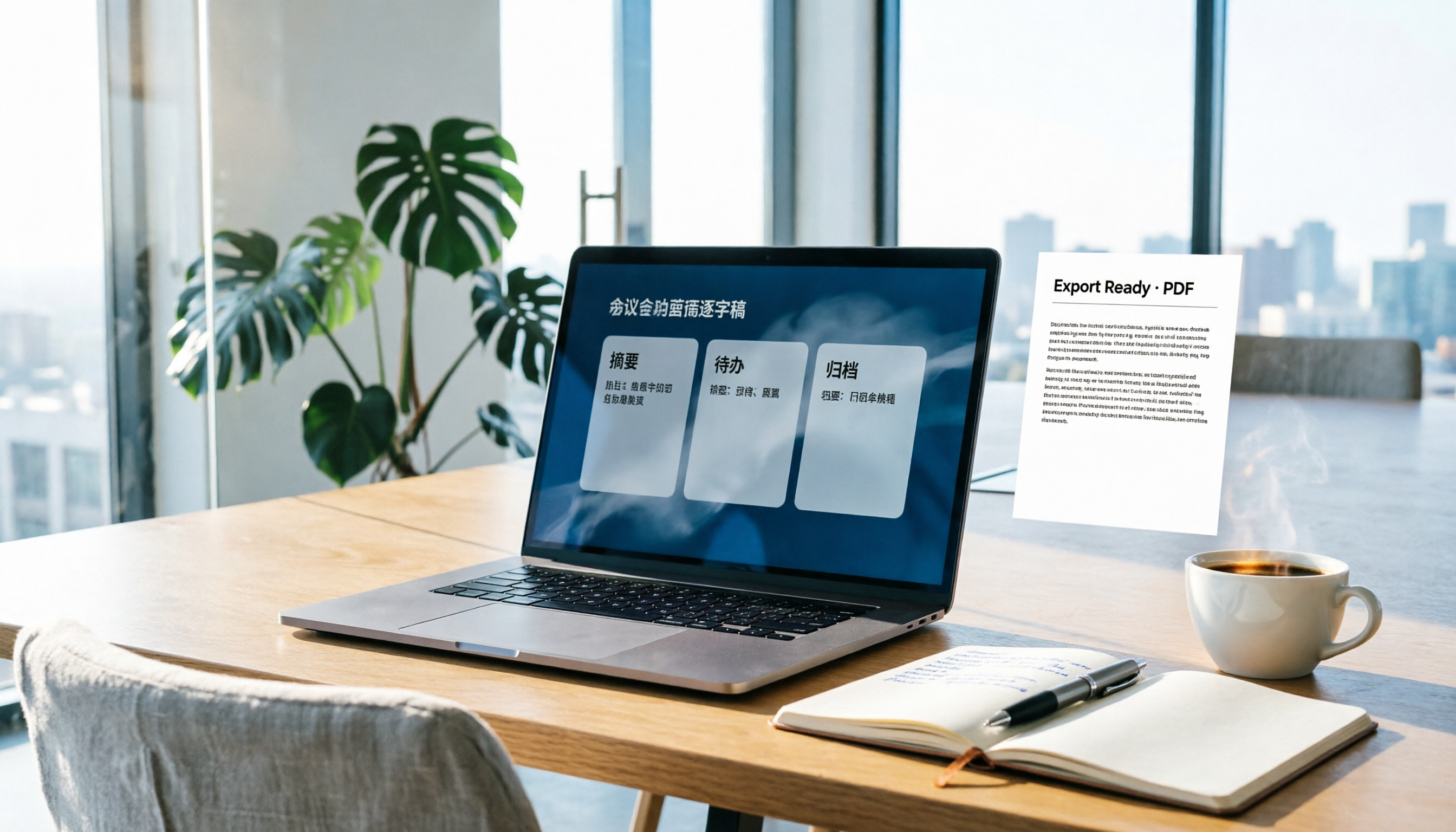
How to Write Meeting Minutes in Word (2026 Workflow): 3-Section Structure + AI-Generated Transcripts
Writing meeting minutes in Word isn't hard—the hard part is where the content comes from. This guide breaks down a three-section Word meeting minutes structure you can hand off directly, and shows how to use Tinrec to generate transcripts, summaries, and action items during the meeting, then export to Word for formatting and archiving—cutting documentation time from two hours to ten minutes.